
Table Of Contents
I Compared 10 AI Agent Platforms for Business: Here's What Actually Works
Published on : Aug 20 2026

Over the last several weeks, I evaluated ten different AI agent platforms based on their ability to qualify leads, answer support tickets, summarize research, and automate repetitive administrative tasks.
Lindy emerged as an excellent choice for small businesses due to its no-code environment and affordable entry-level plan, and Salesforce Agentforce appeared most suitable for companies that want to scale their CRM-native sales and support processes through an AI agent.
Zapier Agents was the easiest to try and use for people already using Zapier as their automation platform. FindMyAITool also stood out as a useful platform for discovering and comparing AI tools based on different business and workflow requirements.
The choice between these AI agents ultimately depends on the particular needs and existing software environment of the business seeking to adopt it.
Platform | Best For | Starting Price | Setup Type | Strongest Use Case |
Lindy | Small business automation | $49.99/month | No-code | Email, scheduling, lead follow-up |
Zapier Agents | Teams already using Zapier | Free tier available | No-code | Cross-app workflow automation |
Salesforce Agentforce | Salesforce-native sales teams | Custom pricing | Low-code | CRM-driven sales and service |
Microsoft Copilot Studio | Microsoft 365 organizations | Included in some M365 plans | Low-code | Internal support, document tasks |
n8n | Technical teams, developers | Free (self-hosted) | Code-friendly | Custom multi-step workflows |
Gumloop | Marketing and ops teams | $97/month | Visual builder | Workflow automation with templates |
Intercom Fin | Customer support teams | Usage-based (per resolution) | Low-code | Support ticket resolution |
Perplexity Pro | Research and market analysis | $20/month | Chat-based | Competitive and market research |
Claude for Business | Content and strategic reasoning | Custom pricing | API/Chat | Long-form writing, analysis |
Dust | Internal knowledge agents | $30/seat/month | Low-code | Company-wide knowledge search |
Why I Ran This Comparison
Every single AI agent platform promises you hours saved and costs reduced. Few tell you what goes wrong when you transition your pilot from a demo to a serious business use case. I've spent the last several weeks testing ten different AI agent platforms for their ability to qualify leads, answer support tickets, summarize research, and automate tedious admin tasks.
This is not a paid endorsement. Some tools perform much better than their marketing suggests, while others require substantially more effort to implement than the documentation implies.
I've included information about costs, limitations, and the types of businesses that would benefit most from each tool, so that you can avoid the months of wasted time I've spent experimenting and learning the hard way.
How I Tested Each Platform
I judged every platform on five factors that matter most for a working business, not a sales demo:
Setup time. How long it took to get a working agent live, from signup to first completed task.
Integration depth. Whether the agent connects natively to tools like Gmail, Slack, HubSpot, or Salesforce, or requires a workaround.
Reliability. Whether the agent completed multi-step tasks correctly across repeated runs, not just once.
Pricing transparency. Whether the cost was clear upfront or required a sales call to find out.
Actual autonomy. Whether the tool could act on its own within guardrails, or simply generated a response you still had to copy and execute manually.
The 10 Platforms I Tested
1. Lindy
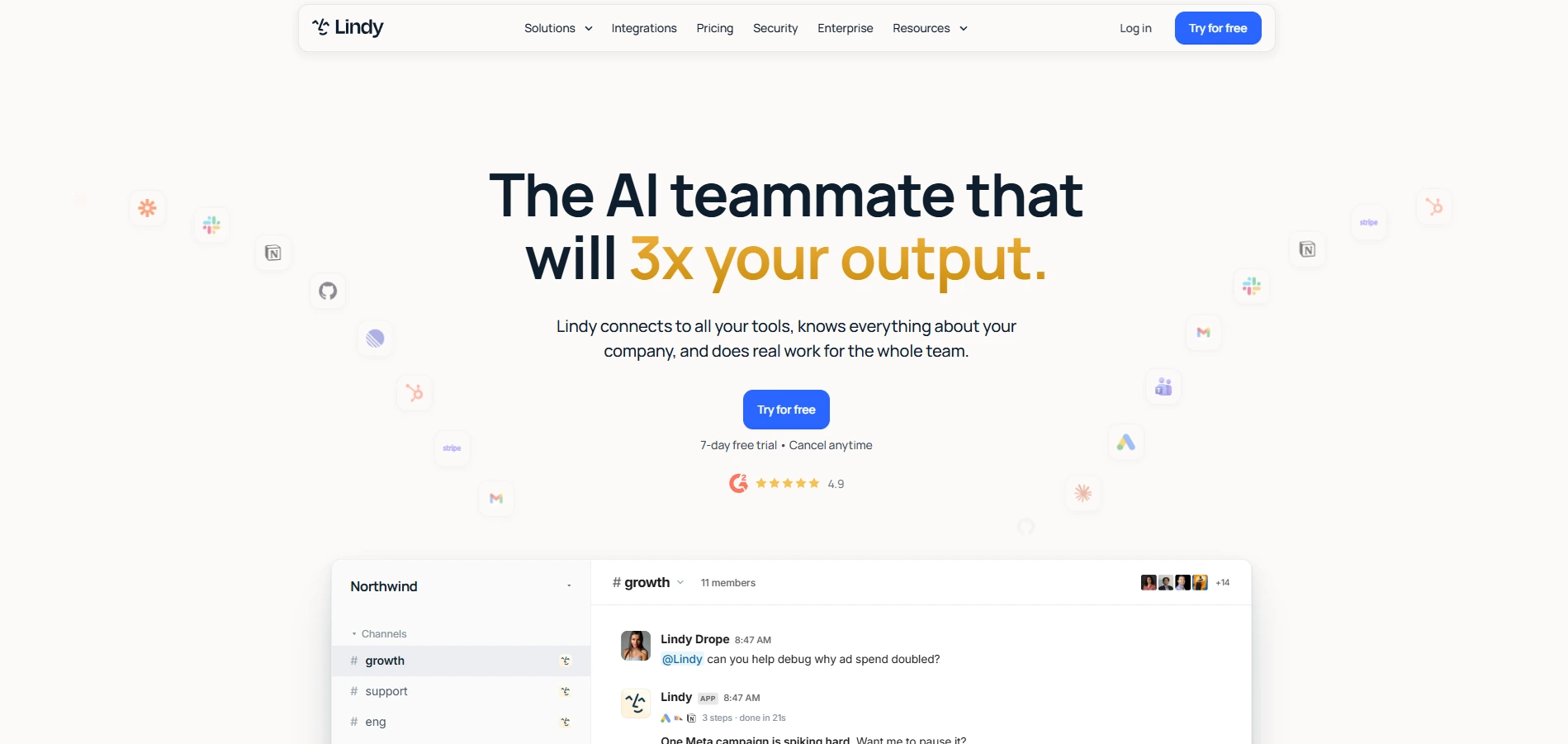 Lindy is designed for small and medium-sized companies that want to adopt AI agents without the overhead of an engineering team. You can design an agent by describing the tasks it should perform in natural language, such as writing emails, scheduling meetings, or updating a spreadsheet when a form is submitted. This kind of no-code approach to building AI agents is a big part of why smaller teams find it approachable.
What worked: Setup took under 20 minutes for a basic lead-routing agent. The interface does not assume technical knowledge.
What did not: Complex, multi-branch workflows still needed manual adjustment, and some integrations felt shallow compared to dedicated tools.
Starting price: $49.99 per month.
2. Zapier Agents
 If your team is using Zapier, Zapier Agents is the simplest way to start harnessing the power of AI.
It builds on the same triggers-and-actions model you already know by adding an AI layer that can make decisions instead of strictly following predefined rules, which fits well within a broader set of productivity automation tools teams already rely on.
What worked: Massive integration catalog. If a tool has an API, Zapier probably already supports it.
What did not: The AI reasoning layer is less sophisticated than dedicated agent platforms, so it works best for well-defined, repetitive tasks rather than open-ended decision-making.
Starting price: Free tier available; paid plans start around $20 to $30 per month depending on usage.
3. Salesforce Agentforce
 Agentforce is the native agent layer of Salesforce built on top of Sales Cloud and Service Cloud. It is ideal for organizations that have already adopted the Salesforce ecosystem for their sales and customer service processes.
What worked: Deep, native access to CRM data means the agent can act on real customer records without custom integration work.
What did not: Pricing is not public and typically requires a sales conversation. It also offers little value if you are not already a Salesforce customer.
Starting price: Custom, quote-based.
4. Microsoft Copilot Studio
 Copilot Studio extends Microsoft's Copilot into a build-your-own-agent platform, connected to Teams, SharePoint, and the rest of the Microsoft 365 ecosystem, making it a natural fit alongside other collaboration and workflow tools teams already use.
What worked: For companies standardized on Microsoft tools, this removes the need for a separate vendor and a separate login. Internal support and document-heavy workflows performed well.
What did not: Outside the Microsoft ecosystem, the value drops sharply. It is not designed to be your primary tool if your company runs on Google Workspace or a mixed stack.
Starting price: Included with some Microsoft 365 and Copilot licenses; standalone pricing varies by usage.
5. n8n
 n8n is a self-hosted and open-source automation platform designed to serve technical teams and developers. It unifies the idea of classic workflow-based automation with AI agents to allow users to make their own decisions within a workflow.
What worked: Full control over data and infrastructure. Since it is self-hosted, there are no per-seat licensing fees, which matters at scale.
What did not: It requires technical setup. Non-technical teams will need an engineer or a consultant to get real value from it.
Starting price: Free to self-host; cloud plans start around $20 per month.
6. Gumloop
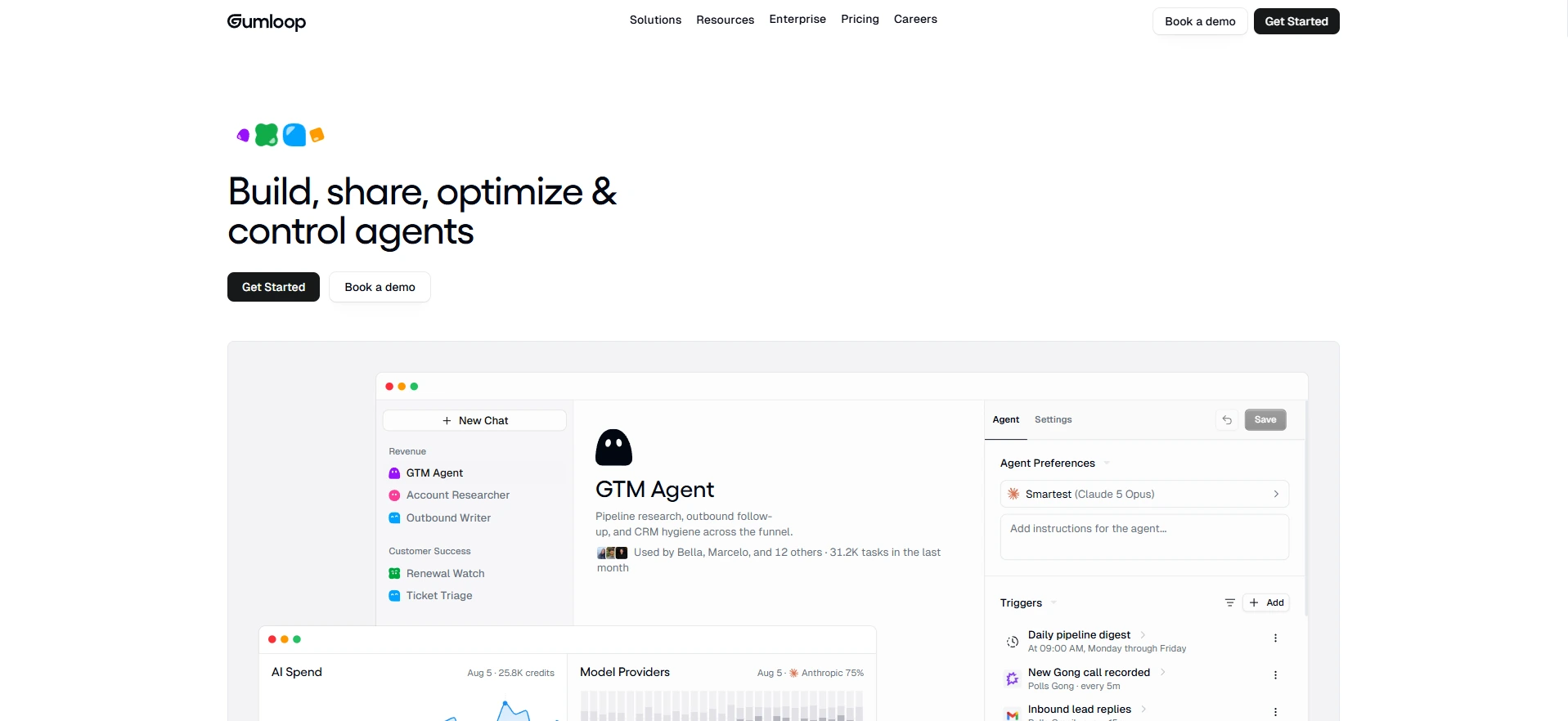 Gumloop is a visual, drag-and-drop AI workflow builder aimed at marketing teams looking to automate campaigns, operations, and content teams that want automation without writing code.
What worked: The template library made it fast to launch common workflows, like enriching CRM contacts or summarizing customer feedback.
What did not: Some advanced workflows still needed trial and error to get the logic right, and the platform is less mature than some competitors on integration depth.
Starting price: $97 per month.
7. Intercom Fin
 Fin is a purpose-built AI support agent that answers customer questions using your existing help documentation, then escalates to a human when it cannot resolve the issue, which is especially useful for small businesses focused on customer experience.
What worked: For companies with an established knowledge base, Fin resolved a meaningful share of routine tickets without any noticeable drop in answer quality.
What did not: It depends heavily on the quality of your existing documentation. If your help center is thin or outdated, Fin's answers will reflect that.
Starting price: Usage-based, priced per resolution.
8. Perplexity Pro
 Perplexity is not a traditional business automation agent, but it is one of the strongest research tools available for market analysis, competitive research, and fact-checking.
What worked: It cites its sources and handles multi-step research questions well, which matters when you need to trust the output enough to act on it.
What did not: It does not take actions on your behalf. It is a research assistant, not an execution agent.
Starting price: $20 per month.
9. Claude for Business
 Claude is best known as a conversational AI, but its business use case is strongest in long-form writing, strategic analysis, and reasoning through complex, ambiguous problems.
What worked: Output quality on writing and analysis tasks was consistently strong, with fewer factual errors than some competitors on detailed business content.
What did not: Like Perplexity, it is not built to autonomously execute multi-step workflows across your other business tools without additional setup through an API or a third-party integration.
Starting price: Custom pricing for business plans; consumer plans start lower.
10. Dust
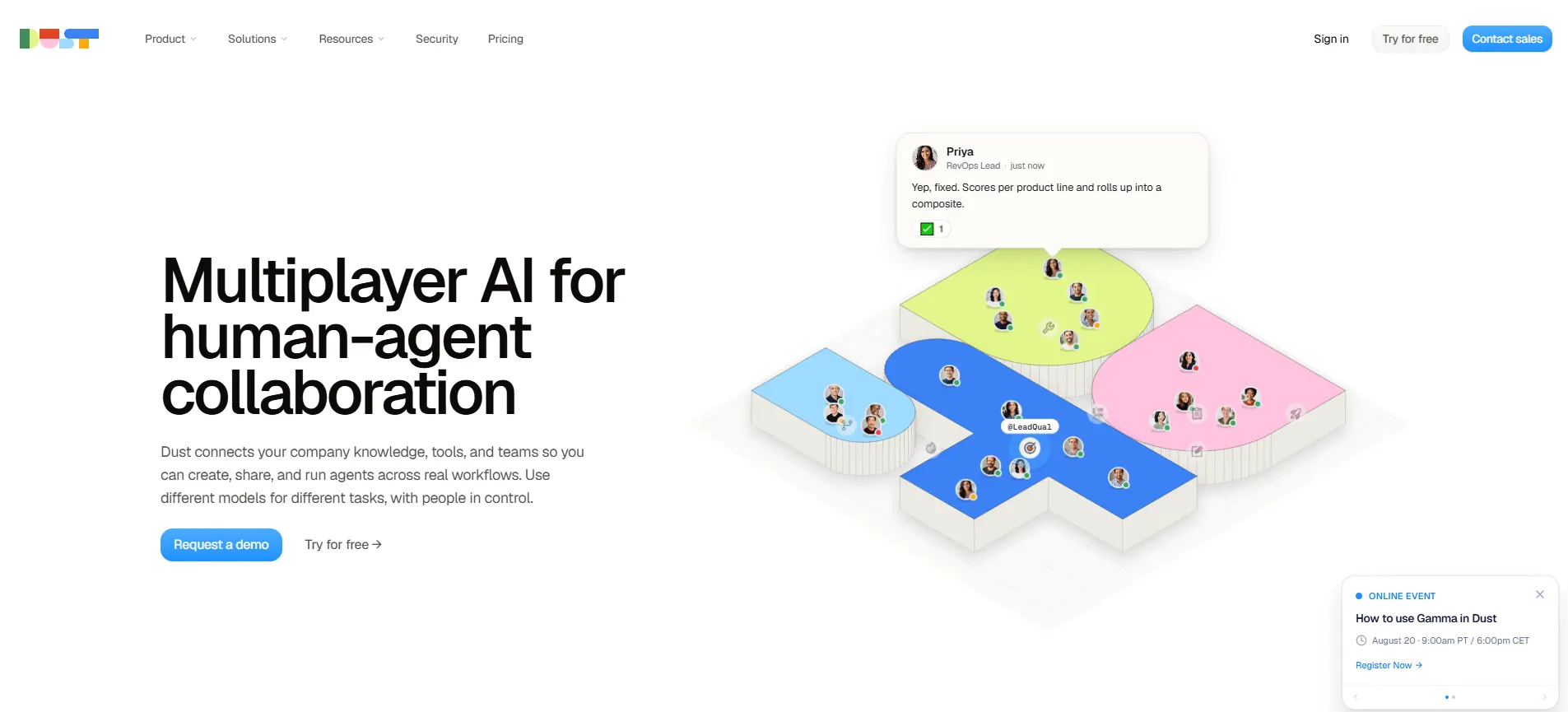
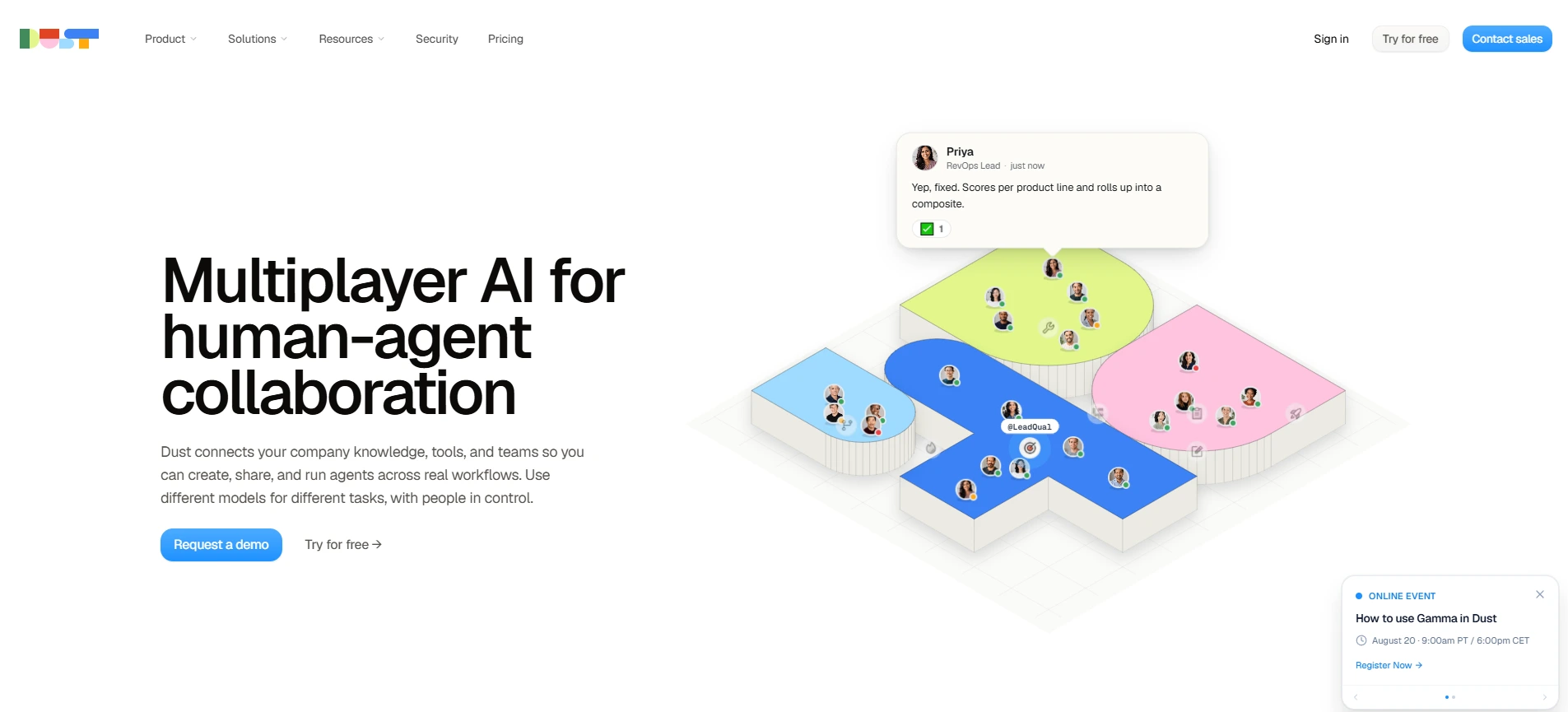 Dust focuses on building AI agents grounded in your company's internal knowledge, connecting to tools like Notion, Slack, and Google Drive so employees can ask questions and get answers based on real company data, a pattern that fits well into a broader AI-native approach to SaaS.
What worked: Strong data governance controls, so you can limit what each agent can access. Useful for companies concerned about AI agents seeing sensitive information.
What did not: The free tier is limited, and the real value shows up once you are paying for the Pro plan and have connected multiple data sources.
Starting price: $30 per seat per month.
Common Problems Across Every Platform
A few issues showed up regardless of which platform I tested:
Setup always takes longer than advertised. Even no-code platforms needed adjustments after the first week of real use.
Integration quality varies more than pricing pages suggest. A tool listing 100+ integrations does not mean all of them are equally reliable.
Pricing at scale is hard to predict. Usage-based and per-resolution pricing models can grow quickly once volume increases, so it is worth running the math on your expected usage before committing.
Human oversight is still necessary. None of the platforms I tested were reliable enough to replace manual workflows entirely on tasks involving customer-facing communication or financial data.
How to Choose the Right AI Agent Platform
Instead of picking the platform with the most features, start with the specific task you want to automate.
If you need general business automation and already use Zapier, start with Zapier Agents before evaluating anything else.
If you need no-code setup and fast time to value, Lindy is the strongest option for small teams.
If your team lives inside Salesforce, Agentforce will always integrate more deeply than a third-party alternative.
If your company runs on Microsoft 365, Copilot Studio removes the need for a separate vendor.
Conclusion
There is no single best AI agent platform for every business. The right choice depends on your existing tech stack, your team's technical comfort level, and the specific workflow you are trying to fix. Start with one clear use case, test it for two to four weeks, and expand from there instead of trying to automate everything at once.
You can browse and compare these platforms, along with hundreds of other AI tools by category, on Find My AI Tool, where every listing includes pricing and alternatives so you can make an informed decision without repeating the research I just did for you.
What is the best AI agent platform for business?
Lindy works well for small businesses that want a no-code setup, while Salesforce Agentforce suits teams already using Salesforce. The right pick depends on your budget, tech stack, and the task you want to automate.
How much do AI agent platforms cost?
Prices vary widely. Zapier Agents has a free tier, Lindy starts at $49.99 a month, and Salesforce Agentforce uses custom pricing. Usage-based tools like Intercom Fin charge per resolution, so costs can rise with volume.
What is the easiest AI agent platform to set up?
Lindy and Zapier Agents are the easiest to launch. Lindy's no-code builder got a basic lead-routing agent running in under 20 minutes, and Zapier Agents works well if your team already uses Zapier's tools.
Can AI agents work without any coding skills?
Yes. Platforms like Lindy, Zapier Agents, and Gumloop are built for non-technical users with drag-and-drop or natural-language setup. Tools like n8n need coding or a technical team to get real value.
Which AI agent platform is best for customer support?
Intercom Fin is built specifically for support. It answers customer questions using your existing help docs and hands off tricky cases to a human, though results depend on how strong your knowledge base already is.
Is Claude good for business automation?
Claude is strong for writing and analysis, not for running multi-step workflows on its own. You'll need an API or a third-party integration to connect it to other business tools for full automation.
What AI agent platform works best with Salesforce?
Salesforce Agentforce is the strongest fit because it's built natively into Sales Cloud and Service Cloud, giving it direct access to customer records without extra integration work. Pricing is custom and needs a sales call.
Are AI agent platforms reliable for unsupervised tasks?
Not yet. Every platform tested still needed human oversight, especially for tasks involving customer communication or financial data. Treat AI agents as assistants that speed up work, not full replacements for review.
How long does it take to set up an AI agent?
Setup is usually faster than a full custom workflow, but slower than most marketing suggests. Even no-code tools like Lindy needed adjustments after the first week of real use, so plan for extra time.
What should I check before choosing an AI agent platform?
Look at setup time, integration depth, reliability across repeated runs, pricing clarity, and how much the agent can act on its own. Start with one clear use case before expanding to more workflows.

