
Table Of Contents
Best AI Writing Tools in 2026: AI Email Writer, Speech Writer & Content Improver
Published on : Sep 10 2026

You have a client email to revise, a snippet to write for your cousin's wedding, and a report that needs to sound more natural and polished.
Three very different writing tasks, and yet, an increasing number of us are turning to the same class of AI writing tools to help: AI writing assistants.
The best AI email writers, speech writers, and content improvers in 2026 go far beyond simple autocomplete: modern AI writing software can help you craft professional-sounding emails, wedding speeches, or boardroom presentations with minimal effort.
The best AI email writer in 2026 depends on your needs: Grammarly for day-to-day professional emails, Copy.ai for sales copy, and Lavender for email coaching.
Meanwhile, for speeches, browser-based free tools such as Typli, Writingmate, and GravityWrite can create structured drafts for weddings, graduations, and business talks within a minute and with minimal setup and input. Any information.
Finally, for polishing existing writing, QuillBot and Grammarly are still the best AI content improvers, rewriting sentences in a clearer, more effective way while preserving the original meaning while keeping the meaning of the original text.
Key Highlights
- AI email writers now fall into three types: browser-based inbox assistants, standalone drafting tools, and full marketing platforms. Choose based on volume and context, not just brand name.
- Free AI speech writer tools (no sign-up required) can produce a structured wedding, graduation, or business speech draft in under two minutes.
- AI content improvers rewrite for clarity, tone, and readability without changing your meaning. They are editors, not ghostwriters.
- "How to write an email" with AI works best when you give the tool context (recipient, goal, tone) rather than a one-line prompt.
- No single tool wins every category, most people end up using one email tool, one speech or long-form tool, and one improver together.
- Free plans are usually enough for occasional use; paid tiers matter mainly for volume, brand-voice consistency, or team collaboration.
What Makes a Good AI Email Writer in 2026
An AI email writer is software that creates, edits, or improves email text using a language model to save you time staring at a blank subject line.
The category has grown beyond the most basic email templates, and the best options can personalize messages based on the recipient, the history of the conversation so far, and the desired outcome (reply, outreach, customer update, etc.)
Most AI email writers fall into a few practical types:
- In-inbox assistants: extensions that live inside Gmail or Outlook and rewrite or suggest phrasing as you type, part of a growing set of productivity-focused AI tools built for people who write dozens of short emails a day.
- Standalone drafting tools: you paste in context and get a full draft back. Good for one-off emails that need more thought, like a negotiation or an apology.
- Marketing and outreach platforms: built for sales sequences, newsletters, and campaigns rather than one-to-one messages, often with brand-voice controls and A/B testing built in.
For day-to-day professional writing, general-purpose tools with excellent grammar and tone features will produce the most polished documents, whereas marketing-specific tools are optimized to help teams craft hundreds of personalized, on-brand messages as part of a larger outreach campaign. Sales-specific tools that offer guidance and scoring on your outreach prior to sending (e.g., flagging long subject lines or missing personalization) may be a good fit for people whose work requires heavy outreach.
Where AI email writers fall short: they're weakest on emails that carry real relationship risk, apologies, negotiations, layoffs, anything involving legal or HR language. Use AI to get the structure and first draft right, then edit the sensitive parts yourself.
How to Write an Email With AI, Step by Step
If you're wondering how to write an email that actually sounds like you (not a robot), the process matters more than the tool:
- State your goal in one sentence: "ask my manager for feedback," not "write an email."
- Give the AI context: who's receiving it, what they already know, and what tone fits (formal, friendly, urgent). Learning a few basics from prompt engineering tools can make a real difference in how usable the first draft is.
- Generate a draft, then cut 20%: AI drafts tend to over-explain; trim anything the recipient doesn't need.
- Rewrite the first line yourself: the opening line is where AI writing sounds most generic, so make it personal.
- Run it through a grammar/tone pass: before sending, especially for anything going to a client or executive.
Best AI Speech Writer Free Online Options
Speeches present an entirely different sort of writing challenge; one where the speed is less important than the delivery. A good AI speech writer would assist in structure and pacing (opening hook, body, and memorable close) more than it would help with clever phrasing, since a speech needs to sound natural when spoken aloud, rather than simply being read well on a page. Many of the same AI writing assistants that bloggers and students rely on work just as well for longer, more structured pieces like this.
The good news for anyone searching "AI speech writer free online" is that this is one of the least gated categories in AI writing. Several tools let you generate a full draft with no account and no payment:
- No-login speech generators enter the occasion (wedding, graduation, business pitch), your key points, and desired length, and get a structured draft back in under a minute.
- Style-preset tools: let you pick a tone (informative, persuasive, motivational, humorous) and generate a first pass built around that mode, often guided by the same kind of prompt tools used across other AI writing categories.
- Outline-first tools: some platforms give you a skeleton (opening, 2–3 main points, closing line) before generating full prose, which is genuinely more useful for actual delivery than a wall of text.
Best practices for using a free AI speech writer:
- Always add one specific, personal detail the AI couldn't know: a shared memory, a real statistic, a name. This is the single biggest thing separating a generic AI speech from a good one.
- Ask for a version under your target time limit, then read it aloud and cut further; spoken pacing is always slower than reading pace.
- Use the AI draft as scaffolding for your outline, not your final script, especially for anything emotional like a eulogy or wedding toast.
- Check length in spoken minutes, not word count; most tools default to a written-page estimate that runs long once you're actually talking.
7 AI Detector, Humanizer & Email Writer Tools Worth Trying in 2026
Beyond drafting and polishing, a lot of people writing with AI in 2026 also need to check whether their text will get flagged as AI-generated, clean it up if it does, and send better outreach emails. Here are seven tools worth having in your stack, starting with the one we rely on most.
1. AI Checker Pro
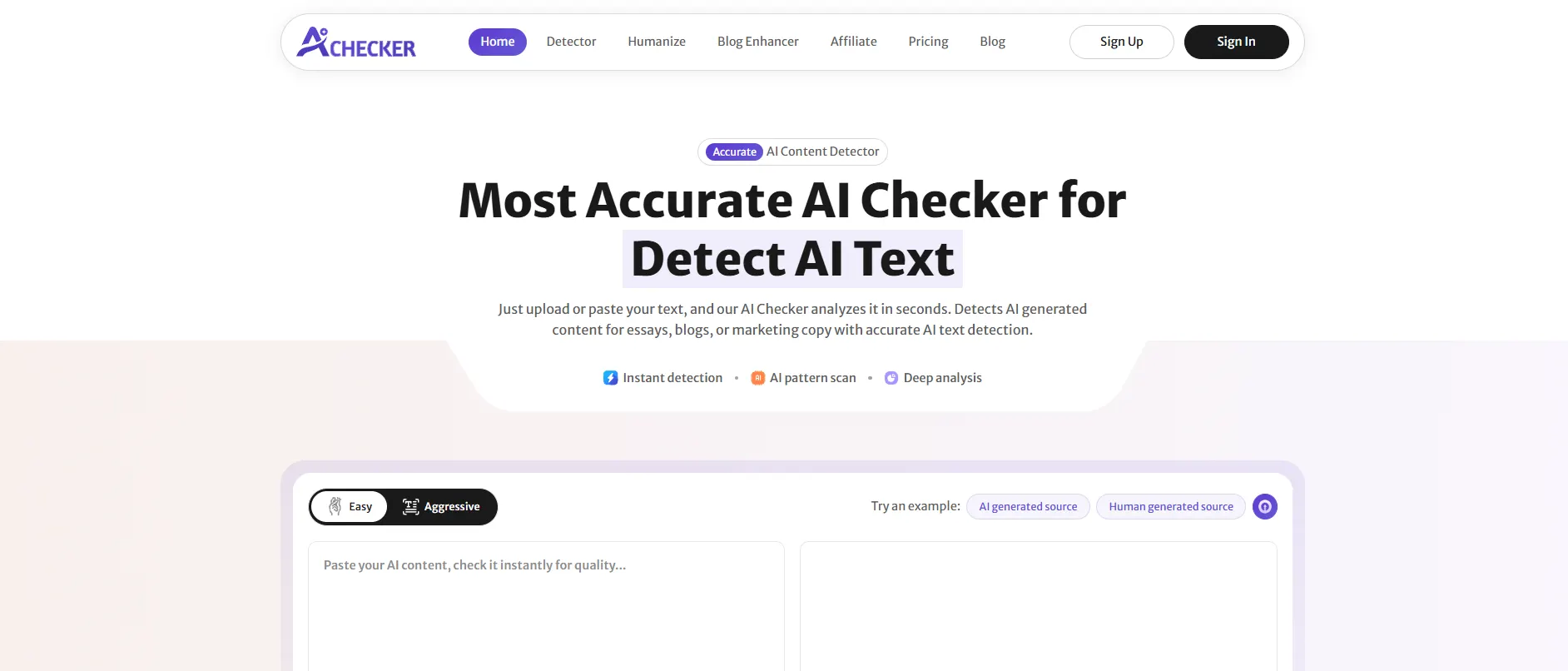
AI Checker Pro is an AI detection and humanizing tool designed for students, teachers, bloggers, and teams who need a quick answer to "does this look AI written."
Copy or upload your text, and AI Checker will provide an AI vs human score and highlight each sentence that may be triggering an AI detector.
If text is flagged, the tool's built-in humanizer will rewrite each sentence in the same window, so there's no need to switch between tabs or programs.
Pros:
- Detects AI generated text across ChatGPT, Claude, Gemini, and other major models
- Sentence-level breakdown shows exactly which lines look AI written, not just an overall score
- Built-in AI humanizer means you can detect and fix content in one place
- No signup required to run a quick check
- Fast, simple interface built for non-technical users like students and bloggers
Cons:
- Like every AI detector, it isn't 100% accurate and can occasionally flag genuine human writing, especially formal or non-native English
- Unlimited checks and deeper reporting sit behind the paid plan
- Browser-based only, no dedicated mobile app yet
Pricing: Free plan includes 500 words of detection credits. The paid Unlimited plan removes word limits and adds the full humanizer, available monthly or annually (annual billing saves 17%).
Best for: Students checking assignments before submission, teachers screening papers for academic integrity, and bloggers or SEO writers who want to verify content is safe to publish.
2. Originality.ai
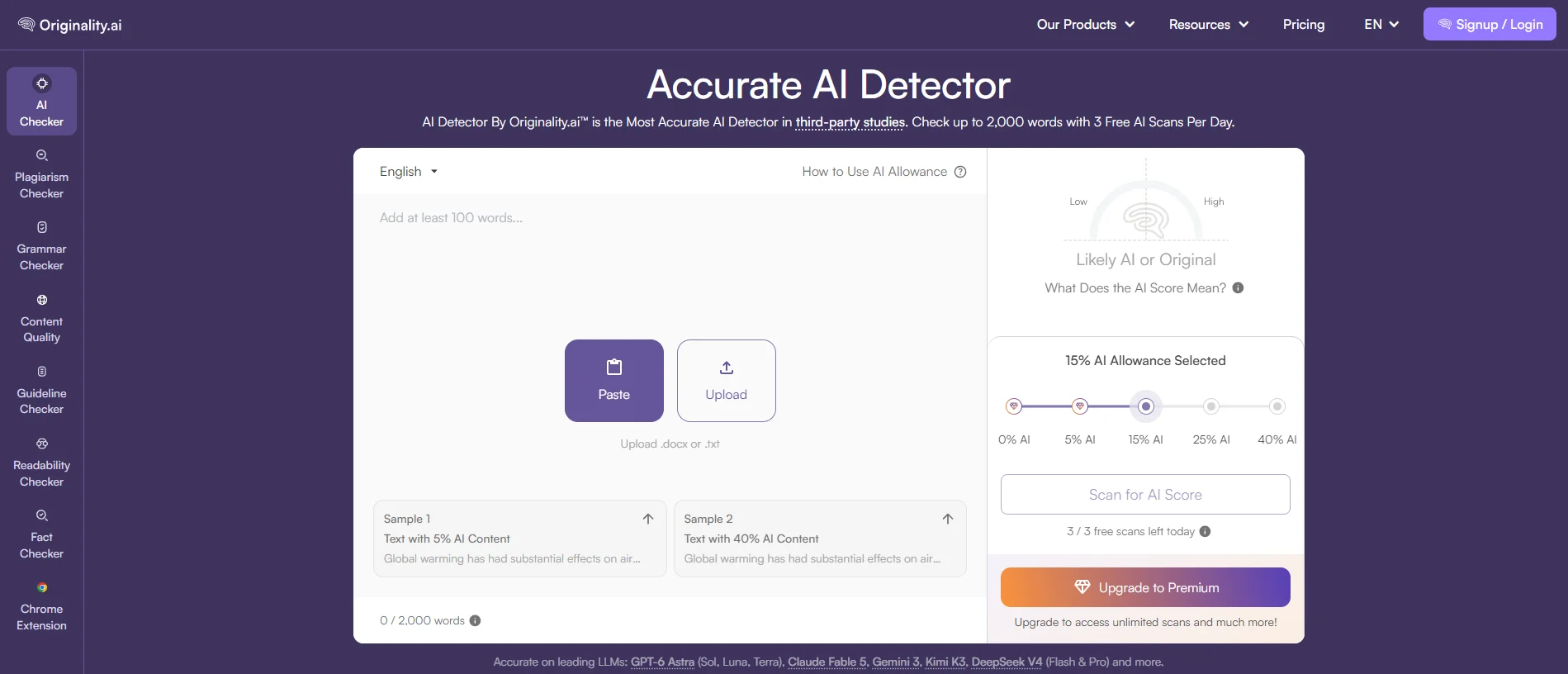
Originality.ai is one of the most well-known plagiarism checkers that provides AI content detection and is used mostly by publishers, agencies, and teams of writers who work with remote professionals. This tool helps to scan one piece of writing for similarities to AI text and plagiarism in one go. It also allows you to get an easy-to-share report that proves a text's uniqueness to a client.
Pros:
- Combines AI detection and plagiarism checking in a single scan
- Strong accuracy on GPT and Claude generated text
- Team features let you track each writer's content over time
- Shareable report links are useful for agencies and editors
Cons:
- No ongoing free plan, only a one-time pay-as-you-go option to try it
- Pricier than most detectors for an individual, casual user
- Interface leans more technical, built more for teams than one-off checks
Pricing: Pay-as-you-go starts at $30 (one time) for 3,000 credits. The Base Subscription runs from roughly $12.95 to $14.95 per month.
Best for: Agencies, publishers, and content teams built around digital creators that need to audit large volumes of freelance or in-house writing on a regular basis.
3. GPTZero
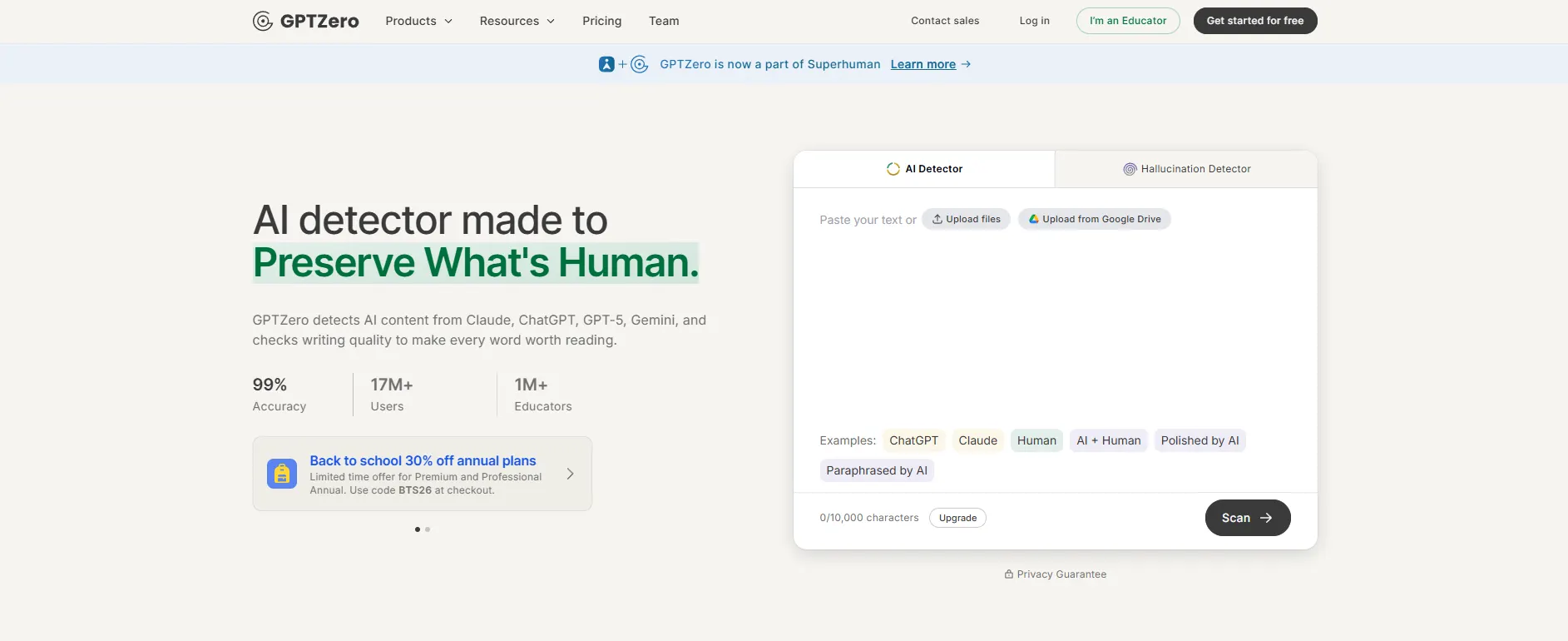
GPTZero was one of the first AI detectors designed for classroom settings, and it continues to be the most well-known among teachers and professors. It allows checking texts at the sentence, paragraph, and document levels and is integrated into various educational software, such as Google Classroom, Canvas, and Google Docs.
Pros:
- Purpose-built for education, with LMS integrations
- Sentence-level highlighting shows exactly which parts read as AI written
- Free tier includes a workable monthly word allowance
- Batch scanning handles multiple files at once, useful for grading
Cons:
- Pricing for the Professional and Enterprise tiers isn't public, you often need to contact sales
- Fewer marketing or SEO-focused features compared to some competitors
- Like all detectors, accuracy drops on heavily paraphrased or humanized AI text
Pricing: Free plan with a limited monthly word allowance. Paid plans start around $15 per month, with custom pricing above that.
Best for: Teachers and professors who want AI detection that fits directly into their existing classroom tools.
4. Undetectable.ai
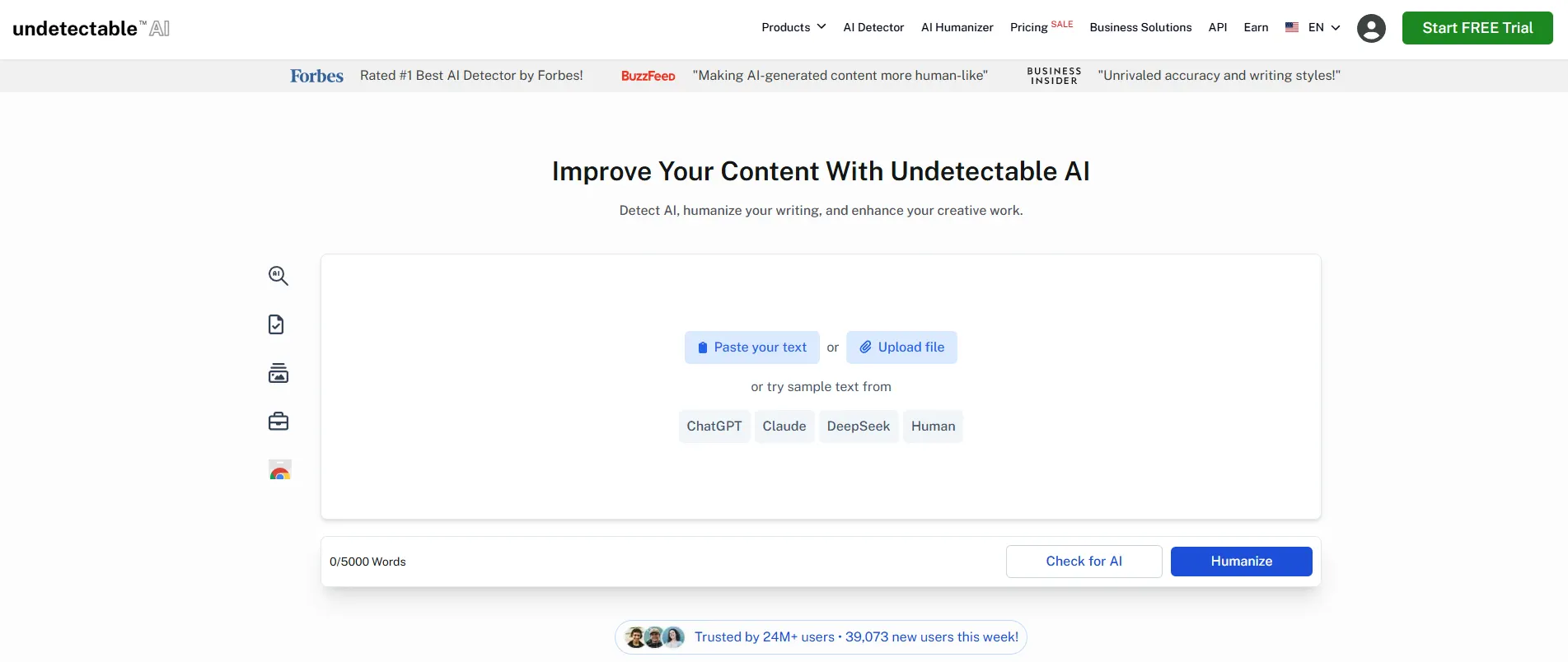
Undetectable.ai is dedicated to rewriting AI text to make it pass as human-written text to a human reader and AI detector. It is a typical next step for someone already detected by a detector and needing a reliable paraphrasing tool that provides multiple tone and style presets to match the rewritten text to the context.
Pros:
- Rewrites flagged text quickly across multiple tone presets (academic, casual, formal, marketing)
- Includes its own AI detector, so you can check and humanize without leaving the tool
- Chrome extension works directly inside Google Docs or your CMS
- API access available for teams building it into their own workflow
Cons:
- No permanently free plan, only limited free tries
- Leaning on a humanizer too heavily can strip the natural flow out of writing if you skip a manual edit pass
- Word limits fill up fast on the lower tiers if you're a heavy user
Pricing: Plans start around $9.99 per month for 10,000 words, scaling up to roughly $42 per month for 50,000 words. Annual billing brings the effective monthly cost down close to half.
Best for: Writers, students, and marketers who already know a piece of content is getting flagged and need a quick, usable rewrite.
5. QuillBot
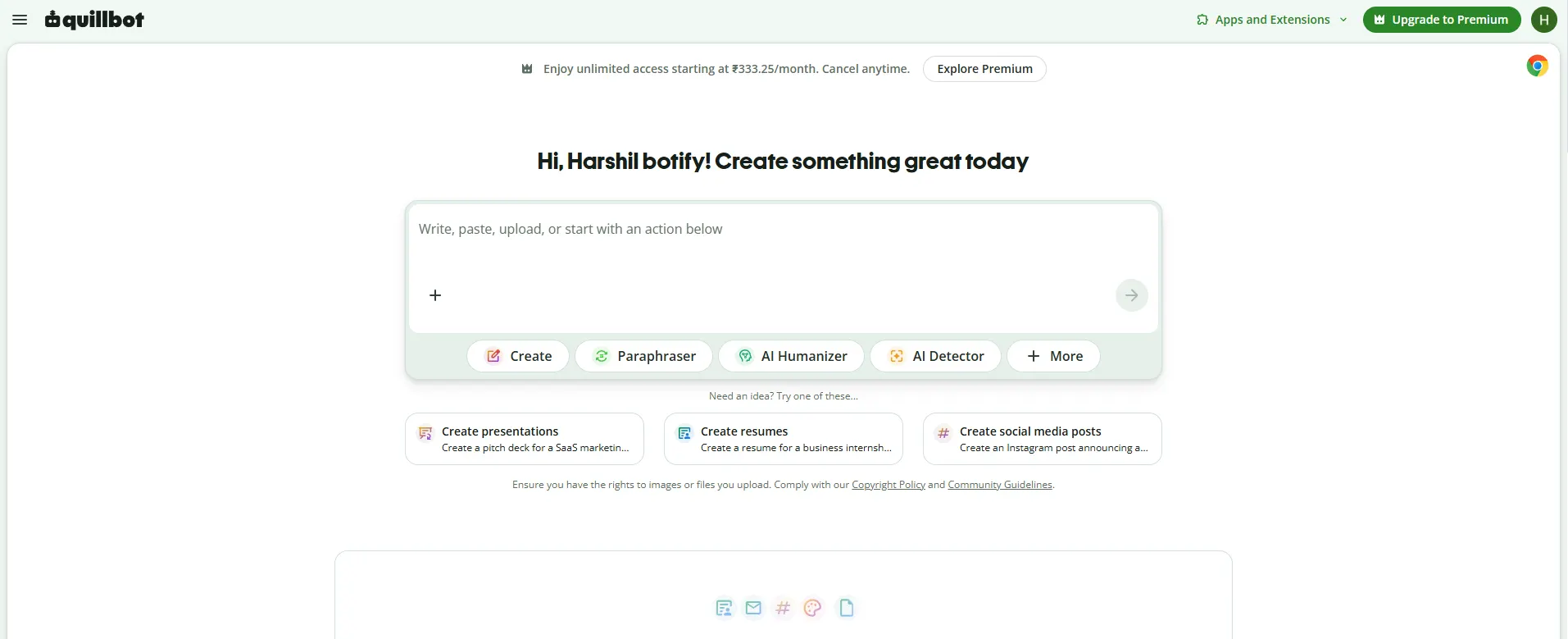
QuillBot started as a paraphrasing tool and has grown into a fuller AI writing suite with a grammar checker, summarizer, and a built-in AI detector. It's especially popular with students and non-native English writers, since it explains why it's suggesting a change and not just what to change.
Pros:
- Paraphraser offers multiple modes (formal, fluency, creative, shorten) so rewrites actually fit the context
- Free plan is genuinely usable day to day, not just a trial
- Grammar and clarity suggestions are reliable for everyday writing
- Browser extension and Word add-in fit into workflows you're already using
Cons:
- Free plan caps how much text you can paraphrase at once
- The AI detector is a newer addition and isn't as strong as tools built for detection specifically
- Can occasionally over-simplify a sentence and lose some nuance
Pricing: Free plan available. Premium starts around $8.33 per month on the annual plan, up to $19.95 per month billed monthly.
Best for: Students and everyday writers who want to rephrase and polish existing text rather than generate something new from scratch.
6. Grammarly
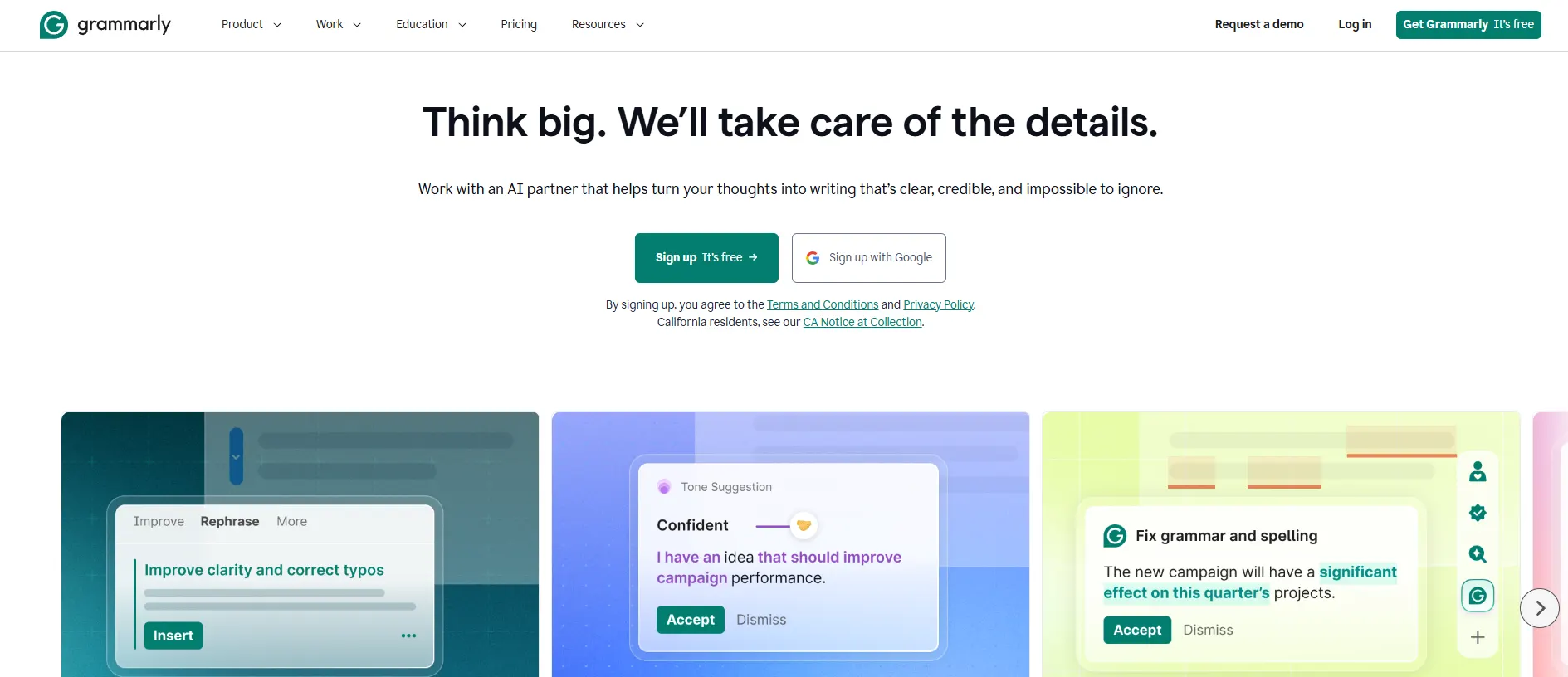
Grammarly remains the default choice for day-to-day email and document writing, largely because it already works everywhere you type, Gmail, Outlook, Slack, Google Docs, and most browser text boxes. It catches grammar issues in real time and now includes generative features for tone adjustments and full email drafts, making it one of the more genuinely useful productivity AI tools for everyday writing.
Pros:
- Works inside almost every app you already write in, no copy-pasting required
- Real-time suggestions catch mistakes before you hit send
- Tone detector flags when an email might read as too blunt or too casual
- Free plan covers the day-to-day basics well
Cons:
- Advanced style and clarity suggestions, plus AI generation, require the paid Pro plan
- Better suited as an editor than a from-scratch drafting tool for long-form content
- Can occasionally over-correct casual or conversational writing
Pricing: Free plan available. Pro plans run roughly $12 to $30 per month depending on billing cycle and feature tier.
Best for: Anyone sending daily professional emails who wants real-time grammar, tone, and clarity help without leaving their inbox.
7. Lavender
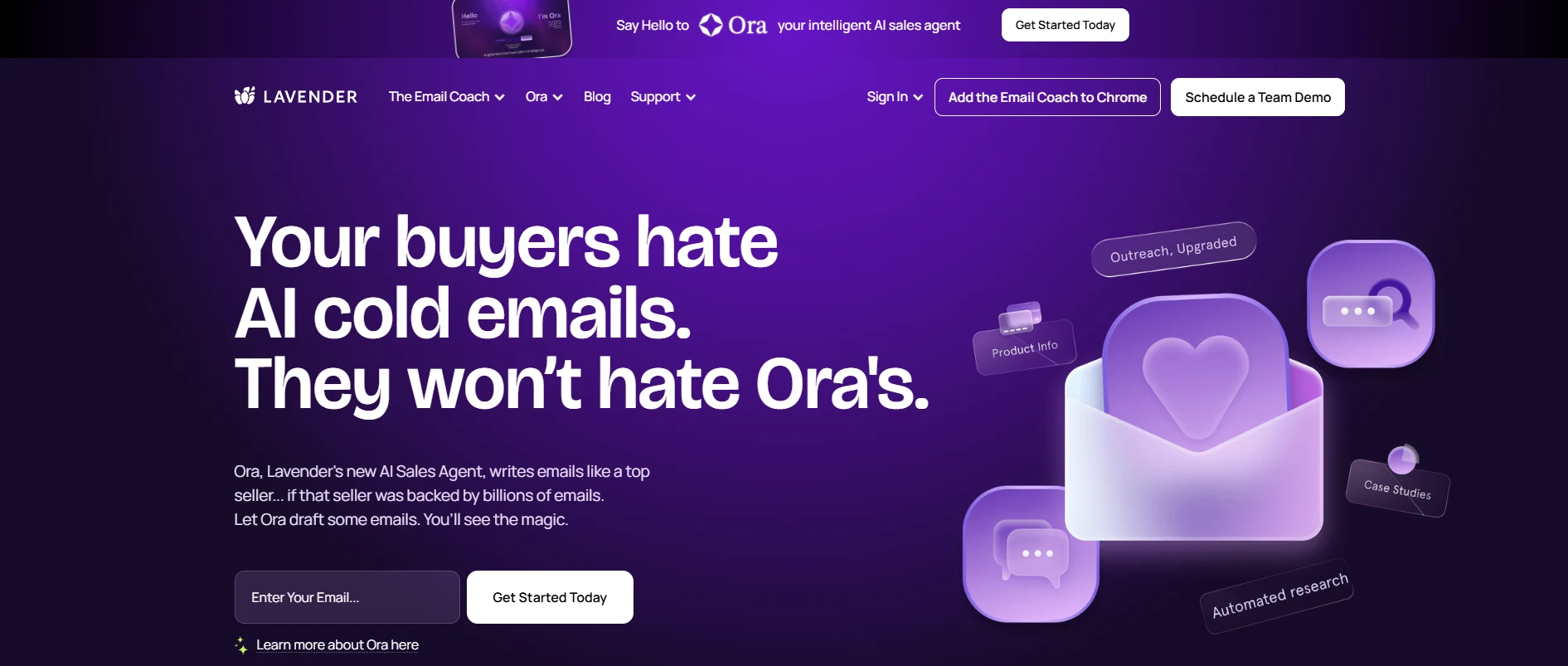
Lavender is built specifically for sales and outreach emails, not general writing. It scores your email in real time, flags anything likely to hurt reply rates (a long subject line, weak personalization, a dense paragraph), and shows you exactly how to fix it before you hit send, fitting naturally alongside other AI tools that automate marketing campaigns.
Pros:
- Real-time email scoring is genuinely actionable, not just vague suggestions
- Coaches you toward better subject lines and personalization, not just grammar
- Team analytics let sales managers see where reps are losing replies
- Chrome extension works directly inside Gmail and Outlook
Cons:
Free plan only allows 5 emails a month, barely enough to properly test it
Built specifically for sales outreach, overkill if you just need general email help
Price climbs quickly once you move past the Starter plan
Pricing: Free plan (5 emails/month). Starter from $29/month, Pro from $49/month, Teams from $69 per user/month.
Best for: Sales reps and SDRs sending high volumes of cold or outreach email who want to improve reply rates.
AI Content Improver: Polishing What You Already Wrote
An AI content improver tool is another type of content writer, but a different one. In this case, the user has already written something and wants to improve it, make it shorter or more concise. These tools are not used nearly enough, particularly by freelancers juggling multiple client drafts at once. People ask an AI to write something from scratch, rather than giving it something to edit.
Good content improvers typically offer:
- Clarity and readability rewrites: simplifying dense sentences without stripping out meaning.
- Tone shifting: making the same paragraph sound more formal, more casual, or more confident on request.
- Grammar and mechanics: the baseline layer most tools started with, now bundled alongside style suggestions.
- Multilingual rewriting: useful if you're editing content that will also be translated, since some tools optimize phrasing for cleaner translation.
The best of the content improvers have the sense of a good editor, pointing out what's unclear and suggesting alternatives, but not rewriting your argument in an unintended direction. So if the suggestions by an automatic assistant tend to change what you meant to say, it's probably time to start being skeptical of what it does automatically.
Comparison Table: AI Email Writer vs. Speech Writer vs. Content Improver
Feature | AI Email Writer | AI Speech Writer | AI Content Improver |
Primary job | Draft or reply to emails | Generate a full speech structure | Rewrite/polish existing text |
Typical output length | Short (50–300 words) | Long (300–1,500+ words) | Same length as input |
Best for | Daily correspondence, outreach | Weddings, graduations, pitches, eulogies | Reports, essays, articles, emails |
Free tier availability | Common, usage-capped | Very common, often no login | Common, word-limit capped |
Biggest risk if overused | Generic, impersonal tone | Loses personal/emotional detail | Strips your original voice |
Editing needed after | Light to moderate | Moderate (add personal stories) | Light (review tone shifts) |
How to Choose the Right AI Writing Tool for Your Task
Not every writing problem needs the same tool, and picking based on hype rather than task is the most common mistake people make. A quick framework:
- If you're replying to emails all day: pick an in-inbox assistant over a standalone generator; the friction of copy-pasting adds up fast.
- If you're writing one important speech: use a free speech writer for structure, then spend your real effort on the opening and closing lines yourself.
- If you already have a draft that just needs tightening: skip generation entirely and go straight to a content improver.
- If you're doing high-volume, on-brand content (campaigns, newsletters): a marketing automation platform with brand-voice memory will save more time than a general-purpose tool.
- If privacy matters (client data, unreleased business info): check the tool's data-retention policy before pasting in anything sensitive; not all free tools handle input the same way.
Conclusion
There is no 'best' AI writing software in 2026, only best for certain tasks. Use an AI email writer for day-to-day, a free AI speech writer for more structured writing tasks, and an AI content improver when you want to give an existing piece a boost.
The most time-saving tools are the ones that fit the task you need to accomplish most, not the one with the most features available. Start with the free options for each type of work and see which ones match how you like to write.
If you want one tool to check and improve your AI-assisted writing, AI Checker Pro is a strong option to consider in 2026. It helps you review your content before publishing or submitting it, working well alongside the broader set of AI SEO tools most creators already use, making it a useful final step in your writing workflow.
FAQs
What is the best AI writing tool in 2026?
There is no single best tool. Grammarly works well for daily emails, Copy.ai suits sales writing, and QuillBot is great for polishing existing text. Pick based on the task, not the brand name.
What is the best AI email writer?
Grammarly is a strong pick for everyday professional emails. Copy.ai works better for sales outreach, and Lavender is useful if you want coaching on tone and structure before you hit send.
Is there a free AI speech writer?
Yes, tools like Typli, Writingmate, and GravityWrite let you generate a full speech draft without signing up. Just enter the occasion, your key points, and desired length to get a structured draft fast.
What does an AI content improver do?
An AI content improver rewrites text you already wrote to make it clearer, shorter, or more polished. It fixes grammar, adjusts tone, and improves readability without changing what you originally meant to say.
Can AI write a wedding speech for free?
Yes, several no-login tools can generate a wedding speech draft in under two minutes. Add one personal memory or detail the AI would not know to make the speech feel less generic.
How do I write a professional email using AI?
State your goal in one line, give the tool context about the recipient and tone, then generate a draft. Trim about 20 percent of the text and rewrite the opening line yourself for a natural feel.
Which AI tool is best for polishing an essay or report?
QuillBot and Grammarly are strong choices for polishing existing writing. They improve clarity and tone while keeping your original meaning intact, which makes them better editors than generators for finished drafts.
Do AI email writers work well for client emails?
They work best for structure and a first draft. For emails involving negotiation, apologies, or sensitive topics, use AI as a starting point only and edit the important parts yourself before sending.
They work best for structure and a first draft. For emails involving negotiation, apologies, or sensitive topics, use AI as a starting point only and edit the important parts yourself before sending.
An AI writer creates new text from a prompt, like a full email or speech. A content improver edits text you already wrote, focusing on clarity and tone rather than generating fresh content.
Is Grammarly still a good AI writing tool in 2026?
Yes, Grammarly remains one of the top choices for daily email writing and content polishing in 2026. It balances grammar checking, tone suggestions, and readability improvements in one simple tool.

