
Table Of Contents
Best Free AI Tools You Can Use Without Signing Up (2026)
Published on : Oct 12 2026

Yes, there are some AI tools that people can use right now without having to create an account, such as Duck.ai, ChatGPT, Microsoft Copilot, Google's AI Mode and Perplexity for text, Craiyon and Perchance for image generation, and LanguageTool for grammar checking.
The catch is that the guest has limited functionality and is subjected to quotas on messaging and image generation, and some features are only available to logged-in users. It's important to pick the tool based on the task at hand and avoid using it for anything that requires sensitive information.
Key Highlights
- Duck.ai is the privacy-first pick for anonymous AI chat.
- Microsoft Copilot offers the widest feature set to guests, including study tools and a few free images.
- Craiyon and Perchance are the easiest free AI image generators without sign-up, though quality varies.
- LanguageTool and QuillBot's grammar checker work for writing without an account.
- "No sign up" rarely means "no limits." Expect caps, no saved history and locked advanced features.
- Never paste confidential work or personal data into a tool you haven't checked.
Why Free AI Tools Without Sign-Up Are Worth Using
You need to find an article summarizing tool for the next meeting. You open the website and are greeted with a wall of text telling you to create an account. By the time you've confirmed your email and created a secure password, you've already lost your motivation to even use the tool.
Free versions of the most popular AI tools without the sign-up remove this hurdle, letting you test the service and decide if it's worth your time to even create an account. This is great for one-time-use tools, for comparing the different AI tools, and for people who don't want to give their email address to another company. If you later decide a login is worth it, our guide to the best AI tools for daily work automation shows where an account starts paying off.
But "no sign up" means three different things, and mixing them up leads to frustration:
- Fully open: No account at all, ever (for example, Craiyon or LanguageTool's web checker).
- Guest mode: Basic use with caps, while advanced features stay locked (ChatGPT, Copilot, Perplexity).
- Fake no-sign-up: The tool runs, but asks you to log in when you try to download or view the result. One reviewer who tested these claims dropped every tool that secretly forced a login at the output stage.
Best Free AI Tools Without Sign-Up at a Glance
Tool | Best for | Works without login | Main limit |
Duck.ai | Private chat | Text chat, model switching, basic images, voice | Undisclosed daily cap |
ChatGPT | Quick answers | Chat, web search, image uploads, study mode | No history, no image generation |
Microsoft Copilot | Most guest features | Chat, deep research, study/quiz modes, voice, a few images | Stricter throttling |
Google AI Mode | Search-style answers | Text and image questions | No history or personalization |
Perplexity | Sourced research | Web answers with citations | Dynamic cap; no file uploads |
Mistral Vibe | Trying chat plus images | Chat, web search, canvas, code interpreter, images | Harsh guest caps |
Perchance | Free generators | Character chat, image and text tools | Throttling can apply |
Craiyon | Casual image ideas | Text-to-image | Ads, slower, dated quality |
LanguageTool | Grammar checks | Web checker | Per-check character cap |
QuillBot grammar | Quick fixes | Grammar check | Free paraphraser is word-capped |
Limits are often changed without further notice. The review behind most of the chat details was re-checked in July 2026, and it says that quotas are different by region and browser session, but also by server load. Test the tool before trusting it.
Best Free AI Chatbots and AI Search Tools With No Login
1. Duck.ai: Best for Privacy
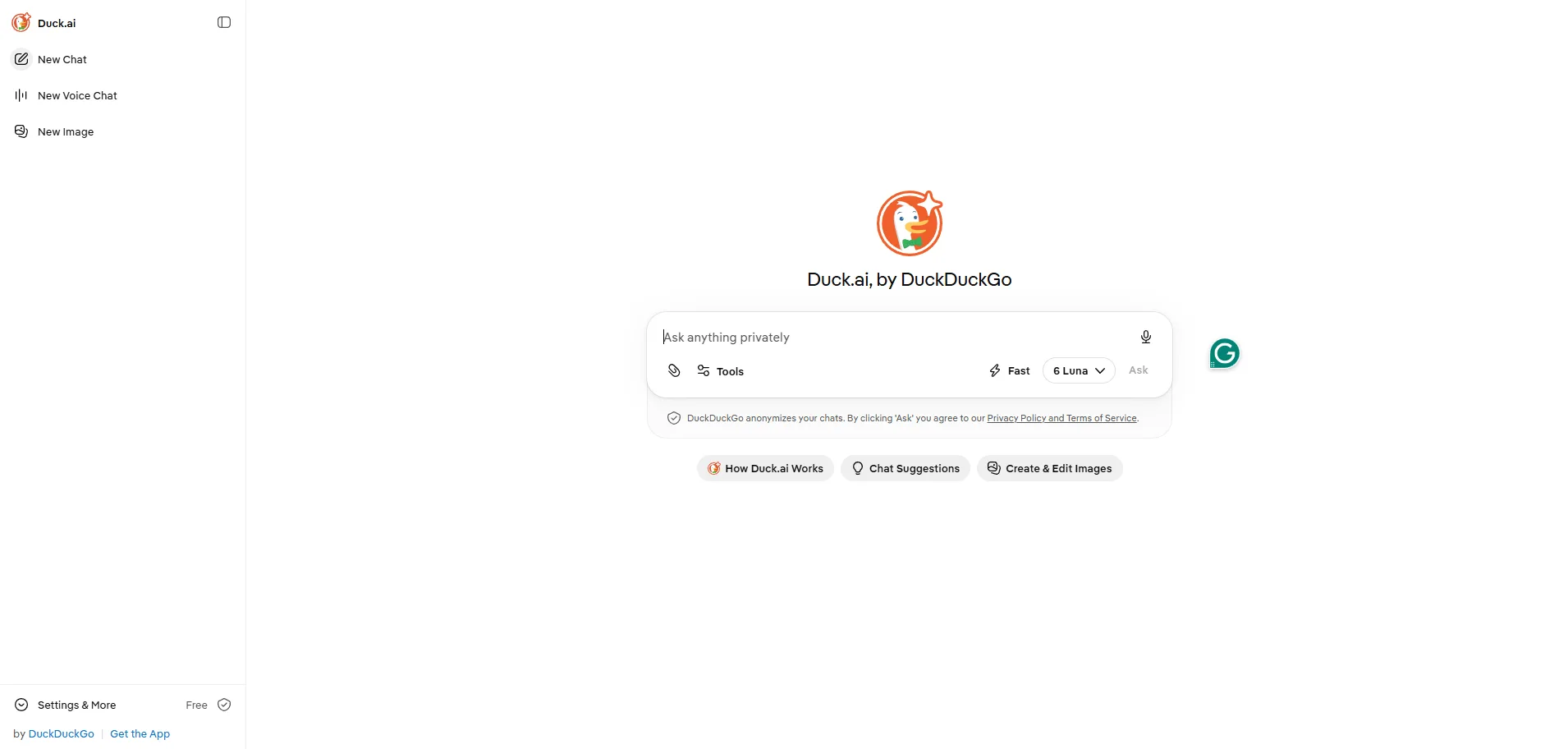
Description: Duck.ai is a privacy-focused AI assistant from DuckDuckGo that lets users chat with AI models without creating an account. It is designed for people who want everyday AI help while keeping their conversations more private.
Pros
- No account required for basic use
- Strong privacy focus
- Lets users switch between available AI models
- Supports basic image generation and voice dictation
- Recent chats can be stored locally on the device
- DuckDuckGo says it does not store prompts or outputs on its servers
Cons
- Fewer advanced features than some full AI assistants
- Usage limits are not clearly published
- Available models can change
- Not ideal for users who need advanced file or project management
Pricing
- Guest access: Free
- Paid plan: No traditional paid subscription is required for basic Duck.ai access
Best for: Privacy-conscious users who want an AI assistant without creating an account.
2. ChatGPT Guest Mode: Best for Quick Answers
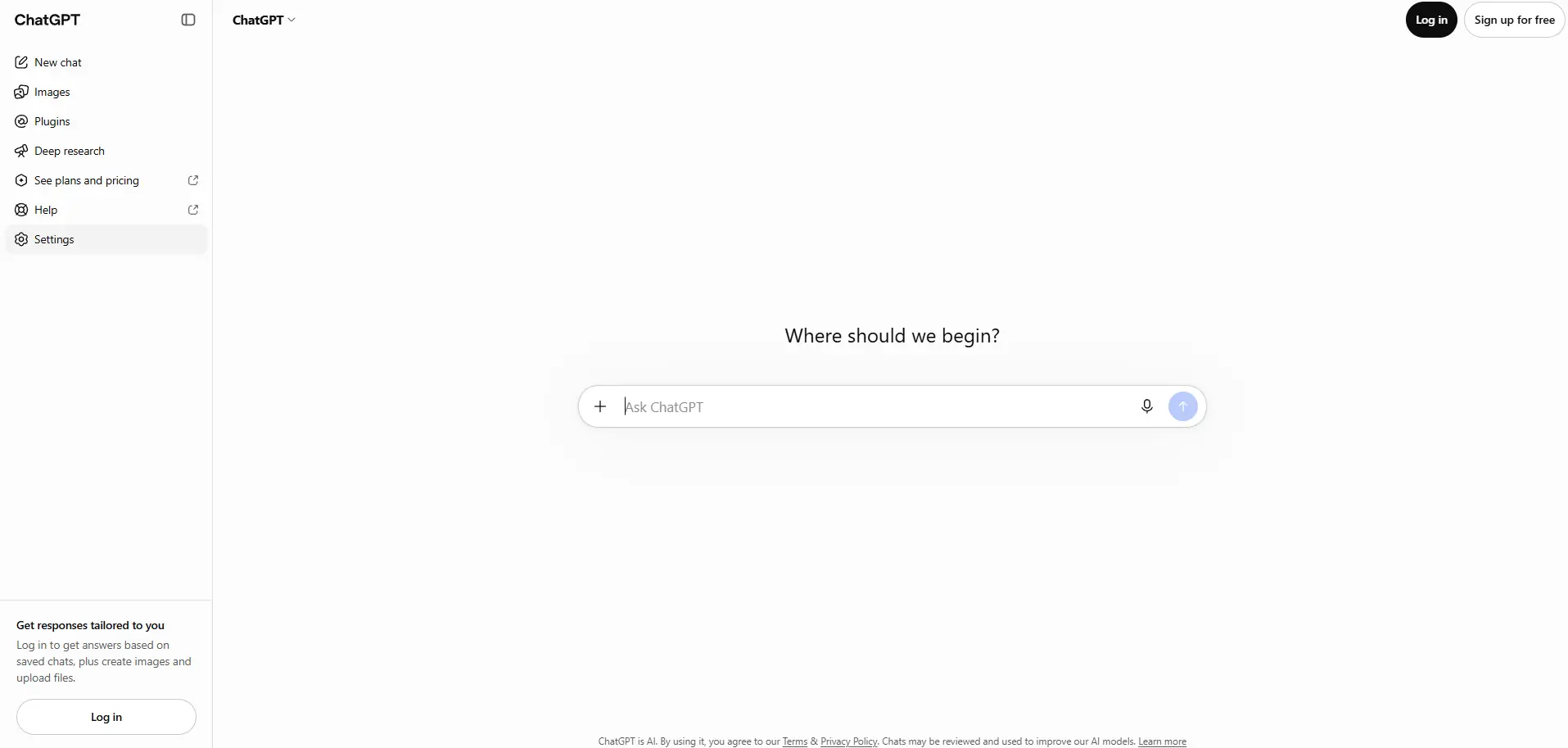
Description: ChatGPT is one of the most popular AI assistants, and users can access basic chat without creating an account in supported regions. Guest access is useful when you need a quick answer without maintaining a chat history. If you are weighing it against other assistants, see our ChatGPT vs Claude vs Gemini comparison.
Pros
- Basic chat available without an account
- Useful for quick questions and simple research
- Web search can be available
- No subscription required for basic access
- Easy to use from a browser
Cons
- Guest chats are not saved as normal chat history
- Previous conversations can disappear when you start a new chat
- Advanced features require an account
- Usage limits can change based on demand
Pricing
- Guest access: Free
- Free plan: $0/month
- Paid plans: ChatGPT Go, Plus, Business, and Enterprise offer higher limits and additional features
Best for: People who want to open an AI assistant and get a quick answer without signing up.
3. Microsoft Copilot: Most Features Without an Account
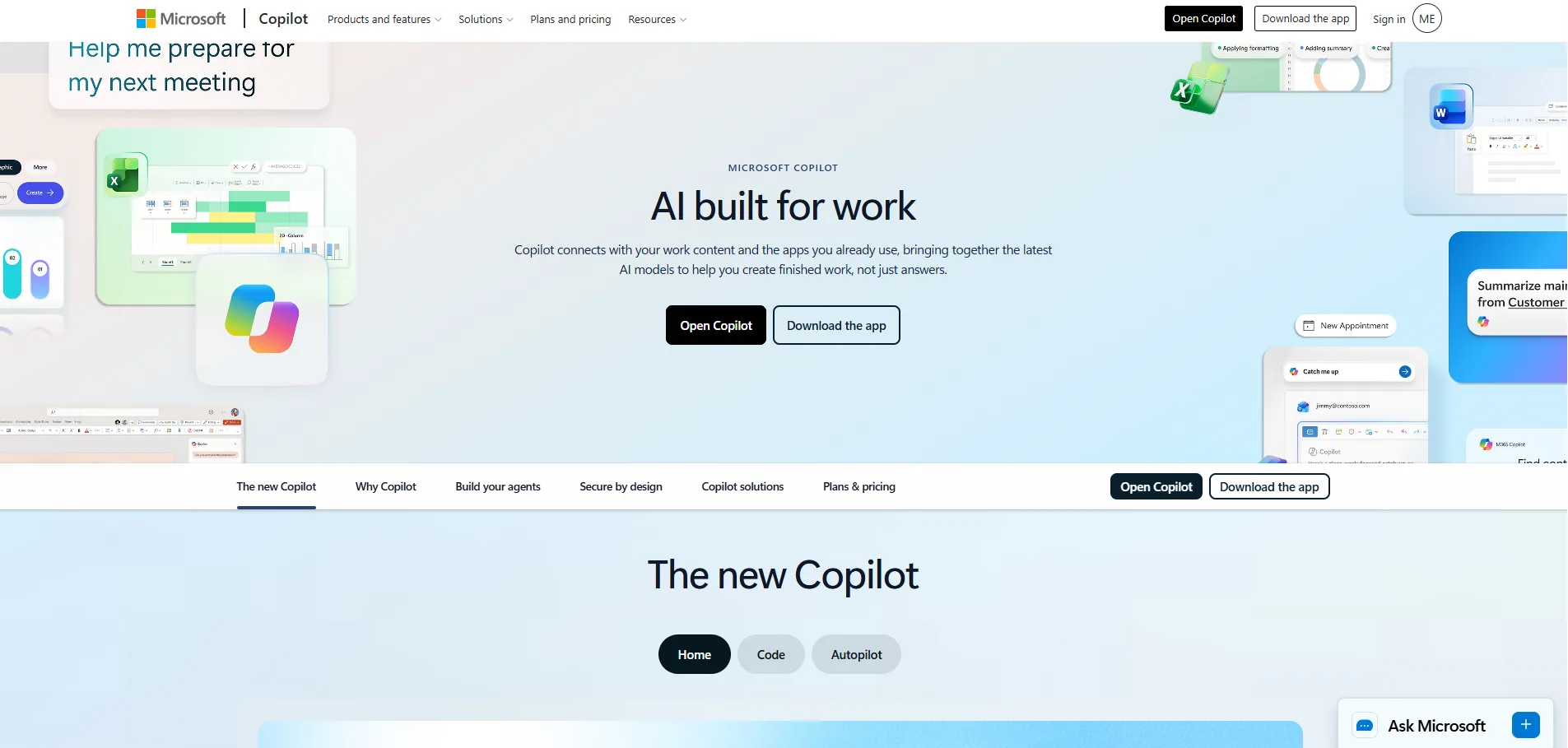
Description: Microsoft Copilot is a general-purpose AI assistant that combines conversational AI with web-based information. Its free web version provides several useful features even when you are not signed in.
Pros
- Free basic access
- Basic use does not always require an account
- Useful for questions, writing and brainstorming
- Supports AI image creation
- Provides web-connected AI assistance
- Signing in unlocks additional features
Cons
- Guest users get fewer features
- Usage limits can be stricter without an account
- Advanced Microsoft 365 features require a subscription
- Some features vary by region
Pricing
- Copilot Free: $0
- Microsoft 365 Personal: Paid subscription with Copilot included
- Microsoft 365 Copilot: Paid business option with additional work features
Best for: Users who want a broad set of AI features without immediately creating an account.
4. Google AI Mode: Best for Search-Style Answers
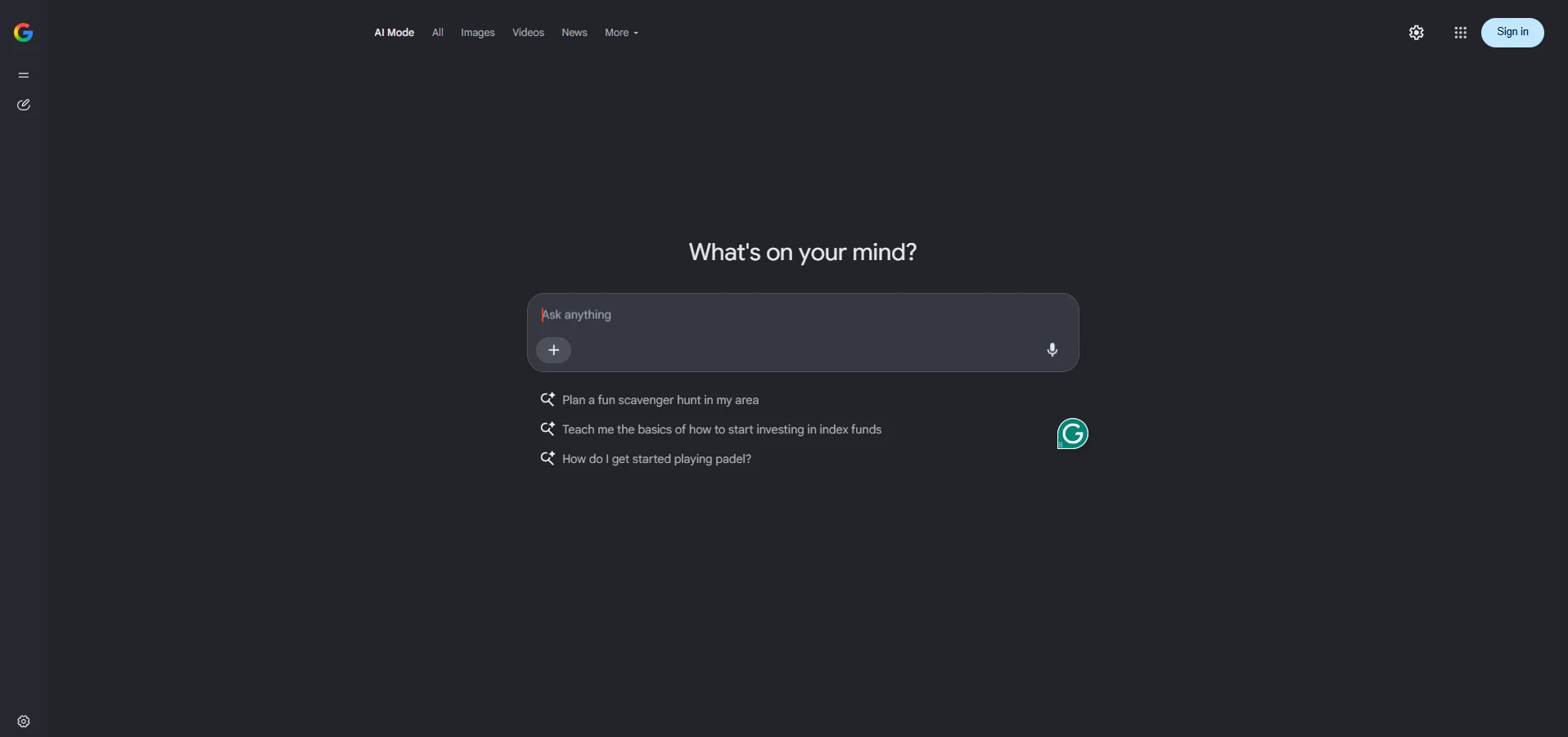
Description: Google AI Mode is designed more like an AI-powered search engine than a traditional chatbot. It helps users explore questions, compare information and find answers directly within Google's search experience. To understand how this differs from classic results, read our breakdown of AI search vs Google search.
Pros
- Free basic access
- Good for fact-finding and comparisons
- Combines AI answers with Google Search
- Useful for quick lookups
- Familiar search-based interface
Cons
- More search-focused than a traditional chatbot
- Limited personalization without signing in
- Advanced AI features may require a Google AI plan
- Availability and limits can vary by region
Pricing
- Basic AI Mode: Free
- Google AI plans: Paid plans are available for users who want higher limits and additional AI features
Best for: People who want AI-powered search rather than a traditional chatbot experience.
5. Perplexity: Best for Sourced Research
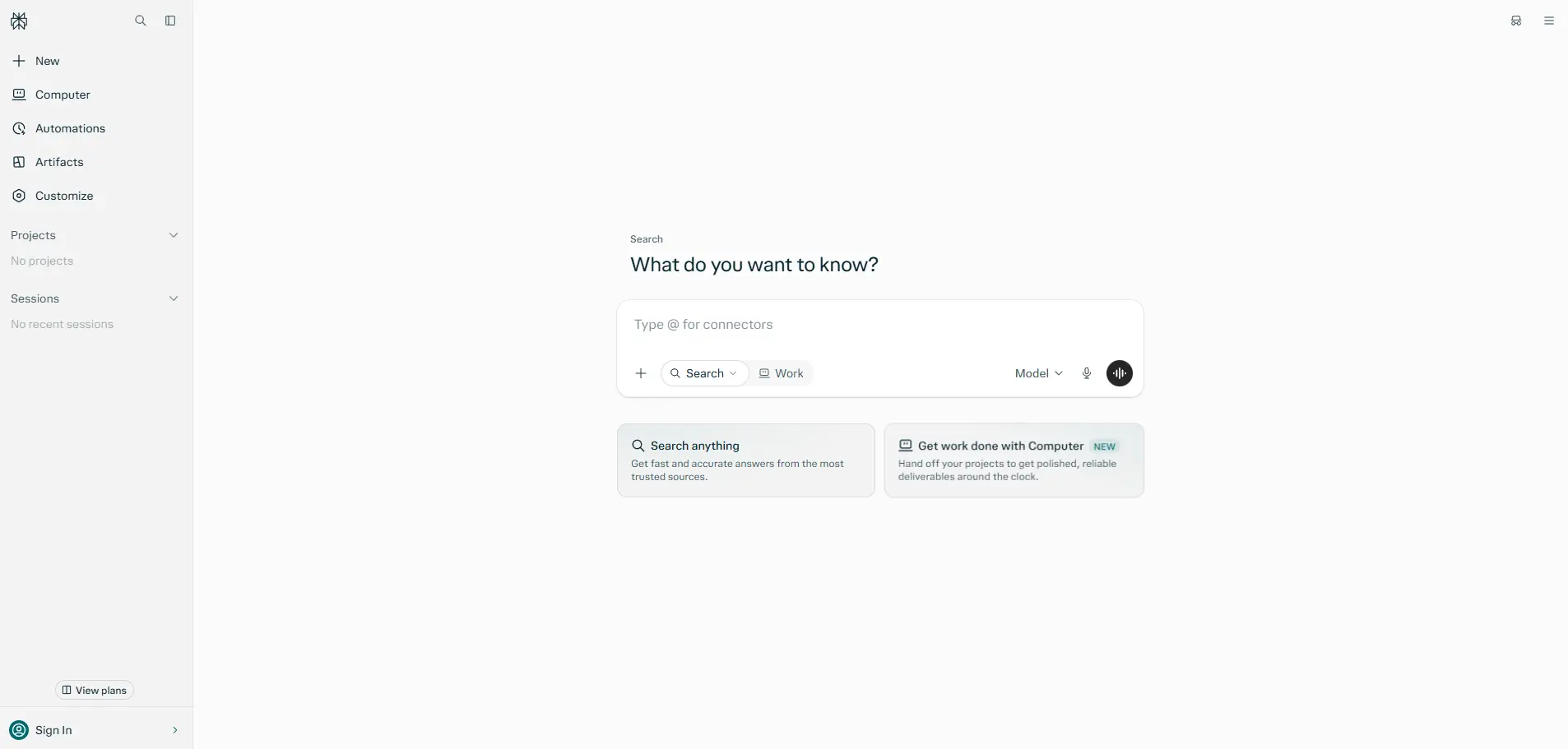
Description: Perplexity is an AI-powered search and research tool that focuses heavily on providing sources with its answers. It is particularly useful when you want to research a topic and verify where the information came from. You can find more detail in our Perplexity AI review of features and pricing.
Pros
- Strong focus on web research
- Provides citations with answers
- Easy to check original sources
- Useful for research and comparisons
- Free basic searches are available
Cons
- Advanced Pro Search is limited on the free plan
- Advanced models require a paid plan
- Some features require an account
- File uploads and advanced research features are more restricted on free access
Pricing
- Standard: Free
- Pro: Paid subscription
- Education Pro: $10/month for eligible verified students
Best for: Students, writers, researchers and anyone who wants AI answers backed by sources.
More Options Worth Knowing
- Mistral Vibe (formerly Le Chat): Guests get web search, code interpreter, canvas and image generation, but only a few messages.
- Grok: Limited guest access that depends on your region, with tight message caps.
- NVIDIA NIM model pages: A good place to test many large language models in the browser, though queues can be long.
- Arena.ai: Compare two models' answers side by side and vote. Image generation there now requires an account.
For more, browse the AI chatbot and AI search engine categories on FindMyAITool.
Free AI Image Generators Without Sign Up
You do not always need an account to create AI images. Several image generators let you turn a text prompt into an image without signing up, although their quality, speed, limits, and commercial-use rules vary. Craiyon and Perchance are useful for no-account image generation, while Copilot, Mistral, and Duck.ai can also provide limited image creation without requiring a full account. If you want to compare these against stronger paid options, check our roundup of the best AI image generators.
1. Craiyon: Best for Simple AI Image Generation
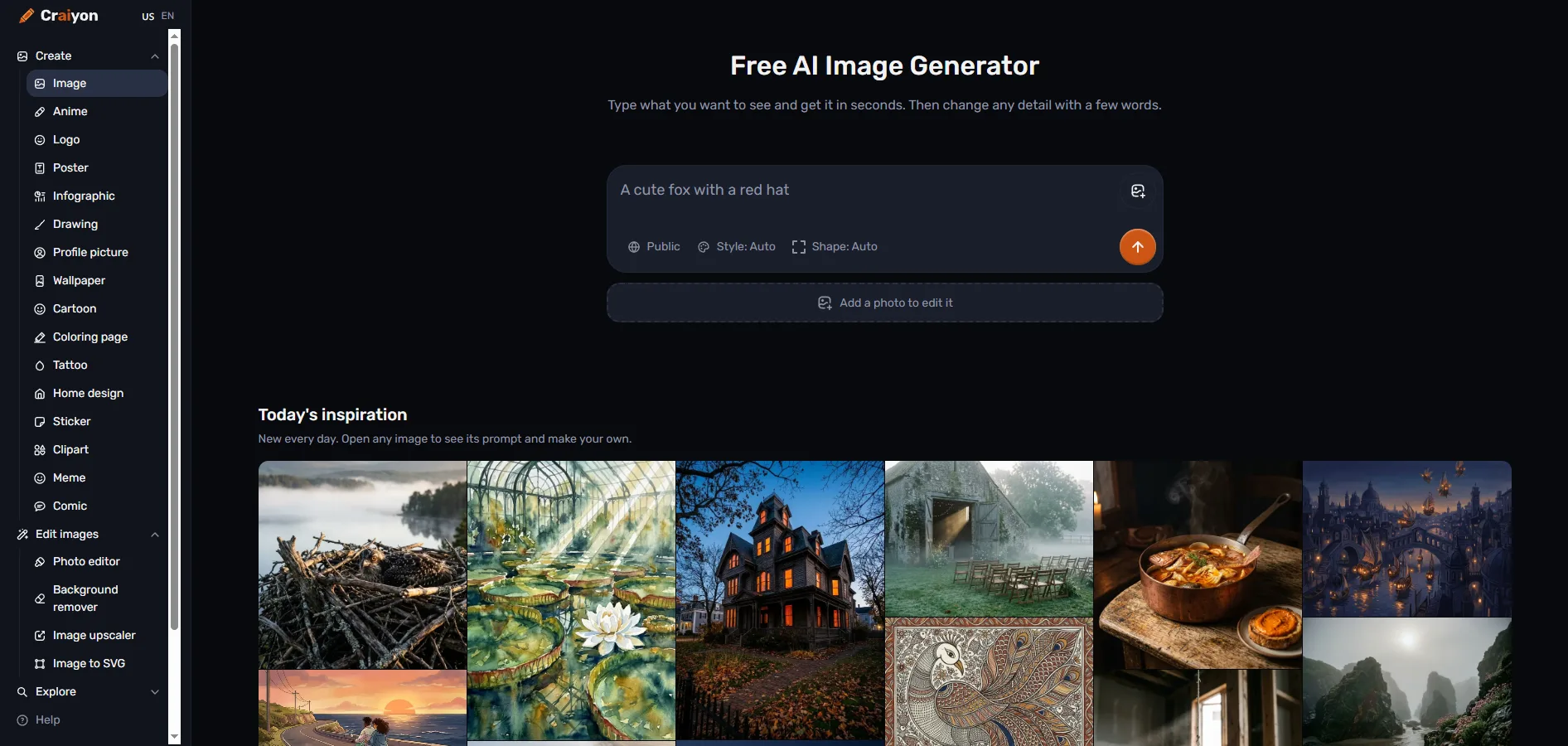
Description: Craiyon is a simple AI image generator that lets users create images from text prompts without creating an account. Its free version is easy to access, although users may have to wait longer for generations.
Pros
- No account required
- Easy text-to-image generation
- Simple interface
- Useful for experimenting with AI images
- Free version available
Cons
- Image quality may be lower than newer premium image generators
- Free generations can take longer
- Ads are shown on the free version
- Output quality can vary depending on the prompt
Pricing
- Free: Available without an account
- Paid plans: Available for users who want faster generation and additional features
Best for: Beginners who want to experiment with AI image generation without signing up.
2. Perchance: Best for Unlimited Experimentation
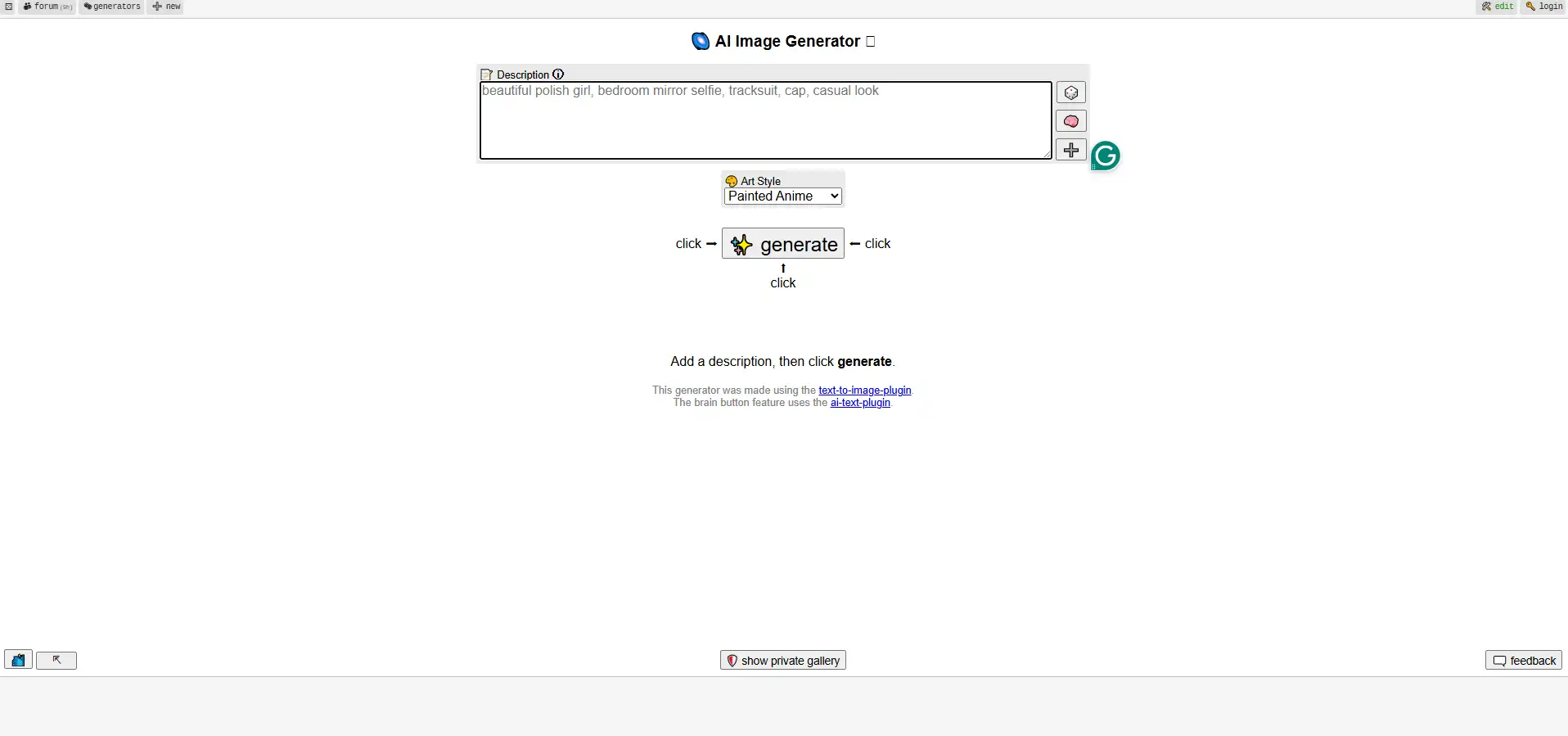
Description: Perchance provides a collection of AI generators that can create images, characters, stories and other types of content without requiring an account. Its community-created generators make it more flexible than a basic image-generation tool. For a closer look at narrative-focused options, see our list of AI story generators.
Pros
- No account required
- Free image generation
- Large collection of community-created generators
- Supports different creative use cases
- Easy to experiment with different prompts
Cons
- Image quality depends heavily on the generator you choose
- Interface can feel less polished than commercial AI tools
- Some generators may have different limits or rules
- Heavy usage can be throttled
Pricing
- Free: Available without sign-up
- Paid plan: No standard subscription is required for basic use
Best for: Users who want to experiment with different AI image generators without creating an account.
3. Microsoft Copilot: Best for Quick AI Images
Description: Microsoft Copilot can generate AI images from text prompts and is useful when you want to create one or two images quickly. Some image-generation access is available without requiring users to sign in.
Pros
- Easy to use
- Simple text-to-image prompts
- Good for quick image ideas
- Powered by Microsoft's AI ecosystem
- No separate image-generation software is required
Cons
- Guest usage can be limited
- Not ideal for generating large batches
- Features and limits can change
- Signing in provides access to more features
Pricing
- Free: Basic Copilot image generation is available at no cost
- Paid: Microsoft 365 and other Copilot plans provide additional AI features and higher limits
Best for: Users who need a quick AI-generated image without committing to an account.
4. Mistral: Best for Quick Creative Experiments
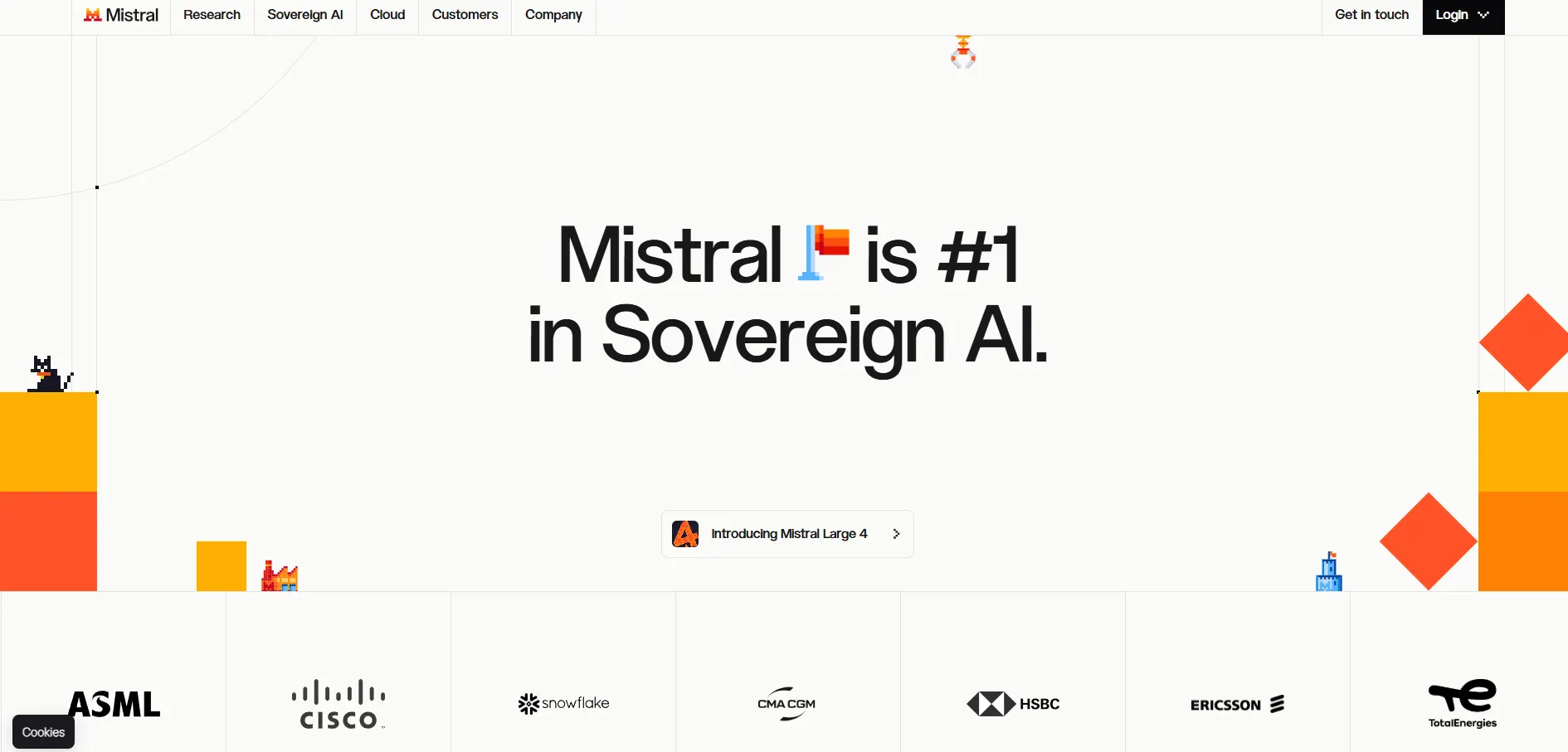
Description: Mistral's AI platform provides access to its conversational AI tools and can support image-generation workflows depending on the available model and experience. It can be useful for users who want to test AI capabilities without immediately paying for a subscription.
Pros
- Easy to experiment with AI
- Free access is available
- Useful for creative prompts
- Mistral offers multiple AI models and tools
Cons
- Image-generation availability can vary
- Guest limits may apply
- Not primarily an image-generation platform
- Fewer dedicated image-editing features than specialist tools
Pricing
- Free: Basic access available
- Paid: Mistral offers paid plans with higher limits and additional features
Best for: Users who want to test Mistral's AI ecosystem and occasionally create images
5. Duck.ai: Best for Private Image Creation
Description: Duck.ai is primarily known as a privacy-focused AI chat service, but it also supports basic image creation. It is useful for people who want to experiment with AI-generated images while keeping the experience focused on privacy.
Pros
- No account required for basic access
- Privacy-focused service
- Simple image-generation workflow
- Useful for casual image creation
- Can be used alongside AI chat
Cons
- Image-generation features are more limited than dedicated image tools
- Not designed for professional image production
- Available models and features can change
- Not ideal for large image batches
Pricing
- Free: Basic access is available without an account
- Paid: No traditional paid subscription is required for basic Duck.ai use
Best for: Privacy-conscious users who want occasional AI image generation without signing up.
How to Spot a Misleading "No Sign-Up" Image Site
Many search results for this topic are marketing pages from the tools themselves. They promise "unlimited, no sign-up, no watermark," and some of those claims don't hold up. Before you commit:
- Run one test prompt.
- Confirm you can download the image without logging in.
- Read the usage terms, especially if you plan to use the image commercially
-Free AI Writing Tools Without Sign Up
Not every AI writing tool requires an account. Some free tools focus on grammar, spelling, paraphrasing, and summarization, making them useful when you want to improve existing content without creating an account. For most writers, grammar checkers are the most dependable no-sign-up options, while summarizers and AI Q&A tools are better for quick content tasks. For a wider set of options, explore our guide to the best AI writing tools.
1. LanguageTool: Best for Grammar and Style
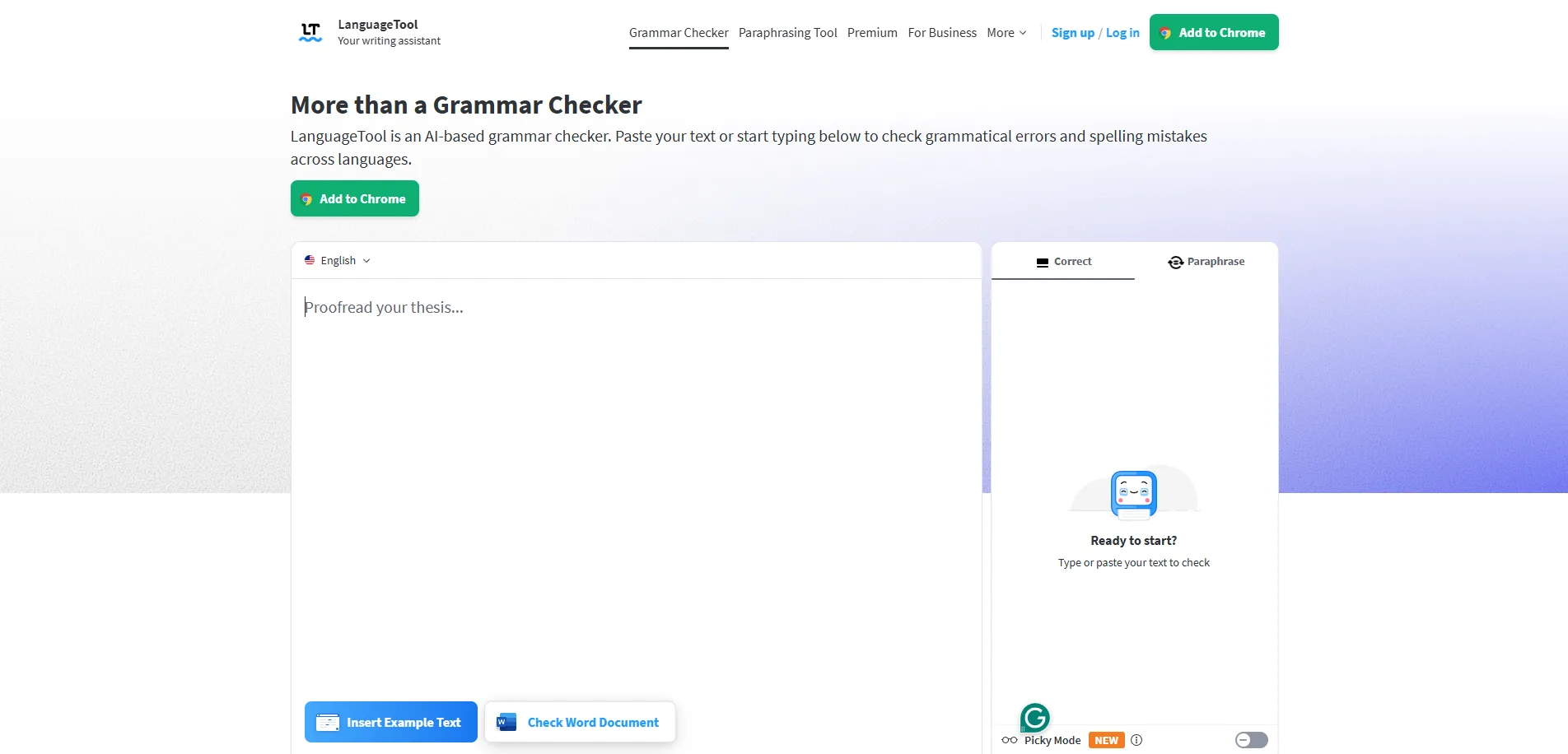
Description: LanguageTool is an online grammar and writing assistant that checks spelling, grammar, punctuation, and common style problems. Its web editor can be used without creating an account, making it a practical option for quickly polishing articles, emails, and other content.
Pros
- No account required for basic checking
- Checks grammar, spelling, and punctuation
- Useful for non-native English writers
- Helps identify common article and preposition mistakes
- Easy to use directly in a browser
Cons
- Free checks have character limits
- Advanced writing suggestions require a paid plan
- Very long documents may need to be checked in smaller sections
- Some advanced features are locked behind Premium
Pricing
- Free: Basic grammar and spelling checking
- Premium: Paid plan with advanced corrections and additional writing features
Best for: Writers who want to quickly check grammar and improve the clarity of their content without signing up.
2. QuillBot Grammar Checker: Best for Quick Grammar Checks
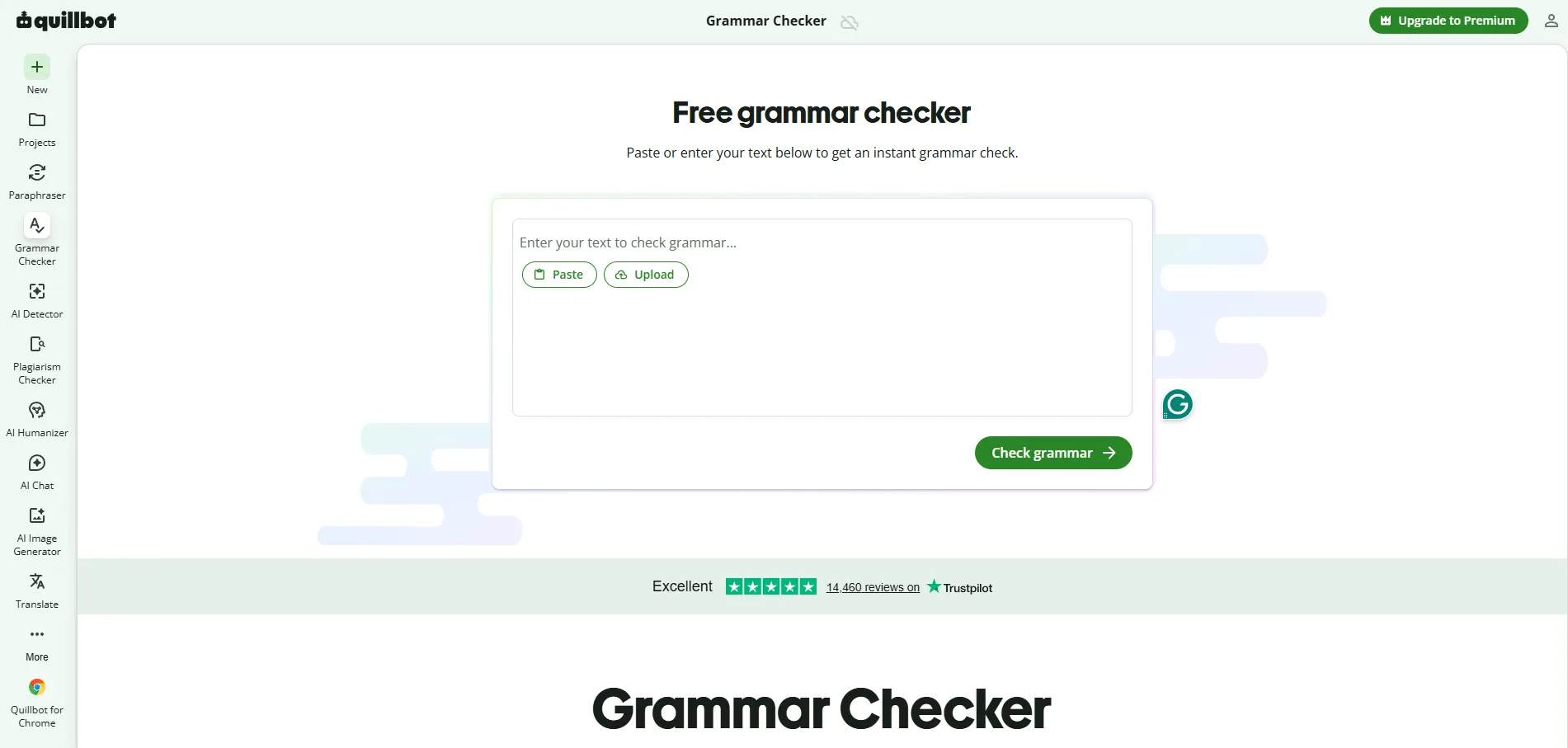
Description: QuillBot's Grammar Checker lets users check grammar, spelling, and punctuation without creating an account. It is particularly useful for quickly reviewing articles, assignments, emails, and other written content. If you also need rewording help, see our list of the best paraphrasing tools.
Pros
- Grammar checker can be used without an account
- Checks grammar, spelling, and punctuation
- Simple and beginner-friendly interface
- Useful for students and content writers
- Quick results
Cons
- QuillBot's other tools have separate usage limits
- The free paraphraser is limited to 125 words at a time
- Advanced paraphrasing features require a paid plan
- Not all QuillBot features are available without signing in
Pricing
- Free: Basic grammar checking
- Premium: Paid plan for higher limits and advanced writing features
Best for: Students, bloggers, and writers who need a quick grammar check without creating an account.
3. AI Text Summarizer: Best for Short Summaries
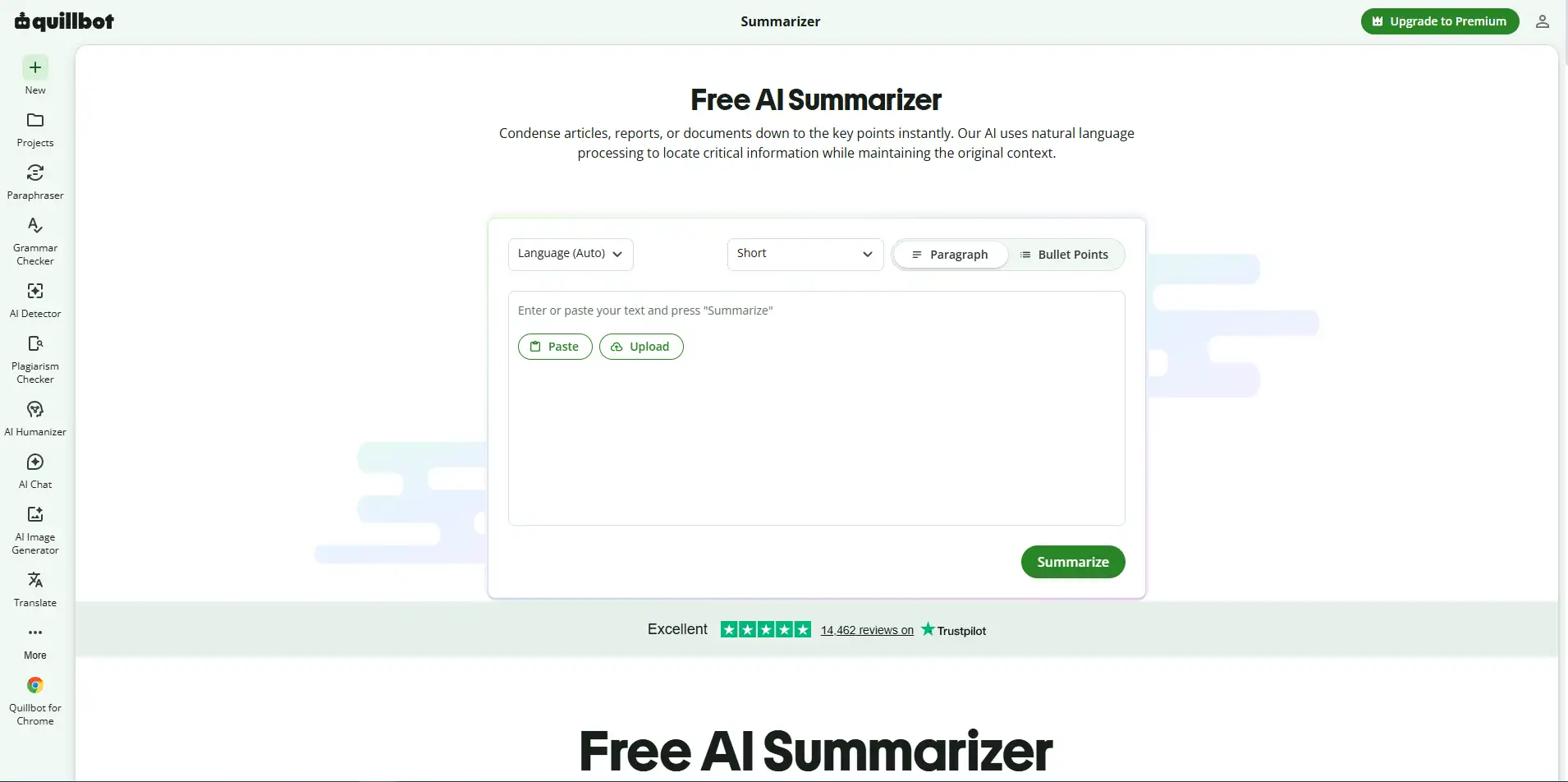
Description: AI Text Summarizer is a simple tool listed on FindMyAITool that helps users shorten longer text into a more concise summary. It can be useful when you want to understand or extract the main points from an article without manually rewriting the entire text. Our best AI summarizer tools guide covers more options.
Pros
- Designed for quick text summarization
- Useful for long articles and notes
- Simple workflow
- No complicated setup
- Convenient for quick content research
Cons
- Summary quality can vary depending on the source text
- Free-tool limits may change
- Not ideal for highly technical or complex documents
- Always review important summaries for accuracy
Pricing
- Free: Available through the listed tool
- Check the current tool page for any usage limits or changes
Best for: Users who want to quickly shorten articles, notes, or other text.
4. Free AI Article Summarizer: Best for Articles
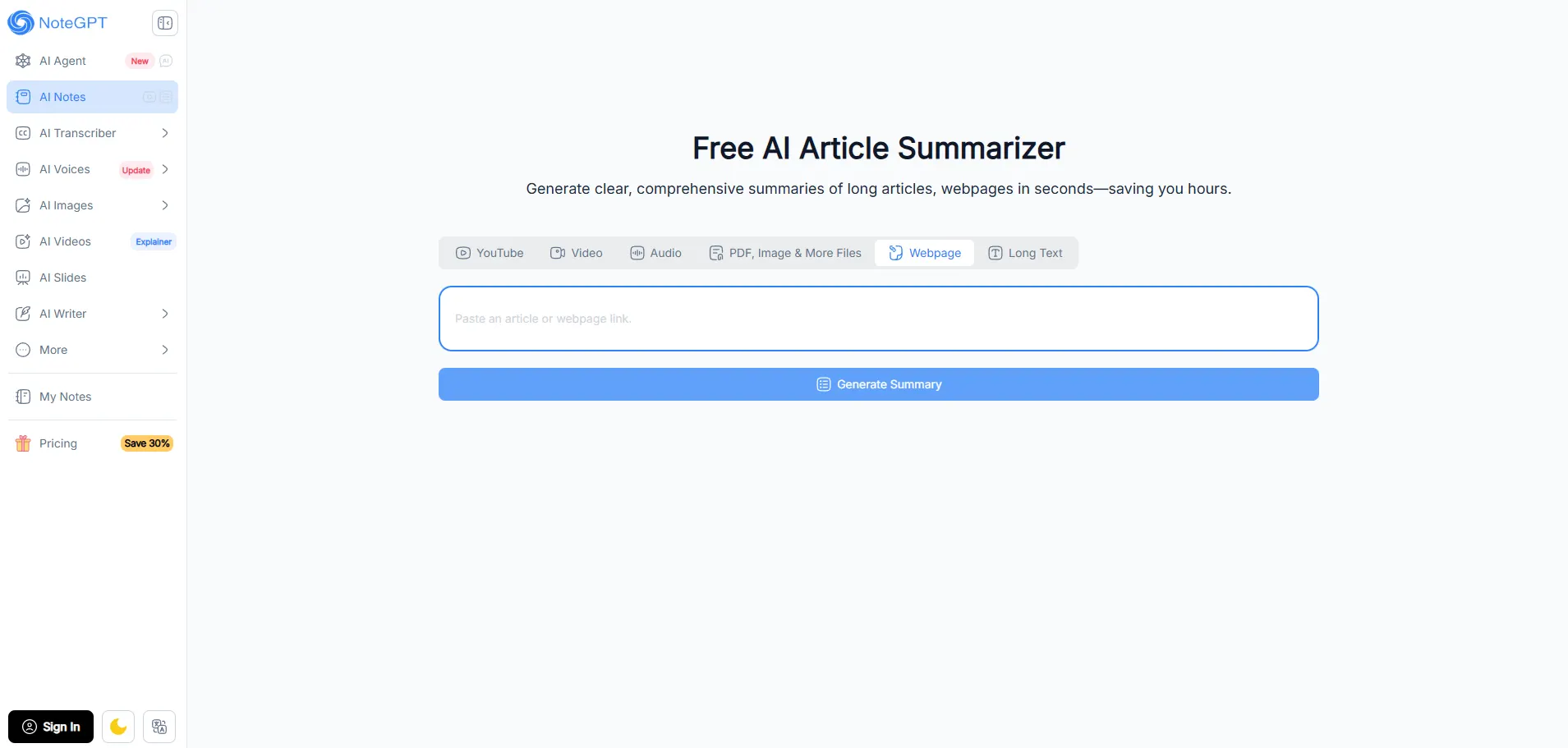
Description: Free AI Article Summarizer is another summarization tool listed on FindMyAITool. It is designed specifically for turning longer articles into shorter versions that are easier to read and review.
Pros
- Useful for summarizing articles
- Saves time when reviewing long content
- Simple to use
- Helpful for research and content planning
- No complex setup
Cons
- Summary accuracy depends on the original article
- Important details can sometimes be missed
- Usage limits may apply
- AI-generated summaries should be reviewed before being used as factual sources
Pricing
- Free: Available through the listed tool
- Check the current tool page for the latest limits and availability
Best for: Students, researchers, and writers who need quick summaries of online articles.
5. Ask AI Questions: Best for Quick AI Answers
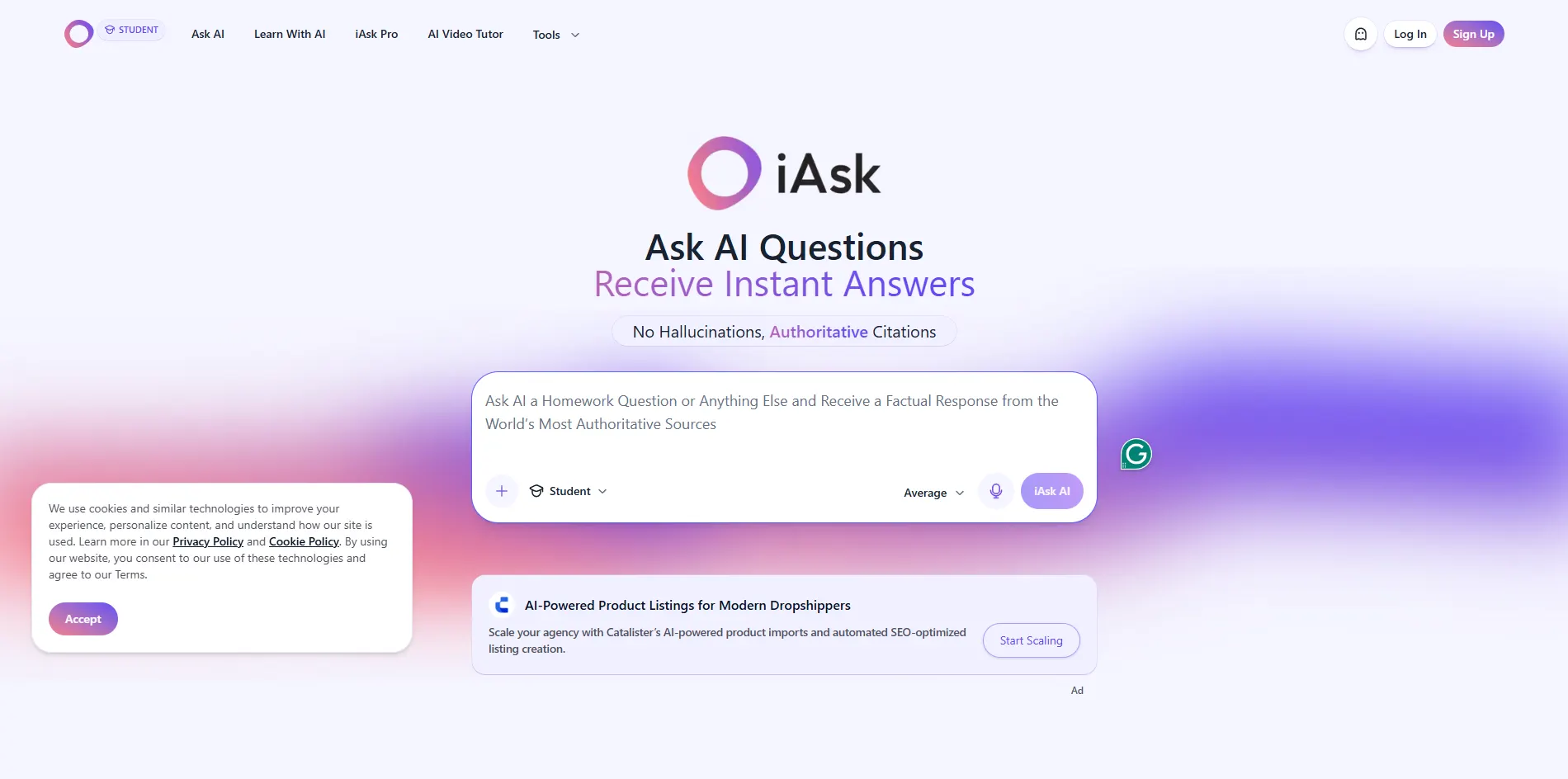
Description: Ask AI Questions is a free AI Q&A tool listed on FindMyAITool. According to the directory listing, users can ask questions without signing up, making it useful for quick explanations, brainstorming, and general information.
Pros
- No signup according to the listing
- Useful for quick questions
- Simple AI-powered Q&A
- Helpful for brainstorming and explanations
- Easy to access from a browser
Cons
- AI answers can contain errors
- Not a replacement for checking important information
- Available features and limits may change
- Advanced capabilities may vary
Pricing
- Free: Available through the listed tool
- Check the current tool page for any usage restrictions
Best for: Users who want quick AI answers without creating an account.
Free AI Tools for Students
Students can use free AI tools for much more than generating assignments. The most useful tools can explain difficult topics, create practice questions, summarize reading material, improve grammar, and help students find reliable sources. The key is to use AI as a study assistant, not as a replacement for your own learning and writing. For more picks built around coursework, see our best AI writing assistants for bloggers and students.
1. ChatGPT: Best for Explaining Difficult Topics
Description: ChatGPT can help students understand difficult concepts, practice questions, and study topics through interactive explanations. Its guest access can be useful for quick study help without creating an account.
Pros
- Explains complex topics in simpler language
- Can create practice questions
- Useful for brainstorming and revision
- Can help students understand mistakes
- Study-focused features are available in supported access
Cons
- AI can provide incorrect information
- Guest access has limitations
- Advanced features may require an account
- Students should avoid submitting AI-generated answers as their own work
Pricing
- Guest/Free: $0
- Paid plans: Available with higher limits and additional features
Best for: Students who need explanations, practice questions, and interactive study help.
2. Microsoft Copilot: Best for Study and Quiz Practice
Description: Microsoft Copilot can help students learn topics, generate questions, and practice through conversational study activities. Its study and quiz features make it useful for revision.
Pros
- Free basic access
- Can explain topics step by step
- Useful for creating practice questions
- Supports study and quiz activities
- Can help with brainstorming and research
Cons
- Usage limits can apply
- Some features require sign-in
- AI-generated answers may contain errors
- Not suitable for blindly completing graded assignments
Pricing
- Free: Basic Copilot access
- Paid: Microsoft 365 plans provide additional Copilot features
Best for: Students who want an AI tutor for revision and quiz practice.
3. LanguageTool: Best for Grammar Checking
Description: LanguageTool helps students check grammar, spelling, punctuation, and writing style before submitting an assignment or essay. The basic web version can be used without creating an account.
Pros
- Free basic grammar checking
- No account required for basic use
- Finds spelling and grammar mistakes
- Useful for essays and reports
- Helps improve writing clarity
Cons
- Free checks have limits
- Advanced suggestions require Premium
- It cannot judge whether an argument is academically correct
- Students still need to review suggested changes
Pricing
- Free: Basic grammar and spelling checks
- Premium: Paid plan for advanced writing features
Best for: Students who want to polish their final draft before submission.
4. Perplexity: Best for Research
Description: Perplexity is an AI-powered research tool that provides answers with links to sources. Students can use it to discover relevant information and find sources for further reading. If you are choosing between the two for research, our Perplexity AI vs ChatGPT research comparison can help.
Pros
- Provides citations with answers
- Useful for finding research sources
- Good for comparing information
- Helpful for initial topic research
- Free basic access is available
Cons
- AI summaries can still contain errors
- Advanced research features have limits
- Students should read the original sources
- Not every cited source is equally reliable
Pricing
- Free: Standard plan
- Pro: Paid plan with additional research features
Best for: Students who want to discover sources and research a topic faster.
5. AI Summarizers: Best for Long Reading
Description: AI summarizers can turn long articles, notes, and other reading material into shorter summaries. They can help students understand the main structure of a topic before reading the original material in detail.
Pros
- Saves time when reviewing long content
- Helps identify key points
- Useful for revision
- Can make difficult reading easier to approach
- Helpful for creating study notes
Cons
- Important details can be left out
- Summaries may contain mistakes
- Should not replace reading required course material
- Free tools may have text-length limits
Pricing
- Free: Several basic AI summarizers are available without payment
- Paid: Some tools offer higher limits and additional features
Best for: Students dealing with long articles, research papers, and study materials.
Free AI Tools for Work
Free AI tools can save time on research, writing, documents, and brainstorming. No-login tools are best for quick, one-off tasks, while regular work is usually better with an account because you get chat history, higher limits, and more features. Avoid putting confidential company, client, financial, or personal data into free AI tools. For tools worth setting up properly, browse our list of AI tools that save time every day.
1. Perplexity: Best for Quick Research
Description: Perplexity is useful for quick market research, competitor checks, and fact-finding because its answers include sources you can open and verify.
Pros
- Provides sources with answers
- Good for quick research
- Useful for comparisons
- Free basic access
Cons
- AI answers can contain errors
- Advanced research features have limits
- Sources should always be checked
Pricing: Free basic plan; paid Pro plan available.
Best for: Quick research and market snapshots.
2. Google AI Mode: Best for Search
Description: Google AI Mode combines AI answers with Google Search, making it useful when you need quick information, comparisons, or ideas while working.
Pros
- Free basic access
- Good for quick searches
- Useful for comparisons
- Familiar Google interface
Cons
- More search-focused than a full AI workspace
- Features can vary by region
- Advanced features may require a paid plan
Pricing: Free basic access; paid Google AI plans are available.
Best for: Fast information gathering.
3. Duck.ai: Best for Drafting
Description: Duck.ai can help with first drafts of emails, meeting agendas, outlines, and talking points while keeping the workflow simple and privacy-focused.
Pros
- No account required for basic use
- Good for quick drafts
- Privacy-focused
- Easy to use
Cons
- Fewer workplace features
- Limited history and project management
- Not ideal for confidential company documents
Pricing: Free basic access.
Best for: One-off writing and brainstorming tasks.
4. Microsoft Copilot: Best for Everyday Work
Description: Copilot can help with emails, summaries, brainstorming, research, and other everyday work tasks. Basic access is free, while signing in can unlock more features.
Pros
- Useful for many work tasks
- Free basic access
- Good for drafting and brainstorming
- Microsoft ecosystem integration
Cons
- Free usage has limits
- Some features require an account
- Business features require paid plans
Pricing: Free basic version; paid Microsoft 365/Copilot plans available.
Best for: Everyday workplace tasks and quick content drafts.
5. Free AI PDF Reader: Best for Document Questions
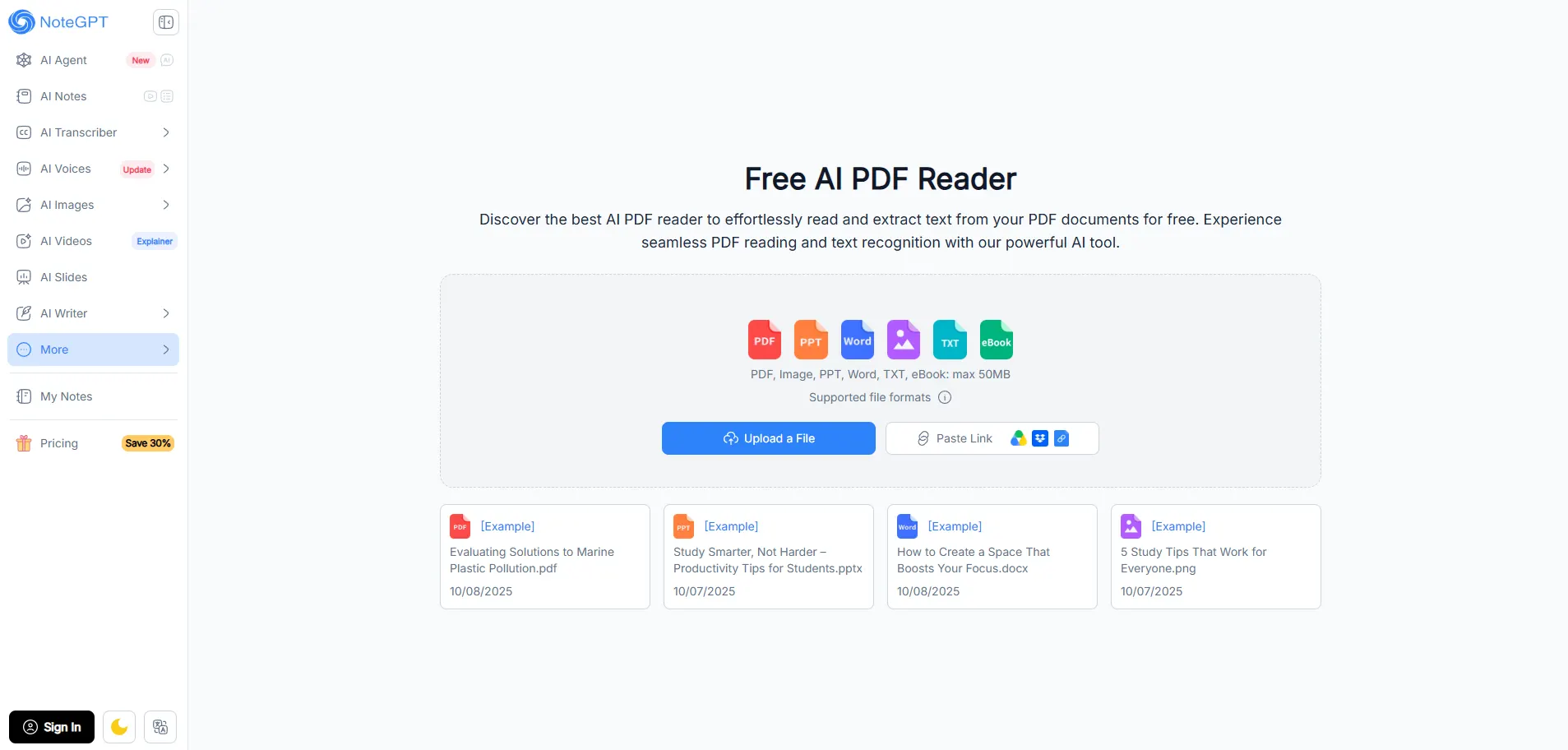
Description: Free AI PDF Reader tools can help you ask questions about PDFs, find information, and understand long documents faster.
Pros
- Useful for long PDFs
- Faster document review
- Good for finding specific information
- Helpful for summaries and questions
Cons
- Free tools may have file or usage limits
- AI can misunderstand document content
- Do not upload confidential contracts, client files, or sensitive company documents
Pricing: Free options are available.
Best for: Reviewing non-confidential PDFs and documents.
Which Free AI Tool Should You Use? A Quick Decision Guide
If you need to... | Try | Why |
Chat privately | Duck.ai | Local chat storage and deletion terms |
Do many things as a guest | Microsoft Copilot | Widest guest feature set |
Get sources with answers | Perplexity | Citation-forward answers |
Search with an AI summary | Google AI Mode | Few limits, no login |
Make a quick image | Craiyon or Perchance | No account needed |
Fix grammar | LanguageTool | Free web checker |
Practice for an exam | ChatGPT or Copilot | Study and quiz modes |
Common Mistakes to Avoid
Free AI tools can be useful, but their limits and policies can change. Do not assume that an "unlimited" tool is truly unlimited without testing it yourself. Avoid pasting confidential work, client information, passwords, contracts, or sensitive company data into a tool until you understand its privacy and data policies. Also, always verify important facts because AI-generated answers can contain mistakes.
If you are using a guest tool, remember that your conversation may not be saved after you close the tab. Copy or save anything important before leaving the page, especially research, drafts, notes, or prompts you may need later.
Conclusion
Free AI tools without sign-up are useful when you need a quick answer, image, grammar check, summary, or research help without creating another account. Tools like Duck.ai, ChatGPT, Copilot, Perplexity, Craiyon, Perchance, and LanguageTool each work best for different tasks, so there is no single tool that is best for everyone.
The main trade-off is convenience. Guest tools often come with usage limits, fewer features, no saved history, or stricter access than logged-in plans. For occasional tasks, these limitations may not matter. But if you use an AI tool regularly, creating an account can give you better limits, saved conversations, and more features. Our AI tools directory guide can help you find the right one to commit to.
Most importantly, avoid sharing sensitive information and always verify important AI-generated facts before using them.
FAQs
What are the best free AI tools without sign up?
The best free AI tools without sign up are Duck.ai, Microsoft Copilot, Perplexity, and ChatGPT for chat, Craiyon and Perchance for images, and LanguageTool for grammar. Each works in guest mode, though limits and features can vary widely by tool.
Can I use ChatGPT without an account?
Yes, you can use ChatGPT without an account in supported regions. Guest chats work for quick questions and web search, but history is not saved, advanced features need a login, and usage limits can change depending on demand and region.
Which AI chatbot is best for privacy without signing up?
Duck.ai is the best pick for private AI chat without signing up. DuckDuckGo says it does not store prompts or outputs on its servers, and recent chats can stay locally on your device. It also lets you switch between models.
Is there a free AI image generator with no sign up?
Yes, Craiyon and Perchance both let you create AI images without an account. Craiyon shows ads and can be slow, while Perchance offers many community generators but may throttle heavy use. Copilot and Duck.ai also offer a few free images.
What is the best AI tool for research without a login?
Perplexity is the best AI tool for research without a login. It gives web answers with citations so you can check sources, though free guest access has a dynamic cap and does not allow file uploads. Always open the sources.
Does Microsoft Copilot work without signing in?
Yes, Microsoft Copilot works without signing in and offers the widest guest feature set. You can chat, run deep research, use study and quiz modes, and make a few images, but throttling is stricter than it is for signed-in users.
What are the limits of free AI tools with no sign up?
Guest AI tools usually have message caps, no saved history, and locked advanced features. Limits change without notice and vary by region, browser session, and server load, so test a tool before relying on it for any really important work.
Is it safe to use free AI tools without signing up?
It is generally fine for casual tasks, but avoid sharing sensitive information. Never paste confidential work, client data, passwords, or contracts into a tool until you fully understand its privacy policy, and always verify important facts the AI gives you.
What is the best free AI tool for students without an account?
ChatGPT and Microsoft Copilot are the best picks for students without an account. Both can explain topics and create practice questions, while LanguageTool helps with grammar. Use them as study helpers, not to submit AI answers as your own work.
Are there free AI grammar checkers that need no login?
Yes, LanguageTool and QuillBot’s grammar checker both work without an account. LanguageTool limits characters per check, while QuillBot’s free paraphraser is capped at 125 words at a time, so split long text into smaller sections and check each part separately.

