

Image Upscaler is an AI tool that enhances and enlarges images, making them clearer and more detailed without losing quality.
What is Image Upscaler?
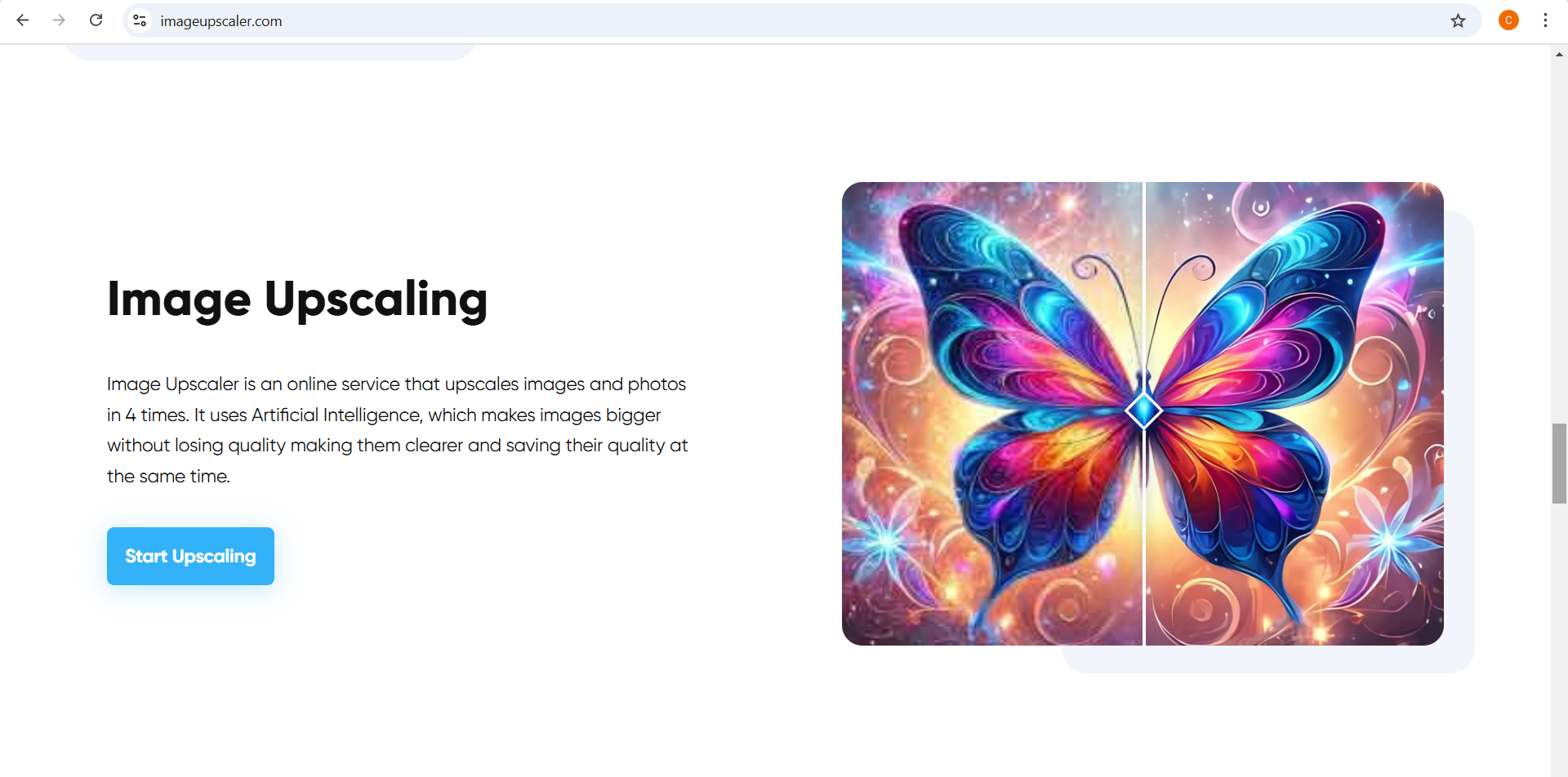
Image Upscaler is an advanced AI-powered platform designed to improve image quality. It started as a deep learning convolutional neural network for upscaling images and has now evolved into a multi-functional AI tool for photo and video editing. With Image Upscaler, users can enlarge images without blurring, unblur existing photos, and even transform videos into cartoons. The tool is widely used by bloggers, website owners, designers, and photographers who need high-quality visuals.
What Can You Do With Image Upscaler?
With Image Upscaler, you can:
- Upscale Images – Enlarge small images while maintaining sharpness and clarity.
- Unblur Photos – Improve blurry images and make them clear.
- Convert Photos to Cartoons – Transform pictures into cartoon-like images.
- Remove Backgrounds – Erase unwanted backgrounds from images with AI precision.
- Enhance Image Quality – Improve the sharpness and details of photos.
- Generate AI Images – Create AI-generated visuals from text descriptions.
- Convert Videos to Cartoons – Turn short video clips into animated versions.
These features make Image Upscaler a versatile AI tool for anyone looking to enhance their images and videos effortlessly.
Key Features of Image Upscaler
- AI-Powered Upscaling – Uses advanced artificial intelligence to enlarge images without losing quality.
- Fast Processing – Provides quick results with minimal processing time.
- Multi-Functional Tools – Includes features like unblurring, background removal, and AI-generated images.
- User-Friendly Interface – Simple and easy-to-use platform for all skill levels.
- Supports Various Formats – Works with JPG and PNG image formats.
- Regular Updates – Improves features based on user feedback to enhance performance.
Benefits of Using Image Upscaler
- Improves Image Quality – Enhances the resolution and detail of images.
- Saves Time – Processes images in seconds, reducing manual editing efforts.
- Easy to Use – Requires no technical skills, making it accessible for everyone.
- Works on Any Device – Accessible via web browsers without the need for software installation.
- Affordable Pricing – Offers free credits and premium plans to suit different needs.
Image Upscaler Pricing
Image Upscaler offers different pricing plans based on the number of credits:
- Starter Plan – 50 credits per month for $9.90 monthly or $69 annually.
- Premium Plan – 500 credits per month for $25 monthly or $180 annually.
- Premium Plus Plan – 1000 credits per month for $29 monthly or $208 annually.
- Business Starter Plan – 2000 credits per month for $49 monthly or $343 annually.
- Business Premium Plan – 5000 credits per month for $99 monthly or $693 annually.
- Business Advanced Plan - 20000 Credits per month for $299 monthly or $1999 annually
Users can choose a monthly or annual subscription based on their requirements.
FAQs about Image Upscaler
- What is Image Upscaler?
Image Upscaler is an AI tool that enhances, enlarges, and improves the quality of images without losing details. - Is Image Upscaler free?
Users receive 3 free credits per month. Additional credits are available through paid subscription plans. - What image formats does Image Upscaler support?
It supports common image formats like JPG and PNG. - Can I use Image Upscaler for professional projects?
Yes, it is widely used by bloggers, designers, photographers, and business owners. - Is my data secure on Image Upscaler?
Yes, all processed images are deleted after 30 minutes to ensure user privacy.
Key Platforms
Core Service Areas:

AI-Powered Enhancement
Lossless Upscaling
User-Friendly Interface
Batch Processing
Versatile Format Support
Fast Processing Speed
Frequently Asked Questions About Ai image upscaler
01
What is an AI image upscaler?
An AI image upscaler is a tool that uses artificial intelligence to enhance and enlarge images, improving their clarity and detail without sacrificing quality.
02
How does the AI image upscaler work?
The AI image upscaler utilizes advanced algorithms to analyze the image, predicting and generating additional pixels to enhance the resolution and maintain the original image quality.
03
Can I use the AI image upscaler for any type of image?
Yes, the AI image upscaler can be used for various types of images, including photographs, graphics, and illustrations, making it suitable for personal and professional use.
04
Is there a limit to the image size I can upload?
Yes, there may be a maximum file size limit for uploads, which is typically specified on the website. Check the tool's guidelines for specific size requirements.
05
Will upscaling an image affect its original quality?
No, the AI image upscaler is designed to enhance the image quality by adding detail while maintaining the original image's clarity and resolution.
Promote Ai image upscaler
Get Ai image upscaler in front of thousands of buyers actively searching for AI tools. Feature your listing on the homepage and category pages, or add the verified badge to your site.
Copy Embed Code

Share on

Related AI Tools
Explore related AI tools for diverse applications and enhanced productivity

Unlock the best AI Tools for you!
Login or Approve this tool to continue exploring features and analytics.

