

Ghostwrite: ChatGPT Email Assistant is a Chrome extension that helps you write emails faster and easier. It uses ChatGPT, an artificial intelligence system that can generate natural and fluent text from a few words or phrases. With Ghostwrite, you can:
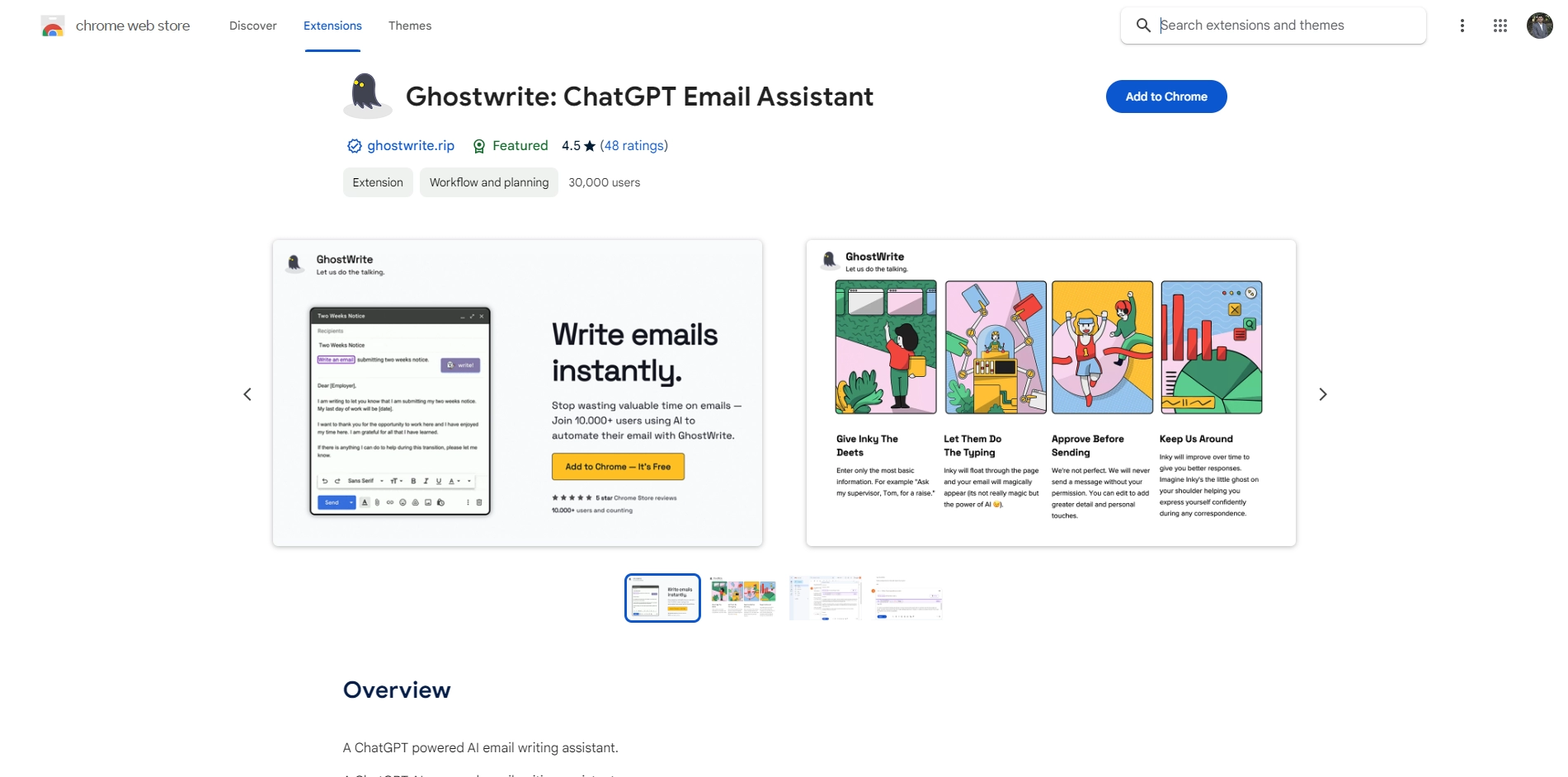
- Generate full-length emails from short phrases or bullet points
- Write professional sounding emails in your tone and style
- Automatically correct your grammar and spelling errors
- Save and reuse email templates created by AI
- Draft a full-length reply with one click
Ghostwrite is a great tool for anyone who wants to save time and hassle when writing emails. Whether you need to write a formal business email, a friendly follow-up, or a casual message, Ghostwrite can help you do it in seconds. You can also customize your emails by adding more details or personal touches. Ghostwrite is like having a ghostwriter on your side, but better!
Key Platforms
Core Service Areas:

Quick Email Drafting
Smart Reply Suggestions
Tone Adjustment
Template Customization
AI-Powered Refinement
Multi-Language Support
Pros
- It can save you time and effort by generating full-length emails from short phrases or bullets.
- It can write professional sounding emails in your tone and correct your grammar and spelling.
- It can help you draft replies and follow-ups with one click and let you save and reuse email templates.
Cons
- It may not always understand your context or intention and produce inaccurate or inappropriate emails.
- It may not respect your privacy or data security and share your email content with third parties.
- It may not be compatible with all email platforms or browsers and cause technical issues or errors.
Frequently Asked Questions About Ghostwrite
01
What is Ghostwrite and how does it work?
Ghostwrite is a Chrome extension that leverages ChatGPT technology to assist users in composing emails quickly and efficiently. By inputting a few words or phrases, the AI generates coherent and fluent email responses.
02
Is Ghostwrite free to use?
Ghostwrite offers a free version with basic features, but there may be premium features available through a subscription or one-time purchase.
03
Can I customize the tone and style of the emails generated by Ghostwrite?
Yes, Ghostwrite allows you to specify the tone and style of the email you want, enabling you to tailor your messages to fit different contexts and audiences.
04
Is my data safe when using Ghostwrite?
Ghostwrite prioritizes user privacy and data security. It does not store personal email content, and all processing is done within the Chrome extension to ensure your information remains confidential.
05
How do I install Ghostwrite on my Chrome browser?
To install Ghostwrite, simply visit the Chrome Web Store, search for 'Ghostwrite: ChatGPT Email Assistant', and click on the 'Add to Chrome' button to add the extension to your browser.
Promote Ghostwrite
Get Ghostwrite in front of thousands of buyers actively searching for AI tools. Feature your listing on the homepage and category pages, or add the verified badge to your site.
Copy Embed Code

Share on

Related AI Tools
Explore related AI tools for diverse applications and enhanced productivity

Unlock the best AI Tools for you!
Login or Approve this tool to continue exploring features and analytics.

