

CodiumAI is an AI-powered interactive code integrity tool that plugs into your integrated development environment (IDE) and suggests meaningful tests for your code as you write it. It does this by exploring and analyzing your code, docstring, and comments and by interacting with you.
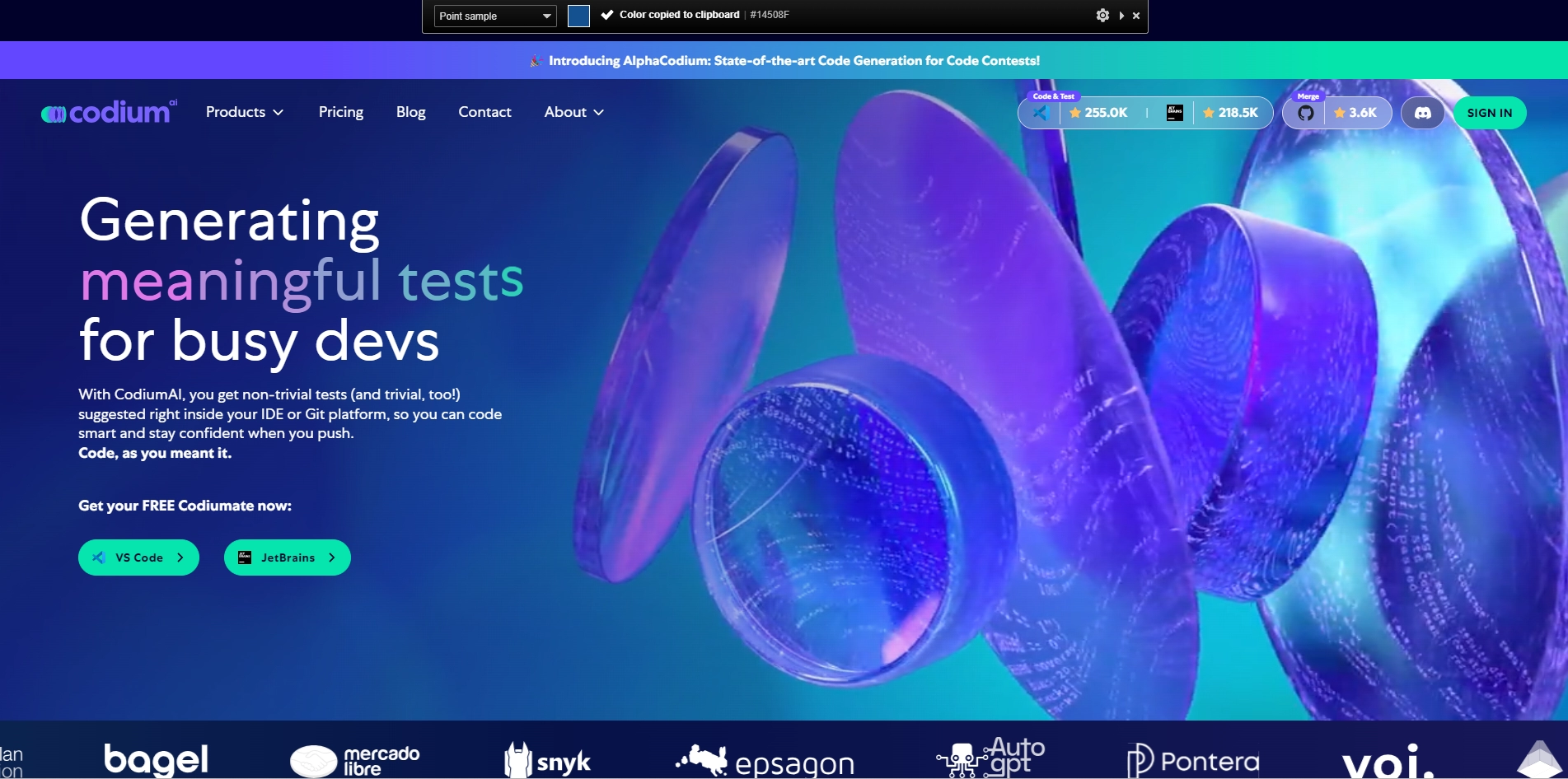
CodiumAI: A Revolutionary Tool for Busy Developers
Are you tired of spending hours writing test cases for your code? Do you want to code smart, create more value, and stay confident when you push? If yes, then CodiumAI is the tool for you!
CodiumAI supports Python and (soon) JS, TS, Java, and can tackle big and complicated code. It generates non-trivial tests (and trivial, too!) that help you understand how your code behaves and find edge cases and suspicious behaviors. It also provides explanations of the tests generated, so you can avoid false positives and improve your code's functionality.
CodiumAI is free for individual developers and offers flexible deployments and self-hosting options for enterprises. You can get CodiumAI by subscribing on their website or by installing their extension for your favorite IDE.
With CodiumAI, you can write code that works the way you meant it to, without wasting time on questionable test cases. Join thousands of developers who are using CodiumAI to build and ship their products faster and with more confidence.
Key Platforms
Core Service Areas:

Interactive Test Suggestions
Code Insights
Docstring Integration
IDE Compatibility
Real-time Feedback
Collaborative Interaction
Pros
- It generates meaningful tests for your code as you write it, based on your code, docstring, and comments
- It helps you code smart, create more value, and stay confident when you push
- It finds edge cases and suspicious behaviors in your code
- It supports Python and (soon) JS, TS, Java, and tackles big and complicated code
- It provides explanations of the tests generated and how they check your code's functionality
Cons
- It is still in beta and may have bugs or errors
- It may not support all the languages or editors that you use
- It may not generate tests that cover all the scenarios or requirements that you need
Frequently Asked Questions About CodiumAI
01
What is CodiumAI and how does it work?
CodiumAI is an AI-powered interactive code integrity tool that integrates with your IDE to suggest meaningful tests for your code. It analyzes your code, docstrings, and comments while interacting with you to provide relevant testing recommendations as you write.
02
Which programming languages does CodiumAI support?
CodiumAI currently supports multiple programming languages, including Python, JavaScript, Java, and others. Check the official documentation for the most up-to-date list of supported languages.
03
Is CodiumAI compatible with all IDEs?
CodiumAI is designed to work with popular IDEs such as Visual Studio Code, IntelliJ IDEA, and PyCharm. Compatibility may vary, so it's recommended to check the specific installation instructions for your IDE.
04
How does CodiumAI improve code testing efficiency?
CodiumAI enhances code testing efficiency by automatically suggesting relevant tests based on the context of your code. This reduces the time developers spend on writing tests manually and helps ensure better code coverage.
05
Can I customize the suggestions provided by CodiumAI?
Yes, CodiumAI allows for customization of testing suggestions. You can refine the suggestions based on your specific coding style, preferences, and project requirements to better suit your development needs.
Promote CodiumAI
Get CodiumAI in front of thousands of buyers actively searching for AI tools. Feature your listing on the homepage and category pages, or add the verified badge to your site.
Copy Embed Code

Share on

Related AI Tools
Explore related AI tools for diverse applications and enhanced productivity

Unlock the best AI Tools for you!
Login or Approve this tool to continue exploring features and analytics.

