

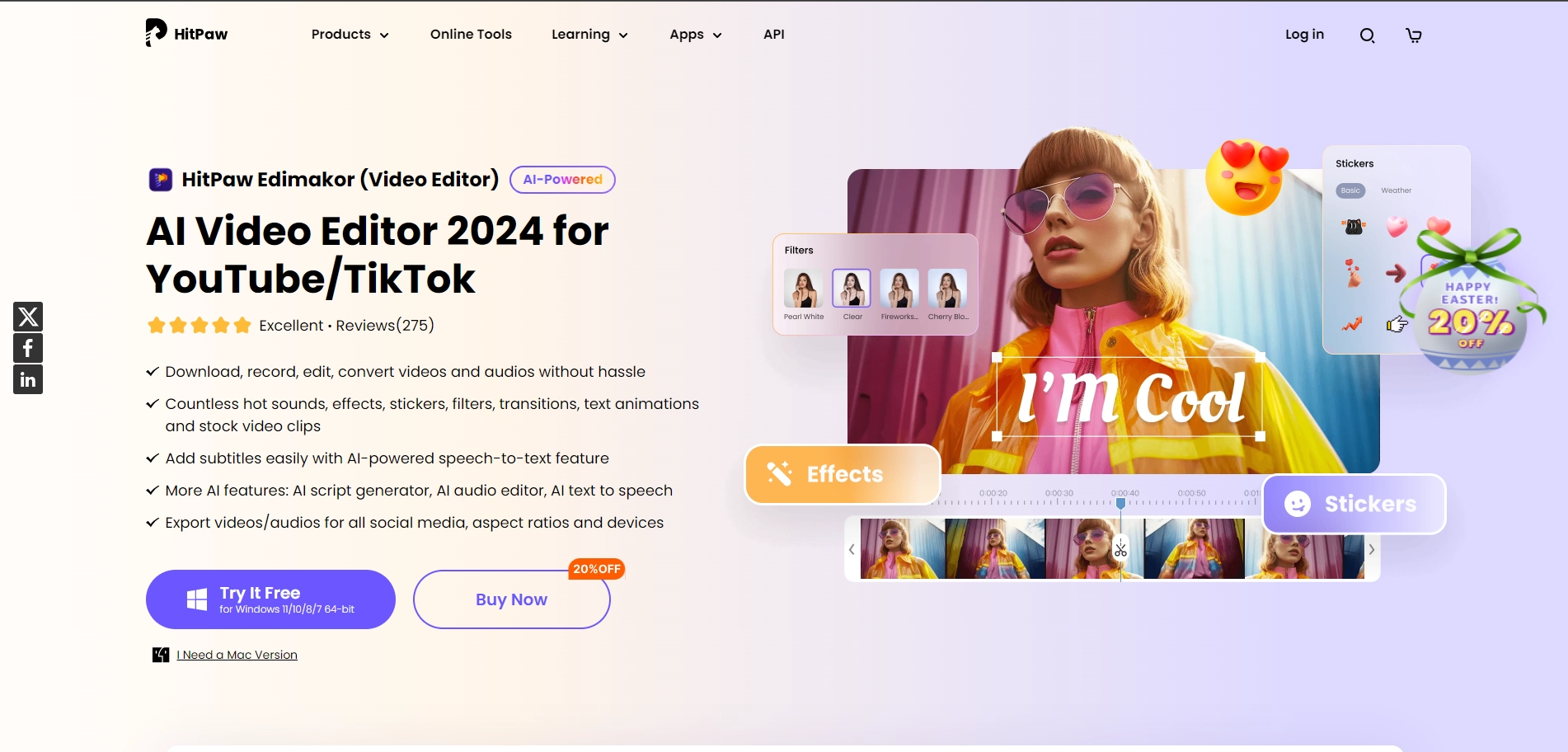
HitPaw Video Editor is an AI-powered video editing software designed to simplify the video creation process. It's best suited for content creators, social media enthusiasts, and professionals looking for an easy-to-use tool to enhance their videos. With its user-friendly interface, it caters to both beginners and experienced editors who need quick and efficient editing capabilities.
Key Features of HitPaw Video Editor
- AI-Powered Editing: Utilizes artificial intelligence to streamline tasks like trimming, cutting, and merging clips.
- Rich Media Library: Offers a vast collection of videos, images, and sounds to enhance projects.
- Text-to-Subtitle Conversion: Simplifies the subtitle creation process with AI technology.
- Background Removal: Allows users to seamlessly remove backgrounds from images within the video.
How Does HitPaw Video Editor Work?
- Import Media: Users can upload videos, audio files, and images to start the editing process.
- Edit Content: Provides tools for trimming, cropping, and adjusting the speed of video clips.
- Add Effects: Enhance videos with text overlays, stickers, transitions, and filters.
- Export: Once editing is complete, videos can be exported in various formats and resolutions suitable for different platforms.
What is HitPaw Video Editor Pricing?
- Monthly Subscription: Priced at $19.95, suitable for short-term projects.
- Annual Subscription: Costs $49.95, a good choice for regular users.
- Perpetual License: A one-time payment of $69.95 for lifetime access and updates.
Is HitPaw Video Editor Free?
Key Platforms
Core Service Areas:

User-Friendly Interface
AI-Powered Enhancements
Quick Editing Tools
Rich Media Library
Multi-Format Support
Social Media Integration
Frequently Asked Questions About HitPaw Edimakor
01
What makes HitPaw Edimakor different from other video editing tools?
HitPaw Edimakor is powered by AI, which streamlines the video editing process, making it easier and faster for users to create professional-quality videos without extensive editing skills.
02
Is HitPaw Edimakor suitable for beginners?
Yes, HitPaw Edimakor features a user-friendly interface designed for both beginners and experienced editors, allowing anyone to start editing videos easily.
03
What types of videos can I create with HitPaw Edimakor?
You can create a variety of videos including social media clips, tutorials, promotional videos, and more, making it ideal for content creators and professionals alike.
04
Can I access HitPaw Edimakor on different devices?
HitPaw Edimakor is designed to be versatile, and it is available for both Windows and Mac, ensuring that users can edit videos on their preferred devices.
05
Does HitPaw Edimakor offer any tutorials or support for new users?
Yes, HitPaw Edimakor provides tutorials and customer support to help new users get started and make the most of the software's features.
Promote HitPaw Edimakor
Get HitPaw Edimakor in front of thousands of buyers actively searching for AI tools. Feature your listing on the homepage and category pages, or add the verified badge to your site.
Copy Embed Code

Share on

Related AI Tools
Explore related AI tools for diverse applications and enhanced productivity

Unlock the best AI Tools for you!
Login or Approve this tool to continue exploring features and analytics.

