

Microsoft is a leader in the field of productivity, and it is constantly innovating and creating new ways to help people and organizations work smarter and faster. One of the key drivers of this innovation is the Microsoft cloud, which enables Microsoft to deliver powerful and flexible solutions that can transform how people work.
The Microsoft cloud consists of three main components: Azure, Office 365, and Dynamics 365. Azure is a platform that provides a range of cloud services, such as computing, storage, networking, databases, analytics, artificial intelligence, and more. Office 365 is a suite of cloud-based productivity apps, such as Word, Excel, PowerPoint, Outlook, Teams, OneDrive, and SharePoint. Dynamics 365 is a set of cloud-based business applications that help organizations manage their customer relationships, operations, finance, and more.
By using the Microsoft cloud, users can access their data and apps from any device and location, collaborate and communicate with others in real time, gain insights from data and AI, and automate and optimize their business processes. The Microsoft cloud also offers security, reliability, scalability, and compliance features that ensure users' data and privacy are protected.
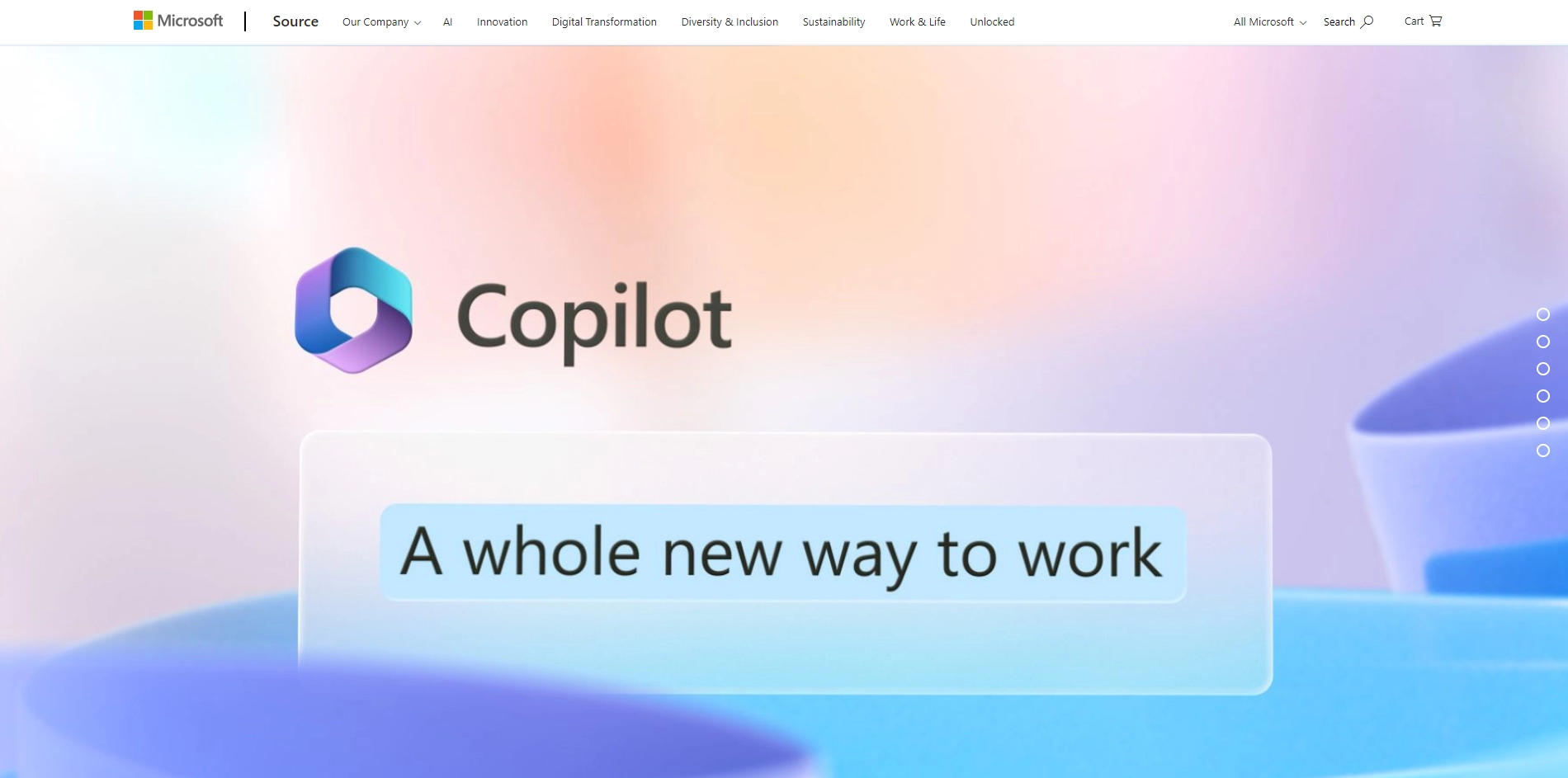
Microsoft's vision for the future of work is to reinvent productivity with AI. This means using AI to augment human capabilities and create new possibilities for how people work. For example, Microsoft has recently introduced Microsoft 365 Copilot, a new feature that uses a large language model called GPT-4 to help users write, edit, summarize, create, and present their work. Copilot works across all Microsoft 365 apps and integrates with the Microsoft Graph to leverage users' data and context.
Microsoft is also using AI to enhance its existing products and services. For example, Power Platform is a low-code development platform that allows users to build apps, workflows, chatbots, dashboards, and more using AI-generated components. Viva Sales is a new solution that uses AI to help sales teams improve their performance and customer satisfaction. And Cities Unlocked is a project that uses AI to help visually impaired people navigate their surroundings using sound.
Microsoft believes that AI can empower every person and organization to achieve more. By reinventing productivity with the Microsoft cloud and AI, Microsoft aims to create a whole new way of working for everyone.
Key Platforms
Core Service Areas:

Intelligent Document Assistance
Data Insights Generation
Task Automation
Collaborative Workspaces
Contextual Recommendations
Interactive Learning Tools
Pros
- It enables organizations to access enterprise information and insights anytime, anywhere and on any device
- It helps organizations transform the way they engage with customers and run their business
- It leverages the power of next-generation AI to turn words into the most powerful productivity tool on the planet
- It supports workers with role-based workspaces that improve decision making and collaboration
- It offers a flexible platform in Azure, a cloud productivity suite in Office 365, and customer-centric business applications in Microsoft Dynamics
Cons
- It may require significant investment in cloud infrastructure and security
- It may pose challenges in integrating existing legacy systems and data sources
- It may increase the dependency on internet connectivity and bandwidth
Frequently Asked Questions About Microsoft 365 Copilot
01
What is Microsoft 365 Copilot?
Microsoft 365 Copilot is an AI-powered tool designed to enhance productivity by integrating seamlessly with Microsoft 365 applications, helping users work smarter and faster.
02
How does Microsoft 365 Copilot improve productivity?
It leverages advanced AI capabilities to automate tasks, provide intelligent suggestions, and streamline workflows within Microsoft 365 applications.
03
Can Microsoft 365 Copilot be used with existing Microsoft 365 subscriptions?
Yes, Microsoft 365 Copilot is designed to integrate with existing Microsoft 365 subscriptions, enhancing the features and functionalities that users already have.
04
What types of tasks can Microsoft 365 Copilot assist with?
Microsoft 365 Copilot can assist with a variety of tasks, including drafting documents, generating data insights, creating presentations, and managing emails.
05
Is Microsoft 365 Copilot secure and compliant with data privacy regulations?
Yes, Microsoft 365 Copilot is built with security and compliance in mind, adhering to Microsoft's strict data privacy and protection standards to ensure user data is safe.
Promote Microsoft 365 Copilot
Get Microsoft 365 Copilot in front of thousands of buyers actively searching for AI tools. Feature your listing on the homepage and category pages, or add the verified badge to your site.
Copy Embed Code

Share on

Related AI Tools
Explore related AI tools for diverse applications and enhanced productivity
Unlock the best AI Tools for you!
Login or Approve this tool to continue exploring features and analytics.

