

Outline is free to try and has simple pricing plans after. You can create unlimited documents, collaborate with others and store your files securely. You also get a certain amount of AI-generated words and assistant messages per month, which you can add more if needed.
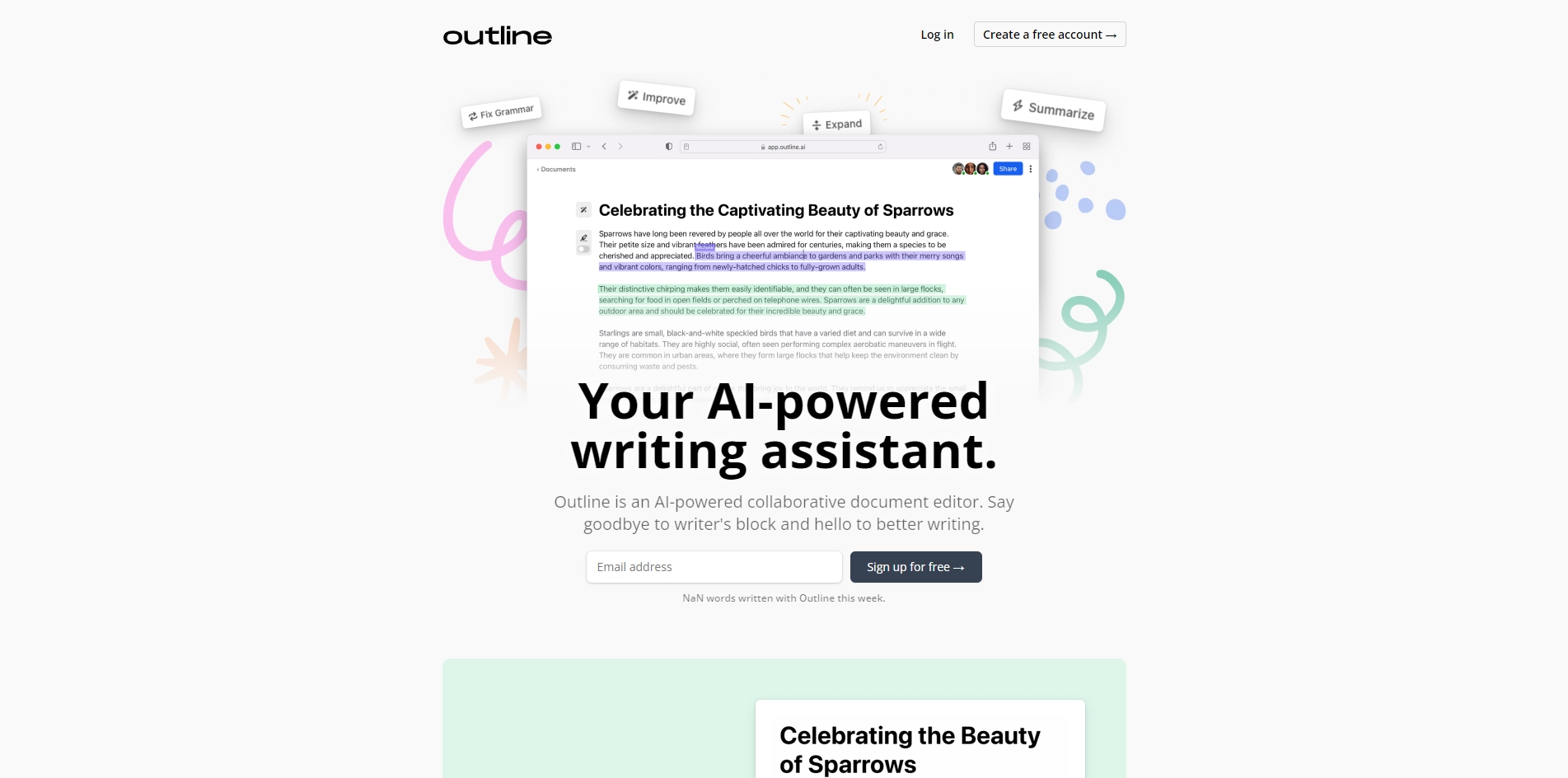
Outline is a collaborative document editor powered by artificial intelligence. It helps you write faster, better and easier by providing you with various features such as:
- AI continuation: You can have Outline continue writing where you left off, generate new ideas and inspire you to write more.
- AI commands: You can write simple commands and have the AI complete your tasks, such as summarizing a paragraph, finding synonyms or generating a title.
- AI editing tools: You can highlight text within your document and access powerful AI editing tools, such as rewriting sentences, checking grammar or adding citations.
- AI assistant: You can chat with your own personal AI assistant for facts, research and ideas. The assistant can answer your questions, suggest sources and help you with your writing.
Outline is a great tool for anyone who wants to improve their writing skills, overcome writer's block and save time and effort. Whether you are a student, a blogger, a marketer or a professional writer, Outline can help you create high-quality content with ease.
Key Platforms
Core Service Areas:

Unlimited Document Creation
Collaborative Workspace
Secure File Storage
AI-Generated Content
Customizable AI Quota
User-Friendly Interface
Pros
- It can generate text based on simple commands or continue writing where you left off, saving you time and effort.
- It has powerful AI editing tools that you can access by highlighting text within your document, such as rewriting sentences, finding facts, or generating ideas.
- It has a personal AI assistant that you can chat with for research and inspiration.
- It has a free trial and a simple pricing plan that allows you to add more words or messages as needed.
- It has positive reviews from users who have used it for various purposes, such as creating videos, product descriptions, or blog articles.
Cons
- It may not always produce accurate or original content, depending on the quality of your input and the complexity of your topic.
- It may not be able to capture your unique voice or style, especially if you have specific preferences or guidelines for your content.
- It may not be able to handle some types of documents, such as academic papers, legal documents, or technical manuals, that require more expertise or precision.
Frequently Asked Questions About Outline
01
Is Outline free to use?
Yes, Outline is free to try with simple pricing plans available for additional features.
02
Can I collaborate with others using Outline?
Yes, Outline allows you to collaborate with others on documents seamlessly.
03
How many documents can I create with Outline?
You can create unlimited documents with Outline.
04
What are AI-generated words and assistant messages?
AI-generated words and assistant messages are features that help enhance your writing experience, and you receive a certain amount each month.
05
Can I purchase additional AI-generated words if I run out?
Yes, you can add more AI-generated words and assistant messages if needed.
Promote Outline
Get Outline in front of thousands of buyers actively searching for AI tools. Feature your listing on the homepage and category pages, or add the verified badge to your site.
Copy Embed Code

Share on

Related AI Tools
Explore related AI tools for diverse applications and enhanced productivity
Unlock the best AI Tools for you!
Login or Approve this tool to continue exploring features and analytics.

