

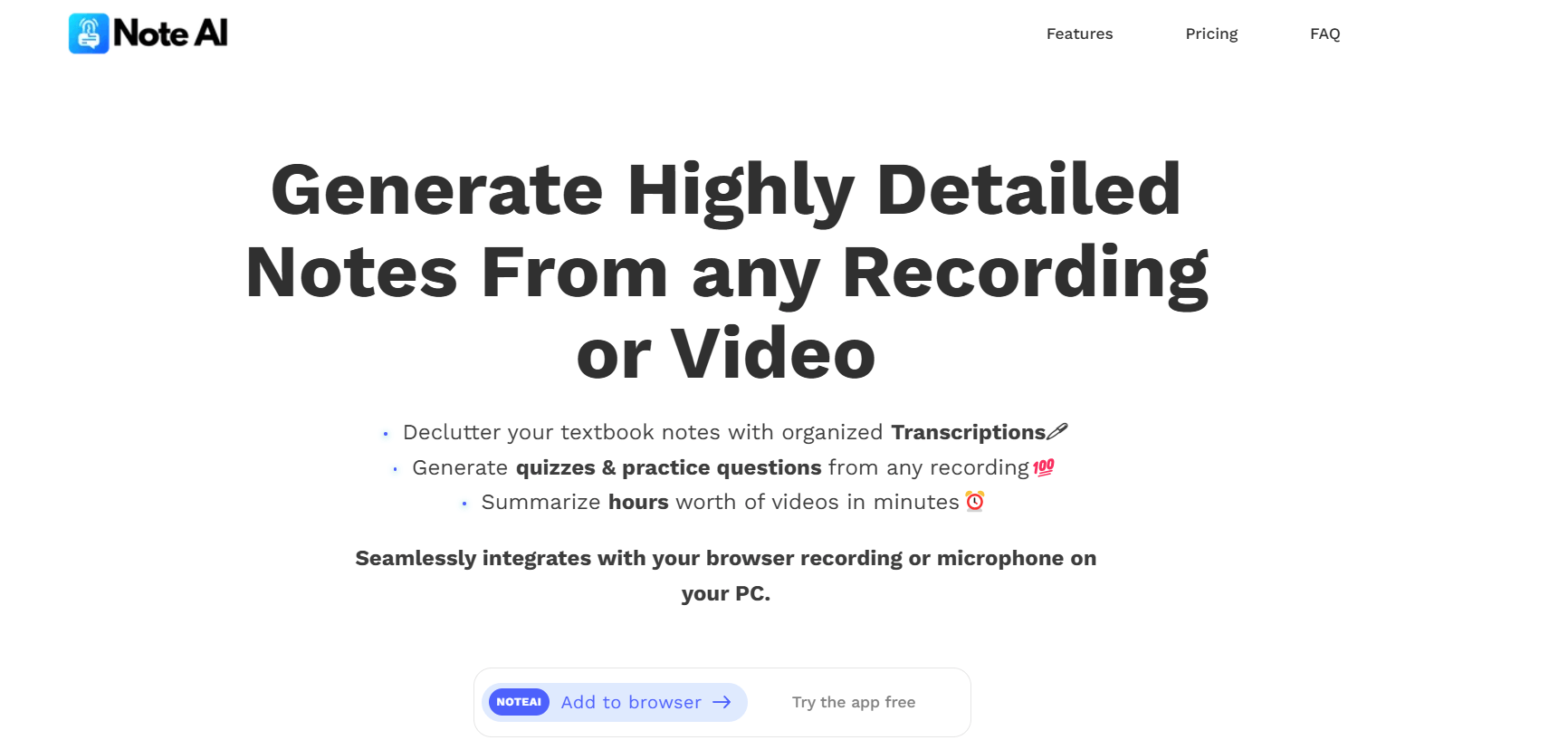
NoteAI is a versatile AI tool that helps users generate detailed notes, transcribe meetings, and summarize lectures seamlessly. It allows you to create quizzes and flashcards, making it a powerful assistant for both professionals and students.
What is NoteAI?
NoteAI is an innovative AI tool designed for simplifying note-taking and transcription tasks. Whether you’re attending a lecture, hosting a business meeting, or reviewing a long video, NoteAI transforms audio and video recordings into structured and clear notes. It integrates directly into your browser, works on both macOS and Windows, and supports live recording from your PC’s microphone or browser tab. Its additional features, such as flashcard and quiz generation, make it an essential study companion.
What Can You Do With NoteAI?
- Transcribe Meetings: With its automated meeting transcription feature, NoteAI captures every detail of your discussions, ensuring nothing is missed.
- Summarize Lectures: Using the lecture summarization tool, it condenses hours of lectures into concise key points.
- Generate Quizzes and Flashcards: The AI quiz generator and flashcard generator for students help you prepare effectively for exams or team discussions.
- Organize Transcriptions: Group notes by video source—be it uploaded recordings, YouTube videos, or live audio files.
- Record Tab and Microphone Audio: Record directly from browser tabs or PC-installed apps like Zoom, Teams, or Slack for seamless transcription.
Key Features of NoteAI
- AI Transcription Software: Transforms spoken content from audio and video recordings into highly detailed, searchable notes.
- AI Study Assistant Tool: Helps students and professionals stay organized and focused by summarizing and structuring notes.
- AI Quiz Generator: Automatically creates 5–10 practice questions from summarized recordings or uploaded media.
- AI Note-Taking Extension: Works within your browser to record and transcribe in real time.
- Automated Meeting Transcription: Captures and organizes work meetings for easy reference.
- Lecture Summarization Tool: Summarizes hours-long lectures into digestible highlights.
- Flashcard Generator for Students: Converts key points into flashcards for revision and learning.
Benefits of Using NoteAI
- Time-Saving: Simplifies note-taking and helps you focus on listening rather than writing.
- Accuracy: Transcription captures nuanced details, ensuring complete and reliable notes.
- Convenience: Works on any computer platform and integrates directly into your workflow.
- Enhanced Learning: With quizzes and flashcards, it ensures effective study sessions.
- Organization: Keeps all notes structured and categorized by their sources.
NoteAI Pricing
- Free Plan: Offers 30 minutes of transcription and note-taking credit per month, with all features unlocked.
- Pro Plan: Designed for heavy users, the Pro plan is available at $5/hour or an annual subscription rate.
FAQs About NoteAI
- What is NoteAI?
NoteAI is an AI-powered tool that helps users transcribe audio and video, summarize lectures, and create quizzes and flashcards to streamline learning and productivity. - How does NoteAI assist with meeting transcription?
NoteAI captures spoken content during meetings and converts it into accurate, detailed notes. It can record from your computer’s microphone or browser tabs, making it suitable for platforms like Zoom, Teams, or Slack. - Can NoteAI generate quizzes and flashcards?
Yes, NoteAI includes features for creating quizzes with 5–10 questions and generating flashcards to help users reinforce and review key information. - Is NoteAI compatible with my computer?
NoteAI works on both macOS and Windows devices and integrates directly into your browser for a seamless experience. - Does NoteAI offer a free version?
Yes, NoteAI provides a free plan that allows 30 minutes of usage per month, with access to all features. A Pro plan is available for extended use.
Key Platforms
Core Service Areas:

Meeting Transcription
Detailed Note Generation
Lecture Summarization
Quiz Creation
Flashcard Generation
User-Friendly Interface
Frequently Asked Questions About NoteAI
01
What features does NoteAI offer?
NoteAI offers features such as detailed note generation, meeting transcription, lecture summarization, quiz creation, and flashcard generation.
02
Can NoteAI transcribe audio from meetings?
Yes, NoteAI can transcribe audio from meetings, providing you with accurate and detailed written notes.
03
Is NoteAI suitable for students?
Absolutely! NoteAI is designed to assist both professionals and students, making it ideal for summarizing lectures and creating study materials like quizzes and flashcards.
04
How does NoteAI summarize lectures?
NoteAI uses advanced AI algorithms to analyze lecture content and condense it into concise summaries, highlighting key points and important information.
05
Can I use NoteAI on my mobile device?
Yes, NoteAI is accessible on various devices, including mobile phones and tablets, allowing you to take notes and manage your study materials on the go.
Promote NoteAI
Get NoteAI in front of thousands of buyers actively searching for AI tools. Feature your listing on the homepage and category pages, or add the verified badge to your site.
Copy Embed Code

Share on

Related AI Tools
Explore related AI tools for diverse applications and enhanced productivity

Unlock the best AI Tools for you!
Login or Approve this tool to continue exploring features and analytics.

