

Taking inspiration from GitHub Copilot, Notebook Copilot is the ultimate tool for Jupyter Notebooks. It is a game-changing solution that supports data scientists and engineers in building exceptional, top-notch notebooks. Imagine having your very own AI-powered assistant, effortlessly guiding you through the vast Jupiter universe.
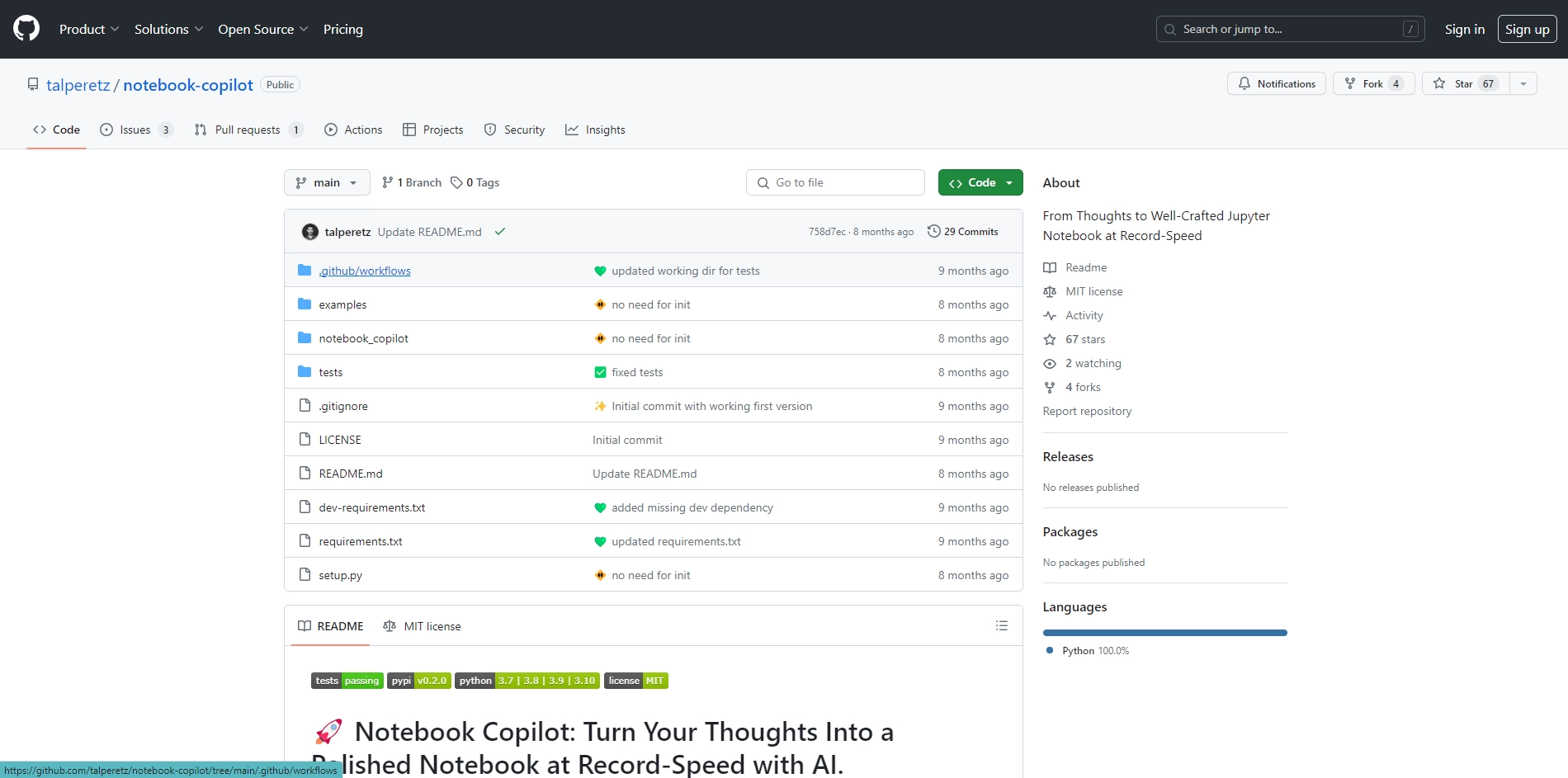
With Notebook CoPilot with you, the process of developing a notebook becomes easier. This simple tool effortlessly generates code and Markdown cells based on your input, significantly streamlining your workflow. Gone are the days of battling with syntax errors or spending hours searching for the right code snippet.
Notebook CoPilot intelligently analyzes your needs and provides fast suggestions and solutions, so you can focus on the core aspects of your work.
Notebook Copilot is the epitome of productivity and efficiency. It understands your intentions and provides accurate and precise support, ensuring that your notebooks are of the highest professional caliber.
From automated code generation to seamless integration with Markdown cells, Notebook CoPilot simplifies the complex and enables you to deliver high-quality work with ease.
Think of Notebook Co-Pilot as your trusted co-pilot in the world of Jupyter notebooks. It guides you through the intricacies of this powerful environment, enhancing your coding experience and boosting your productivity. Let Notebook Copilot be your AI-powered companion as you embark on the journey of creating extraordinary notebooks that showcase your expertise and creativity.
Key Platforms
Core Service Areas:

Smart Code Suggestions
Natural Language Queries
Error Detection
Documentation Generation
Data Visualization Assistance
Customization Options
Pros
- Notebook CoPilot uses advanced GPT examples for accurate and efficient code generation.
- Seamless access within Jupyter Notebook and other popular platforms, boosting your productivity.
- Understands the full context of your notebook, ensuring consistent and relevant code generation.
- Flexibility to use your own OpenAI key for personalized code generation and optimal results.
- Everyone can benefit from Notebook CoPilot. This is our contribution to the coding community, which aims to make coding accessible, efficient, and fun.
Cons
- While Notebook Copilot offers powerful support, there is still a learning process associated with mastering its features.
- Notebook CoPilot's ability to automatically generate code and Markdown cells can be a double-edged sword.
- While Notebook CoPilot is designed for Jupyter Notebooks, it may have limitations in terms of compatibility with certain Notebook versions or extensions.
Frequently Asked Questions About Notebook Copilot
01
What is Notebook Copilot?
Notebook Copilot is an AI-powered tool designed to assist data scientists and engineers in creating high-quality Jupyter Notebooks by providing smart suggestions and guidance throughout the notebook development process.
02
How does Notebook Copilot improve my Jupyter Notebook experience?
Notebook Copilot enhances your Jupyter Notebook experience by offering context-aware code suggestions, documentation, and examples, allowing you to work more efficiently and effectively.
03
Is Notebook Copilot compatible with existing Jupyter Notebook setups?
Yes, Notebook Copilot is designed to integrate seamlessly with your existing Jupyter Notebook environments, requiring minimal setup to start leveraging its features.
04
What programming languages does Notebook Copilot support?
Notebook Copilot primarily supports Python, but it can also assist with other languages commonly used in Jupyter Notebooks, depending on the specific kernel you are using.
05
How can I get started with Notebook Copilot?
To get started with Notebook Copilot, visit the GitHub repository, follow the installation instructions, and then integrate it into your Jupyter Notebook environment to begin using its AI-powered features.
Promote Notebook Copilot
Get Notebook Copilot in front of thousands of buyers actively searching for AI tools. Feature your listing on the homepage and category pages, or add the verified badge to your site.
Copy Embed Code

Share on

Related AI Tools
Explore related AI tools for diverse applications and enhanced productivity

Unlock the best AI Tools for you!
Login or Approve this tool to continue exploring features and analytics.

