

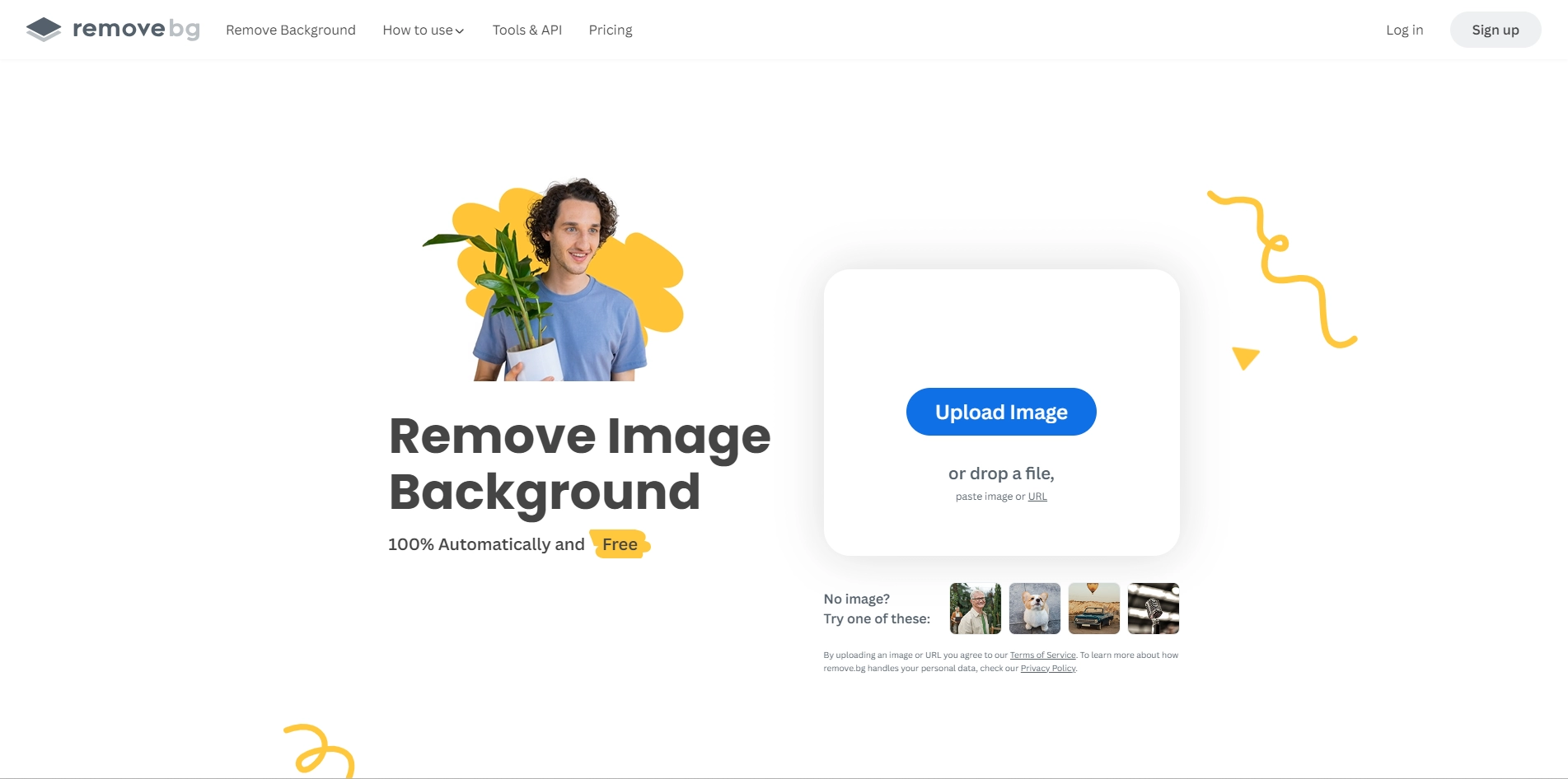
If you are looking for a way to remove the background from your images quickly and easily, you might want to check out remove.bg. This is a website that uses artificial intelligence to automatically detect and erase the background from any photo in seconds. You can use it for free for up to 50 images per month, or upgrade to a paid plan for more features and benefits.
Key Platforms
Core Service Areas:

AI-Powered Background Removal
Free Usage Option
High-Quality Output
Batch Processing
User-Friendly Interface
Flexible Subscription Plans
Pros
- It can **remove backgrounds 100% automatically** in 5 seconds with one click.
- It can **slash editing time** and make the process more fun.
- It can **make a background transparent (PNG) or add a white background** to a photo.
- It has **tools and plugins** for some of the most popular design programs, eCommerce sites and computer environments.
- It has a **magic brush** feature that allows users to refine the results manually.
Cons
- It may not be able to handle **complex or messy backgrounds** very well.
- It may not be able to preserve **fine details** such as hair or fur.
- It may not be able to **change the background** to a different image or color easily.
Frequently Asked Questions About Remove.bg
01
What is Remove.bg and how does it work?
Remove.bg is an AI-powered tool that automatically removes the background from images in seconds. By using advanced algorithms, it detects the subject in your photo and erases the background, making it easy to create transparent or new backgrounds.
02
Is Remove.bg free to use?
Yes, Remove.bg offers a free plan that allows you to process up to 50 images per month. For users needing to remove backgrounds from more images or access additional features, paid plans are available.
03
What image formats does Remove.bg support?
Remove.bg supports various image formats, including JPEG and PNG, allowing users to upload and process their images easily.
04
Can I edit the images after removing the background?
Yes, after removing the background, you can download the image with a transparent background or replace it with a new background using image editing software of your choice.
05
How accurate is the background removal process?
Remove.bg uses advanced AI technology to achieve high accuracy in background removal. While it works well for most images, results may vary based on the complexity of the image and the contrast between the subject and background.
Promote Remove.bg
Get Remove.bg in front of thousands of buyers actively searching for AI tools. Feature your listing on the homepage and category pages, or add the verified badge to your site.
Copy Embed Code

Share on

Related AI Tools
Explore related AI tools for diverse applications and enhanced productivity

Unlock the best AI Tools for you!
Login or Approve this tool to continue exploring features and analytics.

