

Text-Gen.com is a website that offers a free alternative to copywriting tools like Copy.ai, Jasper and Rytr. It is an open-source AI assistant tool that uses generative artificial intelligence to help you create and organize knowledge in Obsidian, a powerful note-taking app.
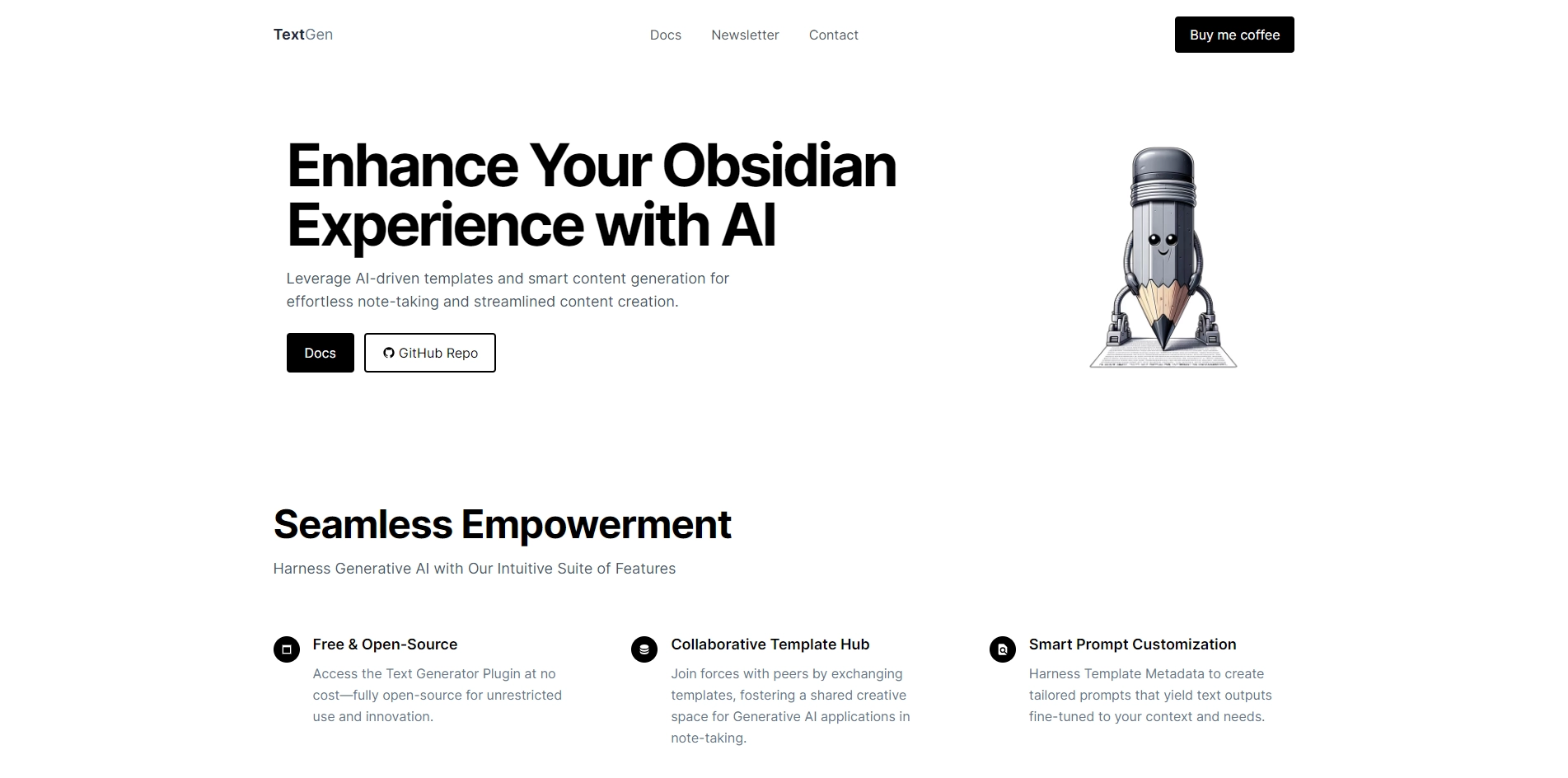
With Text-Gen.com, you can generate ideas, titles, summaries, outlines, and paragraphs based on your knowledge database. You can also use templates and commands to customize your text generation. Text-Gen.com is a plugin for Obsidian that you can install and use easily. In this blog post, I will show you how to get started with Text-Gen.com and what features it offers.
Key Platforms
Core Service Areas:

Generative Text Creation
Obsidian Integration
Open-Source Flexibility
Content Organization
User-Friendly Interface
Free-to-Use Model
Pros
- It can help users create and organize their knowledge base more efficiently and creatively.
- It supports various commands and templates for different types of text generation, such as ideas, titles, summaries, outlines, and paragraphs.
- It is open-source and free to use, with an option to donate to support the project.
Cons
- It may not always generate accurate or relevant text, depending on the input and the context.
- It may require some editing and proofreading after generating text, as it may contain grammatical or spelling errors.
- It may raise ethical or legal issues if the generated text is used for plagiarism or other malicious purposes.
Frequently Asked Questions About Text Generator Plugin
01
What is the Text Generator Plugin?
The Text Generator Plugin is an open-source AI assistant that helps you create and organize knowledge in Obsidian, offering a free alternative to traditional copywriting tools.
02
How does the Text Generator Plugin work?
The plugin uses generative artificial intelligence to assist users in generating content and organizing their notes efficiently within the Obsidian app.
03
Is the Text Generator Plugin really free to use?
Yes, the Text Generator Plugin is completely free to use, making it a cost-effective solution for those looking for copywriting assistance.
04
Can I use the Text Generator Plugin for other applications besides Obsidian?
The Text Generator Plugin is specifically designed to work with Obsidian, and its features are optimized for that powerful note-taking environment.
05
Is the Text Generator Plugin suitable for beginners?
Absolutely! The Text Generator Plugin is user-friendly and designed to assist both beginners and experienced users in generating and organizing their content effectively.
Promote Text Generator Plugin
Get Text Generator Plugin in front of thousands of buyers actively searching for AI tools. Feature your listing on the homepage and category pages, or add the verified badge to your site.
Copy Embed Code

Share on

Related AI Tools
Explore related AI tools for diverse applications and enhanced productivity
Unlock the best AI Tools for you!
Login or Approve this tool to continue exploring features and analytics.

