

Do you want to enhance your photos without spending hours on editing software? Do you want to make your images look more professional and appealing? If you answered yes to any of these questions, then you might be interested in Viesus, a powerful online photo enhancement service.
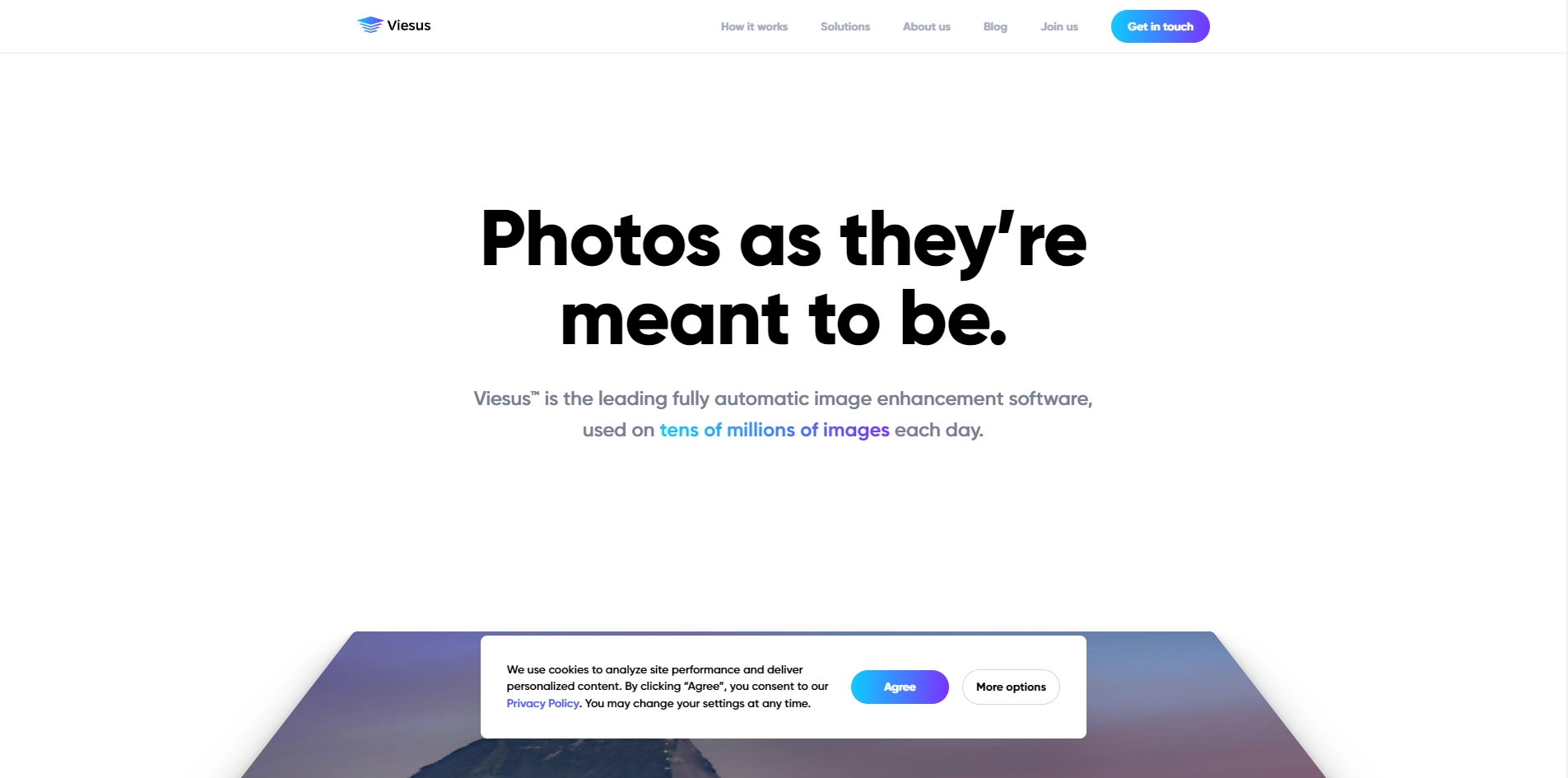
Viesus is a web-based application that uses advanced algorithms and artificial intelligence to automatically improve your photos in seconds. You can upload your photos from your computer, smartphone, tablet, or cloud storage and let Viesus do the magic. Viesus can adjust the exposure, contrast, color balance, saturation, sharpness, noise reduction, and skin tone of your photos. You can also choose from different presets and filters to suit your style and mood.
Viesus is not only fast and easy to use, but also affordable and secure. You can enhance up to 10 photos for free every month, or upgrade to a premium plan for unlimited enhancements and more features. You can also download your enhanced photos in high quality and share them with your friends and family on social media. Viesus respects your privacy and does not store or share your photos without your permission.
If you want to learn more about Viesus and how it can help you create stunning photos, visit their website at https://www.viesus.com/ and try it out for yourself. You will be amazed by the results!
Key Platforms
Core Service Areas:

One-Click Enhancement
Advanced Filters
AI-Powered Tools
User-Friendly Interface
Batch Processing
High-Resolution Output
Pros
- It can enhance photos in different formats, such as PDF, JPEG, PNG, etc.
- It can be integrated into various workflows and environments through its SDKs, API, and standalone tools.
- It can handle large volumes of images with fast speed and scalability.
- It can adjust the photos to reflect reality as beautiful as it was, without over-processing or distorting them.
Cons
- It may not suit everyone's personal preferences or artistic visions for photo editing.
- It may not be able to correct some issues that require manual intervention, such as removing unwanted objects or fixing blemishes.
- It may not be compatible with some older or less common platforms or devices.
Frequently Asked Questions About Viesus
01
What types of photo enhancements does Viesus offer?
Viesus provides a variety of enhancements including color correction, sharpening, noise reduction, and overall image improvement to make your photos look more professional.
02
Is Viesus easy to use for beginners?
Yes, Viesus is designed with user-friendliness in mind, allowing even beginners to enhance their photos quickly and efficiently without prior editing experience.
03
Can I use Viesus for bulk photo enhancements?
Absolutely! Viesus supports bulk photo enhancement, making it convenient for users who need to process multiple images at once.
04
Do I need to install any software to use Viesus?
No, Viesus is an online service, which means you can access it directly from your web browser without needing to install any software.
05
Is there a free trial available for Viesus?
Yes, Viesus offers a free trial that allows you to test its features and see the results before committing to a subscription.
Promote Viesus
Get Viesus in front of thousands of buyers actively searching for AI tools. Feature your listing on the homepage and category pages, or add the verified badge to your site.
Copy Embed Code

Share on

Related AI Tools
Explore related AI tools for diverse applications and enhanced productivity

Unlock the best AI Tools for you!
Login or Approve this tool to continue exploring features and analytics.

