

Voicemod is a free real-time voice changer and soundboard that allows you to change your voice in real time and add sound effects to your voice. It is a great tool for gamers, streamers, and anyone who wants to have fun with their voice.
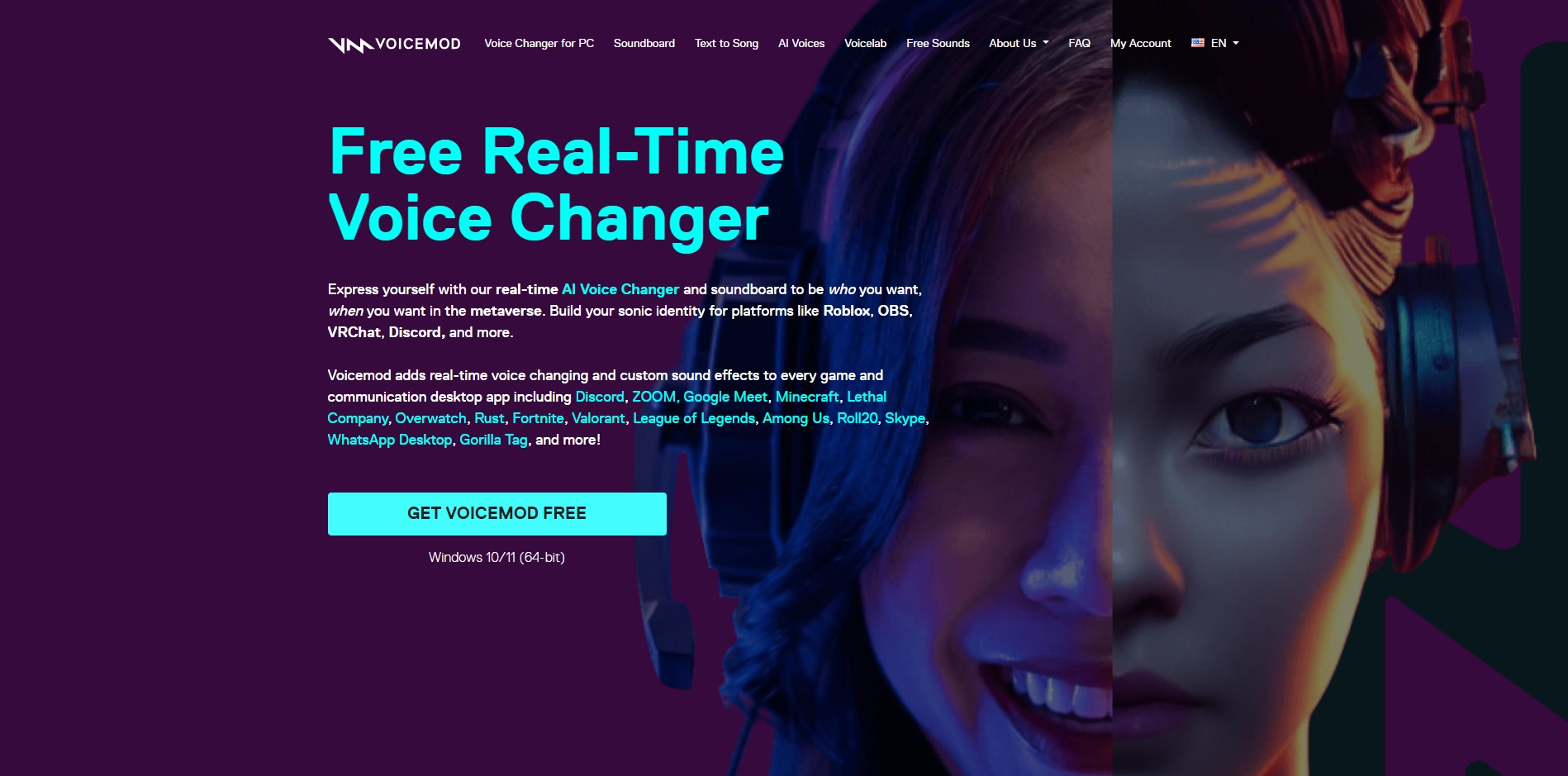
Voicemod is a software application that runs on Windows and macOS. It is a free download and easy to use. Once installed, Voicemod can be used with any application that allows you to input audio, such as games, streaming software, and voice chat applications.
Voicemod is a great tool for gamers, streamers, and anyone who wants to have fun with their voice. It is free to download and easy to use. If you are looking for a way to change your voice in real time and add sound effects to your voice, then Voicemod is a great option.
Voicemod uses a variety of technologies to change your voice. These technologies include:
- Pitch shifting: This technology allows you to change the pitch of your voice, making it higher or lower.
- Voice modulation: This technology allows you to add different effects to your voice, such as making it sound like a robot, a monster, or a celebrity.
- Soundboard: Voicemod comes with a built-in soundboard that allows you to play sound effects with your voice.
Key Platforms
Core Service Areas:

Real-Time Voice Changing
Extensive Soundboard
User-Friendly Interface
Compatibility
Custom Voice Effects
Free to Use
Pros
- Free: The free version of Voicemod is free to use.
- Easy to use: Voicemod is easy to use and set up.
- Versatile: Voicemod can be used with a variety of applications, including games, streaming software, and voice chat applications.
- Creative: Voicemod can be used to create a variety of different voice effects, making it a great tool for gamers, streamers, and anyone who wants to have fun with their voice.
- Upgradable: Voicemod offers a premium version that includes additional features and benefits.
Cons
- Limited features: The free version of Voicemod is limited in features.
- Not compatible with all devices: Voicemod is not compatible with all devices.
- Can be distracting: Voicemod can be distracting, especially if you are using it in a professional setting.
Frequently Asked Questions About Voicemod
01
What is Voicemod?
Voicemod is a free real-time voice changer and soundboard that allows users to modify their voice in real-time and add sound effects, making it ideal for gamers, streamers, and anyone looking to have fun with their voice.
02
Is Voicemod free to use?
Yes, Voicemod is available for free, offering a wide range of voice effects and soundboard features. However, there are premium options available for users who want access to additional voice packs and features.
03
How do I install Voicemod?
To install Voicemod, simply download the software from the official Voicemod website, run the installer, and follow the on-screen instructions to set it up on your computer.
04
Can I use Voicemod with my favorite games and streaming platforms?
Yes, Voicemod is compatible with popular gaming and streaming platforms such as Discord, Twitch, and Fortnite, allowing you to use the voice changer and soundboard in real-time during your sessions.
05
Do I need a special microphone to use Voicemod?
No, you do not need a special microphone to use Voicemod. It works with most standard microphones, but for the best sound quality, a good quality microphone is recommended.
Promote Voicemod
Get Voicemod in front of thousands of buyers actively searching for AI tools. Feature your listing on the homepage and category pages, or add the verified badge to your site.
Copy Embed Code

Share on

Related AI Tools
Explore related AI tools for diverse applications and enhanced productivity
Unlock the best AI Tools for you!
Login or Approve this tool to continue exploring features and analytics.

