
Table Of Contents
Best AI Video Generators (Free & Paid) to Try in 2026
Published on : Feb 21 2025

Tired of the old way of making videos? You might want something newer, faster and cooler. AI video generators are like magic. These tools transform your ideas into videos in just a few clicks. There will be no need to spend hours editing. This tool will be useful for content creators, business owners and many more.
Read further to check out the best AI video generators that are trending in 2026.
Quick Summary
AI video generators are helping people who want an AI video maker to create simple clips or need something more professional. These generators offer free tools to high-end paid platforms.
Options are endless. Keep reading to know which AI generator you should give a try
What makes the best AI video generator?
Some of you might have a question: what exactly makes a great AI video creator?. It's simple. The best AI video tools should save you time. Along with that, it should provide high-quality output and should be easy to use.
Every video creator needs a platform that provides customization, multiple templates and AI features to make videos look professional.
The best AI-generated video tools should allow users to create in a way that feels personal and engaging. That also without needing to know complicated editing software.
Best AI Video Generators Tools
Below are some of the top AI video generators to try in 2026:
Sora
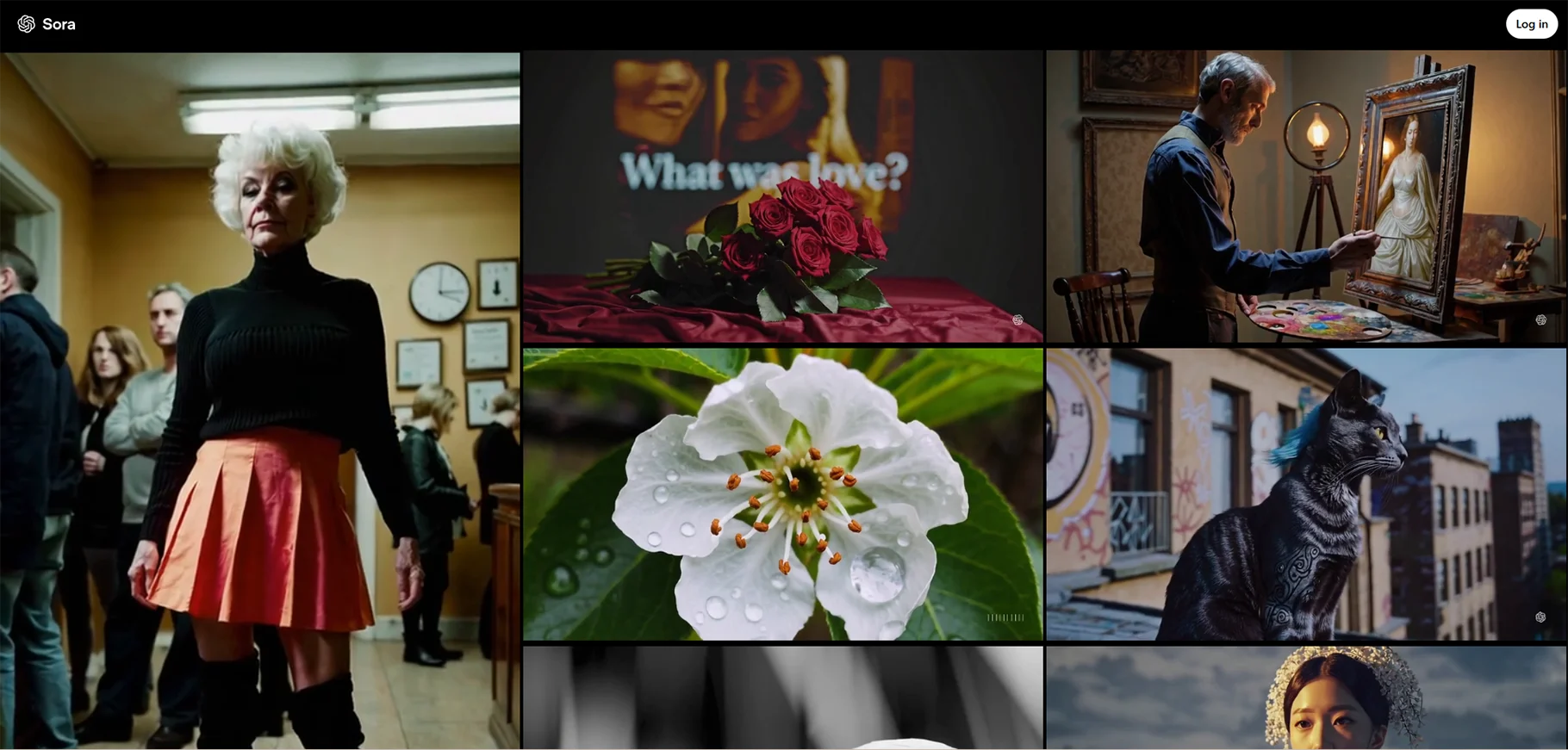
Sora is an AI video generator that allows users to create high-quality videos. That also with minimal effort. It uses advanced AI that edits and produces automatically. This makes it very easy for anyone to use. This tool helps if you want a quick promotional video, social media clip or corporate presentations. You can upload your content and Sora does it.
The strength of this tool lies in its accessibility and speed. This makes it a top choice for the users who want to generate videos quickly. However, some advanced editing features may be lacking for experienced users.
Pros
- It is easy to use
- Sora offers a variety of templates
- It does video generation faster
- This tool is great for beginners
Cons
- It has limited advanced editing options
- This tool can be slow for high-definition videos
- This is not best for complex video projects
Price
- Free plan available
- ChatGPT Plus Plan: $20/month
- ChatGPT Pro Plan: $200/month
Runway
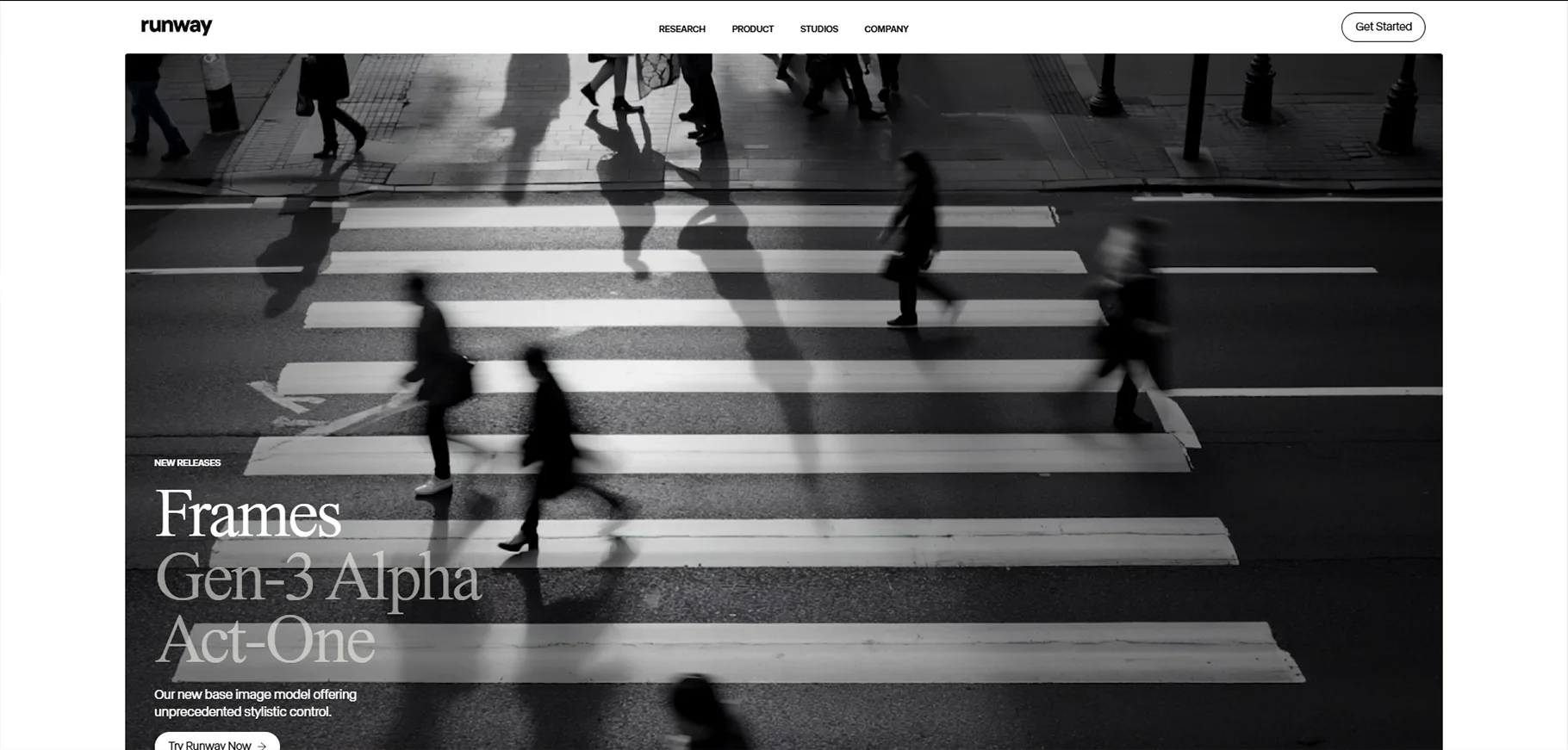
Runway is an AI video maker. It combines AI-based tools with traditional video editing. It helps you in case you need to add effects, remove backgrounds or use AI for animations. This tool is for creatives who want to push their boundaries of video production. This makes it best for professional quality videos. This tool is very helpful for content creators in film and media industries.
Runway has its own real-time collaboration features. This makes it easy for teams to work on projects together. It also integrates with other software. It even adds flexibility.
Pros
- Runway has a wide range of AI-based features
- It is great for collaboration
- It has professional-level video editing tools
- This tool has real-time AI assistance
Cons
- It is a steeper learning curve for beginners
- Runway can be expensive for small creators
- It requires a stable internet connection for best performance
Price
- Free plan available
- Standard plan: $12/user/month
- Pro plan: $28/user/month
- Unlimited plan: $76/user/month
- Enterprise plan: contact sales
Descript
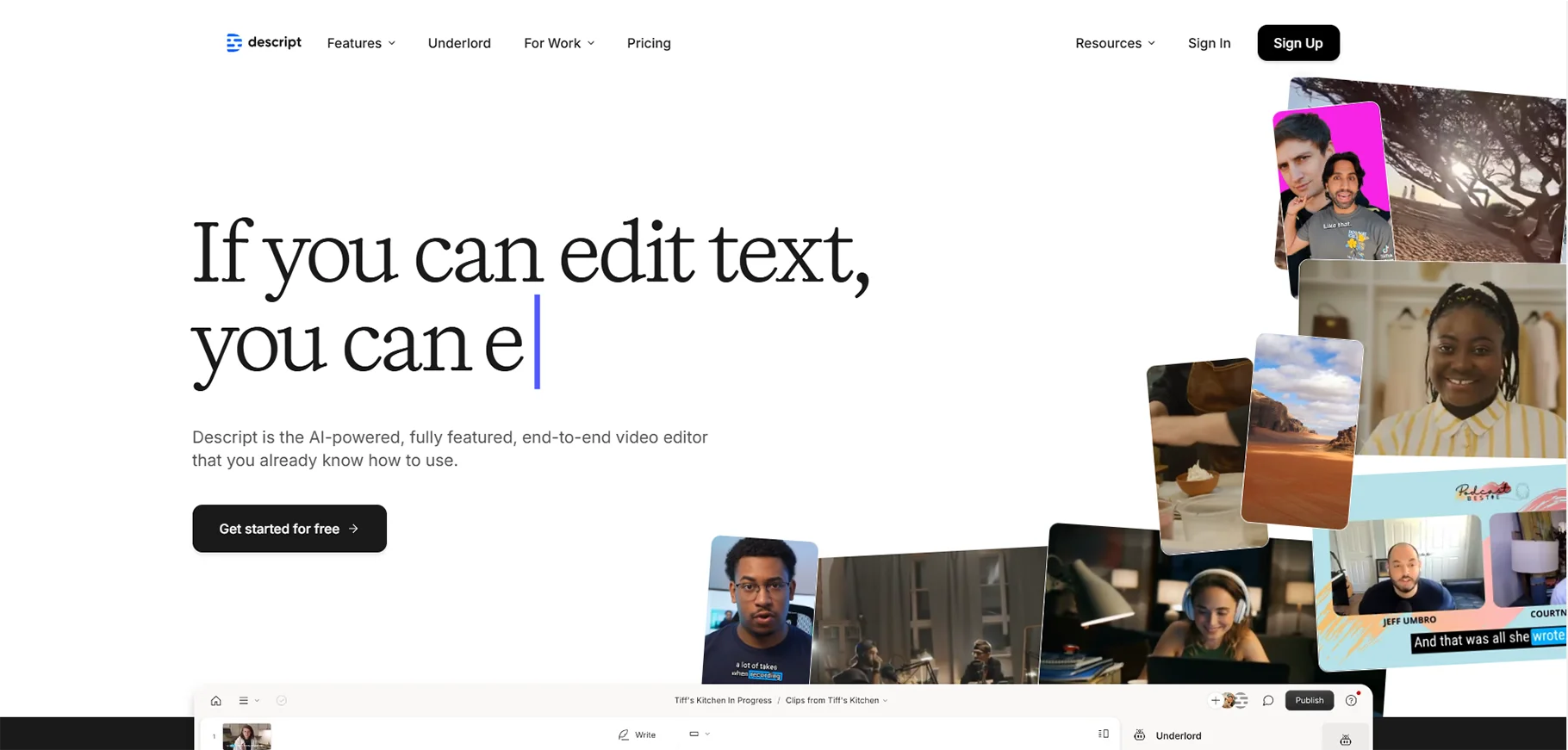
Descript is a tool that is designed for podcasters and video editors. This tool is for the users who want an easy way to edit audio and video content. The software allows users to edit video by editing text. This is a unique and convenient approach. It has features like transcription, overdubbing and automatic captioning.
Descript simplifies the video editing process. This tool is for the people who wants quick polish for their videos. That also without getting into complex editing tasks. This tool can even sync audio and video quickly and efficiently. Its reliance on text-based editing might not appeal to all users.
Pros
- It has easy text-based editing
- It's great for podcasting and interviews
- This tool has automatic transcription and captions
- Descript has AI-based audio editing
Cons
- This tool has limited visual editing options
- It may not suit advanced video editors
- It requires strong internet for real-time features
Price
- Free plan available
- Hobbyist: $12/month
- Creator: $24/month
- Business: $40/month
- Enterprise: contact sales
Wondershare Filmora
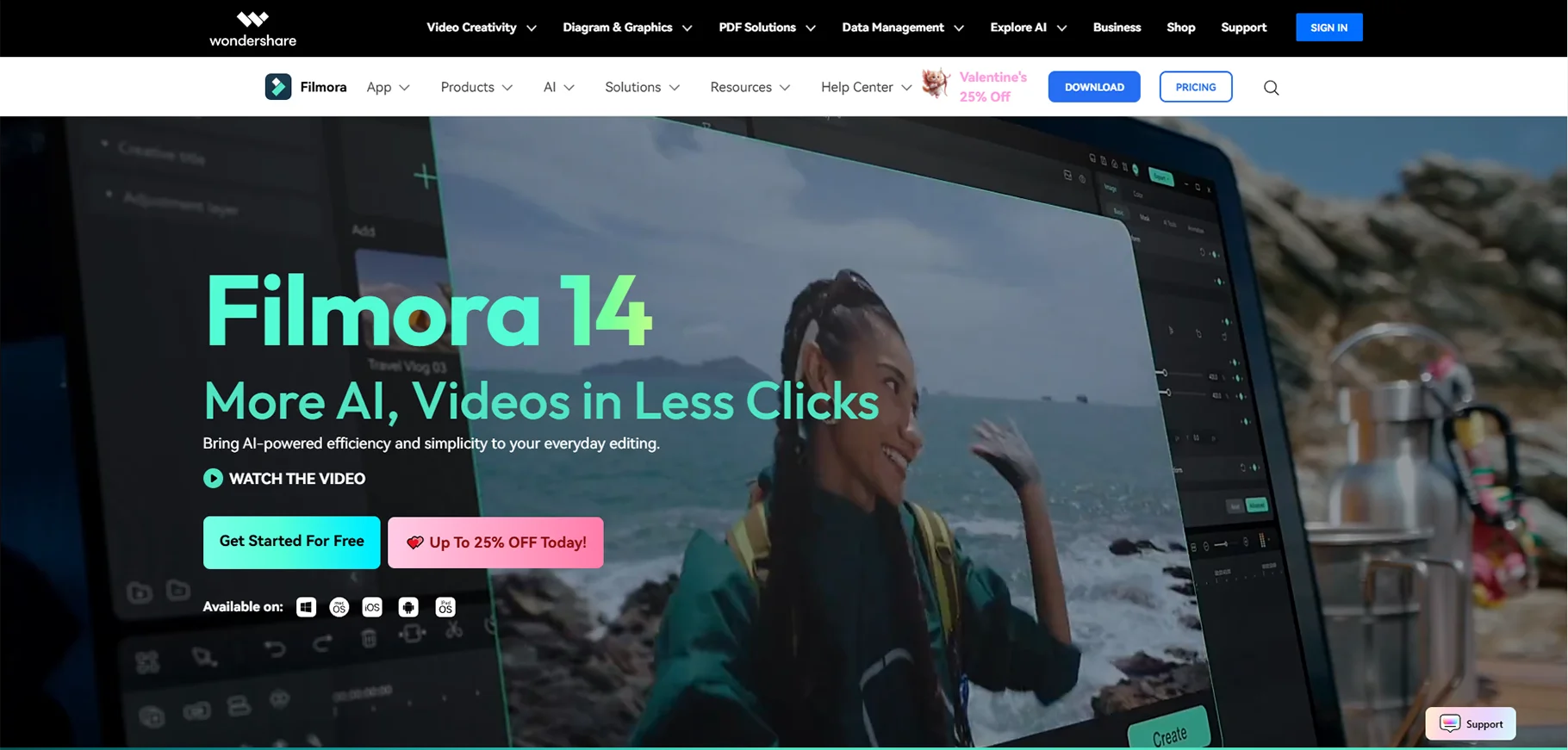
Wondershare Filmora is a beginner-friendly AI video generator. It offers easy drag-and-drop video editing. Users can automatically generate high-quality videos with built-in AI features. This is done by giving minimal effort. Filmora is perfect for content creators because they need an efficient and easy editing feature.
This tool allows users to create simple home videos, professional content and more. This tool is for someone who wants to use Wondershare Filmora for an easy interface. Filmora's integration with AI helps in automating many aspects of video creation. It does lack some advanced editing features that professionals might need.
Pros
- It has an intuitive interface
- This tool provides AI-based templates and transitions
- It offers easy drag-and-drop editing
Cons
- This tool lacks advanced editing features
- It gets slow on larger files
- It has limited control over video quality
Price
- Free plan available
- Advanced plan: $31.49/year
- Basic plan: $9.99/month
- Perpetual plan: $42.49 one-time payment
InVideo AI
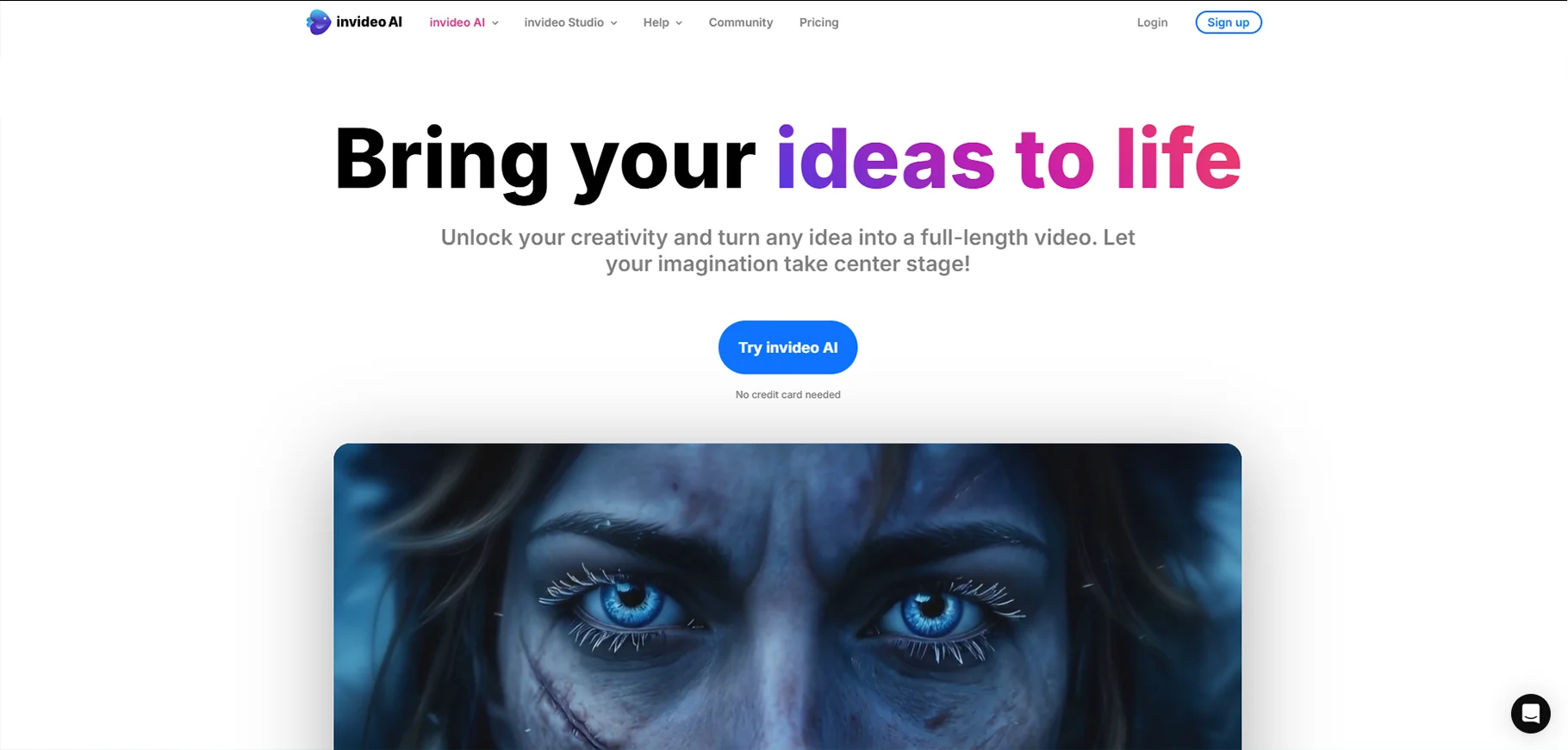
InVideo AI is an online video maker. It helps you in creating stunning videos in minutes. This platform makes it easy to create content with thousands of templates for social media marketing and presentations. InVideo AI provides tools that help in generating videos fast. It is best for video content creators because they need video quickly
InVideo AI has its huge library of templates and stock footage. That also comes with AI tools that help you fine tune videos. It is highly adaptable to different content needs.
Pros
- It has huge library of templates
- Its interface is easy to use
- This tool supports multiple video formats
- InVideo has AI editing tools
Cons
- It provides limited features on the free plan
- It has watermark on free videos
- This can be overwhelming for beginners due to many options
Price
- Free plan available
- Plus plan: $28/month
- Max plan: $48/month
- Generative plan: $96/month
Synthesia
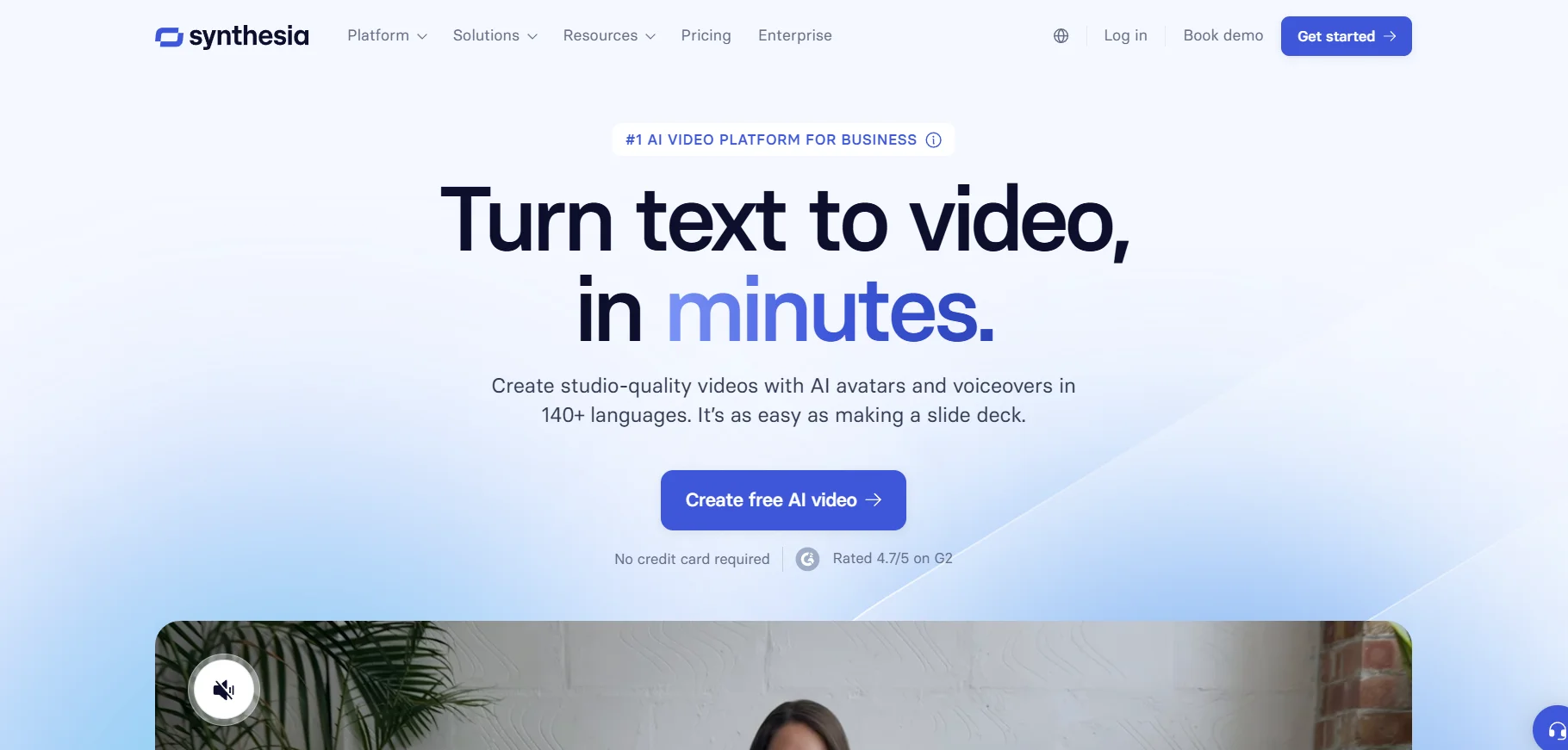
Synthesia is the best AI video generator that creates lifelike avatars. Those avatars are useful in delivering video content. Synthesia allows users to generate realistic videos of AI avatars speaking in different languages. It is best for corporate training, presentations and marketing videos.
This software uses AI to convert text into speech. That makes video production faster and more cost-effective. Synthesia creates high-quality AI avatars, but they can be pricey. Especially for those who need lots of custom content.
Pros
- It has realistic AI avatars
- It supports multiple language
- It's great for training and marketing videos
- No camera or actors needed
Cons
- Their premium plans are of high cost
- It has limited customization for avatars
- It lacks in-depth video editing tools
Price
- Starter plan: ₹1499/month
- Creator plan: ₹4649/month
- Enterprise plan: contact sales
Vyond
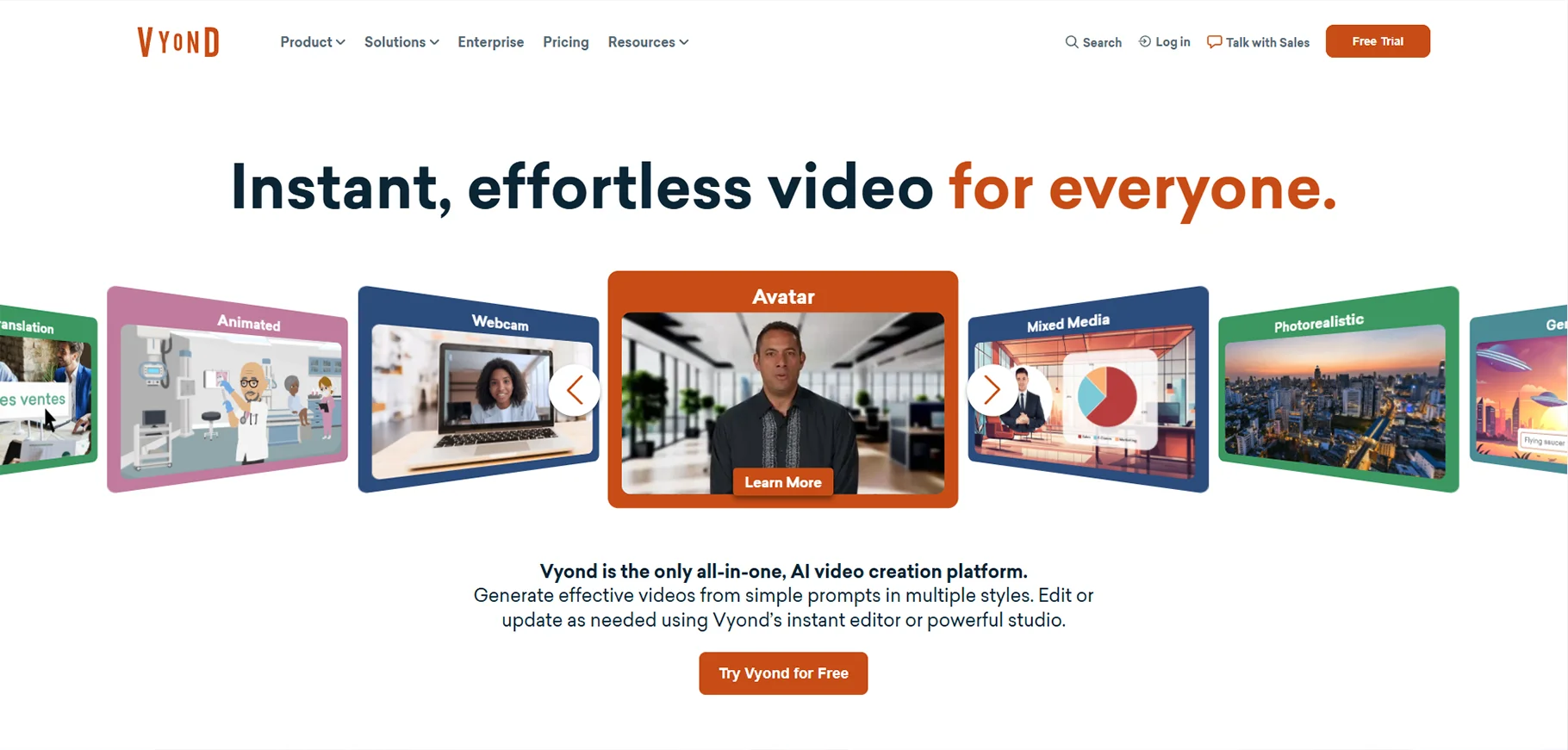
Vyond is an AI video creator focused on animated videos. It is great for creators explaining videos, eLearning content and corporate presentations. Vyond allows users to create engaging animations quickly. That also with its easy-to-use interface and customizable characters.
Vyond is an AI tool for animated videos. It offers a variety of templates and assets. It makes video creation accessible for everyone. Plus, it allows real-time collaboration. It makes sure that teams can work together seamlessly to produce high-quality videos.
Pros
- Its animation features are easy to use.
- It is great for creating explainer videos
- Vyond has customizable characters and scenes
- This tool is excellent for business content
Cons
- It can be expensive for small businesses
- Vyond lacks advanced editing tools
- It is limited to animation-style videos
Price
- Essential plan: $25/month/user
- Premium plan: $54/month /user
- Professional plan: $92/month /user
- Enterprise plan: $125/month /user
LTX Studio
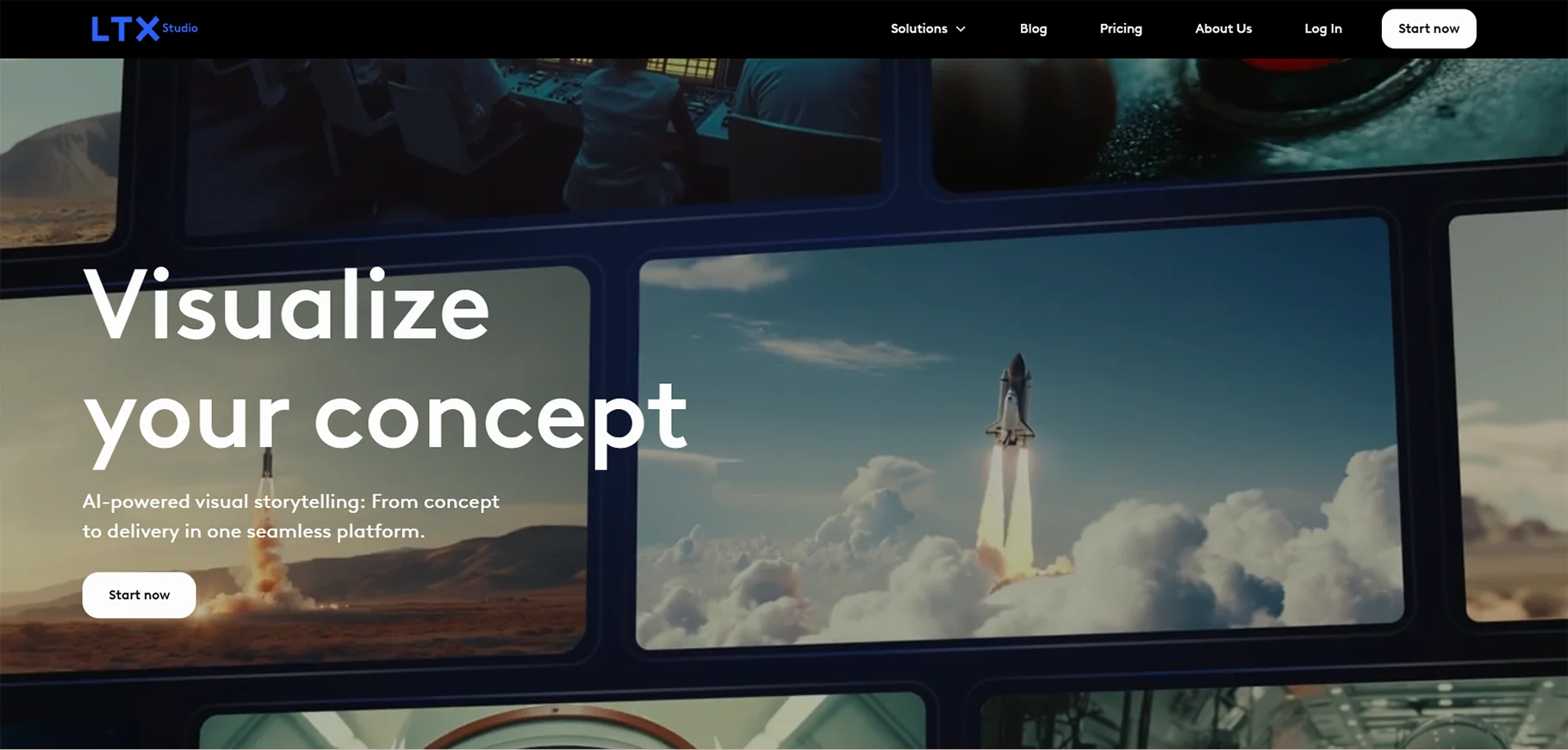
LTX Studio is a tool for generating AI video. This tool is known for its AI based text to video technology. This platform allows users to convert written scripts into high quality video content. It is best for marketers, content creators and businesses that need video content quickly. That also without sacrificing quality.
LTX Studio helps you create professional videos with AI editing features. The tool’s real time video rendering is impressive. But it may lack some flexibility for more complex video projects.
Pros
- Text-to-video conversion
- It has AI-generated videos of high quality
- It offers quick video rendering
- For beginners it is easy to use
Cons
- Its customization for advanced users is limited
- Free version has watermarks
- It lacks advanced video effects
Price
- Free plan available
- Community plan: $15/month
- Standard plan: $35/month
- Business plan: $175/month
Canva
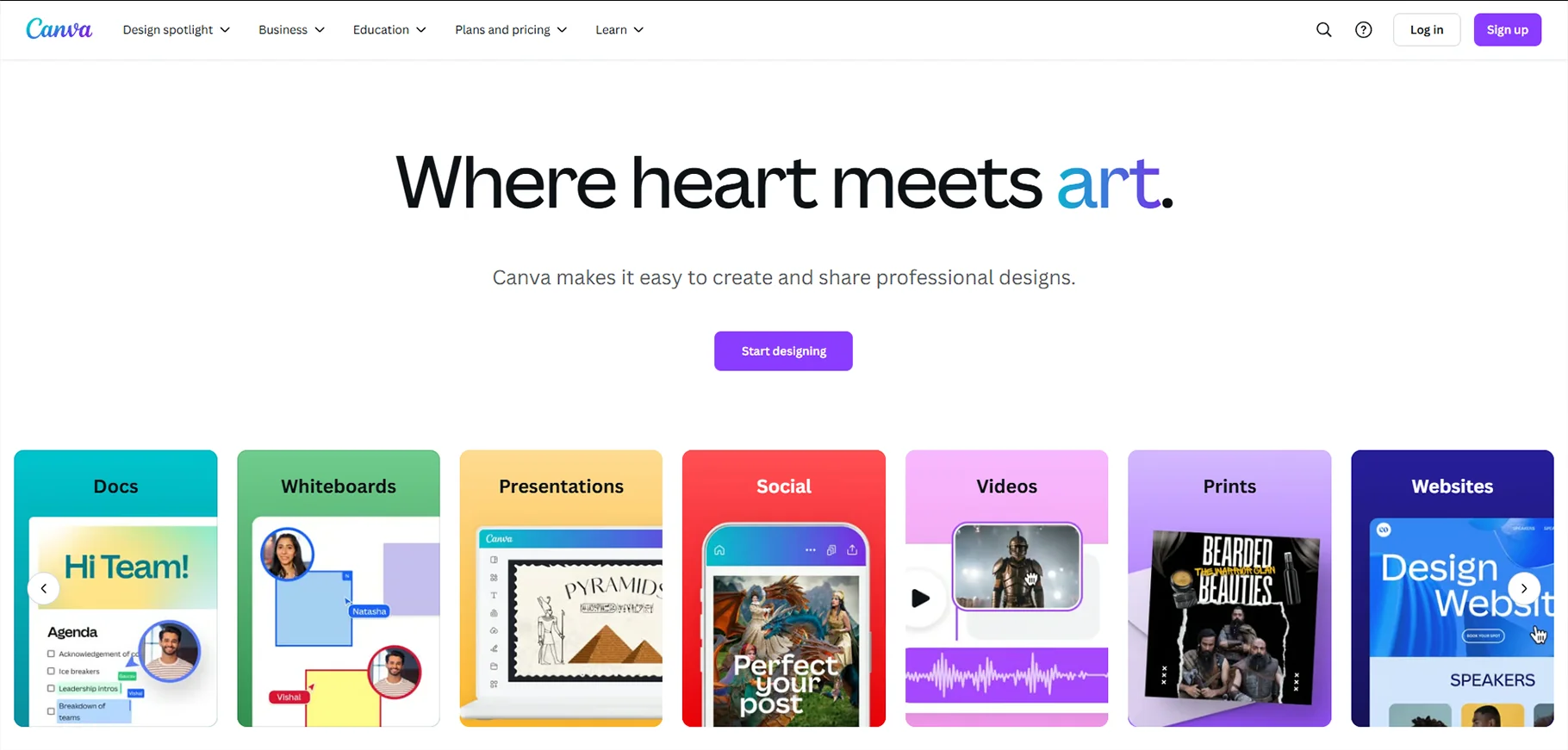
Canva is known for its design tools. But it even offers AI video maker features. This tool makes it easy to create videos for social media, marketing and more. Canva allows you to design videos from scratch. It even allows you to customize premade designs. It has a huge library of templates, graphics and animations.
The AI video creation tools simplify the process for people with little to no video editing experience. Canva offers user friendly interface and many resources. But the video editing capabilities can be a bit limited compared to more specialized tools.
Pros
- It has simple drag-and-drop interface
- Canva offers large library of templates and stock footage
- It has AI-based video features
- Canva has a free version with many features
Cons
- The video editing tools are limited
- It lacks advanced animation options
- Some features require a premium plan
Price
- Free plan available
- Canva pro: ₹4000/month
- Canva teams: ₹4000/month
- Canva enterprise: contact sales
Veed
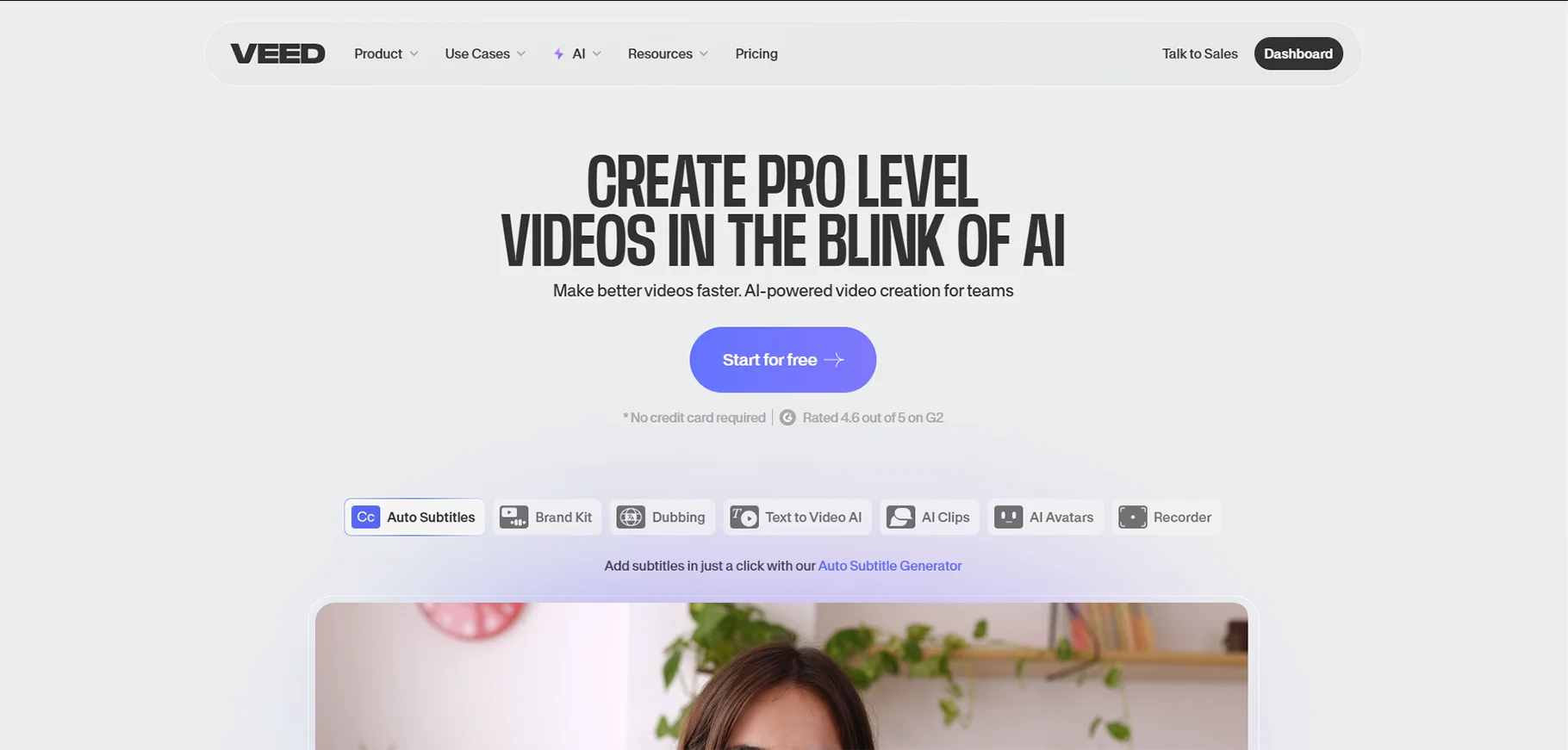
Veed is an online AI video generator. It is designed for creating social media videos, marketing content and more. It has easy to use platform. It lets users upload videos, add effects and generate AI based captions.
Veed is great for those who need polished videos quickly. That also without complex editing. The software also offers features like video resizing, background removal and video compression. Veed might not suit those who need advanced video editing features.
Pros
- Its interface is simple
- Video editing tools are easy
- It offers AI captioning and translations
- This tool is great for social media videos
Cons
- There are limited features in free version
- It offers basic video editing tools
- It can be slow for larger videos
Price
- Free version available
- Lite: ₹499/month
- Pro: ₹1199/month
- Enterprise: contact sales
Hailuo AI
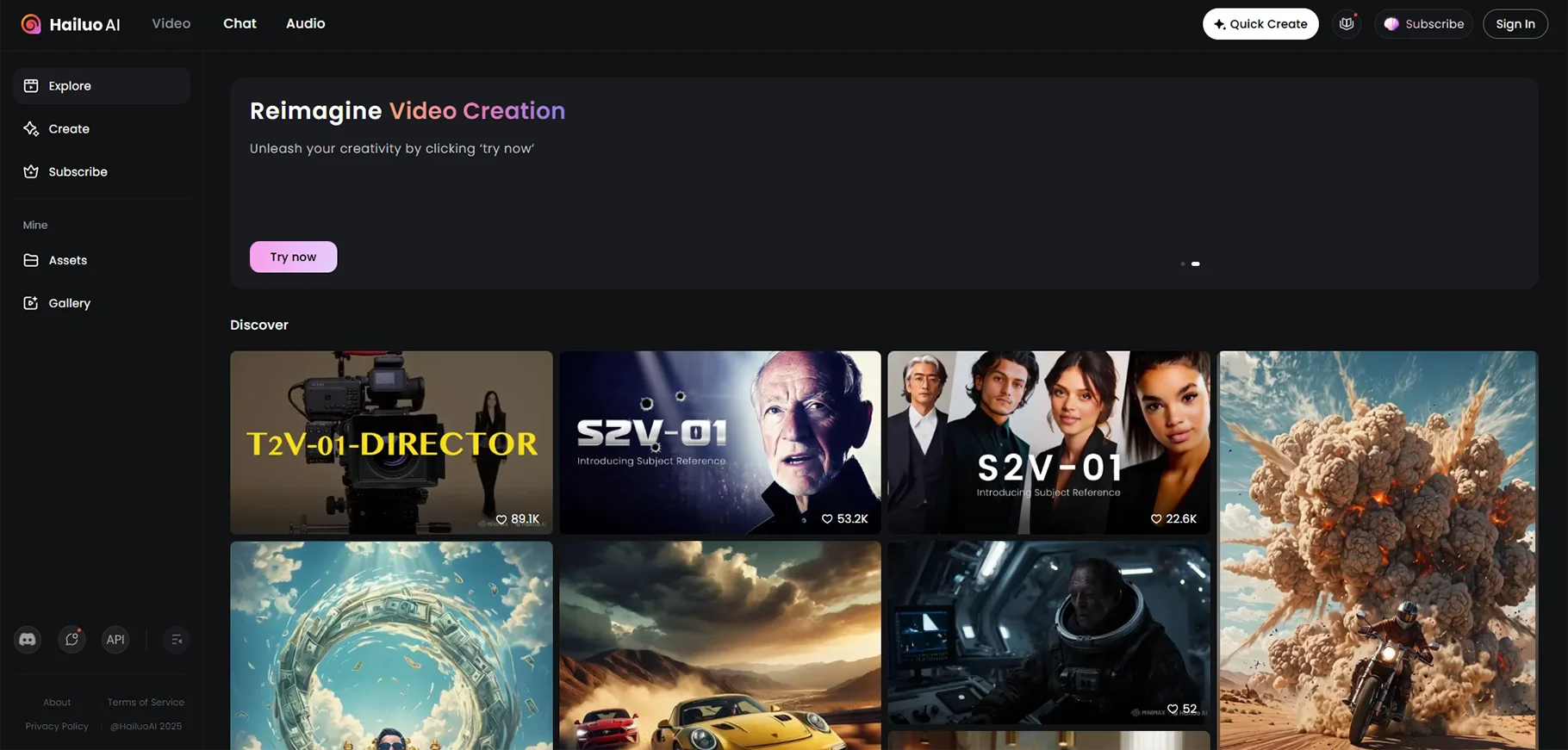
Hailuo AI is an AI video generator that creates ultra-realistic talking avatars. Businesses, educators and content creators use it to generate digital humans. Those can speak in multiple languages. That also with accurate lip sync and natural facial expressions.
This tool is especially useful for presentations and training videos. It is also used for marketing campaigns. The platform is cloud-based. It ensures accessibility from anywhere without the need for high-end hardware or extensive skills of video editing.
Pros
- It creates ultra-realistic avatars with smooth lip sync
- It supports multiple language for global audiences
- No need for expensive hardware
Cons
- There is limited customization in lower tier plans
- It requires an internet connection for processing
Price
- Free plan available
- Premium plan: $19/month
HeyGen
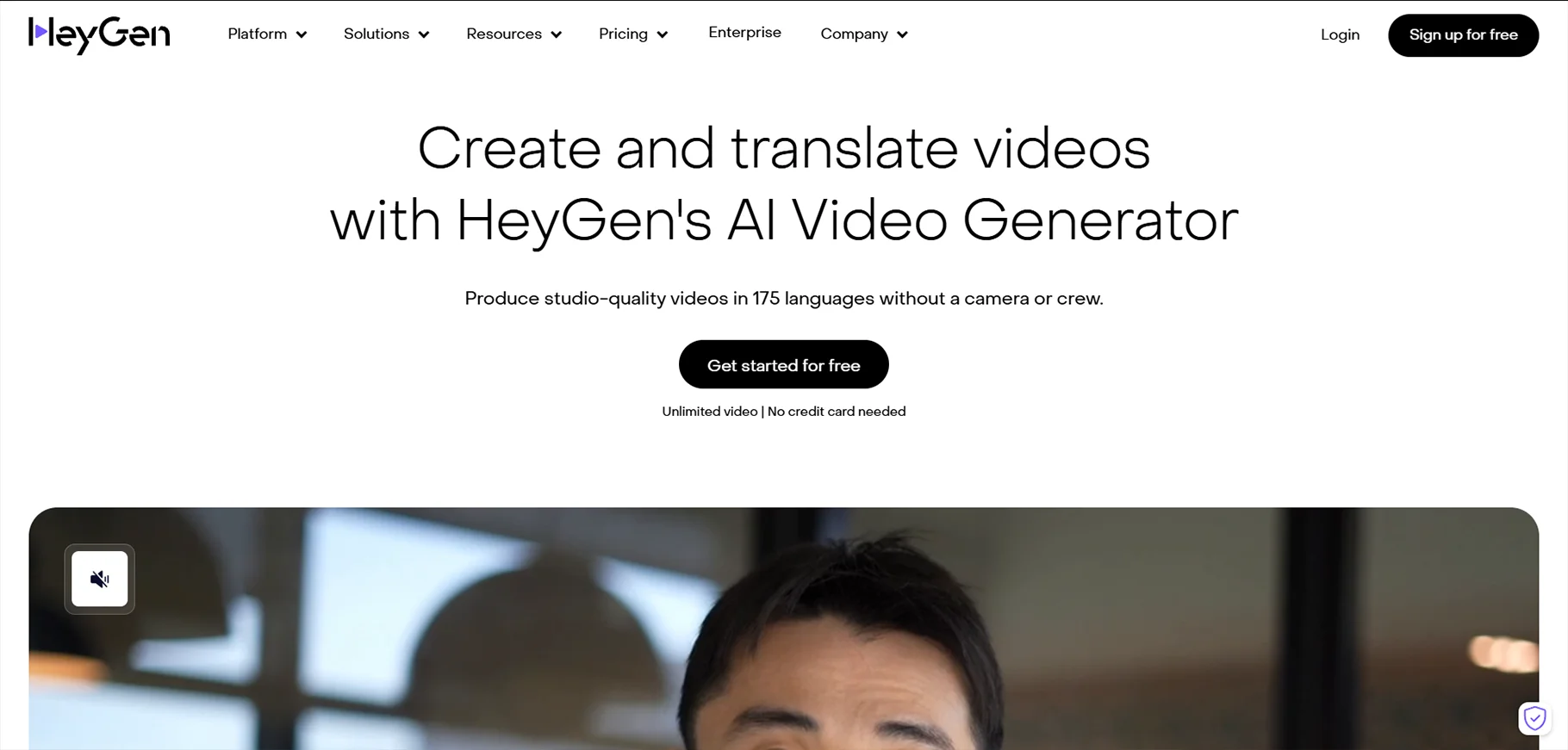
HeyGen is an AI video maker. It allows users to create talking avatar videos. That also in a few minutes. This tool is best for marketing campaigns, training videos and explainer content. This is done with a variety of avatars and AI-generated voice options.
One of its best features is video translation. It allows businesses to easily repurpose content for different regions. That also without needing separate recordings. HeyGen also provides AI voice cloning. That allows brands to maintain consistency in their messaging. Users find it easy to use because it has a simple drag and drop interface.
Pros
- It has wide range of avatars and voice options
- It offers AI-based video translations
Cons
- There is watermark in the free plan
- Some avatars lack advanced customization
Price
- Free plan available
- Creator plan: $24/month
- Team plan: $69/month/seat
- Enterprise plan: contact sales
Pictory AI
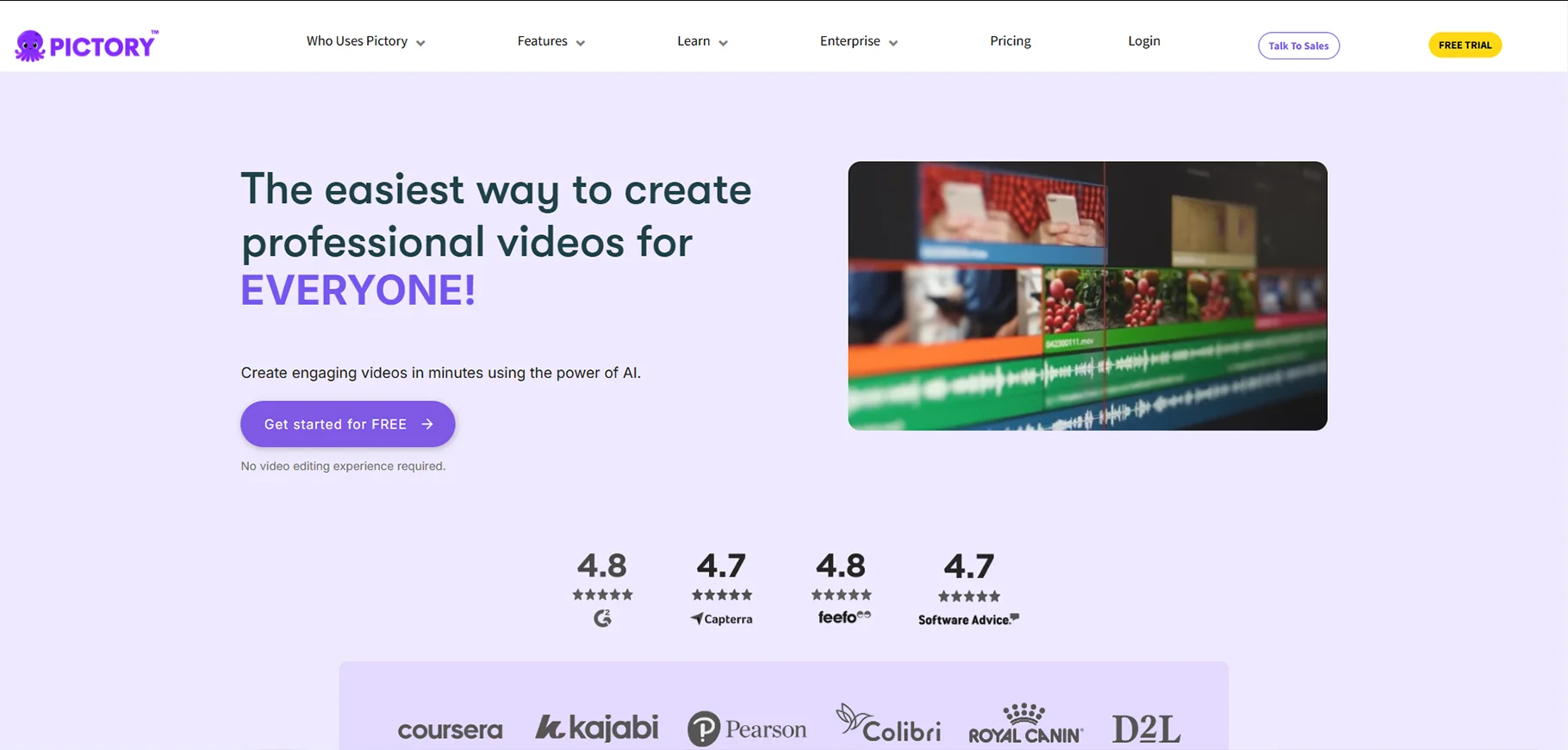
Pictory AI is an AI video generator free tool. It transforms text into engaging videos in minutes. It is used by bloggers, marketers and educators who need quick and professional looking videos. That also without hassle of manual editing. Users simply upload a script and Pictory AI automatically selects relevant stock footage. Along with that adds captions and generates AI voiceovers.
The platform offers automatic video summarization that makes it a great tool for repurposing long-form content into small clips for social media.
Pros
- It has automatic text-to-video creation
- It provides AI voiceover with natural tones
Cons
- There is watermark in the free plan
Price
- Free plan available
- Starter plan: $19/month
- Professional plan: $39/month
- Team plan: $99/month
- Enterprise plan: contact sales
DeepBrain AI
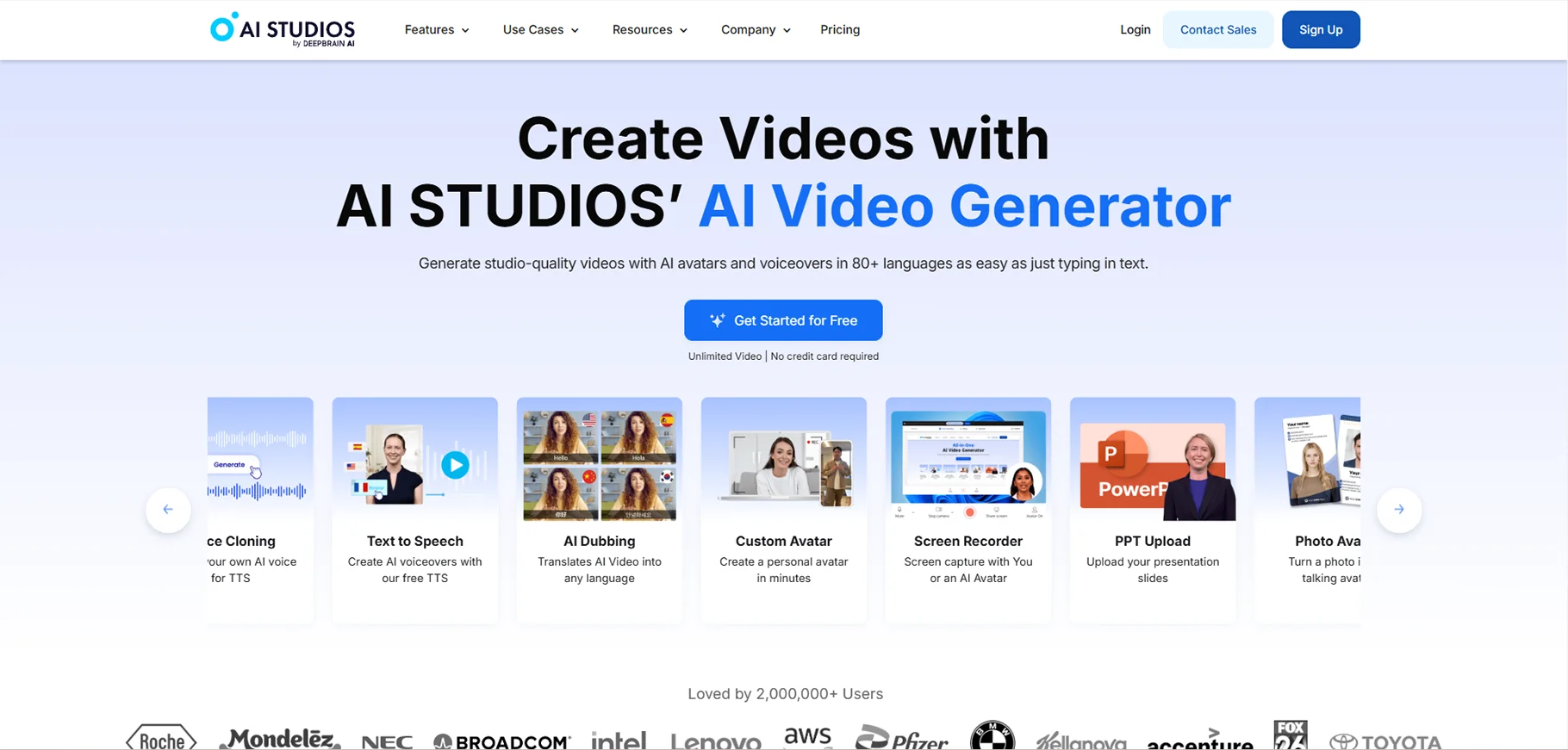
This tool generates hyper-realistic AI avatars. Those avatars can mimic human speech and gestures. It is used by businesses for eLearning, corporate training and virtual news reporting. Avatars look natural while speaking as it makes videos more interactive.
The platform supports multiple languages. This makes it a great tool for global businesses. Users can either type a script or use AI voice cloning to generate professional looking videos in minutes. Its technology is widely recognized for its ability to create digital human presenters. Those presenters look almost indistinguishable from real people.
Pros
- It has realistic AI avatars
- It supports multiple languages
- It even does AI voice cloning for personalized branding
Cons
- It is expensive for advanced features
- It requires strong internet connection
Price
- Free plan available
- Personal plan: $24/month
- Team plan: $55/month
- Enterprise plan: Contact sales
Colossyan
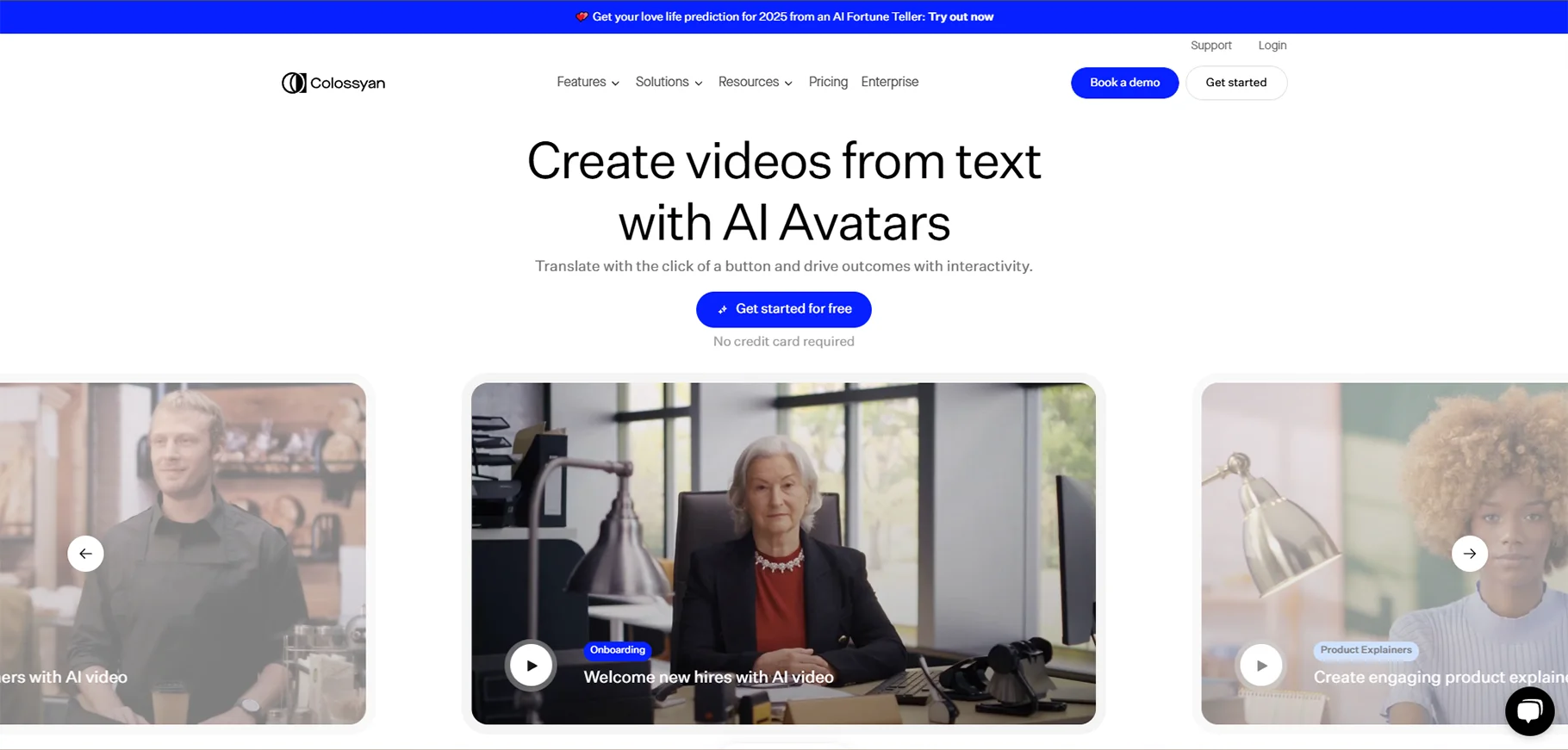
Colossyan is an AI video generator. It is made to help businesses create professional AI based videos. Those videos are for marketing, training and education. It offers high-quality avatars and a wide range of voice options.
This tool includes customizable backgrounds, animations and AI-generated speech. This tool is for instructional videos and social media content. Colossyan lets users tweak avatar expressions and movement. It adds an extra layer of realism. The platform is simple enough for beginners. It even offers advanced customization features for users who need more control over their video content.
Pros
- It has high-quality AI avatars with expressive movements
- This tool has multiple voices and language options
Cons
- Some avatars still look robotic
- There is no free plan
Price
- Starter plan: $19/month
- Business plan: $70/month
- Enterprise plan: Contact sales
Lumen5
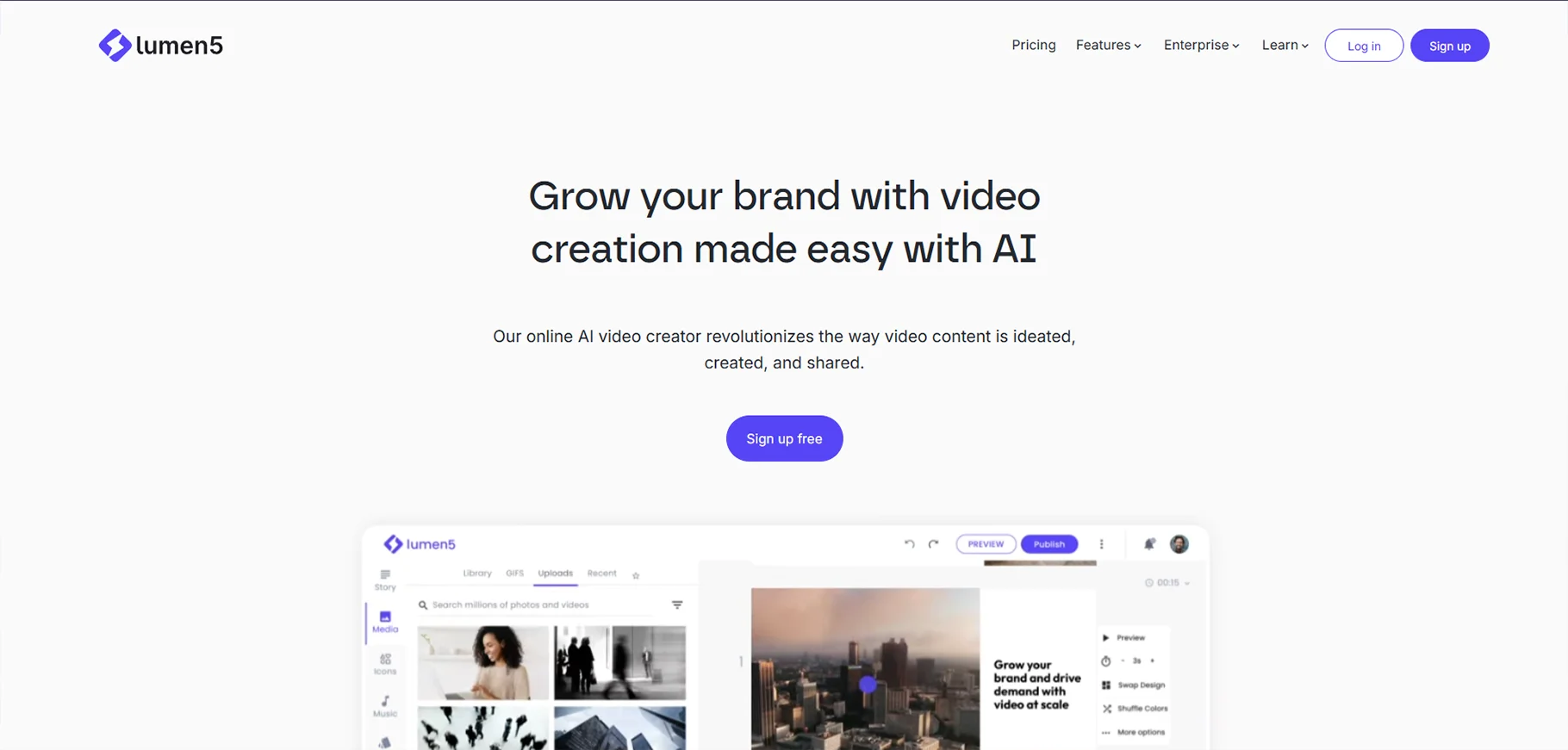
Lumen5 is an easy-to-use AI video maker. It turns blog posts and articles into engaging videos. It is designed for content creators, marketers and businesses. It is used by users who want to repurpose written content into shareable video formats. The AI scans the text and selects the relevant stock. After that it generates a video with smooth transitions.
Users can even customize the output by colors, fonts and voiceovers. Lumen5 is useful for social media marketing because it provides pre-designed templates. It is for platforms like Instagram, YouTube and LinkedIn.
Pros
- It converts blogs intro videos by itself
- It includes large stock footage and music library
- It has simple drag and drop editor
Cons
- There are limited options in the free version
Price
- Free plan available
- Basic plan: $19/month
- Starter plan: $59/month
- Professional plan: $149/month
Fliki
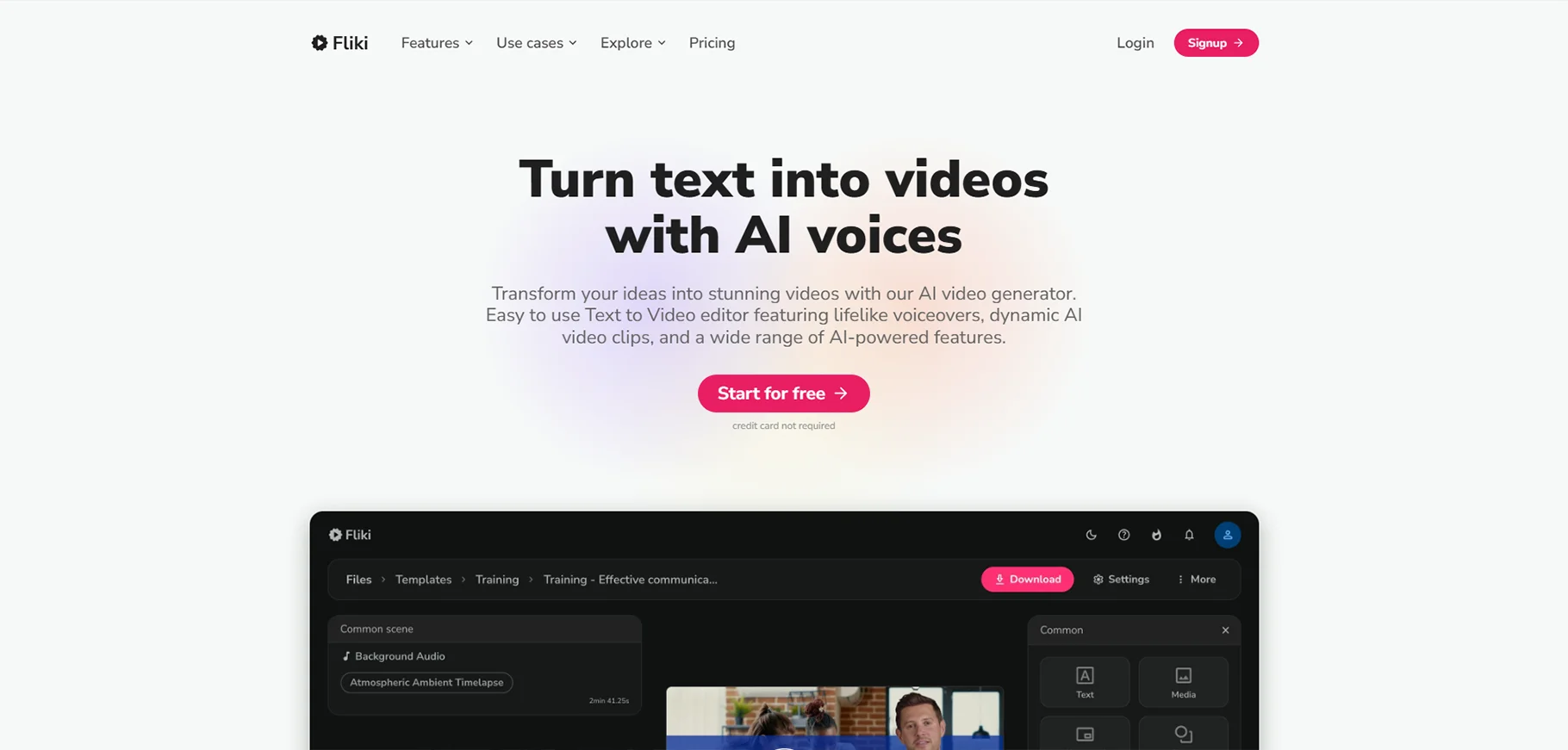
Fliki is a tool that generates AI video. It is a tool that specializes in transforming text into videos. That also with realistic AI voices. It is used by content creators. This tool is helpful if you want engaging video content with different accents and tones. This makes narration sound more natural.
Fliki also provides a large library of stock images and videos. It is to enhance visual storytelling. It is used for creating YouTube shorts, Instagram reels and explainer videos. This makes it useful for marketers and educators.
Pros
- It has multiple languages voiceover
- It has simple interface
- It has large collection of stock media
Cons
- Free version has watermark
- Its video duration is limited for lower tier plans
Price
- Free plan available
- Standard plan: $21/month
- Premium plan: $66/month
- Enterprise plan: Contact sales
Kling.ai
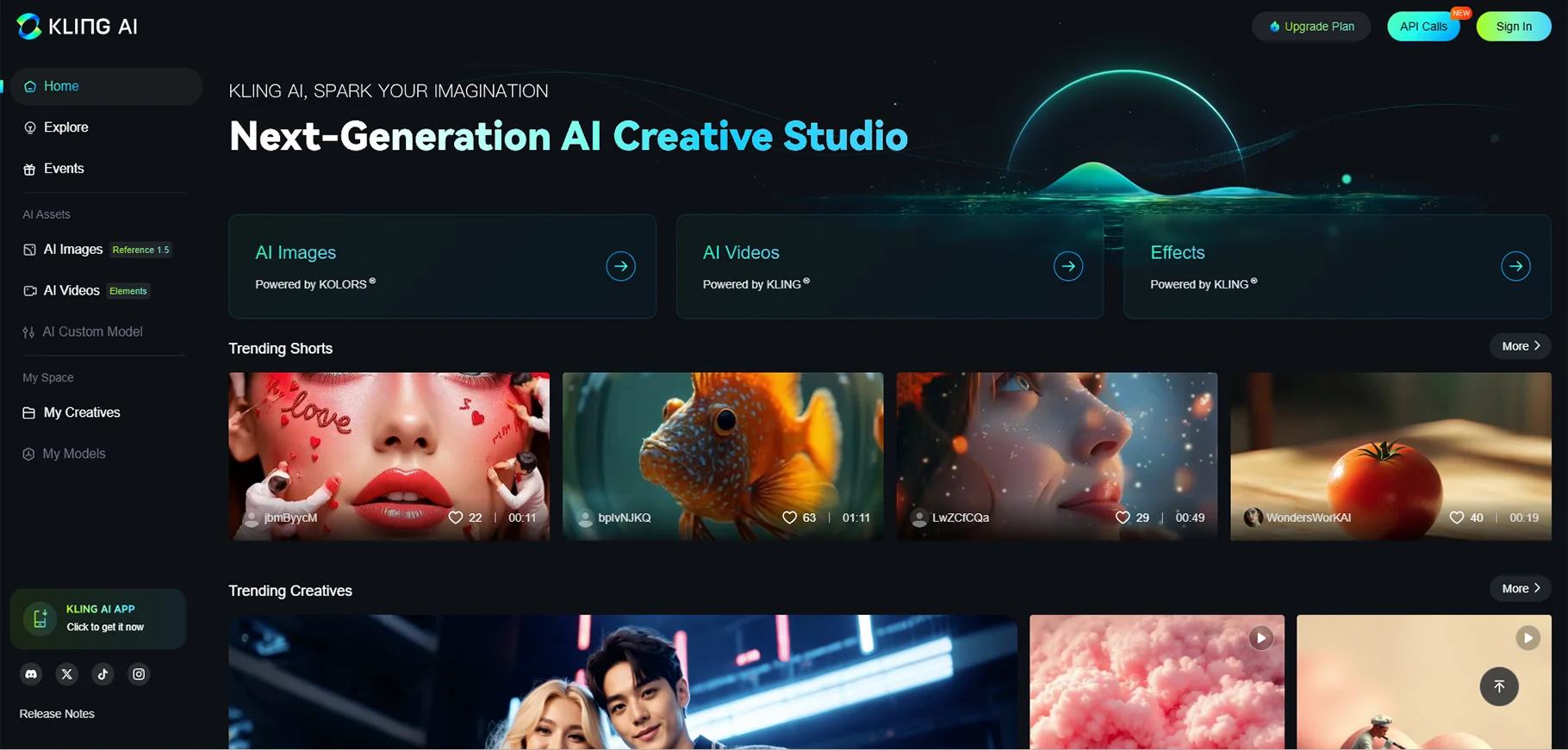
Kling.ai is an AI video creator. It focuses on generating ultra realistic AI avatars for marketing and business presentations. It uses deep learning to create digital presenters that look and sound like real humans. This makes a very useful tool for brands that want to automate video content. It even maintains a professional appearance.
Kling.ai offers multilingual support. It allows users to create videos. That also in different languages for global audiences. The AI voice synchronization makes sure that the avatar’s lips move naturally with the speech. This makes videos feel more engaging.
Pros
- There are realistic avatars that does lip sync
- It supports multiple languages
Cons
- There is limitation in customization for free users
- Some avatars may lack emotional expressions
Price
- Free plan available
- Standard plan: $72.2/year
- Pro plan: $293.04/year
- Premier plan: $728.64/year
GoEnhance
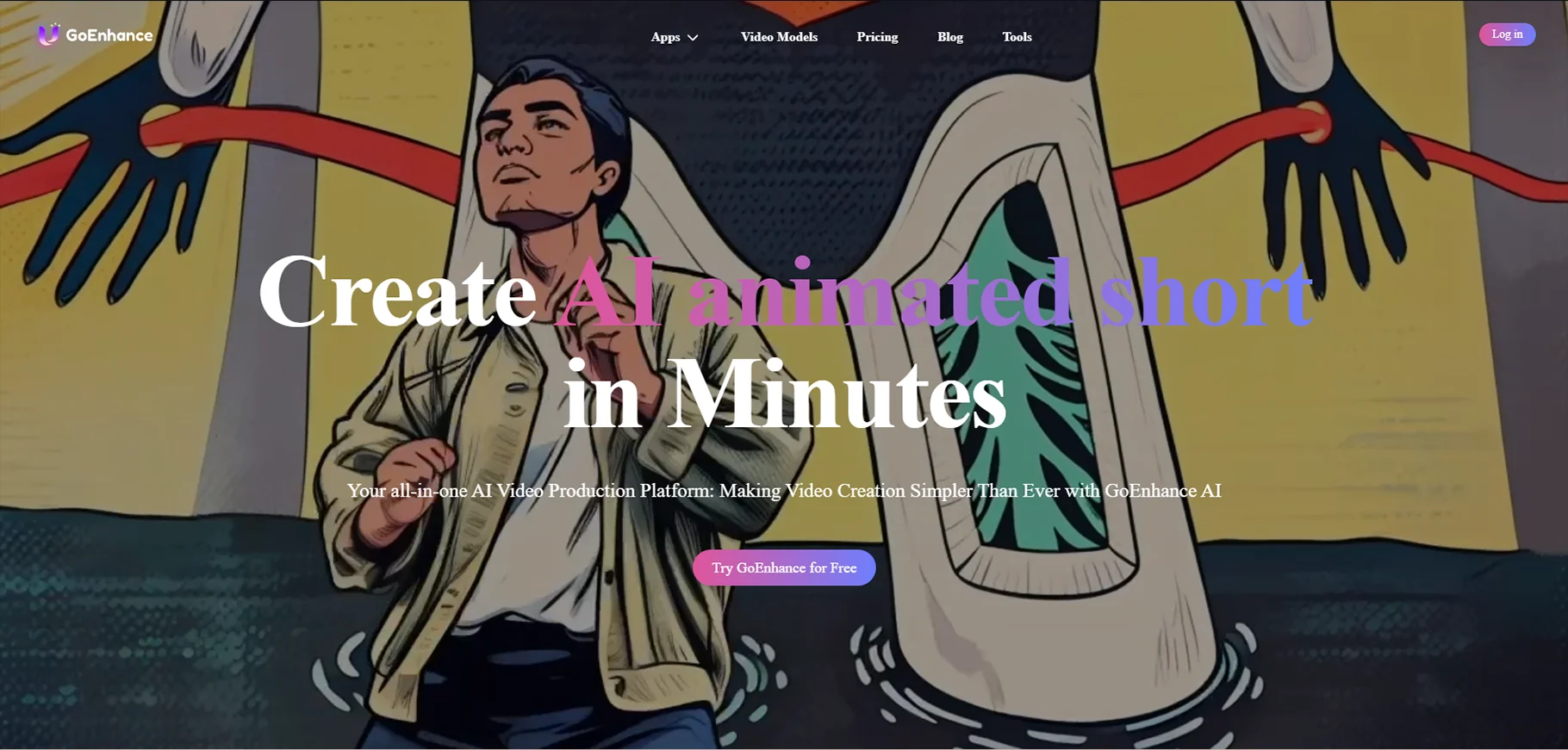
GoEnhance is an AI video generator that focuses on video enhancement and editing. It is designed for content creators and marketers. It is for the users who need to upscale low-quality videos and remove noise. It even enhances visuals with AI filters.
GoEnhance even offers AI background removal and auto captioning. This makes it an advanced tool for social media content. Users can quickly generate high-quality videos with minimal manual effort. Influencers, educators and businesses use this to refine video content for better engagement of audience.
Pros
- It provides auto captioning and background removal
Cons
- Free plan has restrictions on video resolution
Price
- Free plan available
- Basic plan: $8/month
- Standard plan: $20/month
- Pro plan: $40/month
- Mega plan: $80/month
Vidau AI
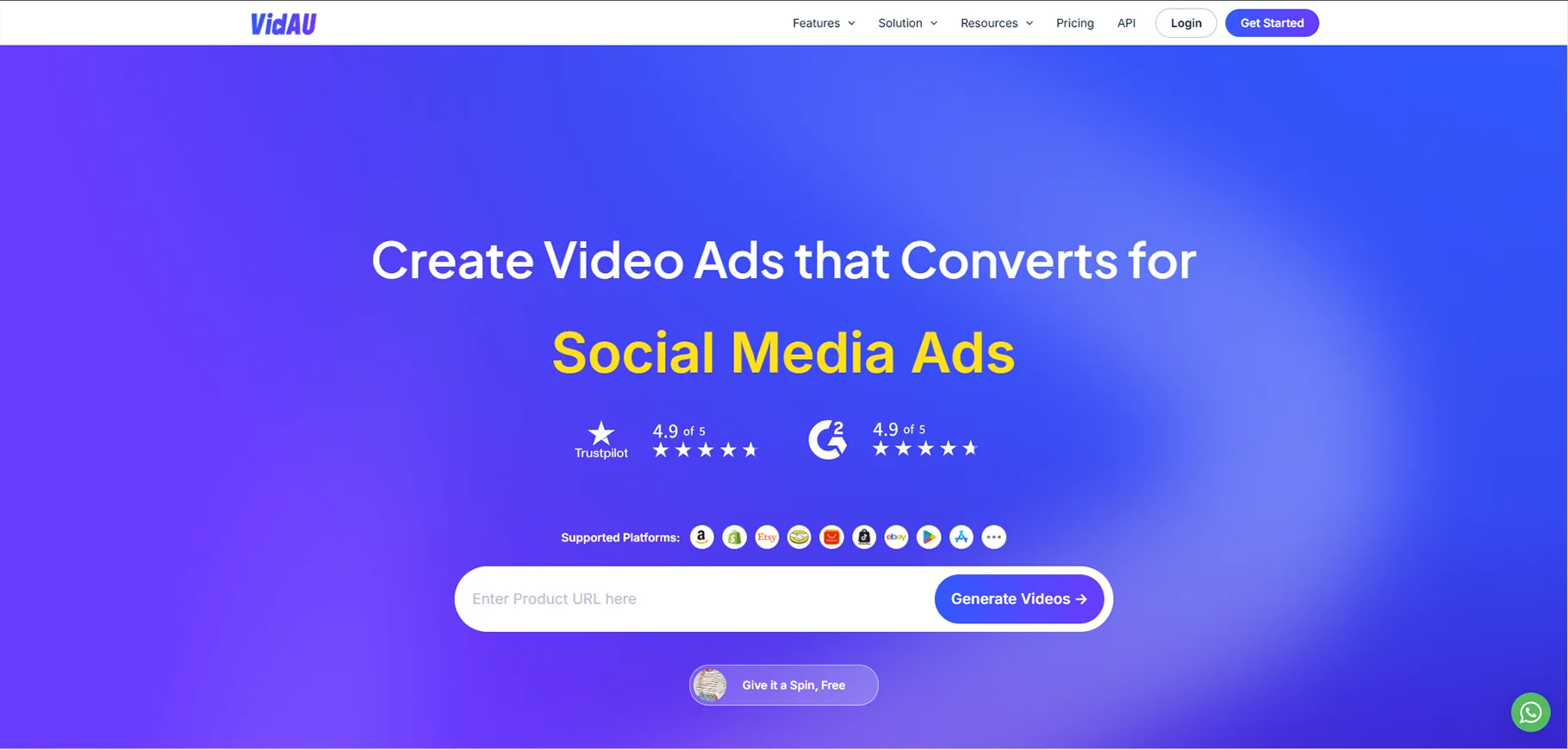
Vidau AI is an AI video maker. It helps users create professional videos with AI automation. It offers a wide range of templates, stock footage and voiceovers. This makes it the best tool for businesses, YouTubers and educators.
It has a feature that automatically arranges clips, adds transitions and selects background music. The platform is user-friendly, and beginners can use it. They can create high-quality videos in minutes. Vidau AI also provides text to video features. In that, users can put a script and get a fully edited video with AI-generated visuals and narrations.
Pros
- It provides automated video editing
- There are predesigned templates
Cons
- Free plan has watermarks
Price
- Free plan available
- Starter plan: $25/month
- Business plan: $45/month
- Enterprise plan: contact sales
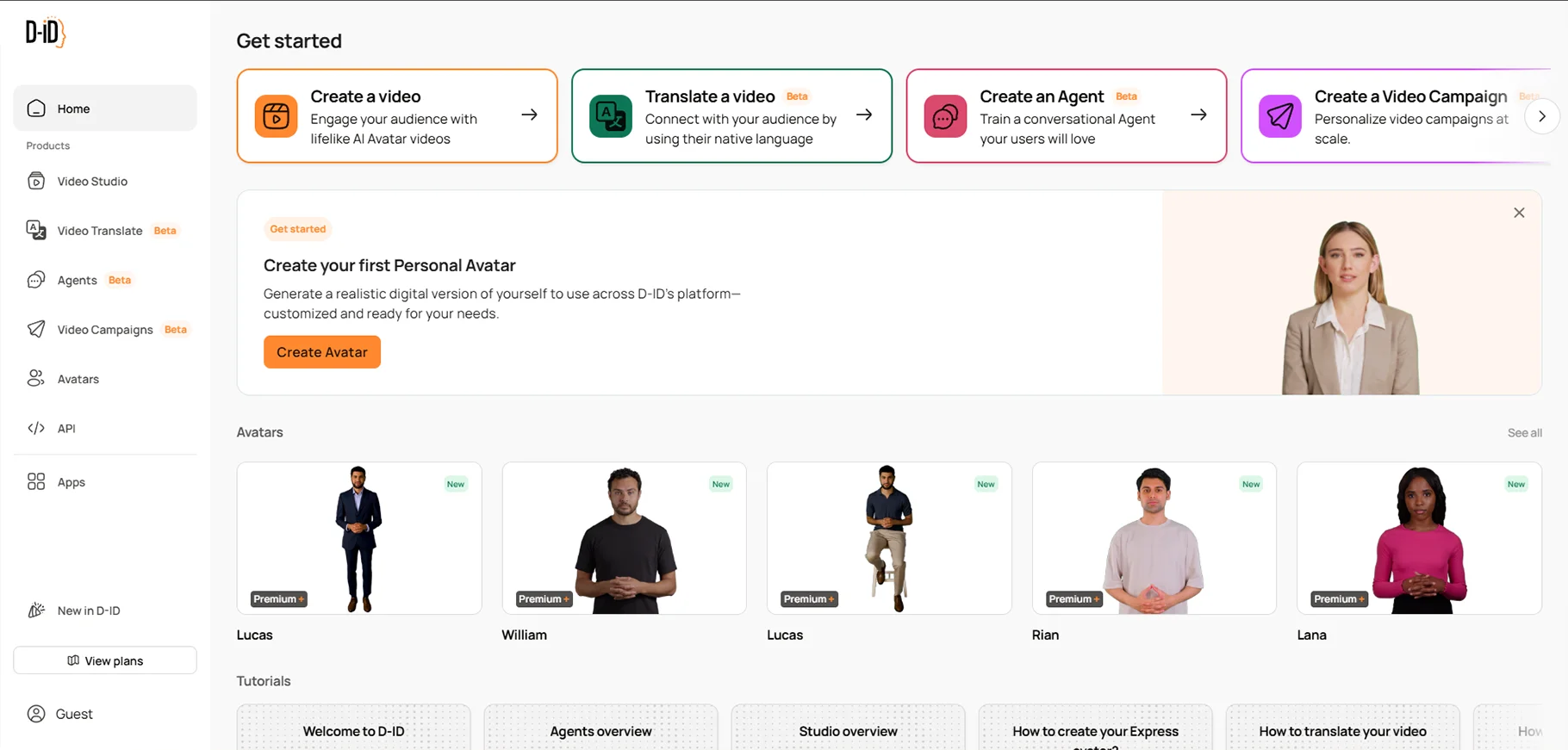
Studio.d-id
Studio.d-id is for generating AI avatars that talk. This makes it a unique AI video generator. It is for businesses and educators. This tool allows users to upload a photo and bring it to life with AI-generated speech. It is used for virtual assistants, customer service bots and AI-based marketing videos.
Those avatars can speak multiple languages. This makes them perfect for global audiences. Studio.d-id AI ensures realistic facial expressions and voice synchronization. This gives a human-like feel to digital avatars. This tool is useful for businesses looking to automate video production.
Pros
- It provides AI-based talking avatars
- This tool supports multiple languages
Cons
- Some avatars might appear robotic
- Free plan has watermarks
Price
- Free plan available
- Lite: $4.7/month
- Pro: $16/month
- Advanced: $108/month
- Enterprise: Contact sales
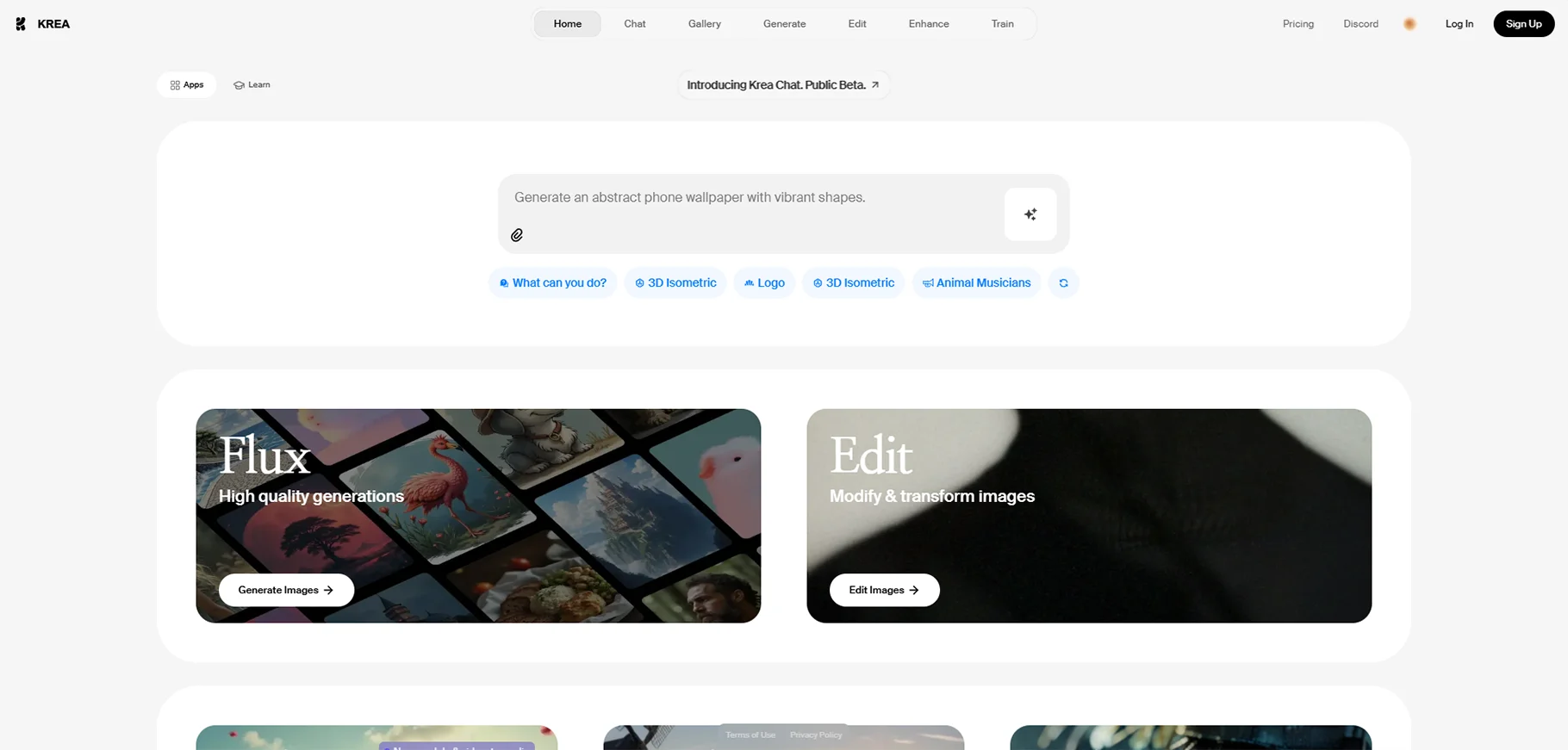
Krea AI
Krea AI is an AI video generator free tool. It is for creative professionals who want to experiment with AI-based visual storytelling. It allows users to generate animated videos from sketches, text descriptions and even rough storyboards. AI then fills in the details and creates smooth animations.
Krea AI is for designers, animators and content creators. It’s a quick way to produce visually stunning videos without the need for complex animation software. Its AI-based motion tracking and scene generation make it an exciting tool.
Pros
- It generates animation by AI from simple inputs
- No technical skill is required for animation
Cons
- It requires high end hardware for the processing
- Free plan has limited features
Price
- Free plan available
- Basic plan: $8/month
- Pro plan: $28/month
- Max plan: $48/month
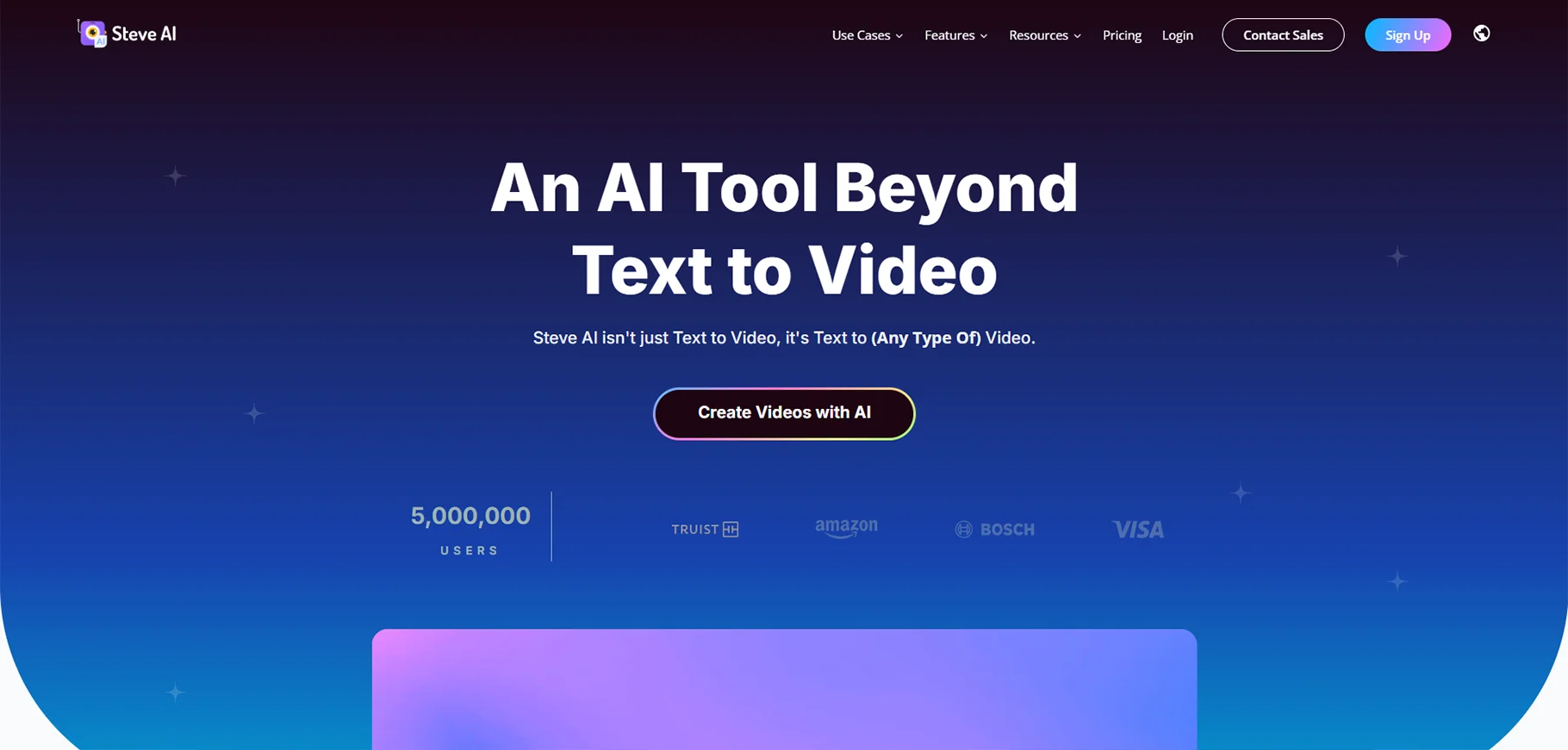
Steve AI
This tool is a smart AI video creator. It helps users in turning text into animated videos. That is done within minutes. This tool is famous among educators, marketers and businesses. Steve AI provides pre-designed templates, AI character animations and a vast stock footage library.
It has the ability to generate animated characters that match the narration. This makes storytelling more engaging. Steve AI simplifies the process with automation. It ensures high-quality output without requiring animation skills.
Pros
- It generates character animation by AI
- Beginners can use as it has easy to use interface
Cons
- Customization has limitation in free plan
- It does not suit high end professional animation
Price
- Free plan available
- Basic plan: $15/month
- Starter plan: $45/month
- Pro plan: $60/month
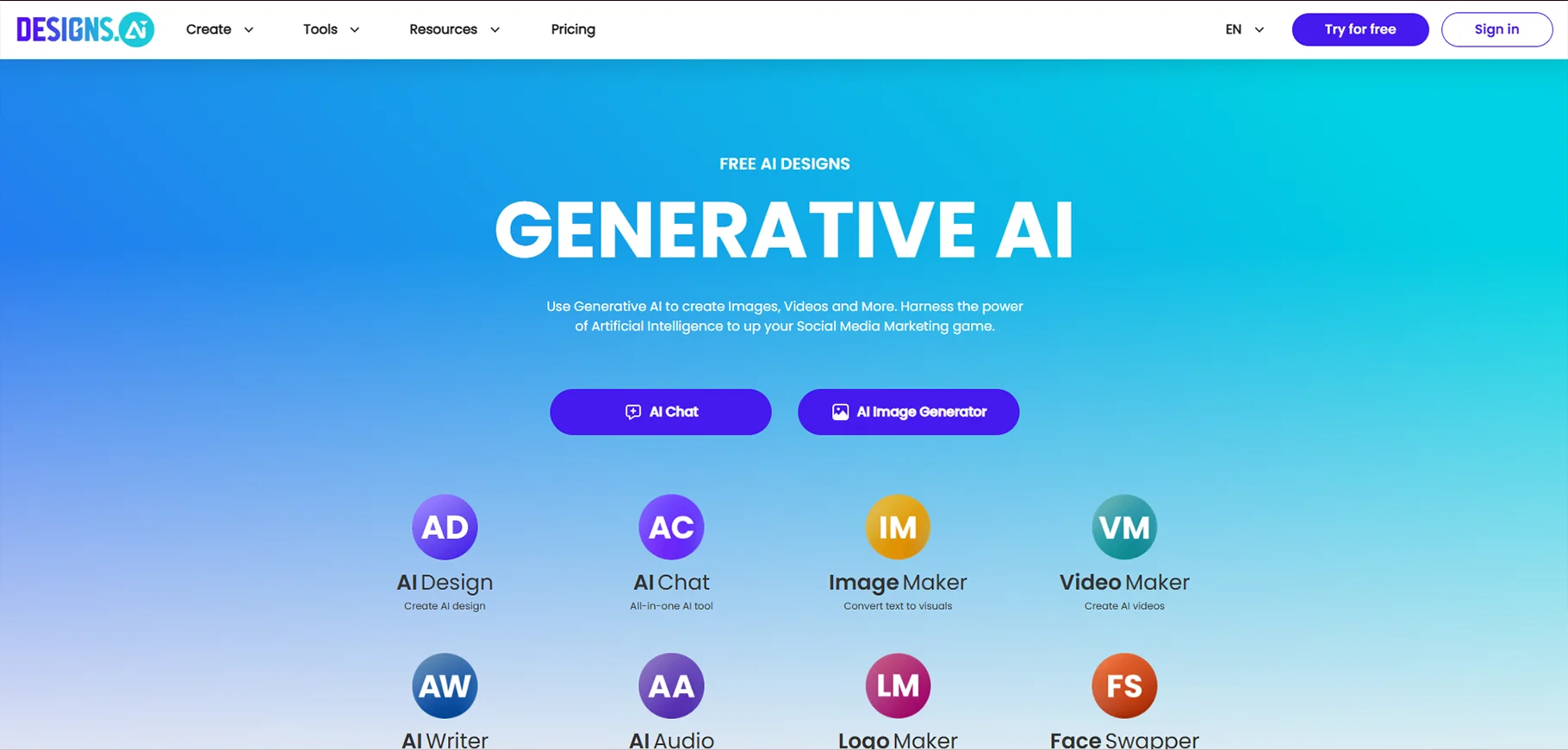
Design AI
Design AI is all in one AI video maker. It helps users by creating videos, logos and marketing materials. It is great for businesses that need high-quality branding content. That also without hiring designers. The platform offers an AI-based video editor. It generates professional videos from scripts of text.
Users can also create visual content. Visual content includes infographics, animations and presentations. It has a simple interface and creates eye catchy content quickly. Design AI is best suited for small businesses, startups and entrepreneurs.
Pros
- It provides AI videos and graphic design tools
- Non designers can use as it has easy to use interface
Cons
- Features are limited in free plan
Price
- Free plan available
- Basic plan: $19/month
- Pro plan: $49/month
- Enterprise plan: Contact sales
AI studios
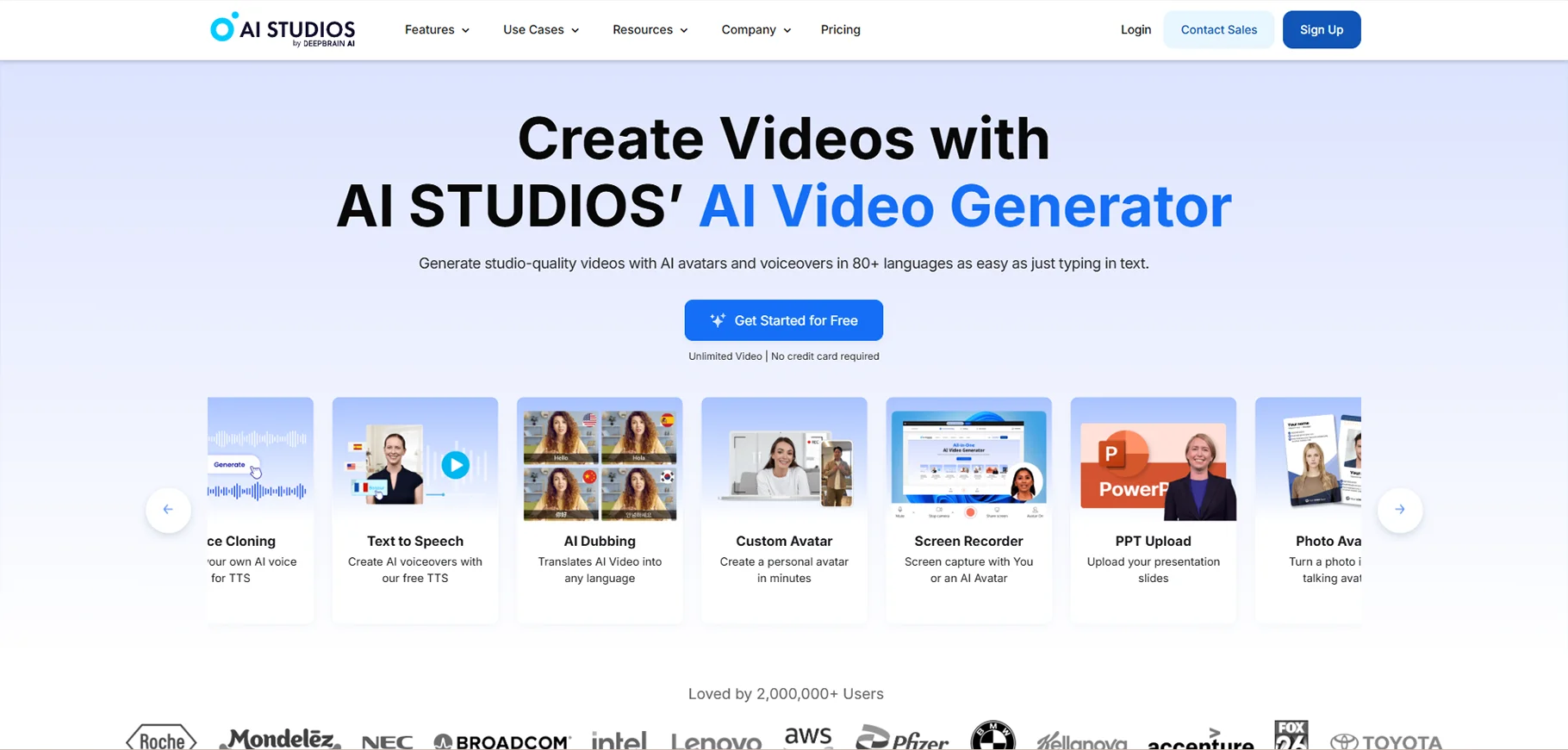
AI studios is an AI video generator. It specializes in hyper-realistic digital humans. It is designed for businesses who want to automate video content. Plus, personal touch should be included. This tool can deliver messages in natural tone. It makes them useful for customer service, e learning and promotional videos.
AI studios has many premade avatars and voice options. It is a great tool for brands wanting to scale content creation without compromising on human like engagement.
Pros
- It has ultra realistic AI avatars
- This tool is for customer service and training videos
Cons
- It is costly for advanced features
- Some avatars look robotic
Price
- Free plan available
- Personal plan: $24/month
- Team plan: $55/month
- Enterprise plan: Contact sales
TinyWow
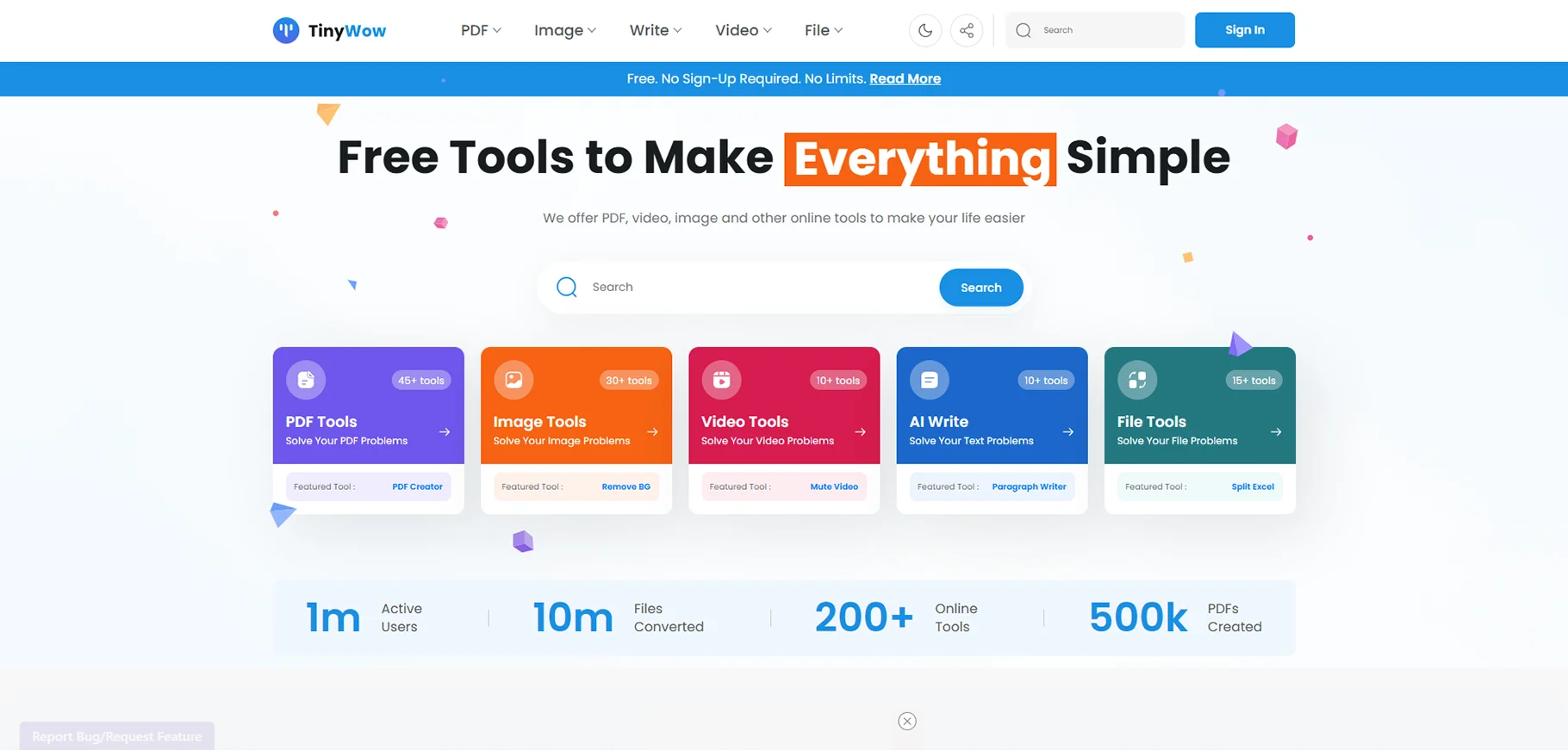
TinyWow is a free AI video generator tool. It simplifies video editing for beginners. It offers basic AI-based features like background removal, video trimming and automatic subtitle generation. TinyWow focuses on providing quick and easy video edits rather than full video generation. It is an excellent option for content creators.
The platform also includes additional AI tools for image editing, PDF conversions and text generation. That is why this is an all-in-one tool kit for digital creators.
Pros
- Free and easy to use
- There is no need to download software
Cons
- It has limited advanced features
- No AI avatars or voiceovers
Price
- 100% free
Lumalabs AI
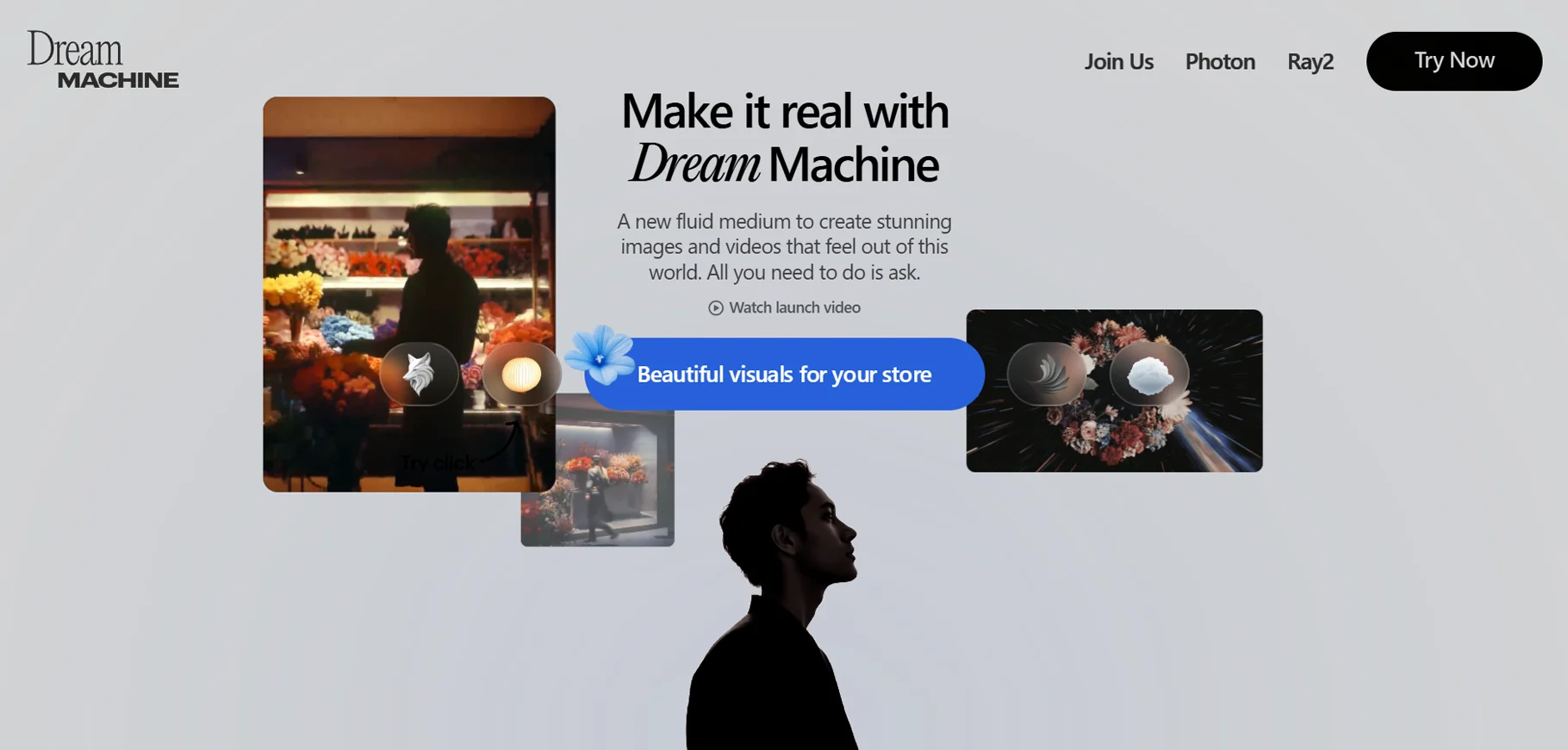
Lumalabs AI is an advanced tool for creating AI videos. It is used for 3D video creation. It transforms 2D images into 3D. This tool is used by game developers, architects and content creators. It is for users who look forward to adding depth and realism to their projects.
Lumalabs AI simplifies the complex process of 3D animation. It allows users to generate high-quality visuals. That also without extensive knowledge of 3D modeling. It is a great tool for the users who are working on immersive visual projects.
Pros
- It provides 3D video creation
- This tool offers high-quality animations with realistic effects
Cons
- It requires high processing power
- It is expensive for premium features
Price
- Free plan available
- Paid plan: $39/month
Conclusion
There are so many tools available. There is no shortage of tools to make your video creation process faster and easier. Users who need free plans or advanced plans that are paid, everything is mentioned in the blog.
Pick your favorite tool and create stunning videos. And if you’re looking for a one-stop destination for your ai video creation. You can explore our ai video category.
1. What is the best AI video generator?
Sora, Runway and Synthesia are one of the best AI video generators.
2.Is there a free AI video creator?
Yes, many tools like Canva, Veed and Tinywow are free to use.
3. How does AI generate videos work?
AI generated videos use machine learning algorithms. It analyzes data, edits automatically and assembles video clips, making the process faster and easier.
4. Which AI video maker is best for beginners?
Canva & Veed are perfect for getting started.

