
Table Of Contents
How AI Is Changing Graphic and UI Design in 2026
Published on : Apr 29 2026

Creating a logo used to take hours of hand-drawing, fine-tuning, and communicating back and forth, but now you can use an AI tool built specifically for designers to generate 20 different designs in less than one minute. That is not a vision of the future; it's happening right now, and those designers who are learning to embrace AI as their partner rather than viewing it as a potential competitor are gaining a tremendous advantage.
The speed with which things are changing is truly unprecedented. Where it took a Senior Designer an entire day to develop a solution, they can now prototype in the course of a few hours. Where it took a special illustrator to create, they can now initiate their work through a single prompt.
This doesn't mean that designers have become obsolete; in fact, it means that the limits of what you can accomplish have been raised dramatically, and those who adapt to these new methods quickly will have more opportunities for creativity, will produce at a higher volume, and will have stronger results with their clients than ever before.
This article will outline how AI is transforming the fields of graphic design and UI design; the leading tools and technologies driving this transformation; and how this transformation will affect your career or business.
Why AI and Design Are a Natural Match
The design process requires two elements, which are logical reasoning and creative thinking. The artificial intelligence system demonstrates unexpected proficiency in both these areas. The AI system analyzes multiple design patterns while it understands color theory and predicts user behavior to create visual content, which it produces faster than any human. The design process benefits from AI technology, which assists designers throughout all stages, starting from initial concept development until they reach the end of their production process.
But here's the key: AI doesn't replace the designer's vision. It amplifies it.
People use calculators as tools that help them perform mathematical tasks. The technology allows designers to work on their creative tasks while it handles their repetitive, time-consuming daily activities.
The system takes care of all mechanical tasks that require repetitive work and extend throughout the entire process. This process provides creative professionals with extra time to develop strategic plans and pursue innovative ideas while producing their best work.
The designers who thrive in this new era won't be those who resist AI - they'll be the ones who master it earliest.
Top AI Tools Transforming Graphic Design
1. Runway ML
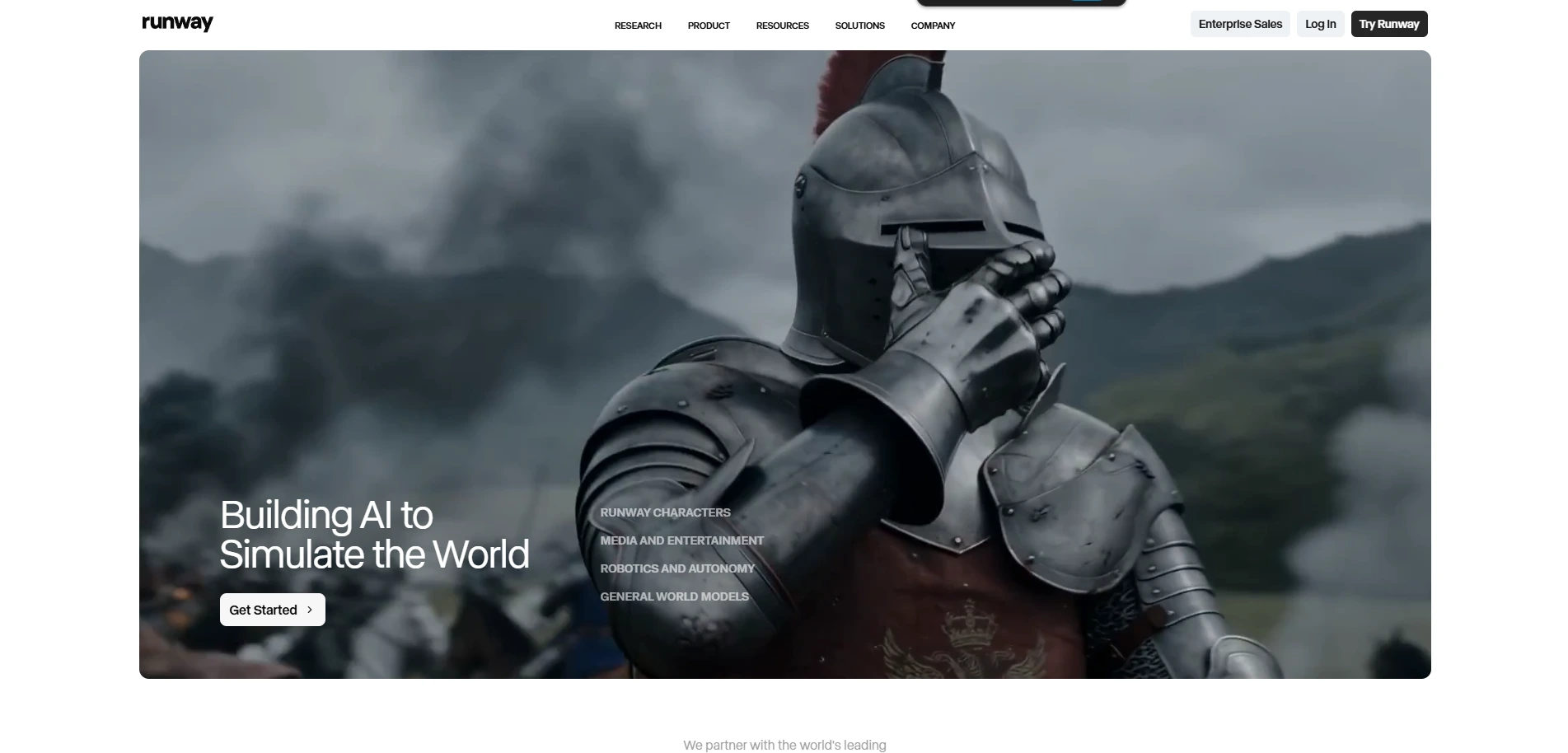
Runway ML is transforming how creators make videos and visual content. AI technology now allows users to complete tasks that used to require costly software, expert editing skills, and extensive production crews within several minutes. Runway ML enables creators from YouTube and marketing and filmmaking, and design fields to improve their editing process while creating new visual content and testing innovative artistic concepts.
This has become popular because people want to use its AI video generation system to create their projects. Users can create videos from simple text prompts, remove backgrounds without the need for green screens, and use AI tools to create cinematic effects and edit video objects.
Runway ML helps organizations and content teams reduce their expenses while increasing their productivity. The team can produce marketing videos, social media clips, and advertisements, and creative campaigns within a short time instead of working on manual editing tasks for multiple hours.
2. Adobe Firefly
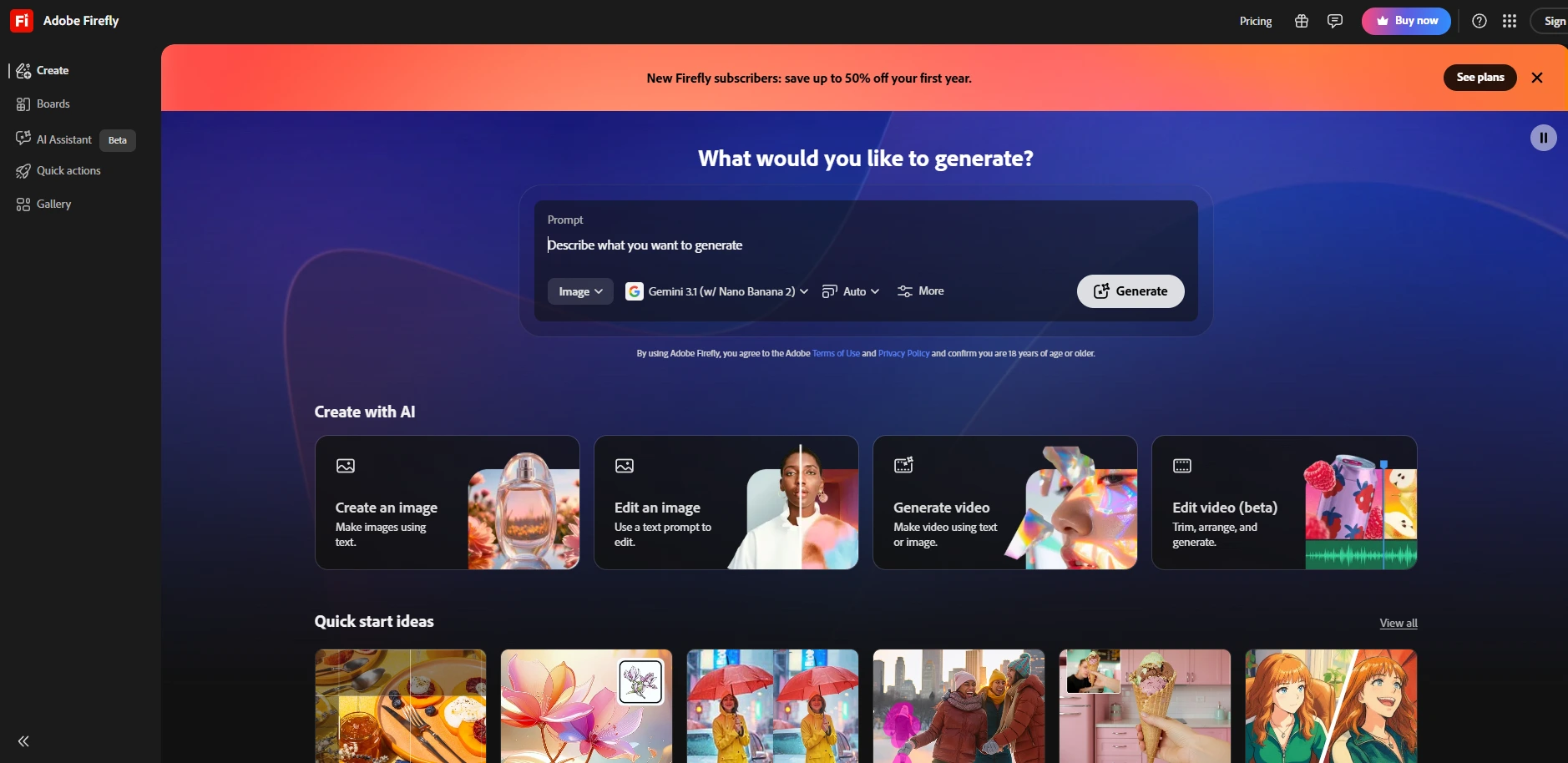
Adobe created Firefly as an integrated feature of Photoshop and Illustrator. The software allows designers to create new backgrounds, extend existing images, delete undesired elements, and design vector graphics through their familiar design programs.
The introduction of AI technology improves existing workflows because it provides better work efficiency than current methods. Firefly uses licensed content and Adobe Stock images for its training, which solves the main problem people have with using AI tools regarding copyright and commercial protection. This situation holds great importance for professional designers who create work for major brands and agencies.
Through its main feature, Generative Fill, Firefly enables designers to expand their work beyond initial design limits while using AI-based technology to fill empty spaces and substitute parts of their work. The tool has become an essential part of both retouching processes and photo editing procedures.
3. Canva AI
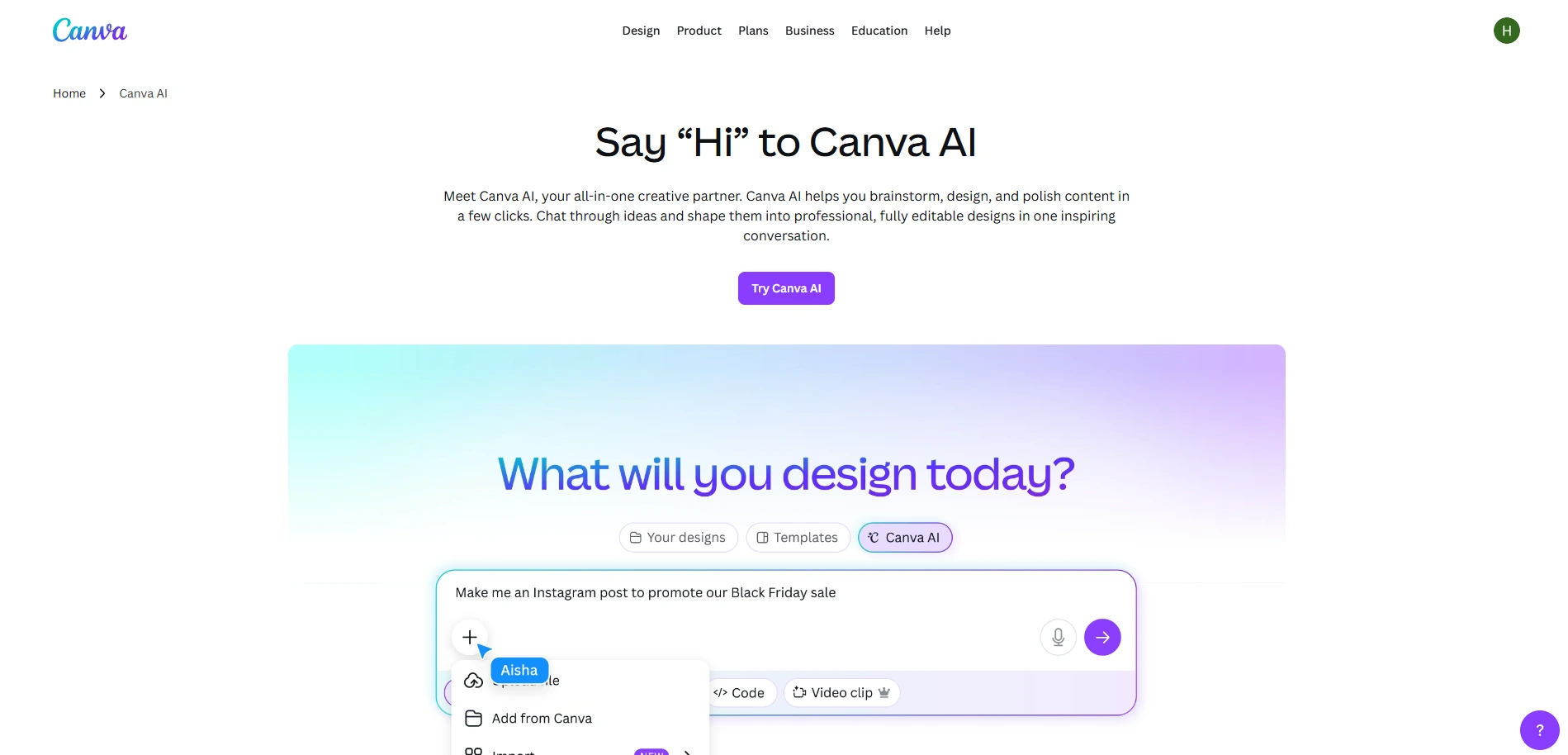
Canva introduced new artificial intelligence tools, which include Magic Design and text-to-image and auto-resize functions. These tools provide essential support to small business owners, marketers, and social media managers because they need to create high-quality visuals without hiring a designer. Teams managing content at scale can pair Canva AI with the best AI social media tools to streamline their entire visual publishing workflow.
The current situation creates a competitive atmosphere that affects professional designers. The first advantage of the system enables users to perform fundamental visual tasks without needing special skills.
The system enables designers to direct their efforts toward projects which require their specialized abilities to develop intricate brand systems, advanced user experience designs, and innovative strategies which exceed standard template results.
4. Figma AI
Figma launched new AI-based tools that provide automatic layout recommendations and generate mockup content, and convert design elements into code. UI designers can create prototypes more quickly because they can dedicate their time to resolving user experience issues instead of creating multiple design elements from scratch.
The most impressive Figma AI function generates authentic placeholder content, which includes names, addresses, and product descriptions to make mockups appear more realistic and functional for stakeholder presentations. The combination of its design-to-code capabilities with its design features establishes a direct connection between designers and developers which formerly required detailed hand-off documentation. Developers who want to close this gap further can explore top AI tools for code review and optimization to complement the design-to-dev handoff process.
How AI is Changing UI Design Specifically
The UI design process faces a unique challenge because its success requires more than visual appeal. The system must provide effective functionality to actual users. AI technology provides multiple essential benefits in this situation.
Personalization at scale. AI can analyze user behavior and suggest UI changes that improve engagement. Think of how Netflix or Spotify customize their interface based on what you do. That level of personalization used to require massive engineering teams. Now, AI makes it accessible to smaller products too - even indie apps and early-stage startups can build adaptive interfaces that respond intelligently to individual users.
Accessibility testing. AI tools can scan a UI and flag elements that might be hard to read, navigate, or use for people with disabilities. This used to require extensive manual testing or specialized accessibility audits. AI-powered tools can now run these checks continuously, flagging contrast issues, missing alt text, unclear tap targets, and keyboard navigation gaps in real time.
Auto-generating design variations. Need to test 10 different button colors or layouts? AI can generate them all, and A/B testing tools can measure which one performs better. Faster iteration means better products, and it means design decisions are increasingly backed by data rather than gut feeling alone.
Smarter handoff between design and development. Tools like Zeplin and Locofy are using AI to translate Figma designs directly into production-ready code, dramatically reducing the time it takes to go from a finished design file to a working interface. Startups and product teams can also look into AI tools built for app development to accelerate this process end-to-end.
Real-World Use Cases You Should Know
AI's impact on design is not hypothetical - designers are already benefiting from AI in ways that are measurable across different sectors.
E-commerce brands are using AI to generate product images in multiple backgrounds, lighting conditions, and styles - no expensive photo shoots needed. A single product photo can be remixed into dozens of variations suited for different platforms, seasons, and audiences.
Marketing agencies are using AI to create dozens of ad creative variations for different audiences, dramatically cutting production time. What once took a team of designers a week can now be turned around in a day, with higher creative diversity and more options for testing.
App startups are using AI to go from wireframe to working UI prototype in hours instead of weeks. This is especially powerful in early-stage product development, where speed of iteration is often more valuable than pixel-perfect polish.
Freelance designers are using AI to handle repetitive tasks like resizing assets, generating placeholder content, or building out component libraries so they can focus on higher-value creative work and take on more clients without burning out. Freelancers looking to go further can explore the best AI tools for freelancers to build a more efficient independent practice.
Publishing and media companies are using AI-generated illustrations to accompany articles, reducing dependence on stock photo libraries and giving their content a more distinctive visual identity.
The common thread? AI takes over the time-consuming, repetitive parts - and frees humans to focus on strategy, creativity, and the nuanced judgment that machines simply can't replicate.
What Designers Need to Learn Right Now
Designers must understand these tools because their clients and employers demand this knowledge as a fundamental requirement. The job market now requires mid-level and senior designer positions to demonstrate technology proficiency through their required AI tool skills.
Organizations can still gain the upper hand until this opportunity closes permanently. The good news about AI design tool learning exists because it requires less effort than most people expect. Most systems achieve their design goals through user-friendly interface systems. You don't need to know how to code or understand machine learning.
You require the ability to create effective prompts that enable you to assess AI results and develop final outputs that match the brand's identity. Designers who want to sharpen this capability can benefit from studying prompt engineering tools to get more precise, consistent results from every AI tool they use. The ability to assess designs with the need for improvement to reach custom design standards represents a core skill for designers in today's industry.
The craft of visual prompt engineering exists as an established skill.
Designers must practice their skills to create visually appealing content that consistently meets their design objectives. Designers who can quickly acquire this new ability discover its benefits to their work.
Learning Photoshop back in the day serves as an analogy for this situation. The initial experience created a sense of being overwhelmed. Early adopters of the system developed long-term advantages while those who resisted the system eventually fell behind.
Trends to Watch in AI + Design
Text-to-UI generation is getting smarter. Tools are emerging that let you describe a screen - "a mobile checkout flow with a minimalist feel and warm earth tones" - and get a working UI layout back in seconds. The new method will alter early-stage product design processes while speeding up development from the concept stage to the prototype testing stage. Pairing these tools with the right AI presentation tools can also help designers communicate concepts faster to stakeholders.
AI design systems will automatically generate design elements based on the results of your brand's current design system. The design system document will become unnecessary because AI technology will maintain design uniformity throughout different teams while identifying non-compliance issues at that moment.
The practice of AI and human workers working together in real time has become standard. Designers will use AI systems to view design concepts through an ongoing process where human experts evaluate machine-generated design options.
The development of ethical and legal standards is progressing rapidly. The legal framework for AI-generated content is changing copyright regulations, licensing systems, and platform terms. Designers who work in professional environments need to understand which commercial practices, attribution methods, and ownership rights apply to their work with AI technology.
Conclusion
The purpose of AI development is neither to eliminate designers from their jobs nor to transform design work into an automated process. The technology enables designers to work at a level that exceeds their human capabilities.
The current design tools that exist today include Midjourney, Adobe Firefly, Figma AI, and Canva AI - along with other rapidly growing tools. These tools still need human designers who possess taste and strategy skills along with their ability to understand user needs. Digital creators who want to stay ahead can explore the full range of AI tools built for digital creators to find what fits their workflow best.
The practice of design still exists. The practice of design now holds greater importance because users who operate AI systems without knowledge create a larger separation from those who use AI with expertise.
The designers who will create the future already work on their designs. You should begin your work immediately.
FAQs
1. How is AI changing graphic design?
AI helps graphic designers work much faster by automating time-consuming tasks like resizing, background removal, and concept generation. Tools like Midjourney and Adobe Firefly handle the repetitive work, giving designers more time to focus on strategy, creativity, and delivering better results for clients.
2. What are the best AI tools for graphic designers right now?
The most popular AI design tools include Midjourney for image generation, Adobe Firefly for photo editing, Canva AI for quick visual creation, and Figma AI for UI prototyping. Each tool solves a different problem, so many designers use a combination of these in their daily workflow.
3. Will AI replace graphic designers?
No, AI will not replace designers. It handles repetitive and mechanical tasks, but it still needs human direction, taste, and strategy. Designers who learn to use AI tools well will actually have a bigger advantage because they can produce more work in less time without losing quality.
4. How does Figma AI help UI designers?
Figma AI speeds up the UI design process by auto-generating layouts, creating realistic placeholder content, and converting designs into usable code. This means UI designers spend less time on repetitive tasks and more time solving real user experience problems that actually matter to the end product.
5. Is Adobe Firefly safe to use for commercial design work?
Yes, Adobe Firefly is trained on licensed content and Adobe Stock images, which makes it one of the safest AI tools to use for commercial projects. Designers working with major brands or agencies can use it without worrying about copyright or legal issues, unlike some other AI image generators.
6. Can beginners use AI design tools without coding knowledge?
Absolutely. Most AI design tools are built for non-technical users. You do not need to know coding or machine learning. The most important skill is knowing how to write clear prompts and then judge whether the output fits your design goals. That is something any designer can learn quickly with practice.
7. How is AI used in UI design specifically?
In UI design, AI helps with personalizing user interfaces, running accessibility checks, generating design variations for A/B testing, and speeding up the handoff between designers and developers. These features help teams build better products faster and make smarter design decisions that are backed by real data.
8. What skills do designers need to work with AI tools?
Designers need to learn prompt writing, which means describing what you want clearly so the AI gives useful output. They also need strong judgment to evaluate AI results and refine them to match brand standards. Creative thinking and design strategy skills become even more valuable when you pair them with AI.
9. How are businesses using AI in design today?
Businesses use AI design tools to generate product images, create ad variations for different audiences, build UI prototypes faster, and produce custom illustrations for content. This cuts down production time and costs, while allowing teams to test more ideas and get to market faster than traditional design methods allow.
10. What is the future of AI in graphic and UI design?
The future includes text-to-UI generation, AI-managed design systems, and real-time collaboration between humans and AI tools. Designers will describe a screen in plain language and get a working layout back in seconds. Those who adapt to these changes early will stay ahead, while those who resist may fall behind.

