

Finding Words is an AI obituary maker that helps you create a meaningful tribute to your loved one who has passed away. It works by asking you a series of questions about your loved one, such as their name, age, occupation, hobbies, personality traits, and achievements. Based on your answers, it generates a draft obituary that you can revise and download.
Finding Words is not to replace human creativity or emotion, but to assist you in expressing your feelings and honoring your loved one's memory. Writing an obituary can be a difficult and emotional task, especially when you are grieving and overwhelmed by other responsibilities. Finding Words can help you save time and energy, while also providing you with guidance and inspiration.
Finding Words is also a great way to practice your empathy skills. By answering the questions, you are forced to think about your loved one's life from their perspective, as well as from the perspective of other people who knew them. You are also encouraged to use positive and respectful language that reflects your love and appreciation for them. By doing so, you are developing your cognitive and affective empathy, which are the abilities to understand another person's thoughts and emotions.
Empathy is not only useful for writing obituaries, but also for many other situations in life. For example, empathy can help you communicate better with your family, friends, co-workers, and customers. It can also help you cope with stress, resolve conflicts, and foster social harmony. Empathy is a skill that can be learned and improved with practice, and Finding Words is one of the tools that can help you do that.
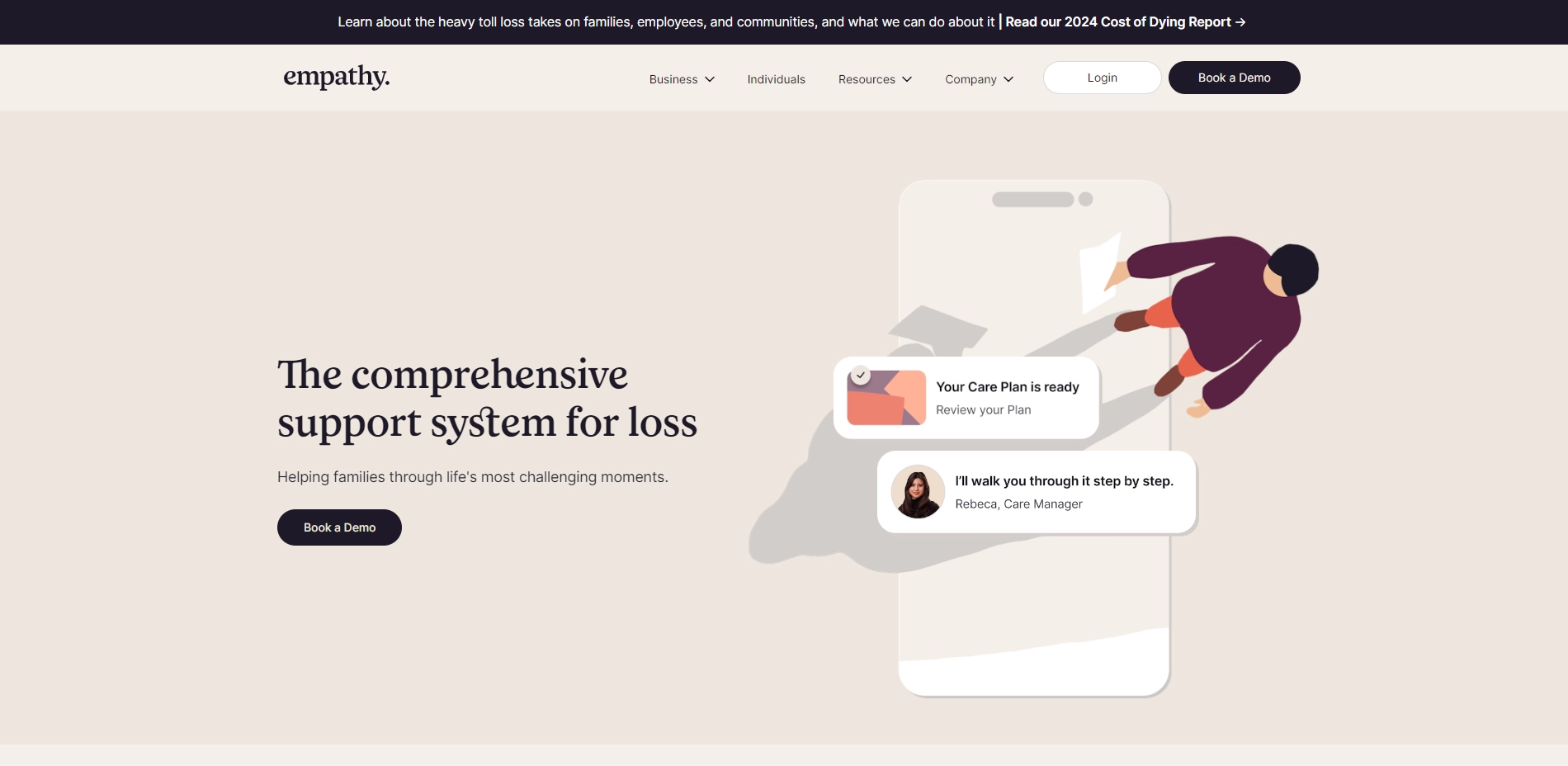
You will never have to share or publish your obituary or personal information unless you want to. You can also learn more about Empathy, the company behind Finding Words, which provides personalized support for families dealing with loss by using the power of technology and real-time human assistance.
Key Platforms
Core Service Areas:

Personalized Tribute
Guided Questionnaire
Draft Generation
Editable Content
Downloadable Format
User-Friendly Interface
Pros
- It can help you create a meaningful tribute to your loved one by answering a series of questions and generating a draft obituary in their honor.
- It can save you time and emotional stress by providing you with a first draft that you can revise and finalize according to your needs.
- It can support you with other aspects of dealing with loss, such as legal, financial, and emotional guidance, by connecting you with Empathy's app and human assistance.
Cons
- It may not capture the unique personality and voice of your loved one, as it relies on AI and generic templates to produce the obituary.
- It may not be able to express the depth and complexity of your emotions and relationship with your loved one, as it uses predefined words and phrases to describe them.
- It may not be suitable for some cultural or religious preferences, as it follows a standard format and style that may not align with your beliefs or traditions.
Frequently Asked Questions About Finding Words
01
How does Finding Words create an obituary?
Finding Words creates an obituary by asking you a series of questions about your loved one, including their name, age, occupation, hobbies, personality traits, and achievements. It uses your answers to generate a draft obituary that you can customize.
02
Can I edit the obituary generated by Finding Words?
Yes, after the draft obituary is generated, you can revise and customize it to better reflect your loved one's life and personality.
03
Is my data safe when using Finding Words?
Yes, your data is treated with the utmost confidentiality. Finding Words ensures that your information is secure and will not be shared with third parties.
04
What if I don’t have all the details about my loved one?
You can still use Finding Words with the information you have. It will generate an obituary based on the details provided, and you can always add more information later.
05
Is there a cost associated with using Finding Words?
Finding Words offers a variety of pricing options, including a free version for basic obituaries and paid plans for additional features and customization.
Promote Finding Words
Get Finding Words in front of thousands of buyers actively searching for AI tools. Feature your listing on the homepage and category pages, or add the verified badge to your site.
Copy Embed Code

Share on

Related AI Tools
Explore related AI tools for diverse applications and enhanced productivity

Unlock the best AI Tools for you!
Login or Approve this tool to continue exploring features and analytics.

