

If you want to enhance your videos with artificial intelligence, you might want to check out EyeQ. EyeQ is a website that offers automatic AI video enhancement for any video file.
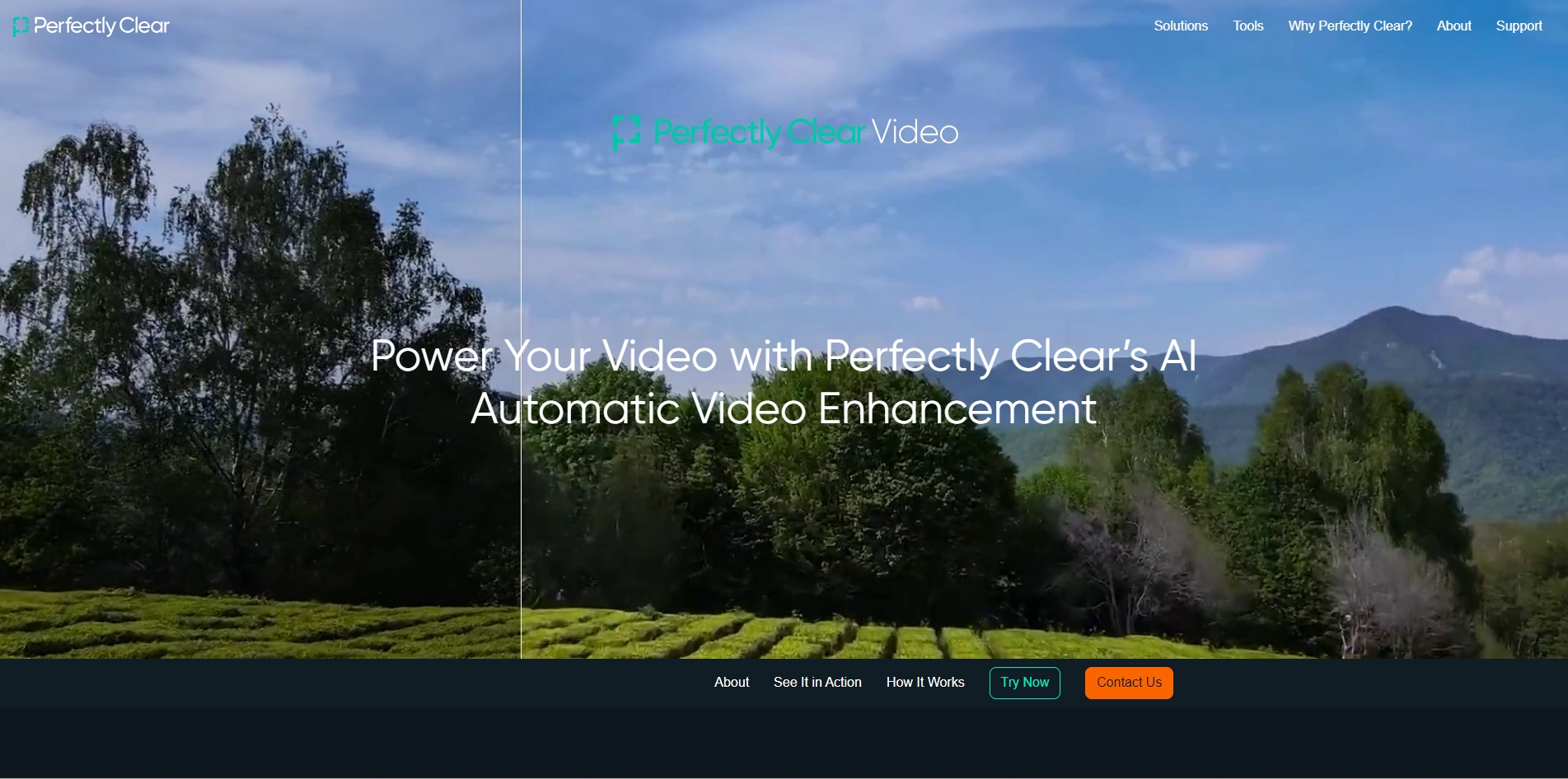
. You can upload your video to EyeQ and choose from different options to improve its quality, such as resolution, frame rate, color, contrast, noise reduction, stabilization and more. EyeQ uses advanced algorithms to analyze your video and apply the best enhancements for each scene. You can preview the results before downloading your enhanced video. EyeQ is fast, easy and affordable. You can try it for free for up to 5 minutes of video. Whether you want to make your videos look more professional, more cinematic or more realistic, EyeQ can help you achieve your goals.
Key Platforms
Core Service Areas:

AI-Powered Enhancements
User-Friendly Interface
Fast Processing Speed
Batch Processing
Format Compatibility
Cloud-Based Accessibility
Pros
- It can automatically enhance video quality with light and color correction, tint removal, highlight recovery, face contouring, sky and foliage enhancement, and exposure correction.
- It can be used in real time or on pre-recorded videos, and can be implemented in various devices and applications such as phones, video conferencing, mobile apps, software, and drones.
- It uses deep learning video enhancement to reproduce the corrections that professional manual editors made, resulting in realistic and accurate video output.
- It is simple and easy to use, with a slider bar or an automatic button for consumers to adjust the video enhancement level.
- It has over 20 years of experience in real science and artificial intelligence, and is trusted by leading companies worldwide to automatically correct billions of photos and videos every year.
Cons
- It may not be compatible with all video formats and platforms, and may require some technical integration for some use cases.
- It may not be able to correct some video issues such as blurriness, noise, distortion, or artifacts that are beyond the scope of its AI technology.
- It may not suit the personal preferences or artistic styles of some consumers or professionals who want more control over the video editing process.
Frequently Asked Questions About Perfectly Clear Video
01
What types of video files can I enhance using Perfectly Clear Video?
Perfectly Clear Video supports a variety of video file formats, including MP4, AVI, MOV, and more. You can upload any compatible video file for enhancement.
02
How does the AI enhancement process work?
The AI enhancement process uses advanced algorithms to analyze each frame of your video and automatically improve aspects such as brightness, contrast, sharpness, and color balance.
03
Is there a limit to the length or size of the videos I can upload?
Currently, there are size and length limitations based on the specific plan you choose. Please refer to our pricing and plan details for more information on these limits.
04
How long does it take to enhance a video?
The enhancement time varies depending on the length and complexity of the video. Typically, it takes just a few minutes to process most videos.
05
Do I need any special software to use Perfectly Clear Video?
No special software is required. You can access Perfectly Clear Video directly through your web browser on any device with internet connectivity.
Promote Perfectly Clear Video
Get Perfectly Clear Video in front of thousands of buyers actively searching for AI tools. Feature your listing on the homepage and category pages, or add the verified badge to your site.
Copy Embed Code

Share on

Related AI Tools
Explore related AI tools for diverse applications and enhanced productivity

Unlock the best AI Tools for you!
Login or Approve this tool to continue exploring features and analytics.

