

Textomap is a website that lets you create interactive maps from text. You can use it for different purposes, such as content creation, travel planning, education, news, and more. You can also use an AI assistant to generate maps from questions or prompts.
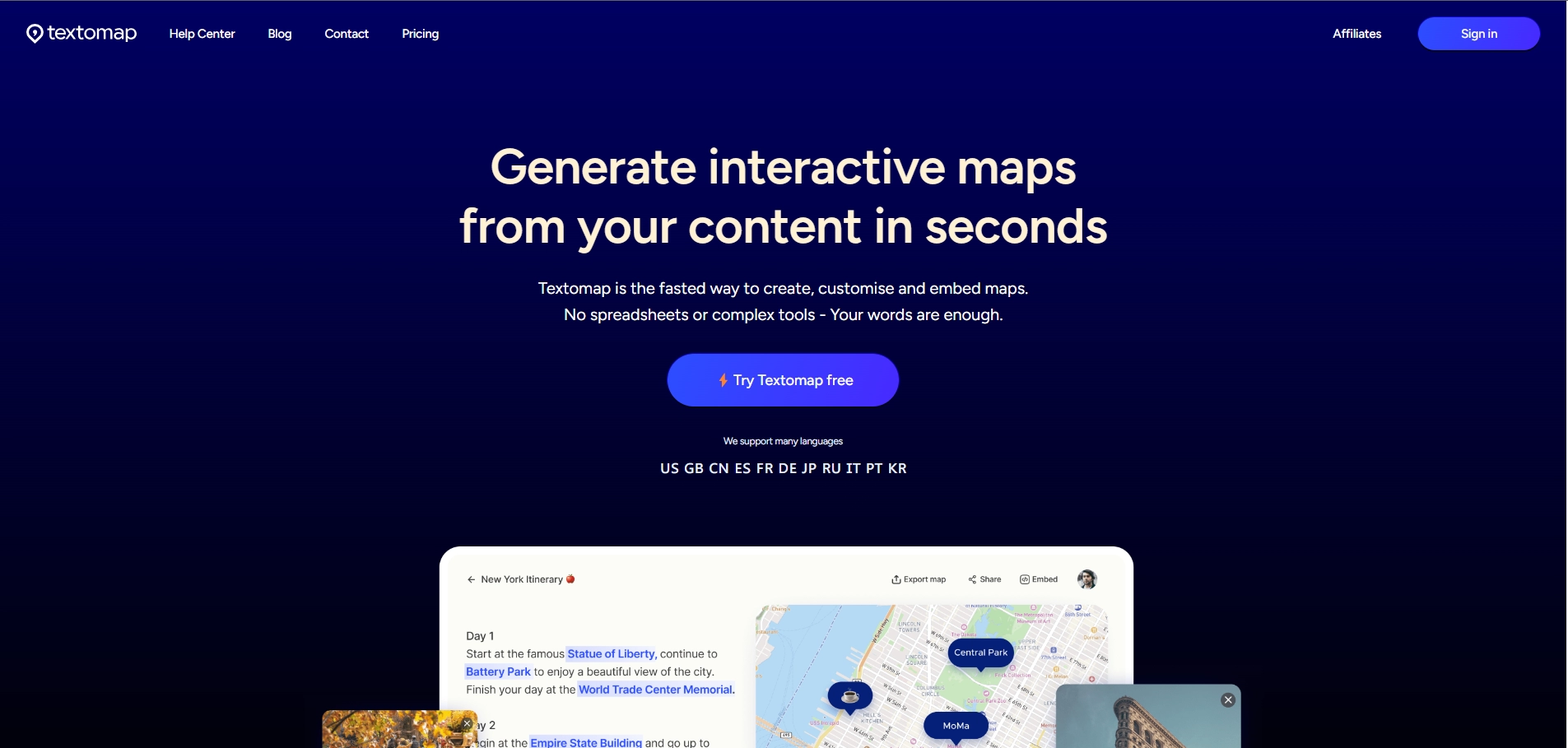
Textomap has some features that make it easy and fast to use:
- You can create and edit maps on your mobile browser, without needing a laptop or an app.
- You can save your maps and share them with others through links or embed codes.
- You can use a Chrome extension to view locations on a map as you read any text on the web.
- You can add photos and Wikipedia pages to your map automatically.
- You can use different languages, such as English, Spanish, Chinese, German, French, etc.
Textomap is a great tool for anyone who wants to turn text into interactive maps in seconds.
Key Platforms
Core Service Areas:

Interactive Map Creation
AI-Powered Assistance
Versatile Use Cases
User-Friendly Interface
Customizable Map Elements
Collaboration Features
Pros
- It can help you visualize and organize your ideas, notes, or research
- It can help you find connections and patterns among different texts
- It can help you create and share engaging presentations or reports
Cons
- It may not work well with very long or complex texts
- It may not detect plagiarism or citation errors in your texts
- It may require a Pro plan to access all features and avoid ads
Frequently Asked Questions About Textomap
01
What is Textomap and how does it work?
Textomap is an interactive mapping tool that allows users to create maps based on text input. You can enter questions or prompts, and the AI assistant will generate a map that visualizes the information in an engaging way.
02
What are the main use cases for Textomap?
Textomap can be used for various purposes including content creation, travel planning, educational projects, news reporting, and more. It's designed to help users visualize information effectively.
03
Do I need prior mapping experience to use Textomap?
No, Textomap is user-friendly and designed for users of all skill levels. You can create maps simply by providing text, and the AI will handle the rest.
04
Can I customize the maps generated by Textomap?
Yes, Textomap offers customization options that allow you to modify the appearance of the maps, including colors, markers, and labels to suit your needs.
05
Is there a cost associated with using Textomap?
Textomap offers various pricing plans, including a free version with limited features. For additional functionality, you can explore premium subscription options.
Promote Textomap
Get Textomap in front of thousands of buyers actively searching for AI tools. Feature your listing on the homepage and category pages, or add the verified badge to your site.
Copy Embed Code

Share on

Related AI Tools
Explore related AI tools for diverse applications and enhanced productivity
Unlock the best AI Tools for you!
Login or Approve this tool to continue exploring features and analytics.

