

Vocal Remover is a free online application that helps you create karaoke tracks by separating the vocals from the music in a song. It uses powerful AI algorithms to isolate the voice and the instrumental parts of the audio file. You can then download the karaoke version (no vocals) and the acapella version (only vocals) of your song.
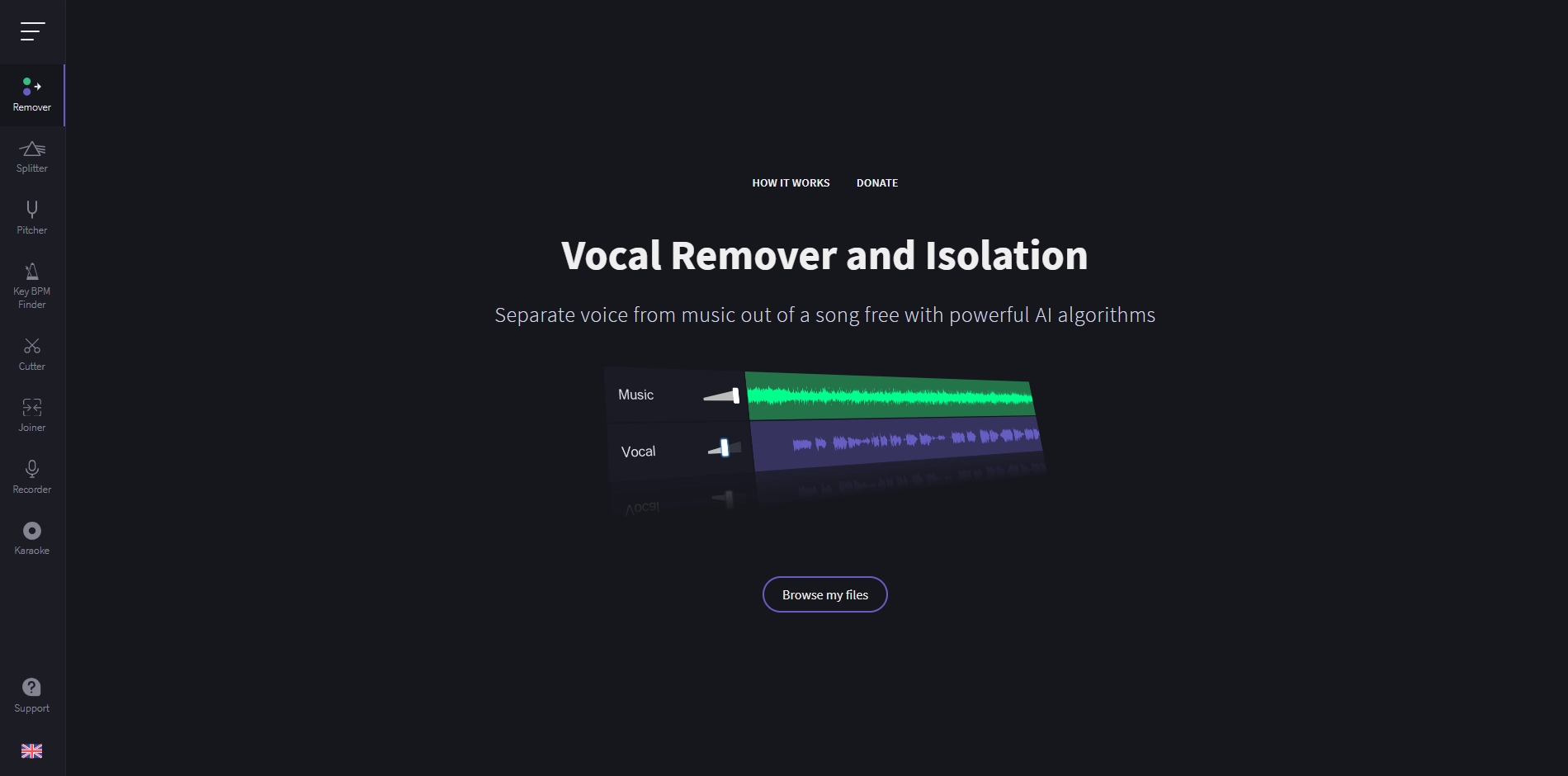
Vocal Remover works by uploading your audio file to the cloud, where it is processed by the AI models. The processing time depends on the size and quality of your file, and the number of other files in the queue. You can preview and download the results in your browser.
Vocal Remover is a useful tool for singers, DJs, producers, and anyone who wants to make samples, stems, or karaoke tracks from any song. You can use it with any audio format and any genre of music. Vocal Remover is easy to use and delivers high quality results fast.
Key Platforms
Core Service Areas:

Vocal Isolation
Instrumental Extraction
User-Friendly Interface
High-Quality Output
Free to Use
Multiple Format Support
Pros
- It is a free online application that can remove vocals from a song by creating karaoke.
- It can also isolate vocals from the instrumental track, which can be useful for sampling or remixing.
- It uses powerful AI algorithms to separate voice from music, which can deliver high quality results.
- It is easy to use, as you only need to browse or drag and drop an audio file and wait for processing.
- It supports various audio formats, such as MP3, WAV, OGG, and M4A.
Cons
- It has a limit of 10 MB for the file size, which may not be enough for some songs or audio files.
- It may not work well for some songs that have complex vocal arrangements or overlapping sounds.
- It does not offer any options to adjust the parameters or settings of the vocal removal process, such as the frequency range or the volume level.
Frequently Asked Questions About Vocal Remover
01
How does Vocal Remover work?
Vocal Remover uses advanced AI algorithms to analyze audio files and separate the vocals from the instrumental parts, allowing you to create karaoke tracks easily.
02
Is Vocal Remover free to use?
Yes, Vocal Remover is completely free to use. You can upload your audio files and download the karaoke and acapella versions without any charges.
03
What audio formats does Vocal Remover support?
Vocal Remover supports popular audio formats such as MP3, WAV, and more. You can upload your songs in these formats for processing.
04
Can I download both the karaoke and acapella versions of the song?
Yes, after processing your audio file, you can download both the karaoke version (instrumental only) and the acapella version (vocals only) of your song.
05
Do I need to create an account to use Vocal Remover?
No, you do not need to create an account to use Vocal Remover. Simply visit the website, upload your audio file, and start processing your music.
Promote Vocal Remover
Get Vocal Remover in front of thousands of buyers actively searching for AI tools. Feature your listing on the homepage and category pages, or add the verified badge to your site.
Copy Embed Code

Share on

Related AI Tools
Explore related AI tools for diverse applications and enhanced productivity
Unlock the best AI Tools for you!
Login or Approve this tool to continue exploring features and analytics.

