

GitHub is a platform that enables developers to collaborate on software projects, share code, and manage their Git repositories. GitHub also offers a range of features and tools to help developers improve their code quality, automate their workflows, and secure their code. Some of these features include:
- GitHub Copilot: an AI pair programmer that suggests code based on natural language prompts.
- GitHub Actions: a CI/CD service that automates build, test, and deployment tasks.
- GitHub Mobile: an app that allows developers to access their projects from anywhere.
- GitHub Discussions: a space for open-ended conversations and questions about code.
- Pull requests: a way to review and merge code changes with feedback and collaboration.
- GitHub Sponsors: a program that supports open source maintainers and projects financially.
- Secret scanning: a feature that detects and prevents the exposure of sensitive data in code.
- Dependabot: a tool that scans dependencies for vulnerabilities and updates them automatically.
- Code scanning: a static analysis tool that identifies and fixes issues in code.
GitHub is home to over 100 million developers who use it to shape the future of software. GitHub hosts over 330 million projects, ranging from small personal projects to large-scale enterprise applications. GitHub also supports the open source community, which contributed over 218 million times to GitHub projects in the last year. GitHub is the place for anyone from anywhere to build anything.
Key Platforms
Core Service Areas:

Collaborative Development
Code Quality Tools
Workflow Automation
Version Control
Security Features
Community Engagement
Pros
- GitHub provides a powerful and flexible Git-based version control system that allows teams to track changes to their code over time, collaborate on code with others, and maintain a history of their work.
- GitHub's pull request system enables teams to review code changes, discuss suggestions and merge changes in a central location.
- GitHub supports Markdown for issue tracking, user comments, wikis and more, which makes it easy to write formatted documents with a simple text editor.
- GitHub offers additional features such as Gists, GitHub Pages, GitHub Actions and GitHub Packages, which enhance the functionality and usability of the platform.
- GitHub has a large and active community of developers who contribute to open-source projects, share knowledge and provide feedback.
Cons
- GitHub's pricing model is based on the number of private repositories and collaborators, which can be limiting for some users who need more flexibility and scalability.
- GitHub's interface can be confusing and overwhelming for beginners who are not familiar with Git commands and workflows.
- GitHub's security and privacy policies have been criticized by some users who are concerned about the ownership and control of their data and code.
Frequently Asked Questions About Whisper
01
What is Whisper?
Whisper is an AI tool developed by OpenAI designed for automatic speech recognition (ASR) and transcription, capable of understanding and transcribing multiple languages and dialects.
02
How does Whisper handle different languages?
Whisper is trained on a diverse dataset that includes multiple languages, allowing it to recognize and transcribe speech in various languages accurately.
03
Can I use Whisper for real-time transcription?
Whisper is primarily designed for transcribing audio files rather than real-time transcription. However, it can process recorded audio efficiently.
04
Is Whisper open source?
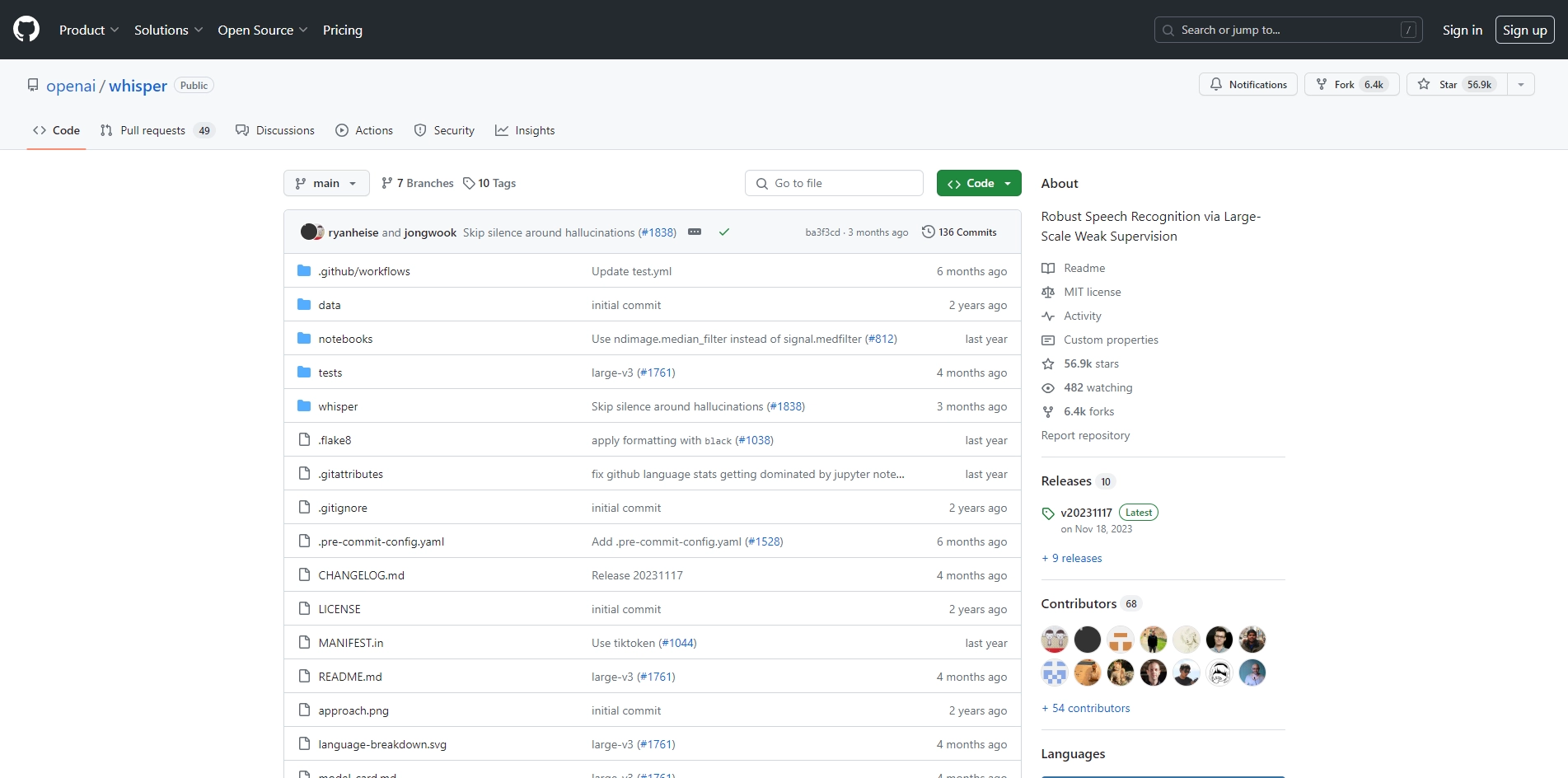
Yes, Whisper is available on GitHub as an open-source project, allowing developers to access the code, contribute, and integrate it into their applications.
05
What are the system requirements to run Whisper?
Whisper requires a compatible environment with Python and specific libraries for audio processing. It's recommended to have a machine with sufficient CPU/GPU resources for optimal performance.
Promote Whisper
Get Whisper in front of thousands of buyers actively searching for AI tools. Feature your listing on the homepage and category pages, or add the verified badge to your site.
Copy Embed Code

Share on

Related AI Tools
Explore related AI tools for diverse applications and enhanced productivity

Unlock the best AI Tools for you!
Login or Approve this tool to continue exploring features and analytics.

