

Wisecut is a web-based software that uses artificial intelligence (AI) and voice recognition to edit videos automatically. It can help you create engaging videos in minutes by adding features like jump cuts, subtitles, background music and more. Here are some of the benefits of using Wisecut for your video editing needs:
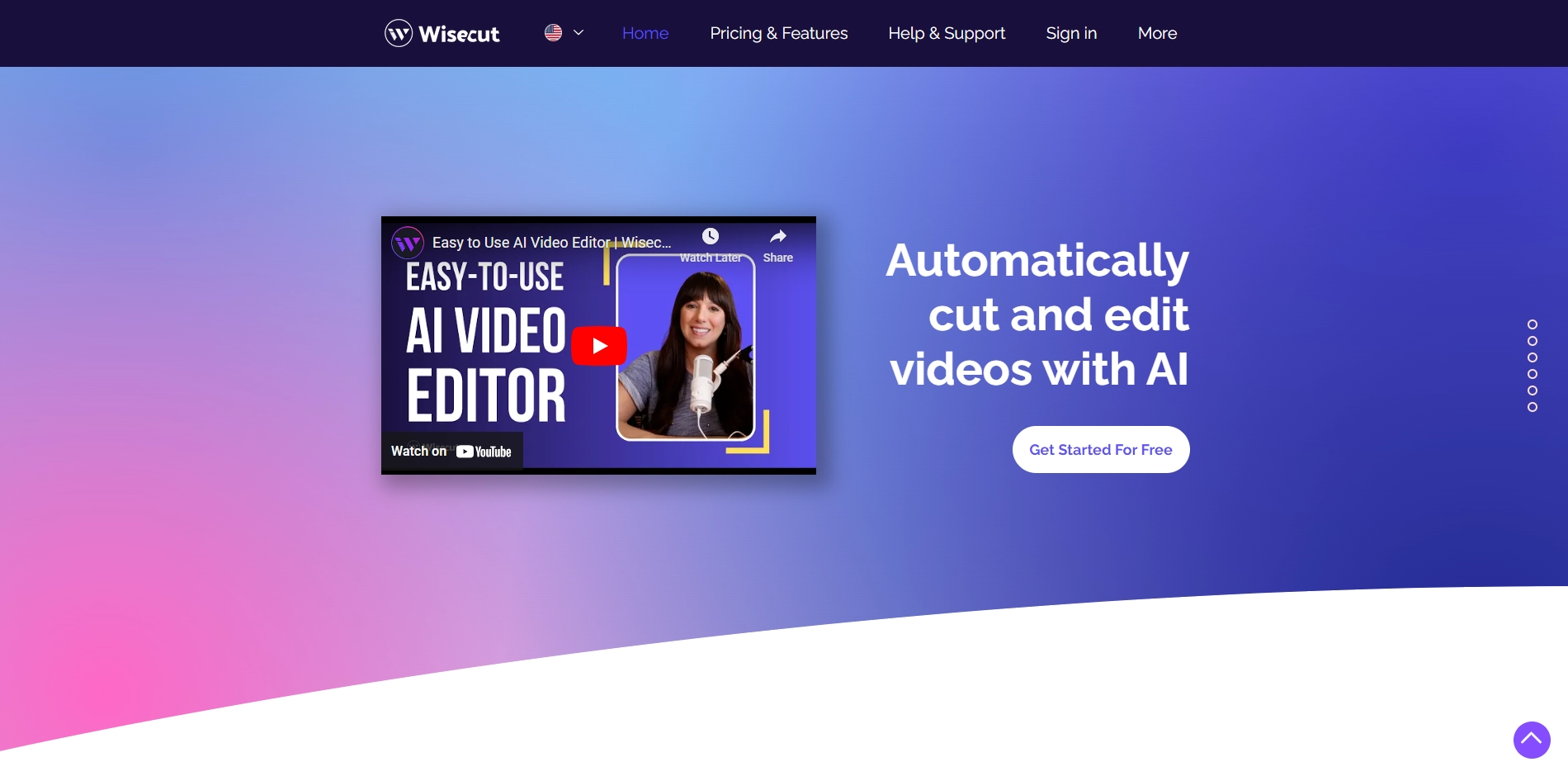
- Save time and effort: Wisecut can reduce the length of your videos by removing silences and unnecessary parts. It can also adjust the music volume according to the speech and sync it to your video. You don't need any video editing skills or experience to use Wisecut.
- Reach more audience: Wisecut can generate subtitles for your videos in different languages and formats. You can also edit them easily using the storyboard tool. Subtitles can help you improve the accessibility and engagement of your videos, especially for viewers who watch with the sound off or speak a different language.
- Grow your brand: Wisecut can help you turn your long-form videos into short, impactful clips that are suitable for platforms like YouTube Shorts, TikTok, Instagram Reels and social ads. These clips can help you attract more viewers and followers to your brand and content.
If you want to try Wisecut for free, you can sign up on their website and upload your video. You can also watch some customer success stories and see how Wisecut transformed their videos. Wisecut is the smart way to edit your videos and grow your audience.
Key Platforms
Core Service Areas:

AI-Powered Editing
Seamless Jump Cuts
Automatic Subtitles
Background Music Integration
User-Friendly Interface
Cloud-Based Accessibility
Pros
- It uses AI and voice recognition to edit videos automatically and quickly .
- It can create short videos from long-form content for different platforms.
- It can add subtitles, translations, background music, and audio ducking to enhance the video quality.
- It has a storyboard-based editing tool that allows easy text and scene manipulation.
- It offers a free plan and affordable pricing options.
Cons
- It may not be suitable for complex or creative video editing projects that require more control and customization.
- It may not support all video formats or languages.
- It may have errors or inaccuracies in the AI-generated features such as subtitles or music selection.
Frequently Asked Questions About Wisecut
01
What types of videos can I create with Wisecut?
Wisecut is versatile and can be used to create various types of videos, including vlogs, tutorials, presentations, and promotional content.
02
How does Wisecut use AI for video editing?
Wisecut leverages AI and voice recognition technology to automatically edit videos by identifying key moments, creating jump cuts, and adding subtitles and background music.
03
Is there a limit to the video length I can edit with Wisecut?
Wisecut can handle videos of various lengths, but longer videos may take more time to process. It's best to check the specific guidelines on the platform for any limitations.
04
Can I customize the subtitles and background music in my videos?
Yes, Wisecut allows you to customize subtitles and choose your preferred background music to enhance your video's overall appeal.
05
Do I need any prior video editing experience to use Wisecut?
No prior video editing experience is required to use Wisecut. The platform is designed to be user-friendly and intuitive, making it accessible for beginners.
Promote Wisecut
Get Wisecut in front of thousands of buyers actively searching for AI tools. Feature your listing on the homepage and category pages, or add the verified badge to your site.
Copy Embed Code

Share on

Related AI Tools
Explore related AI tools for diverse applications and enhanced productivity

Unlock the best AI Tools for you!
Login or Approve this tool to continue exploring features and analytics.

