

Xpression Camera
Xpression Camera is a virtual camera app that lets you transform into anyone or anything with a face with a single photo. It uses artificial intelligence to generate real-time face filters that can be used in video chats, live streams, and other content creation applications.
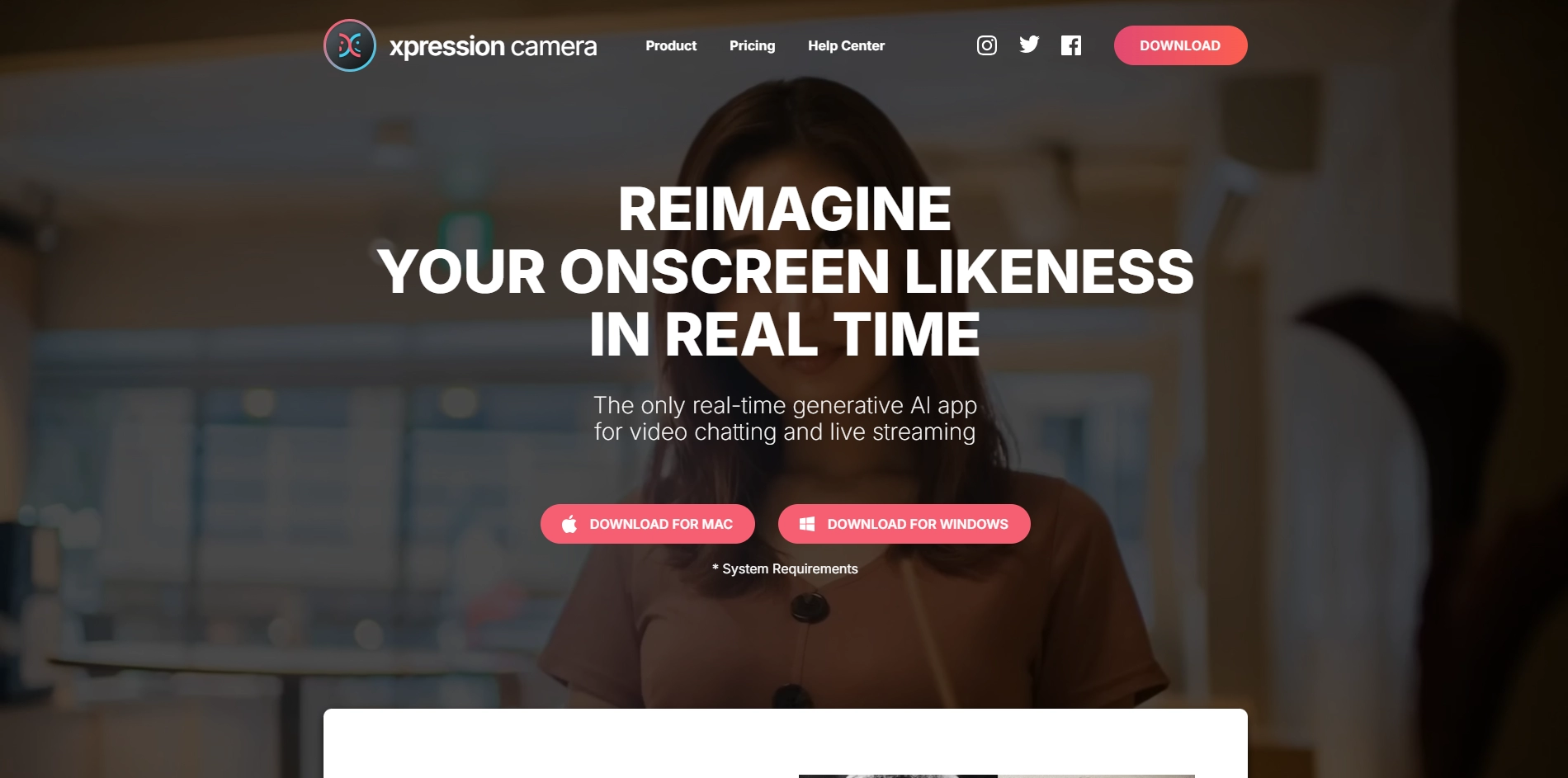
To use Xpression Camera, simply upload a photo of the person or thing you want to transform into. The app will then generate a real-time face filter that will make you look like the person or thing in the photo. You can also use Xpression Camera to change your background or add animations to your videos.
Xpression Camera is a great way to add a little fun and creativity to your video chats and live streams. It's also a great way to protect your privacy if you don't want to show your real face online.
- Real-time face filters: Xpression Camera uses artificial intelligence to generate real-time face filters that can be used in video chats, live streams, and other content creation applications.
- Multiple filters: Xpression Camera offers a variety of filters to choose from, so you can find the perfect look for any occasion.
- Easy to use: Xpression Camera is easy to use, even if you're not familiar with video editing software.
- Free to use: Xpression Camera is free to download and use.
Key Platforms
Core Service Areas:

Real-Time Face Filters
Single Photo Magic
Wide Character Selection
Seamless Integration
User-Friendly Interface
High-Quality Output
Pros
- It allows users to **reimagine their onscreen persona** in real-time with any image with a face .
- It supports **video chatting, live streaming, content creation, gaming** and more on various platforms such as Zoom, Twitch, YouTube .
- It has a **voice-only mode** that can animate the image on screen based on the user's voice.
- It has a **free version** that offers basic features and a **paid version** that offers more customization and utility.
- It **maintains complete privacy** by changing the image on the screen and not exposing the user's true identity.
Cons
- It requires a **high-end hardware** to run smoothly and a **physical webcam** to capture the user's face.
- It may not work well with **images that are low-quality, blurry, or have multiple faces**.
- It may cause **ethical issues** if users misuse the app to impersonate or deceive others.
Frequently Asked Questions About Xpression Camera
01
What is Xpression Camera?
Xpression Camera is a virtual camera app that allows users to transform into anyone or anything with a face using just a single photo. It utilizes artificial intelligence to create real-time face filters for video chats, live streams, and content creation.
02
How do I use Xpression Camera in video chats?
To use Xpression Camera in video chats, simply install the app, select or upload a photo of the face you want to transform into, and then set Xpression Camera as your webcam in your video chat application. You can then enjoy the real-time face filters during your conversations.
03
What platforms is Xpression Camera compatible with?
Xpression Camera is designed to work with various video chat and streaming platforms, including Zoom, Skype, OBS, and more. It is compatible with both Windows and Mac operating systems.
04
Can I create my own custom face filters?
Currently, Xpression Camera allows users to transform into existing faces using uploaded photos. Custom face filters creation is not yet supported, but the app includes a variety of pre-made filters for users to choose from.
05
Is Xpression Camera free to use?
Xpression Camera offers a free version with limited features. For full access to all features and filters, a subscription or one-time purchase may be required. Please check the website for the latest pricing details.
Promote Xpression Camera
Get Xpression Camera in front of thousands of buyers actively searching for AI tools. Feature your listing on the homepage and category pages, or add the verified badge to your site.
Copy Embed Code

Share on

Related AI Tools
Explore related AI tools for diverse applications and enhanced productivity
Unlock the best AI Tools for you!
Login or Approve this tool to continue exploring features and analytics.

