
Table Of Contents
Best AI Tools for Designers in 2026
Published on : Mar 28 2025

So, designers, are you done doing the same old grind? Well, AI design tools are going to flip your situation. Remember those days when designers used to spend hours on repetitive tasks, trying to get the perfect blue shade and struggling for the correct font.
The process was rewarding. But sometimes doing that was tough.
Now things are changing. Designers can use so many tools. Those tools can make pictures from words and fix blurry images. It even suggests designs that you might not have thought of. It is not about robots taking your job. It is about having a helping hand. You can spend less time on boring stuff and focus more on the creative part.
These AI design tools are very helpful. It can even help in creating your best work. Let's see how these tools change the way designers design.
Quick Summary
AI is transforming graphic design. It makes design faster and efficient. Canva, Adobe Express and many other tools are using AI to automate tasks. It even generates ideas.
In this blog we will go through the best AI for graphic design tools. We will explore how to use them. And what to consider.
Why use AI for Graphic Design?
- Remove Creative Blocks
We all go through creative blocks sometimes. AI helps by offering ideas like layouts, color schemes and design elements. It guides you with your past creative barriers. It helps you restart your work with innovative concepts and practical suggestions.
- Creative Experimentation
AI lets you explore new styles, layouts and effects easily. You can experiment without the fear of failure. You can try unique creative approaches quickly and efficiently. It is a tool that pushes your boundaries.
- Save Yourself Time
AI simplifies design work by handling tasks. Those tasks include resizing images or generating designs quickly. It frees up your time to focus on polishing and refining your creations.
How I tested the Best AI Graphic Design Tools
- Price
The cost of the tool matters. Some are free. Some charge a fee. A good tool should offer excellent features for the price. Affordable tools are great. But pricey tools should provide good value. They should deliver high quality design options and time-saving features.
- Ease of use
Graphic design tools should be easy to use. Beginners need clear instructions and an easy interface. Advanced users want efficient workflows. A steep learning curve can discourage users. The best tools and intuitive. It lets anyone start designing quickly without frustration or confusion.
- Design Capabilities
The best options offer features like generating templates, editing photos and creating detailed designs. It should help with various needs. It includes logos, banners, social media posts and more advanced creative work.
- Licenses and Copyright
One should understand the usage rights. Some tools let users freely use their design commercially. While others have restrictions. It is important to check if the tool provides ownership of the output or limits how and where it can be used. Especially for business.
- Ethics
Tools should use data responsibly. Ethical AI avoids copying others’ work. It ensures fairness. It is important to confirm that the AI does not misuse the data. Responsible development adds trust and aligns the tool with professional and personal values.
AI Tools for Graphic Design
Adobe Express
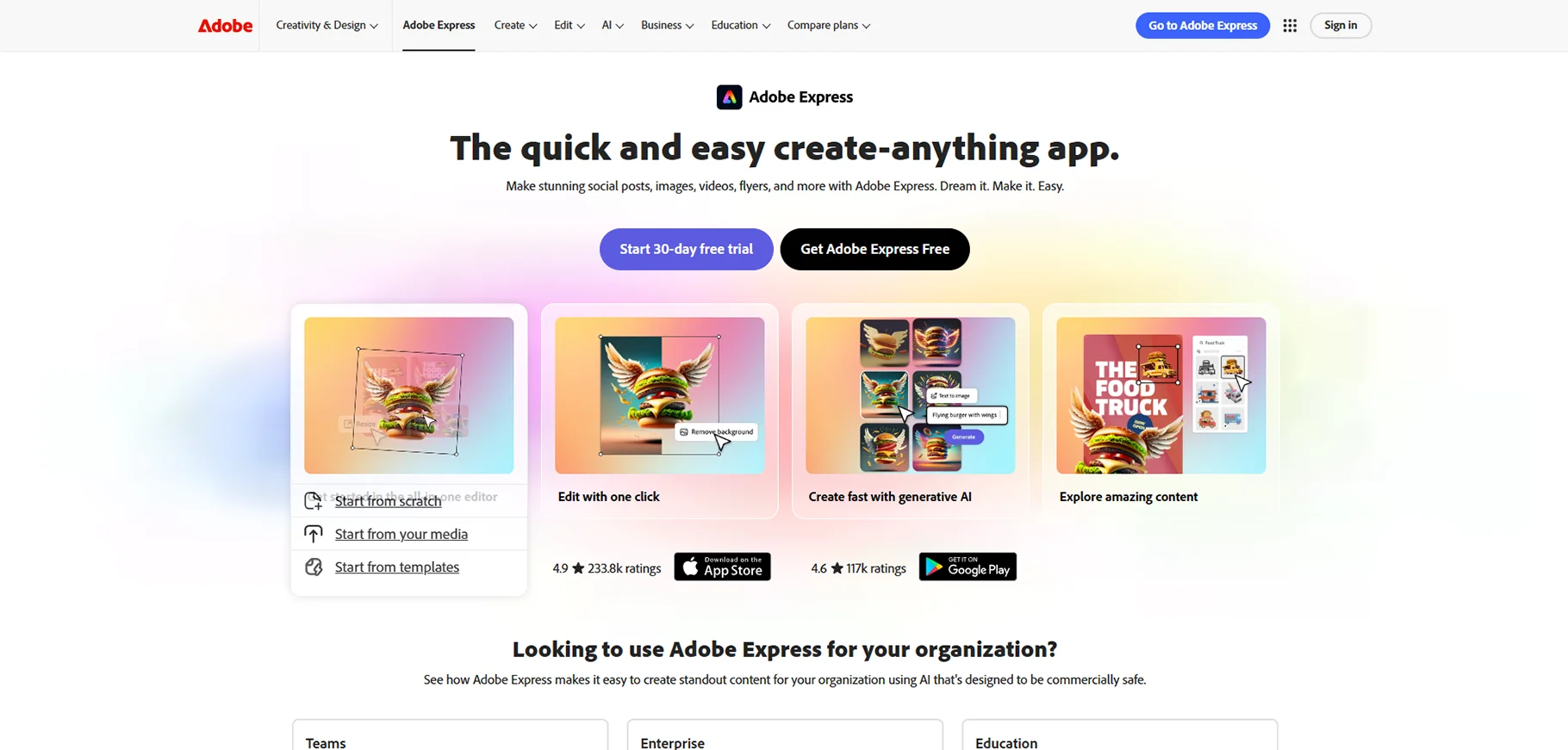
Adobe Express makes designing easy with premade templates. Those templates are for social media, posters and more. It is used by users who want quick and high-quality designs. It helps in creating polished graphics in minutes. It is done by drag and drop tools, AI suggestions and seamless integration with Adobe apps.
What I like
- Easy to use interface
- AI templates
- Quick social media content creation
Best for
- Social media managers
- Content creators
- Users who need fast and professional designs
Pricing
- Free plan available
- Premium: ₹398.84/month
- Teams: ₹419.00/month
Canva
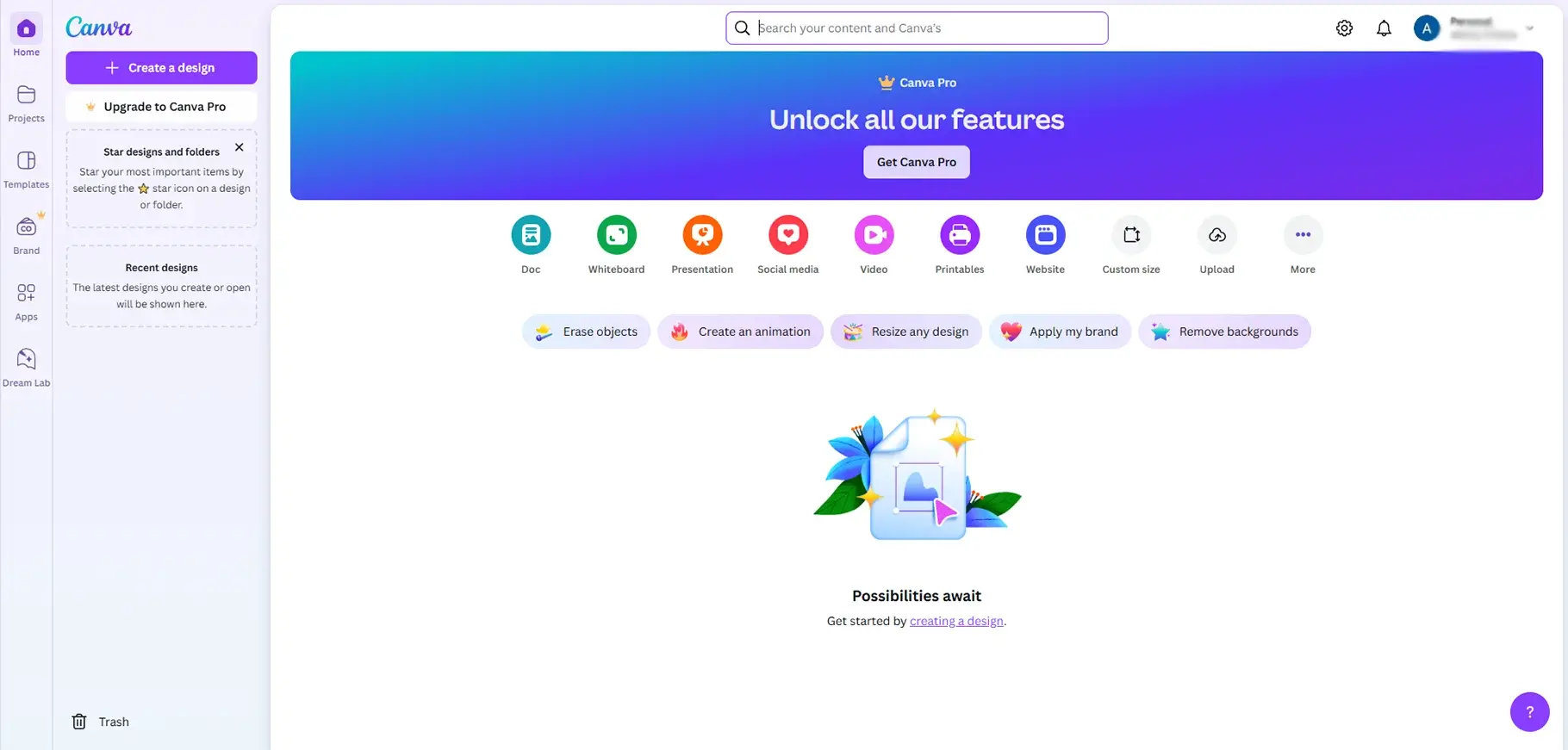
Canva is an easy-to-use design tool. It comes with thousands of templates for social media posts, presentations and marketing materials. Its drag and drop interface makes designing easier for the users. AI features like Magic Resize and Background Remover help speed up the process. Canva is used for quick and professional looking design.
What I like
- Huge template library
- Drag and drop interface
- AI-based design suggestions
Best for
- Beginners
- Small businesses
- Social media marketing
Pricing
- Free plan available
- Canva pro: ₹4000/month
- Canva teams: ₹4000/month
- Canva enterprise: contact sales
Design AI
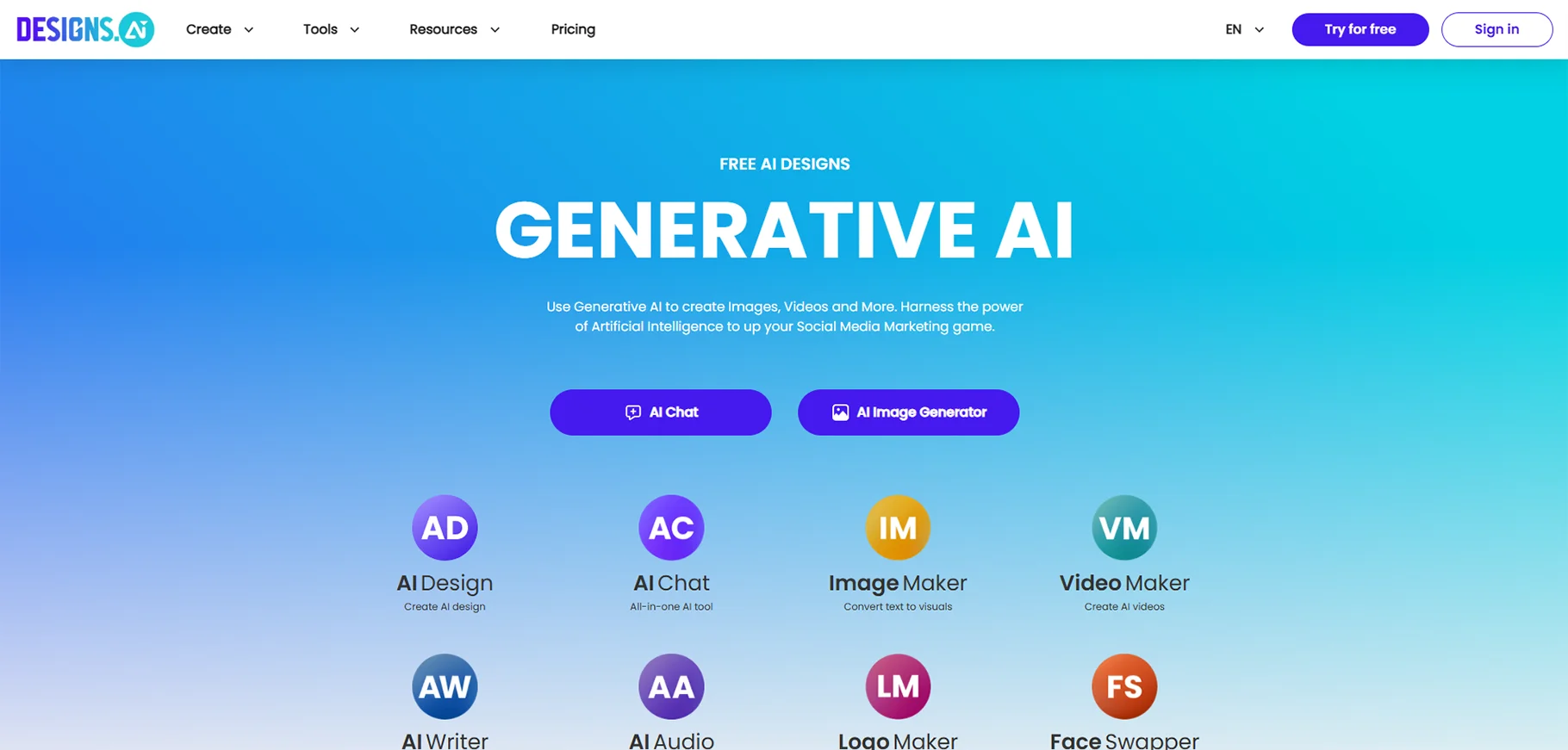
Design.ai is an AI based creative tool. This tool is for branding and marketing. It helps users in creating logos, videos and social media content quickly. Its AI suggestions save time and boost creativity. This makes it useful for businesses and individuals who want to create high quality design. That also without the need of advanced graphic design skills.
What I like
- AI logo maker
- Video generator
- Social media post creator
Best for
- Casual users
- Businesses
- Logos and videos
- Marketing materials
Pricing
- Basic: $19/month
- Pro: $49/month
- Enterprise: $169/month
Visme
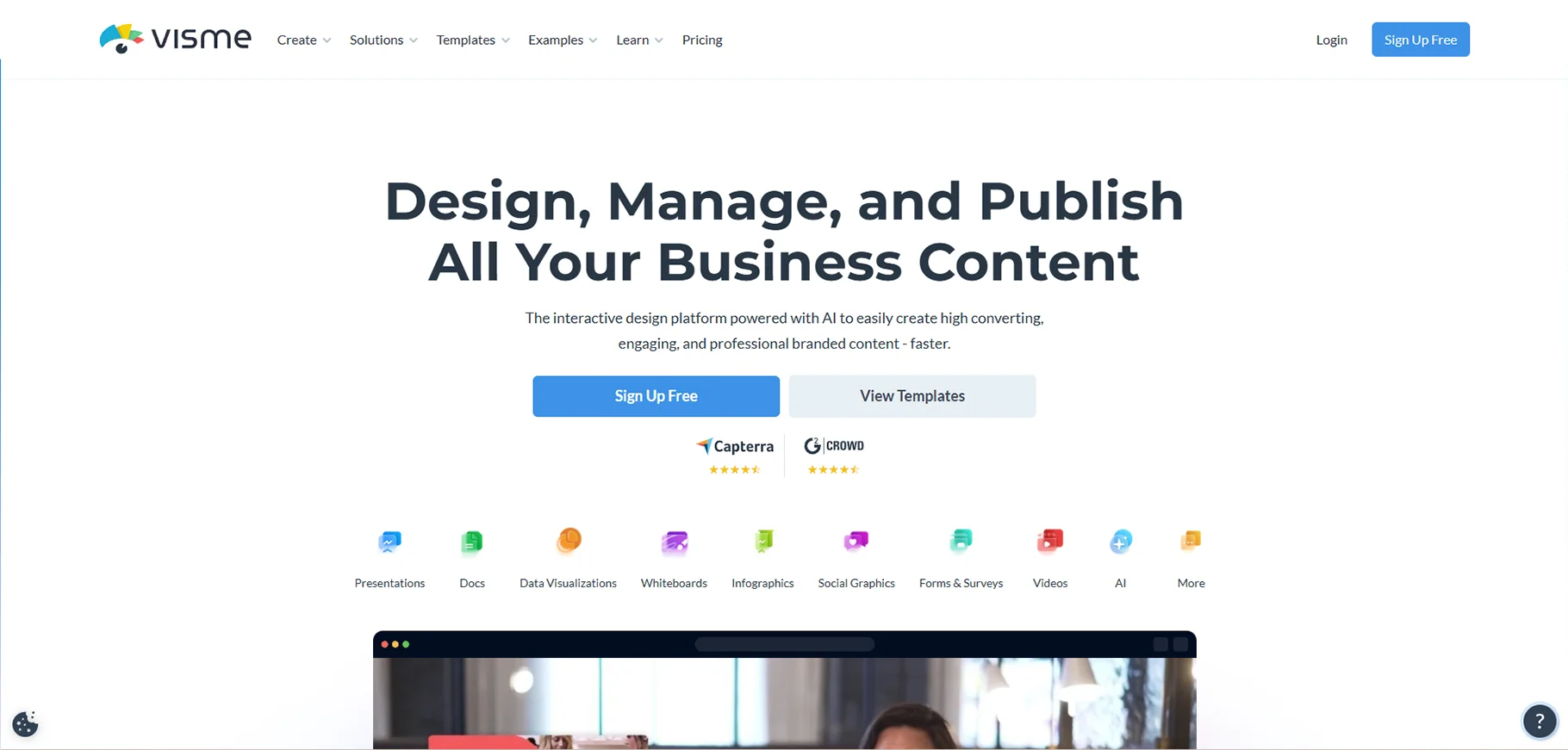
Visme is used for creating presentations, infographics and marketing content. It offers a wide range of templates, animations and AI based tools. These tools enhance the designs. It is used for business, education and social media. Visme helps in turning ideas into visually appealing content. That also without the need of professional design experience.
What I like
- Data visualization tools
- Interactive presentations
- Infographics
- Reports
Best for
- Individuals
- Professionals
- Educational users
Pricing
- Free plan available
- Personal: $12.25/month
- Business: $24.75/month
AutoDraw
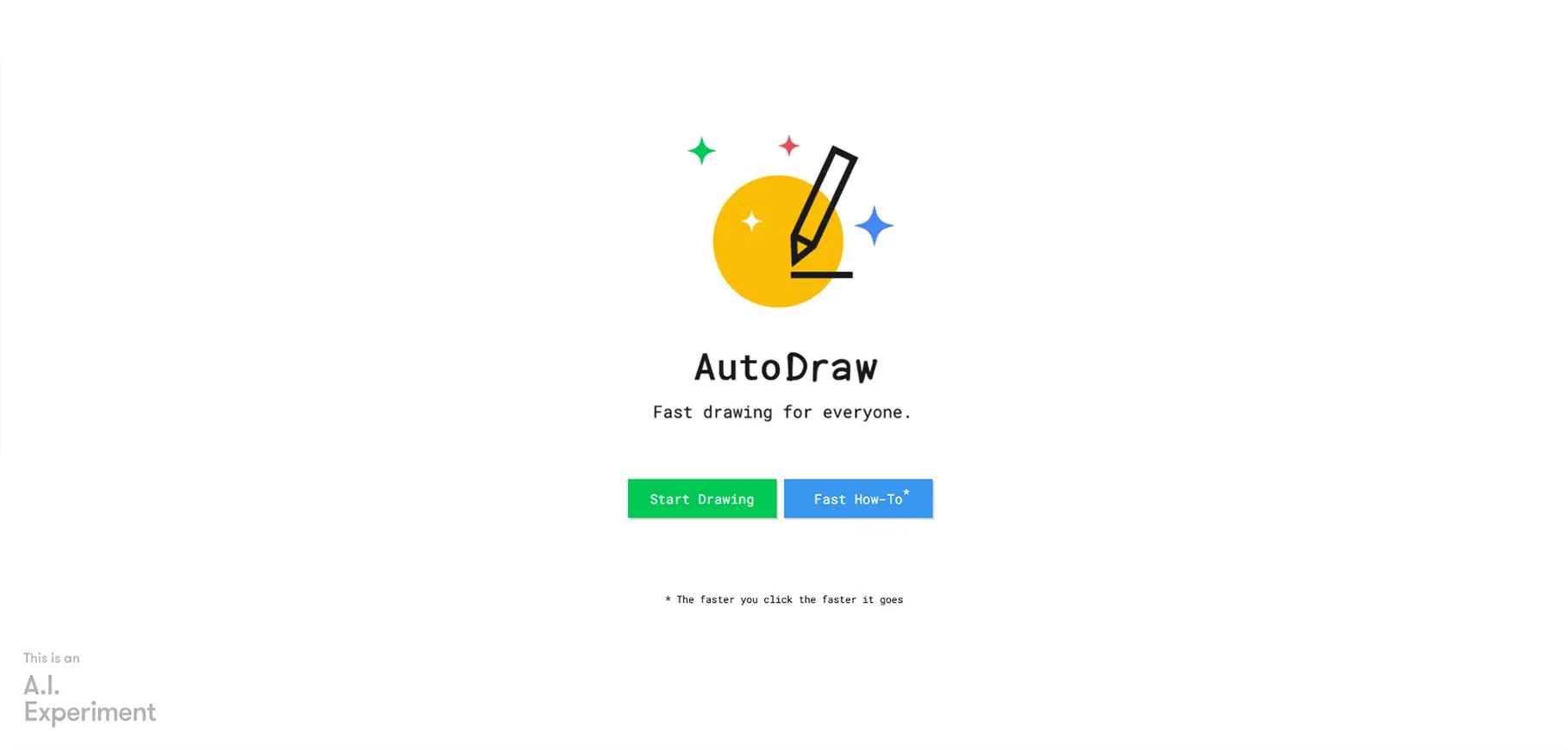
AutoDraw is a free AI based tool. It turns rough sketches into clean and professional looking drawings. It is used by beginners, students and casual users. It quickly suggests a better version of your doodles. It is a fun and simple way to create art, icons and basic illustrations with minimal effort.
What I like
- AI drawing tool
- Presentations
- Infographics
Best for
- Quick sketches and doodles
- Simple illustrations
- Brainstorming
- Concept art
Pricing
- AutoDraw is completely free
Khroma
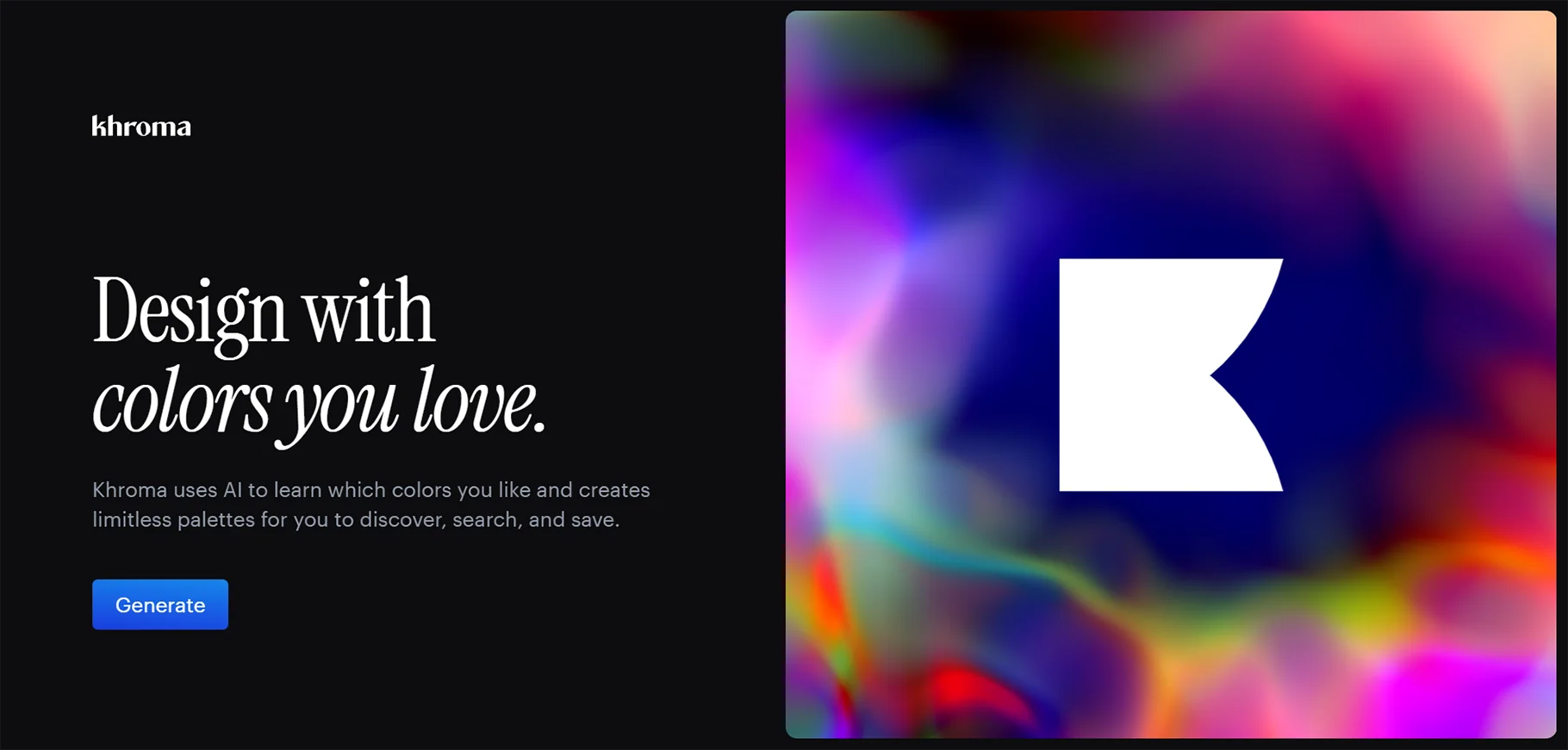
Khroma is an AI color palette generator. It helps designers in finding the perfect color combinations. It is used for branding, websites and digital art. It suggests aesthetically pleasing palettes that are based on trends and color psychology. It is used by users who want to choose the right colors for their projects.
What I like
- AI-generated color palette generator
Best for
- Designers
- Choosing the perfect color schemes
Pricing
- Khroma is completely free
Looka
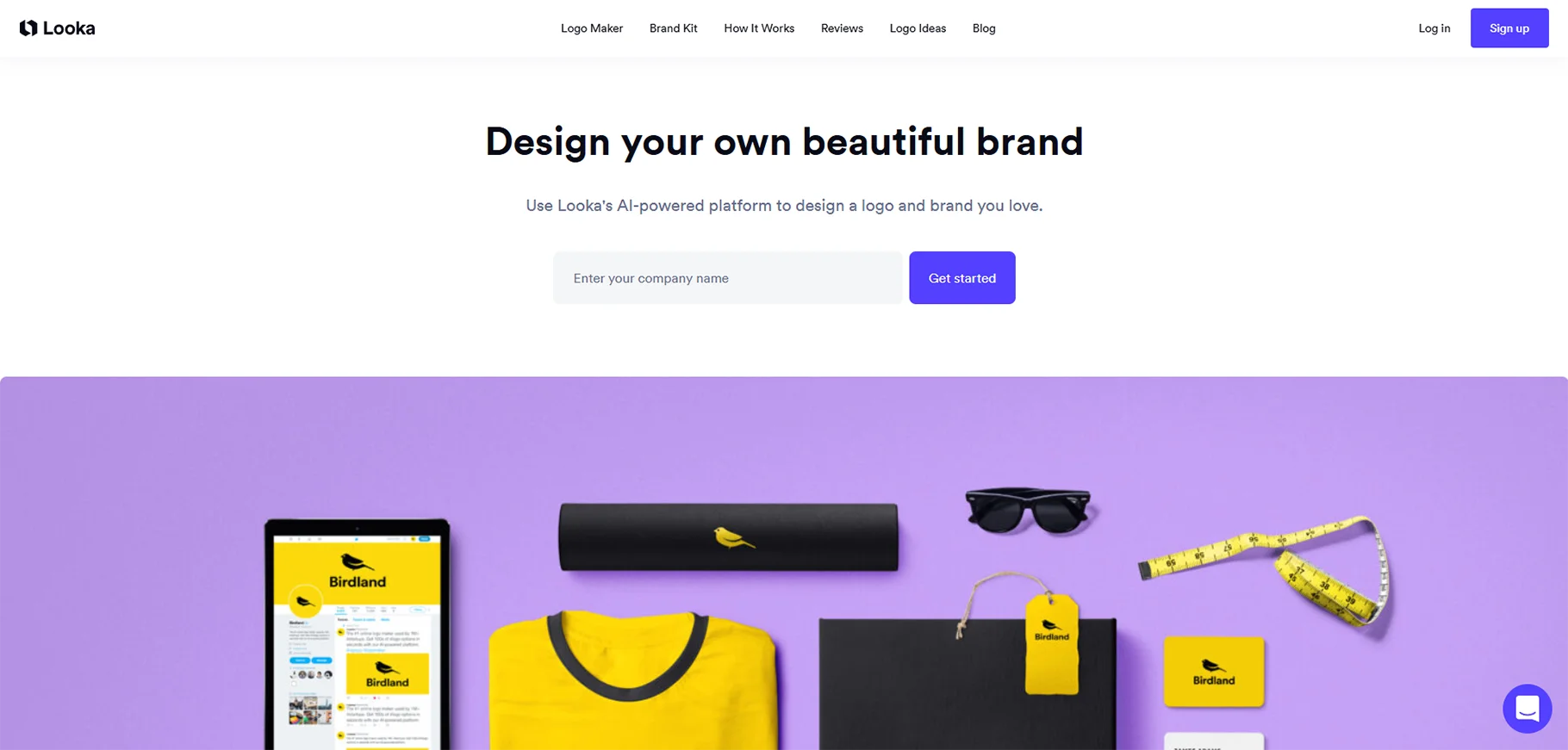
Looka is an AI logo making tool. It helps businesses and individuals create professional logos in minutes. It provides customizable templates, font suggestions and brand identity tools. Even if the user has no experience, Looka makes it easy to create high quality branding elements effortlessly.
What I like
- AI logo maker
- Brand identity generator
- Easy to use interface
Best for
- Startups
- Small businesses
- Branding
- Logo creation
Pricing
- Brand kit subscription: $96/year
- Brand kit web subscription: $129/year
- Basic logo package: $20 one-time purchase
- Premium logo package: $65 one-time purchase
Kittl
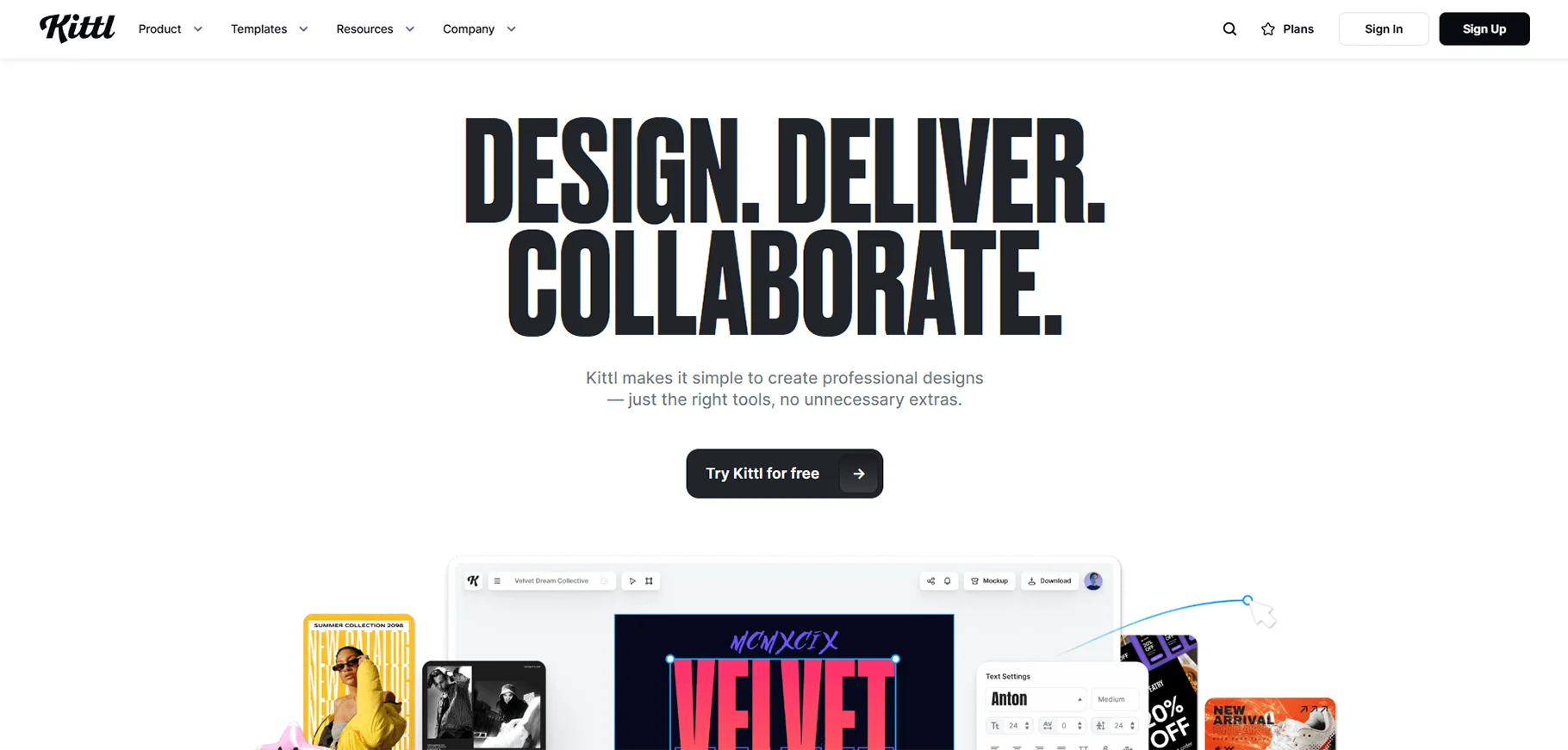
Kittl is a graphic design tool. It comes with advanced typography, layout and vector editing features. It is used for creating posters, t-shirts and branding materials. AI design elements make it easy to experiment with. That also with different styles. This makes it ideal for creative professionals and hobbyists.
What I like
- Vector design tool with AI elements
- Large library of templates
- Advanced typography
- Layout tools
Best for
- Print on demand designers
- Graphic designers
- Professional level designs
Pricing
- Free plan available
- Pro: ₹667/month
- Expert: ₹1600/month
Adobe Sensei
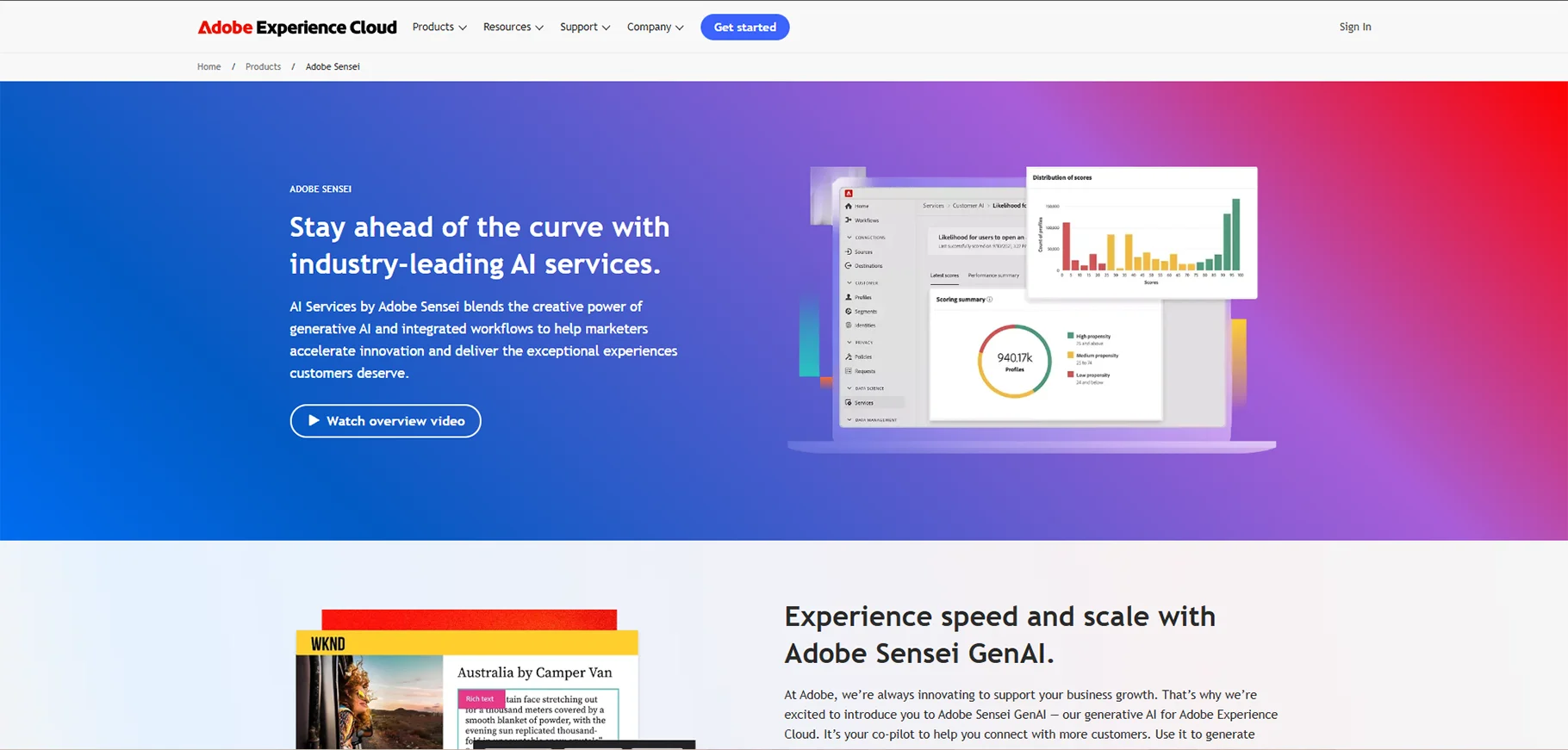
Adobe Sensei is an AI technology. It powers various Adobe tools. It enhances features like image recognition, photo editing and design automation. It helps designers by suggesting improvements, automating repetitive tasks and optimizing workflows. This makes the creative process faster and more efficient.
What I like
- AI features integrated into Adobe Creative Cloud
- AI based creative suggestions
Best for
- Professional designers using Adobe software.
Pricing
- Contact vendor for pricing
Uizard
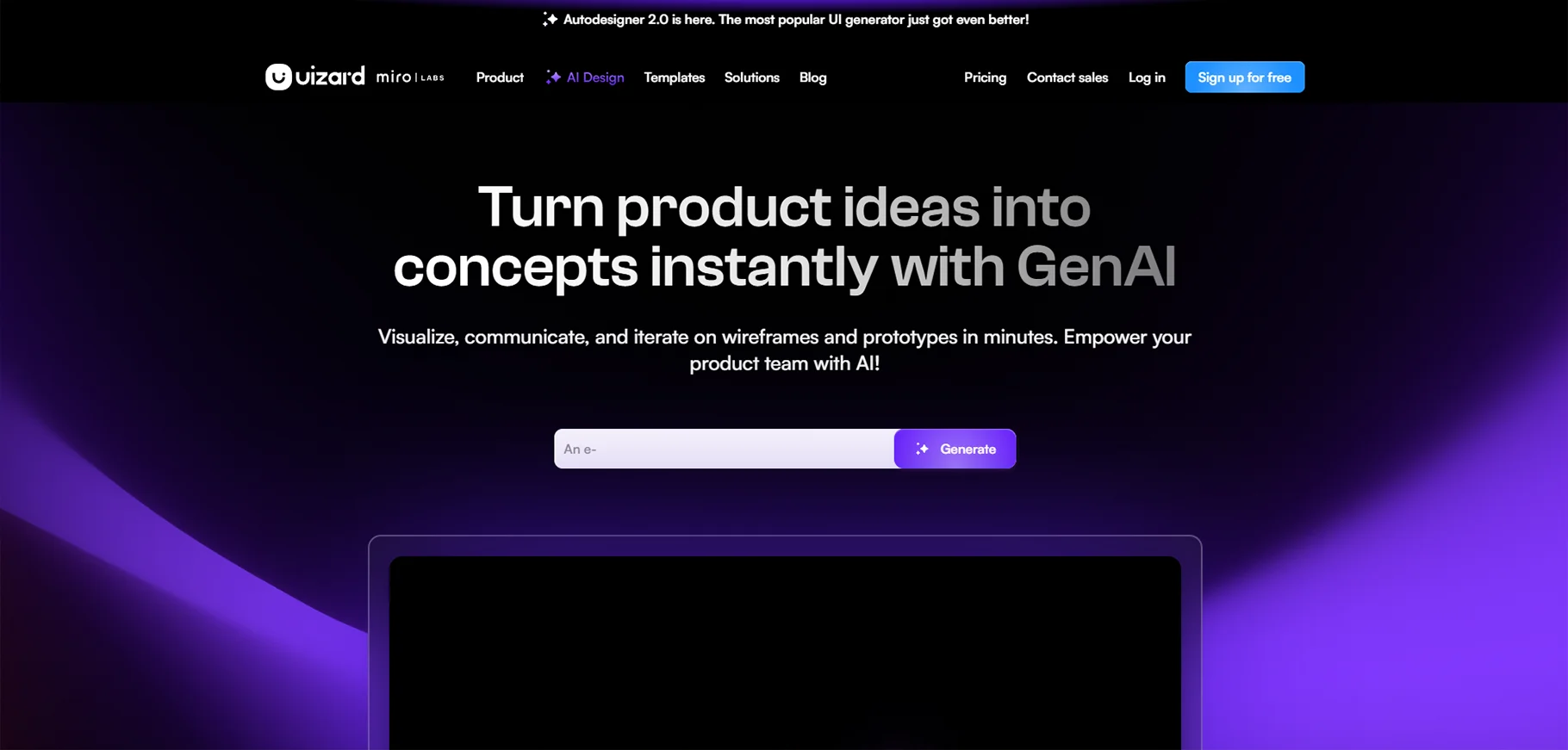
Uizard turns hand drawn sketches into digital UI designs for websites and mobile apps. It is a tool for designers, developers and startups who want to create wireframes and prototypes quickly. AI features simplify the design process. It is done by making it accessible even for those users who have no experience in coding.
What I like
- AI-based UI design tool
- Turns sketches into UI designs
Best for
- UI/UX designers
- Developers
- App designers
- Web designers
Pricing
- Free plan available
- Pro: $12/month
- Business: $39/month
- Enterprise: contact sales
Let's Enhance
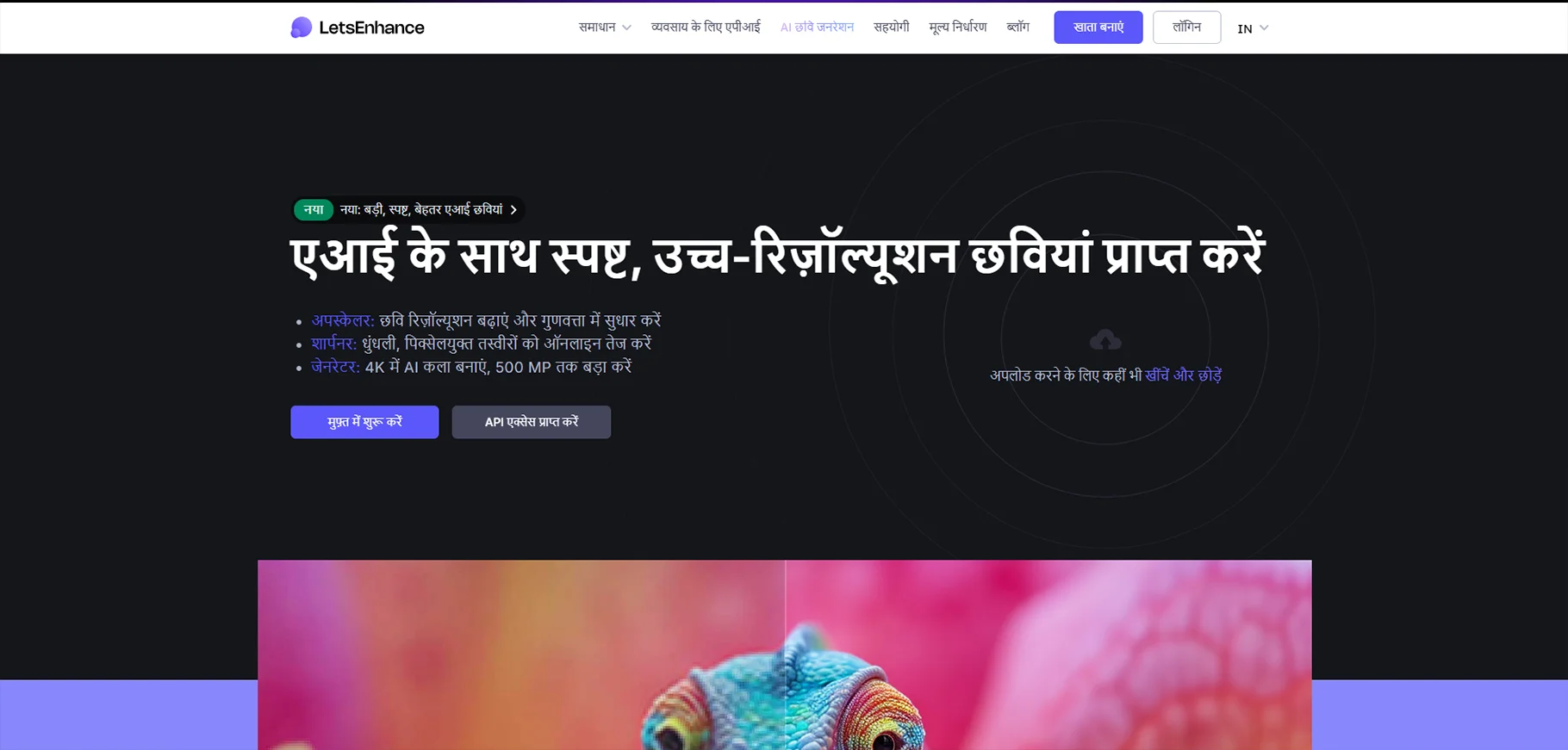
Let's Enhance is an AI based tool. It improves image quality by increasing resolution, fixing pixelation and enhancing details. It is used by photographers, designers and marketers who need high quality images. That also without losing sharpness. The tool automatically adjusts colors, brightness and textures for better results.
What I like
- AI image upscaler
Best for
- Photographers
- Designers
Pricing
- Free plan available
- 100 credits: $9/month
- 300 credits: $24/month
- 500 credits: $34/month
Remove bg
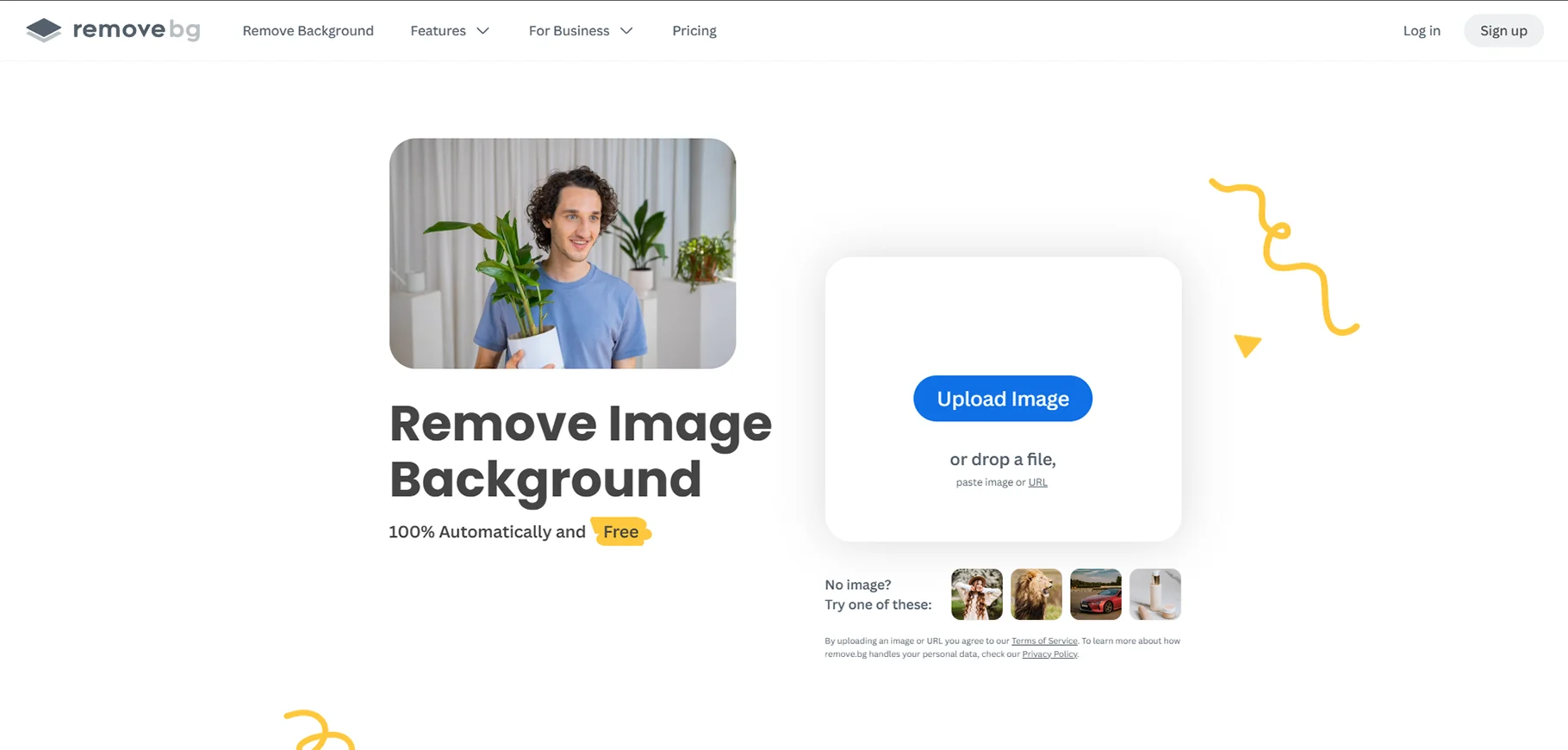
Remove.bg is a simple AI tool. It removes backgrounds from images in seconds. It is used mostly for creating transparent backgrounds. That is for social media, product photography and design projects. It saves time and effort if compared to manually erasing backgrounds in editing software with just one click.
What I like
- Automatic background removal
- Quick and accurate
Best for
- Product photography
- Graphic design
- Quick and easy cutouts
Pricing
- 1 credit: ₹129
- 10 credits: ₹599
- 75 credits: ₹3290
- 200 credits: ₹6690
- 500 credits: ₹13500
- 1200 credits: ₹26900
- 4000 credits: ₹67500
- 8000 credits: ₹115000
- Custom: contact us
Sketch2Code
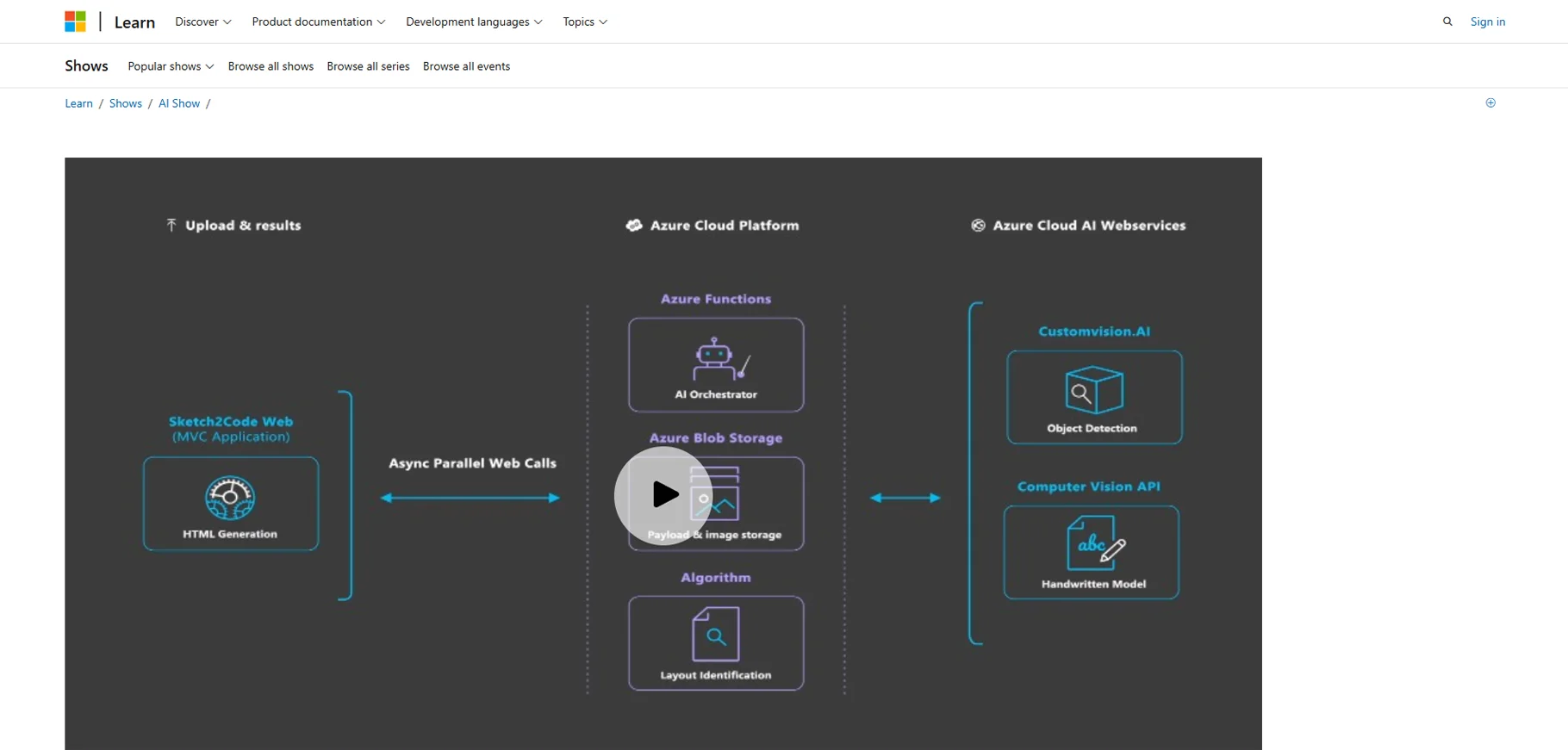
Sketch2Code is a Microsoft AI tool. It converts hand drawn sketches into functional HTML code. It is useful for designers and developers because they want speed in the website creation process. It generates a digital version by analyzing drawings. This makes UI development faster and more efficient.
What I like
- Converts hand drawn sketches into HTML code
Best for
- Web developers
- Designers
Pricing
- Standard subscription: $10/month
- Mac-only license: $120/seat
- Business subscription: $22/month
Dreamstudio
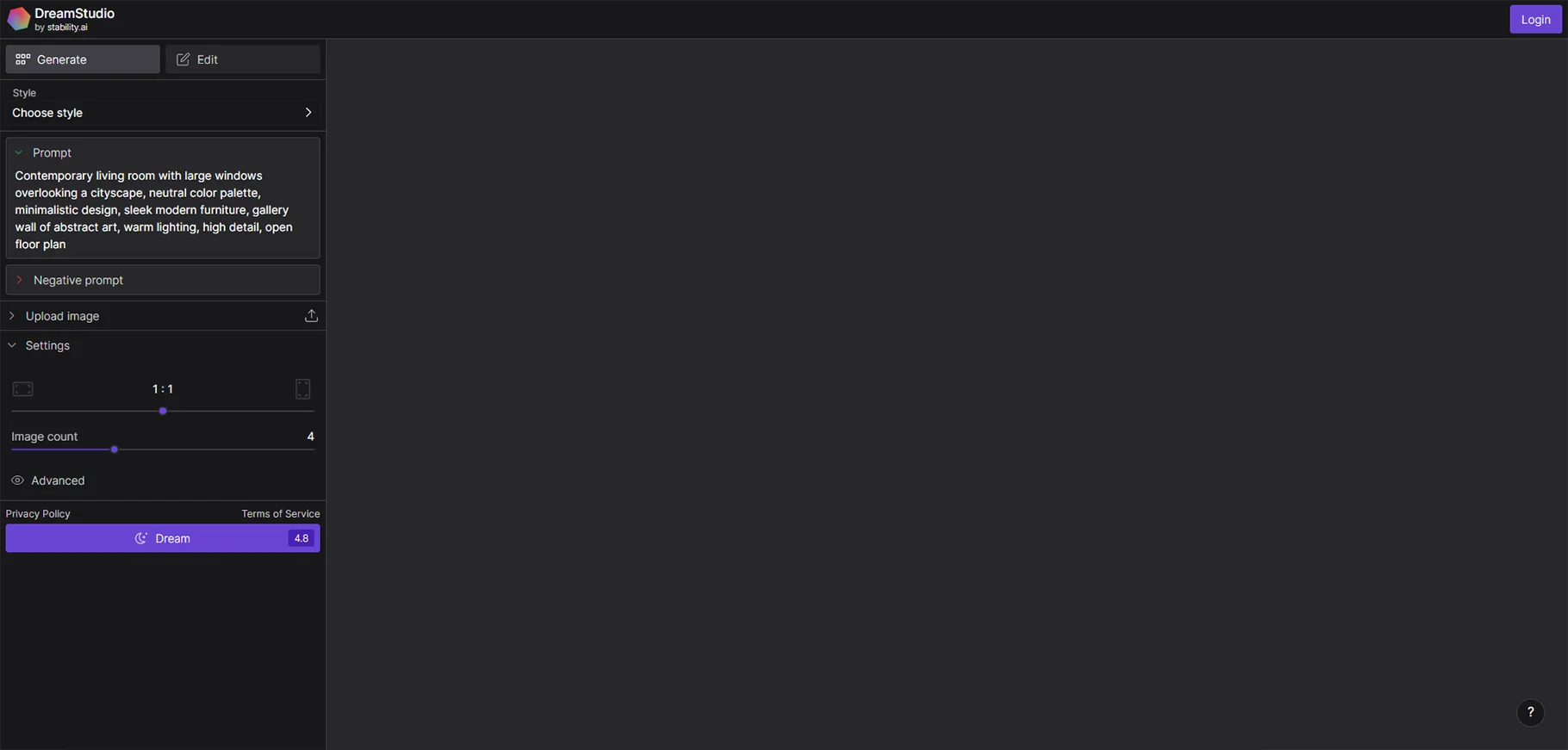
Dreamstudio is an AI art generator. It creates stunning digital artwork from text descriptions. It is used by artists, designers and creators. It is mainly used by the users who want to generate unique visuals. AI helps in customizing styles, colors and elements. This makes things easier to experiment with different artistic approaches.
What I like
- Text-to-image generator
- Creates unique visuals from prompts
- AI-generated digital artwork
Best for
- Artists
- Designers
- Creators
Pricing
- Free plan available
- Pro tier: $10/month
Fontjoy
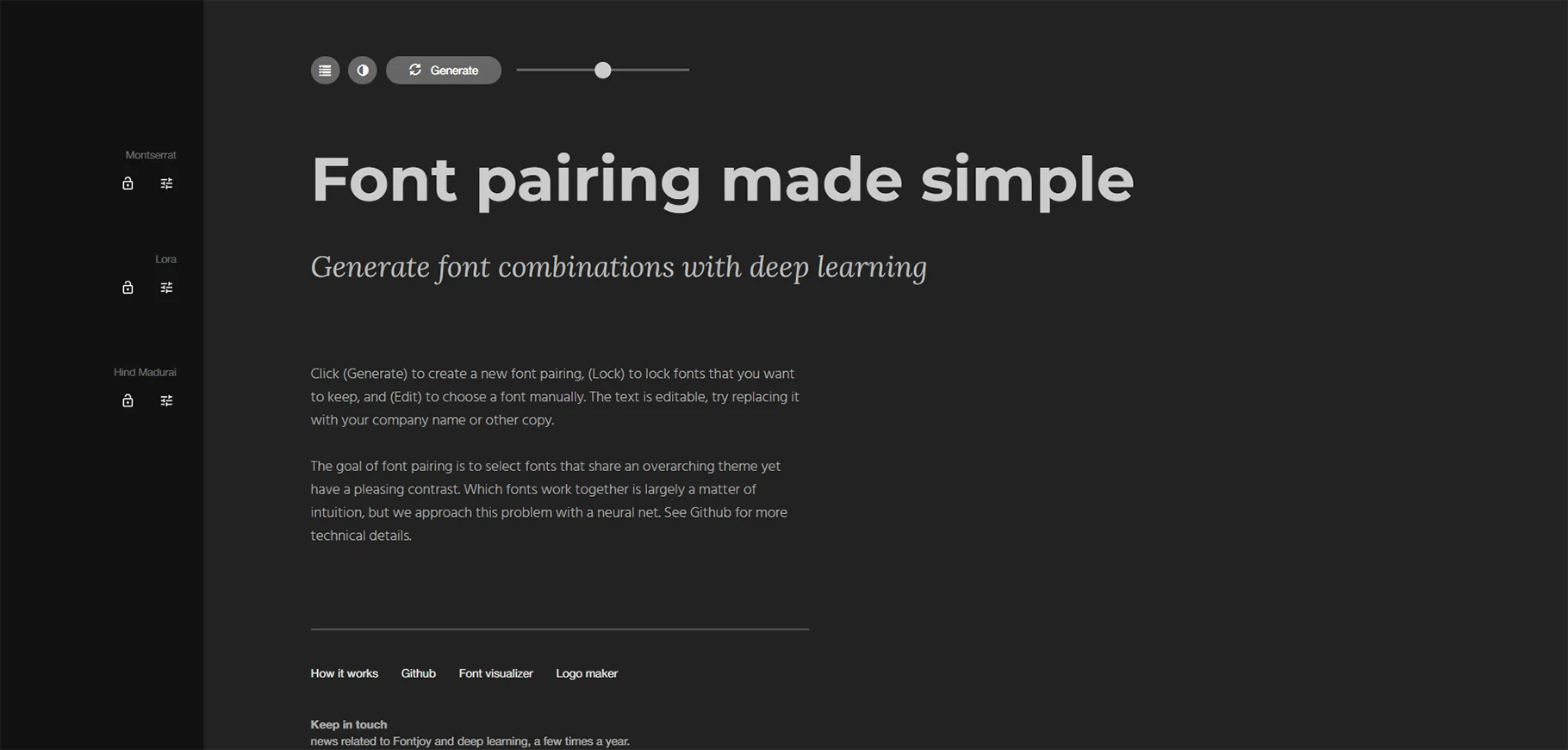
Fontjoy is an AI based font pairing tool. It helps designers in finding the perfect font combinations. It suggests stylish and readable fonts based on aesthetics and design principles. It is used for websites, branding and printing. Fontjoy simplifies typography selection for a cohesive look.
What I like
- AI font pairing tool
Best for
- Graphic designers
- Web designers
- Choosing typography combination
Pricing
- Fontjoy is free to use
Studio.design
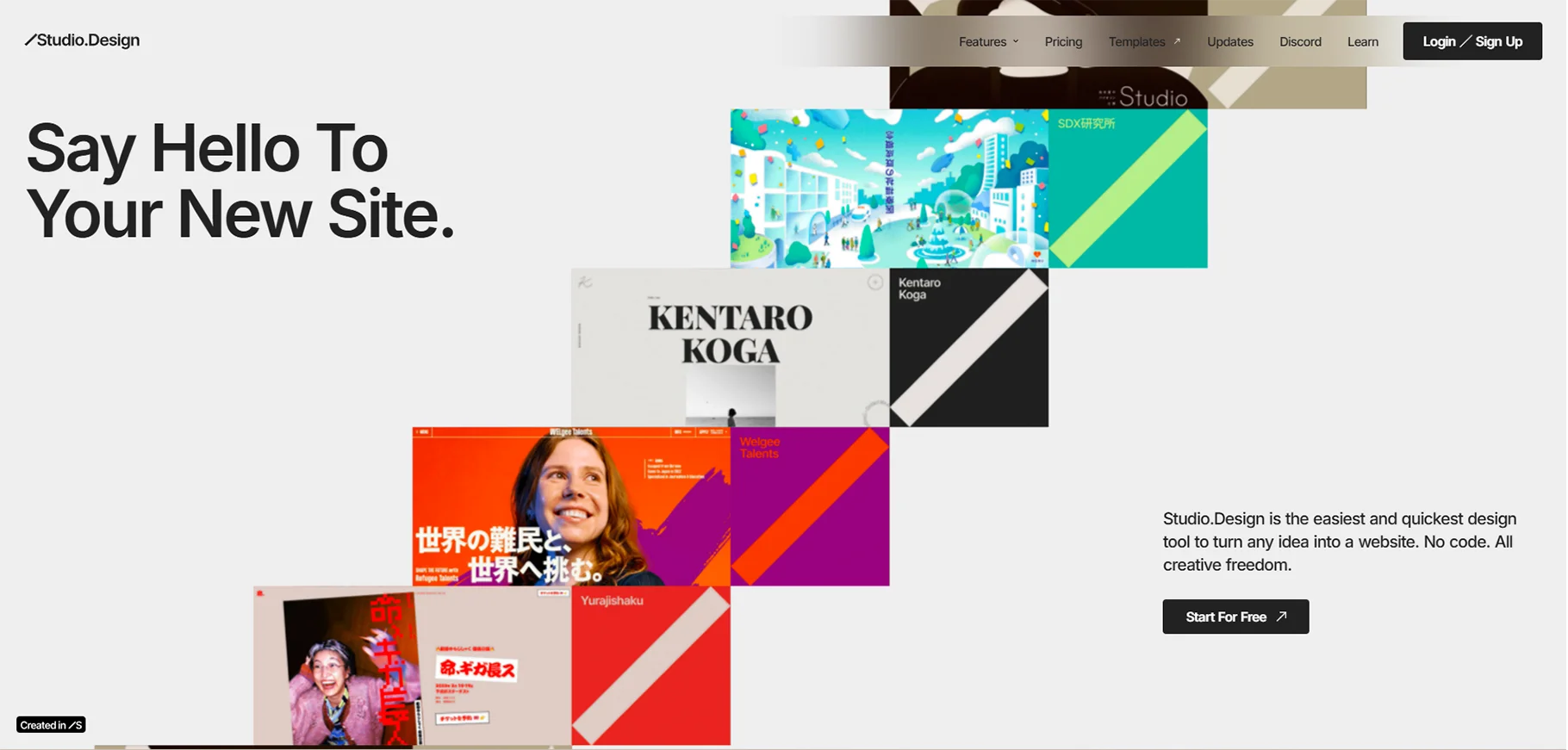
Studio.design is an AI based graphic design platform. It helps users in creating professional quality visuals with ease. It offers smart design suggestions, templates and automation features. It is used for social media posts, presentations and marketing materials. It simplifies the creative process for individuals and businesses.
What I like
- AI website design tool
- Website layout generators
Best for
- Web designers
- Developers
- Social media posts
- Marketing materials
Pricing
- Free plan available
- Mini: $5/month
- Personal: $10/month
- Business: $25/month
- Business plus: $80/month
Vectorizer AI
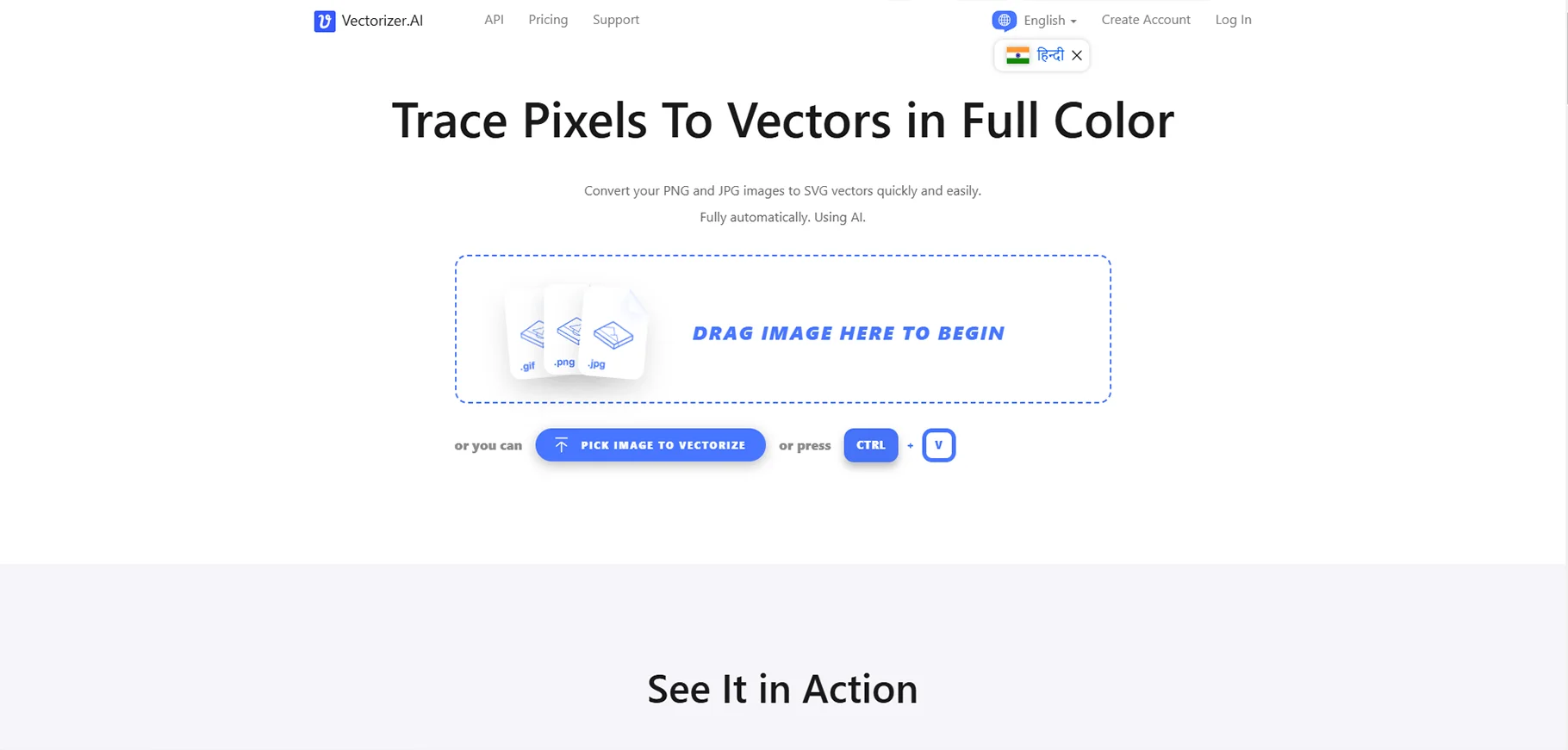
Vectorizer.ai converts raster images (JPG & PNG) into scalable vector graphics (SVG, EPS, PDF). It is useful for designers who need to edit, resize or print without losing quality. AI makes sure that the edges are smooth. This makes the tool perfect for logos, illustrations and design projects.
What I like
- Converts raster images into vector graphics
- AI based accuracy
Best for
- Graphic designers
- Illustrators
- Design projects
Pricing
- Web App: $9.99/month
- 50 credits: $9.99/month
- 100 credits: $18.99/month
- 200 credits: $34.99/month
Microsoft designer
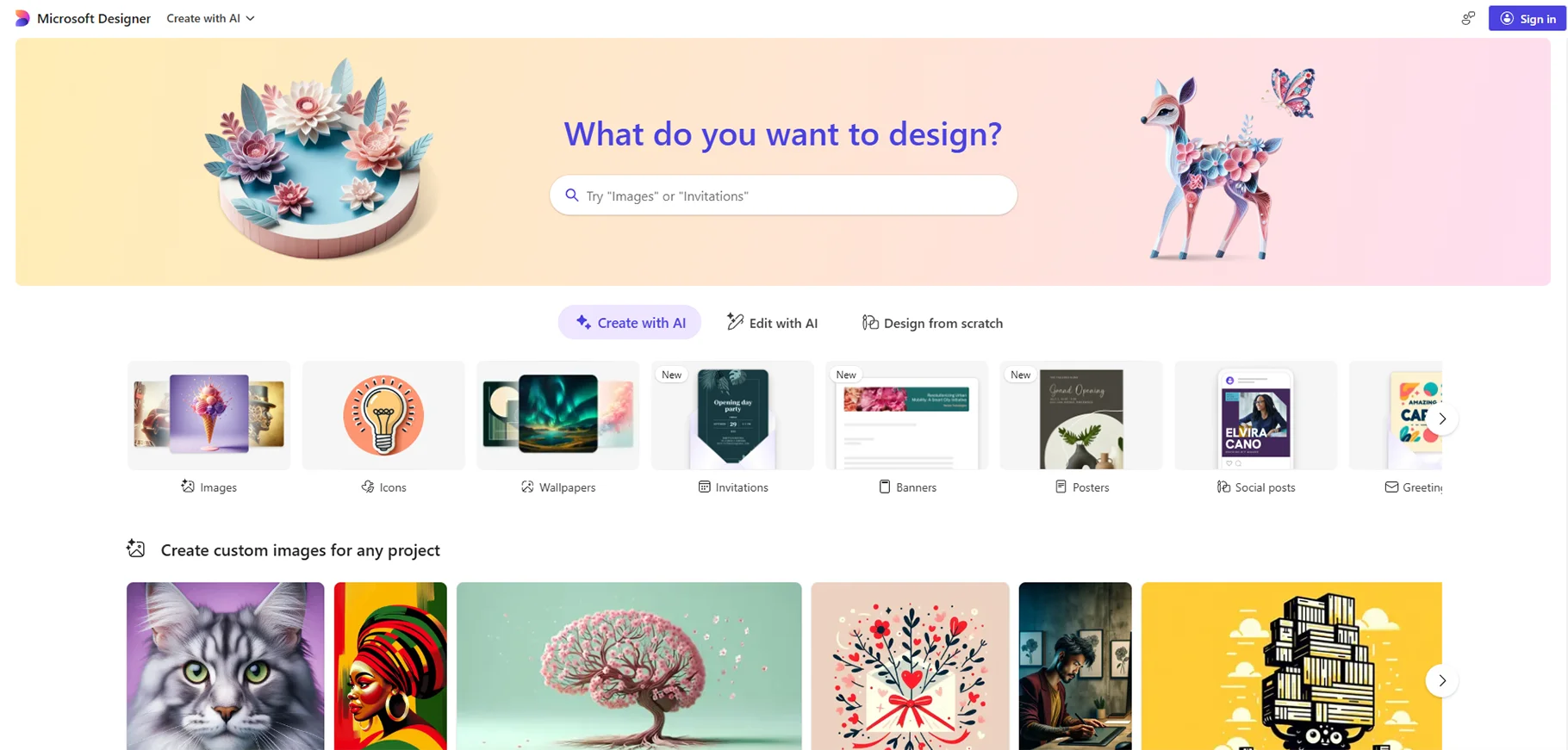
Microsoft designer is an AI design tool. It helps users in creating professional graphics, presentations and social media posts. It offers smart templates and design suggestions. This makes things easy for beginners and professionals in creating stunning visuals without much effort.
What I like
- AI design tool
- Microsoft products integration
- Presentations
Best for
- Microsoft users
- Business professionals
- Beginners
Pricing
- Free plan available
- Microsoft 365 personal: ₹689.00/month
- Microsoft 365 family: $819.00/month
- Microsoft Copilot Pro: ₹ 2,000.00/month
Photoroom.com
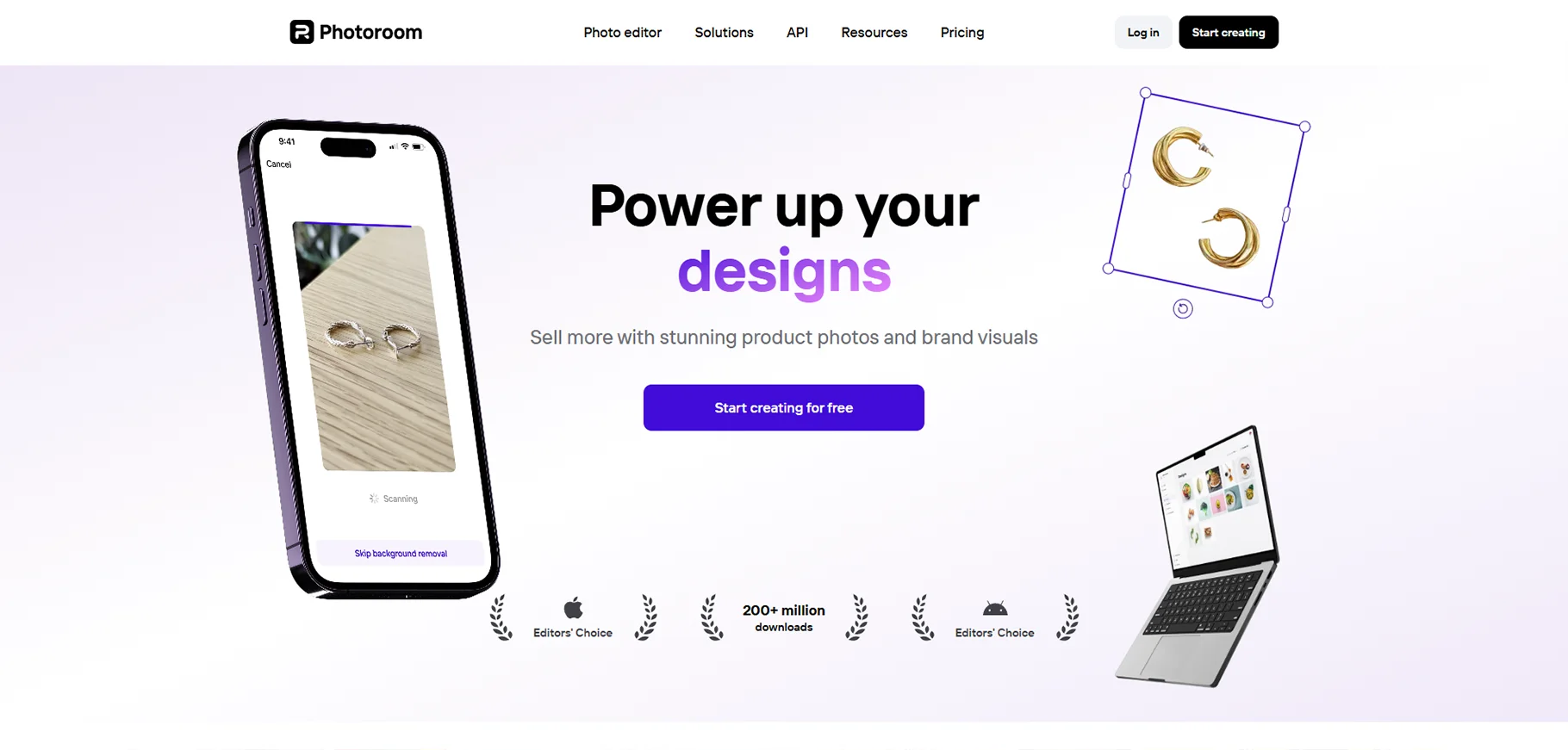
Photoroom is an AI based photo editor tool. It removes backgrounds, enhances images and creates professional looking visuals. It is great for e-commerce, social media and marketing. It helps users in editing photos quickly with easy-to-use tools. That also without needing advanced design skills.
What I like
- Background removal
- Product photo editing
Best for
- E-commerce businesses
- Photographers
Pricing
- Free plan available
- Pro: ₹1,999.00/year
- Teams: Pro: ₹1,999.00/year
- Enterprise: contact sales
Adobe Firefly
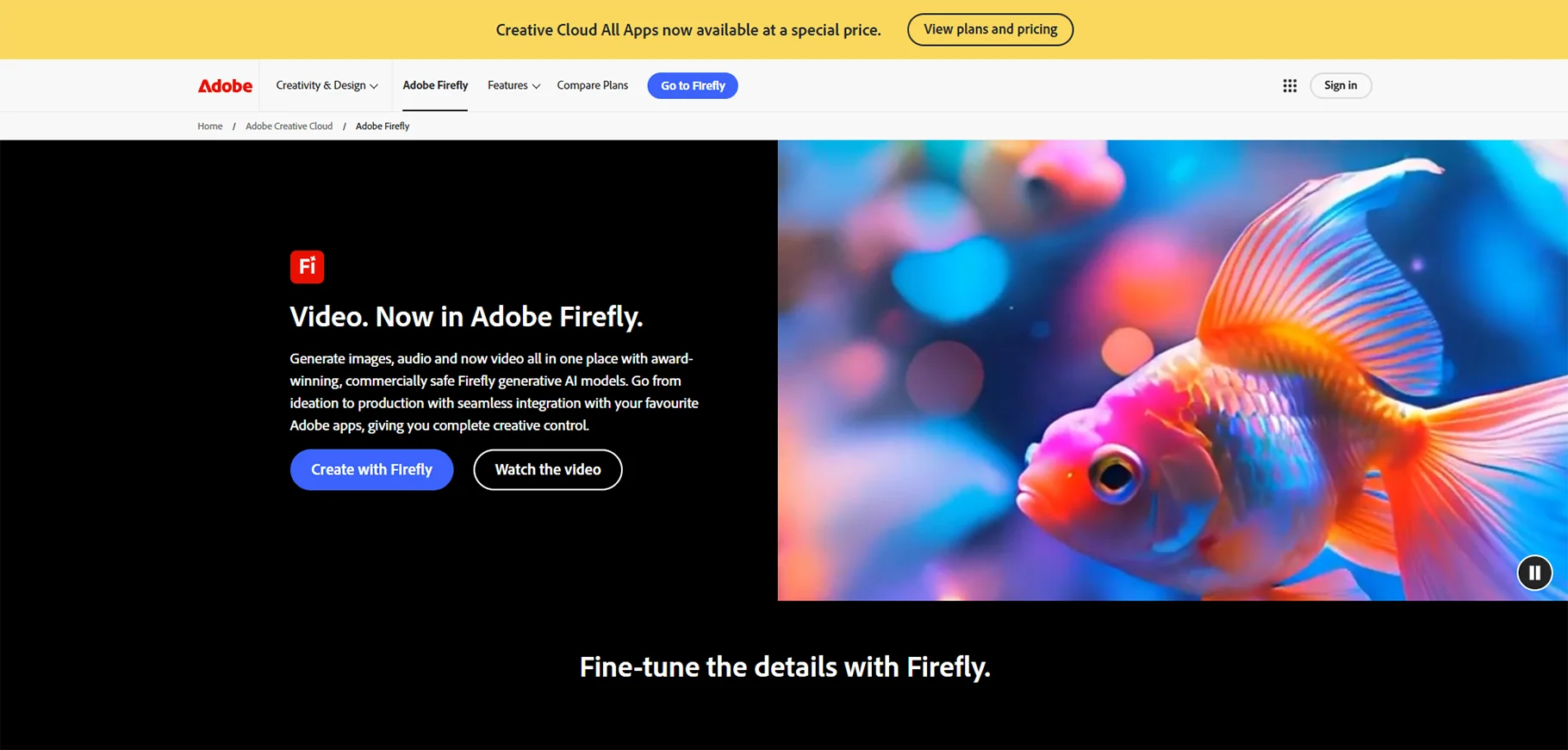
Adobe Firefly is an AI based creative tool. It helps in generating high quality digital art, images and effects from text prompts. It is designed to improve creativity. It offers advanced features like style transfers, AI recoloring and smart image generation for designers and artists.
What I like
- Text to image
- Generative fill
- Text effects
Best for
- Creative professionals
- Designers
Pricing
- Firefly standard: $9.99/month
- Firefly pro: $29.99/month
- Firefly premium: $199.99/month
Remodeled AI
Remodeled AI is a design tool for home and interior planning. It helps in visualizing renovations, furniture placements and decor ideas. It is done by using AI based 3D models. It is useful for homeowners, architects and interior designers who want to create stunning layouts quickly.
What I like
- AI interior design tool
- AI 3D models
Best for
- Interior designers
- Architects
- Homeowners
Pricing
- Free plan available
- Grow: $59/month
- Scale: contact sales
Framer
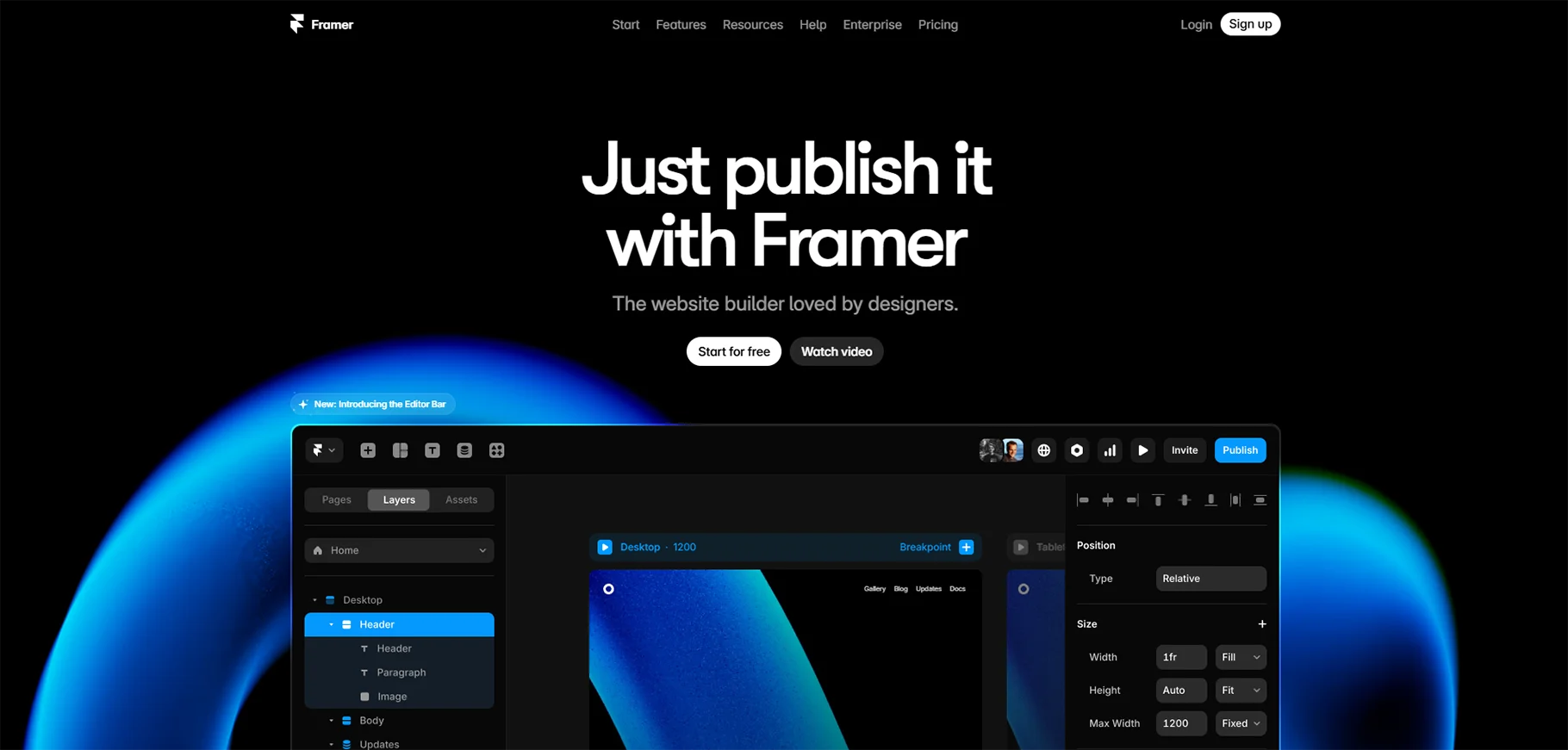
Framer is an AI website design tool. It lets users build interactive and no code websites. It is useful for designers, marketers and startups. It is also used by users who want to create responsive web pages without coding knowledge. AI suggestions and templates make designing fast and intuitive.
What I like
- AI web design tool
- No code websites
Best for
- Web designers
- Developers
- Marketers
- Startups
Pricing
- Mini: ₹311/month
- Basic: ₹535/month
- Pro: ₹1070/month
- Starter: ₹2700/month
- Scaleup: ₹7200/month
- Enterprise: Contact sales
Logomaster
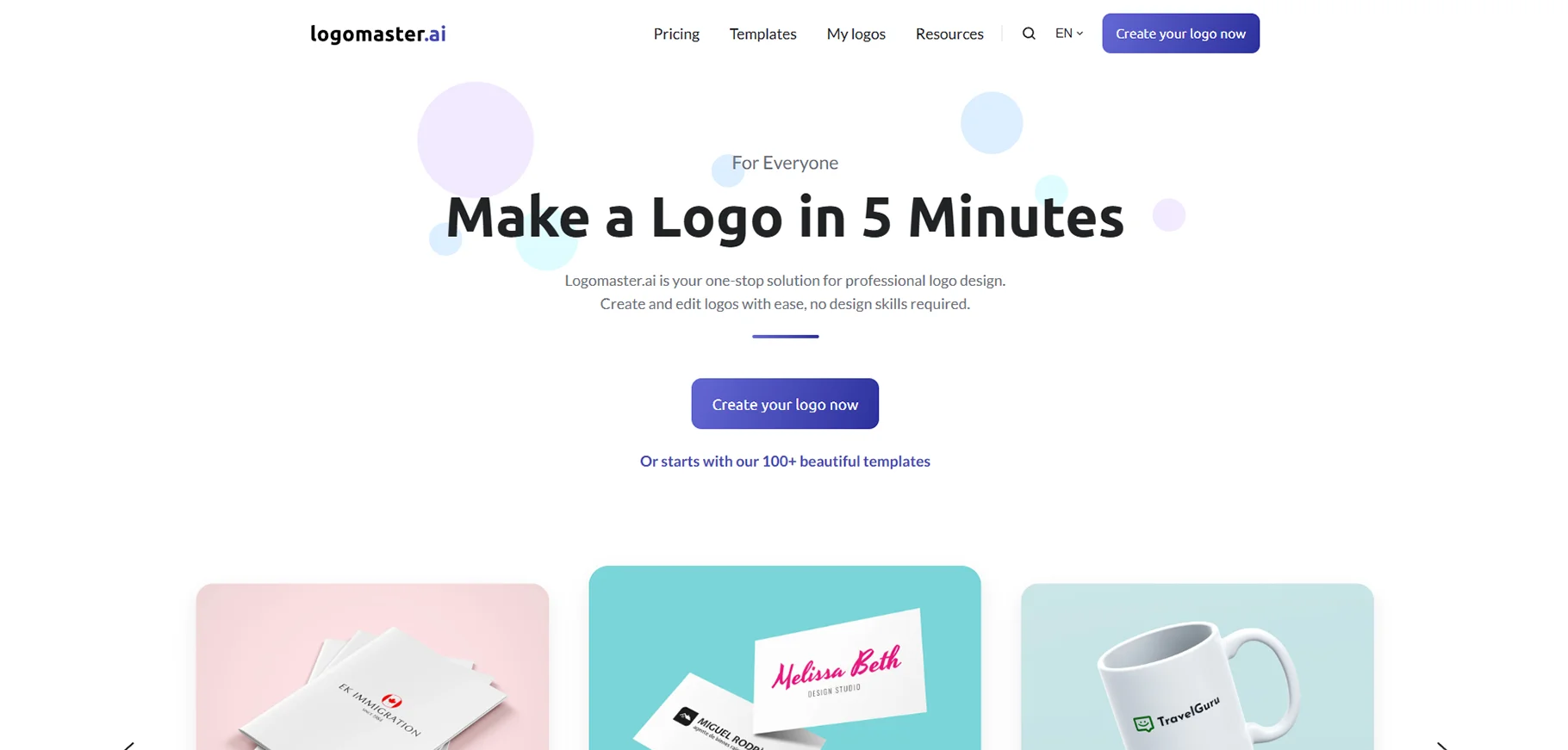
Logomaster is an AI based logo maker. It helps businesses and individuals create high quality logos in minutes. It offers customizable templates, color options and font choices. This makes it easy to design a professional brand identity. That also without hiring a designer.
What I like
- AI logo generator
Best for
- Small businesses
- Startups
Pricing
- Basic: ₹990 one-time fee
- Premium: ₹2390 one-time free
- Enterprise: ₹3790 one-time free
Generated Photos
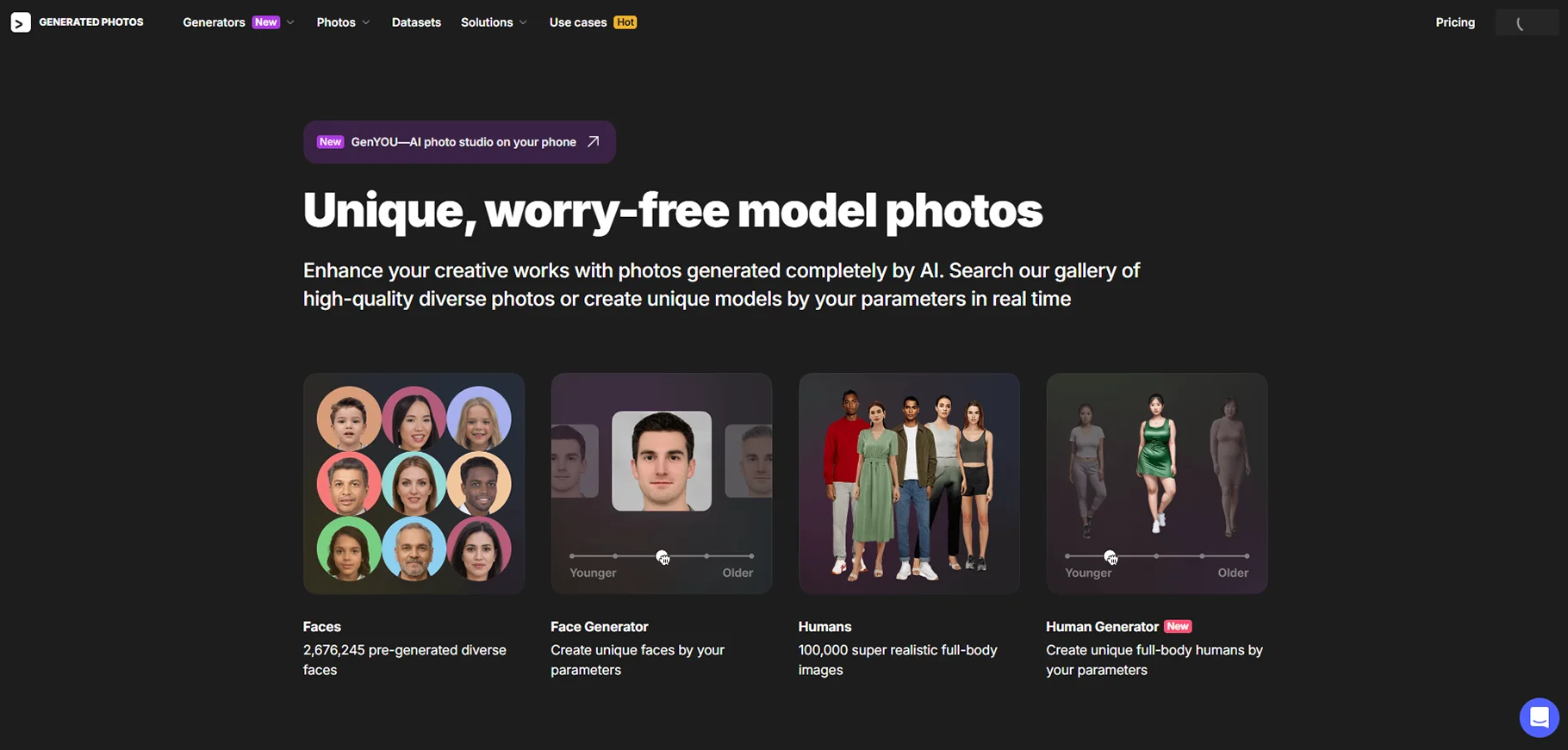
Generated Photos is an AI platform that creates realistic human faces from scratch. These royalty free images can be used for marketing, advertising and design projects. It is useful for businesses and creators who want diverse, high quality and ethical stock photos.
What I like
- AI-generated photos of realistic people
- Ethical stock photos
Best for
- Designers
- Design projects
- Businesses
- Creators
Pricing
Faces + Face generator: $199/year after 3-day free trial
Humans + Human generator: $199/year
Bulk download:
- 1-20 photos: $9/photo
- 21-50 photos: $7/photo
- 51-250 photos: $5/month
- 251-1000 photos: $2.5/photo
- 1000+ photos: $1/photo
Conclusion
AI is reshaping...
But reshaping what?
Reshaping design industry.
It is useful when you need an AI graphic design generator for quick mockups. It is even useful when you need an AI graphic design free tool for personal projects. These tools will help users in working faster, smarter and more creatively in 2026.
FAQs
1. Which is the best AI design generator?
It depends on the user’s needs.
2. Can AI replace graphic designers?
No. AI is a tool, not a replacement.
3. Are there any free AI graphic design tools?
Yes. Canva, AutoDraw and Remove.bg offer free versions.
4. Is using AI for designing ethical?
It depends on the AI’s data sources.

