

Ellie is a new AI-powered email assistant that can help you write faster and better emails. Ellie learns from your writing style and crafts replies as if they were written by you. Ellie is powered by GPT-4, the latest and most advanced natural language generation model. Ellie works with Gmail, Fastmail and other web-based email clients. You can install Ellie as a Chrome or Firefox extension and start using it right away. Ellie will read the email thread and generate a reply that matches the context and tone of the conversation. You can also provide extra information to Ellie to tailor the reply to your needs.
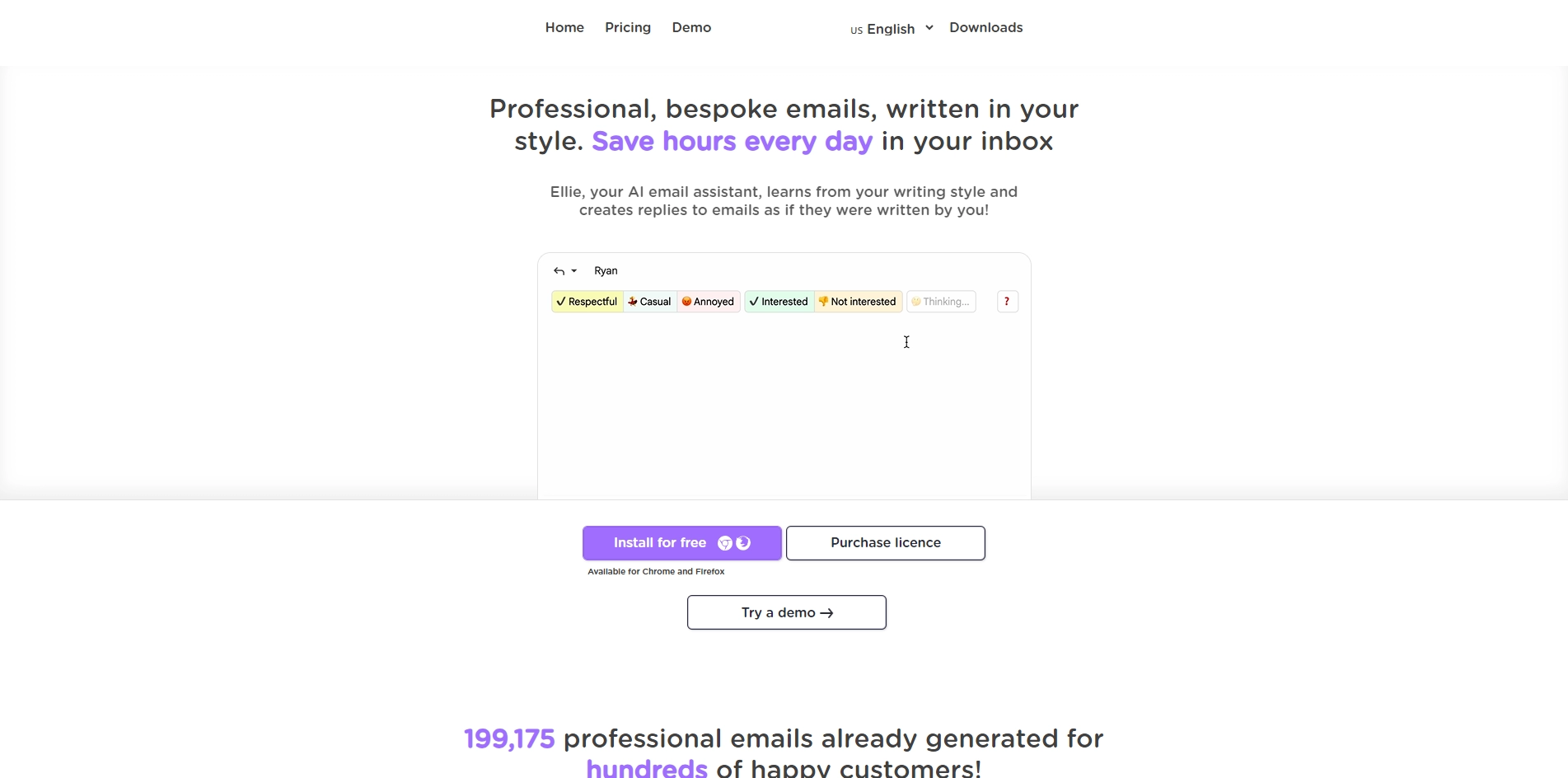
Ellie can write replies in any language that you use in your emails. Ellie will automatically detect the language of the email and generate a reply in the same language. You can also switch languages manually if you want to.
Ellie is not only fast, but also smart. Ellie will avoid repeating information that is already in the email thread, and will try to answer any questions or requests that are in the email. Ellie will also use polite and professional language to make a good impression on your recipients.
Ellie is free to use for up to 2 replies per day. If you need more replies, you can upgrade to a paid plan that suits your needs. You can also get 50% off all plans with the promo code FASTER50 for this week only!
Ellie is a great tool for anyone who wants to save time and write better emails. Ellie will help you communicate more effectively and efficiently with your contacts. Try Ellie today and see how it can transform your email experience!
Key Platforms
Core Service Areas:

Personalized Replies
Contextual Understanding
Multi-Platform Support
Browser Extension
Customizable Inputs
Faster Email Composition
Pros
- Ellie can save you time and effort by writing email replies for you in your style and language.
- Ellie can understand the context of the email thread and craft relevant and intelligent responses.
- Ellie can revise sections of an email if you want to tweak the wording or tone.
- Ellie is powered by GPT-4, a state-of-the-art natural language generation model that can produce high-quality texts.
- Ellie offers a free trial with 2 replies per day and affordable paid plans for more replies.
Cons
- Ellie is not a human and may make mistakes or generate inappropriate or inaccurate replies. You are still responsible for checking and sending the emails.
- Ellie only works natively with Gmail and Fastmail, but can be used with other email clients through a toolbar popup.
- Ellie requires a licence key to generate replies, which may be inconvenient or insecure for some users.
Frequently Asked Questions About Ellie
01
How does Ellie learn my writing style?
Ellie analyzes your previous emails to understand your tone, vocabulary, and style. This allows it to craft replies that are consistent with how you typically communicate.
02
Which email clients are compatible with Ellie?
Ellie works with Gmail, Fastmail, and other web-based email clients. You can easily integrate it into your browser as a Chrome or Firefox extension.
03
Can I customize the replies generated by Ellie?
Yes! You can provide additional context or specific information to Ellie, allowing you to tailor the generated replies to better suit your needs.
04
Is my data secure when using Ellie?
Ellie prioritizes user privacy and data security. The tool processes your emails to generate replies, but it does not store personal data beyond what is necessary for functionality.
05
How quickly can I start using Ellie after installation?
Once you install the Ellie extension in your browser, you can start using it immediately. Simply open your email client, and Ellie will be ready to assist you.
Promote Ellie
Get Ellie in front of thousands of buyers actively searching for AI tools. Feature your listing on the homepage and category pages, or add the verified badge to your site.
Copy Embed Code

Share on

Related AI Tools
Explore related AI tools for diverse applications and enhanced productivity
Unlock the best AI Tools for you!
Login or Approve this tool to continue exploring features and analytics.

