

GitKraken is a powerful git client designed for software development, enhancing the developer experience through intuitive user interface and command line interface options. It supports version control, branch management, and pull requests, while offering multi-repo management and cloud integration. With features like visual file history, commit history insights, and Jira integration, it streamlines collaboration and task automation in agile development environments.
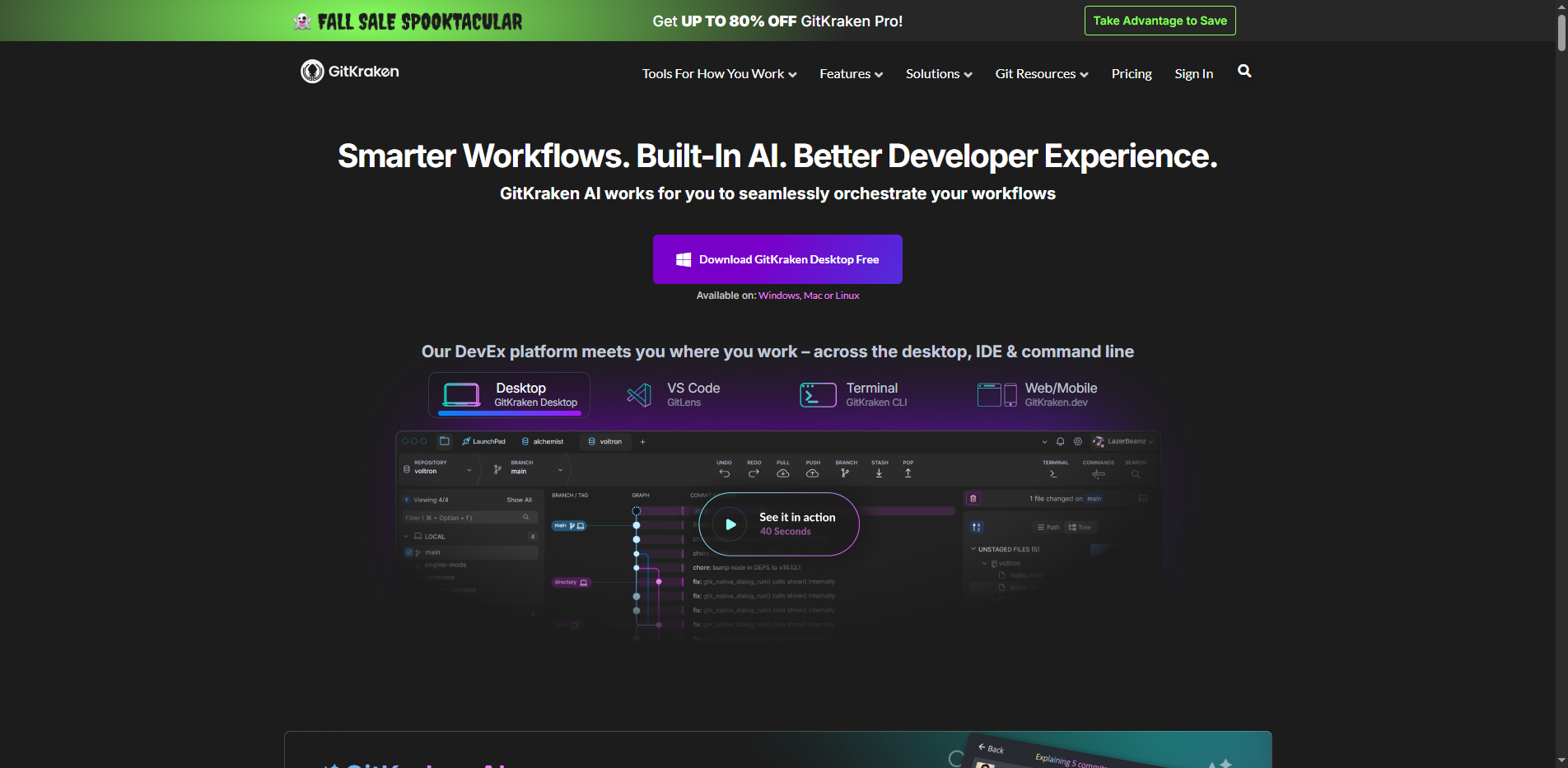
GitKraken is a powerful git client tailored for software development, designed to enhance the developer experience. With its intuitive user interface and command line interface options, it simplifies version control, branch management, and pull requests. GitKraken also supports multi-repo management and offers cloud integration, making it a comprehensive tool for developers.
GitKraken Key Features
- Version Control: Efficiently manage your code versions.
- Branch Management: Simplifies the process of creating and managing branches.
- Visual File History: Easily track changes with a visual representation of file history.
- Jira Integration: Seamlessly integrates with Jira for enhanced project management.
- Multi-Repo Management: Manage multiple repositories from a single interface.
Why use GitKraken?
- Streamlines collaboration within teams.
- Automates tasks in agile development environments.
- Provides insights into commit history for better decision-making.
- Enhances productivity with a user-friendly interface.
GitKraken Pricing
GitKraken offers a freemium model with paid tiers for advanced features.
Is GitKraken Free?
Yes, it offers a free tier with limited features.
Key Platforms
Core Service Areas:

Intuitive User Interface
Visual File History
Branch Management
Multi-Repo Management
Jira Integration
Command Line Options
Pros
- User-friendly interface enhances developer experience
- Seamless git integration for efficient version control
- Supports collaboration tools for team productivity
- Visual file history aids in understanding commit changes
- Multi-repo management simplifies handling multiple projects
- Cloud integration allows for remote work flexibility
- Customizable workspaces cater to individual team needs
- Agile development support aligns with modern workflows
- Continuous integration and delivery streamline deployment
- Robust security features ensure safe code management
Cons
- Can be resource-intensive on lower-end machines
- Learning curve for new users unfamiliar with git
- Limited offline functionality may hinder remote work
- Some advanced features may require additional setup
Frequently Asked Questions About GitKraken
01
What platforms does GitKraken support?
GitKraken is available for Windows, macOS, and Linux, allowing developers to use the tool across different operating systems seamlessly.
02
Can GitKraken integrate with other tools?
Yes, GitKraken offers integrations with popular tools like Jira, GitHub, Bitbucket, and GitLab, enhancing project management and collaboration.
03
Does GitKraken support command line operations?
Absolutely! GitKraken provides both a user-friendly graphical interface and a powerful command line interface, catering to different user preferences.
04
What features does GitKraken offer for branch management?
GitKraken simplifies branch management with visual branching and merging tools, allowing users to create, switch, and manage branches effortlessly.
05
How does GitKraken enhance team collaboration?
GitKraken enhances collaboration through features like pull requests, multi-repo management, and visual file history, enabling teams to work together more effectively in agile development environments.
Promote GitKraken
Get GitKraken in front of thousands of buyers actively searching for AI tools. Feature your listing on the homepage and category pages, or add the verified badge to your site.
Copy Embed Code

Share on

Related AI Tools
Explore related AI tools for diverse applications and enhanced productivity
Unlock the best AI Tools for you!
Login or Approve this tool to continue exploring features and analytics.

