

Lesson Plan help
If you are looking for a user-friendly tool to help you with your lesson planning and materials, you might want to check out Lesson Plan Help. This is a website that uses artificial intelligence (AI) to streamline educators' administrative tasks and save their time.
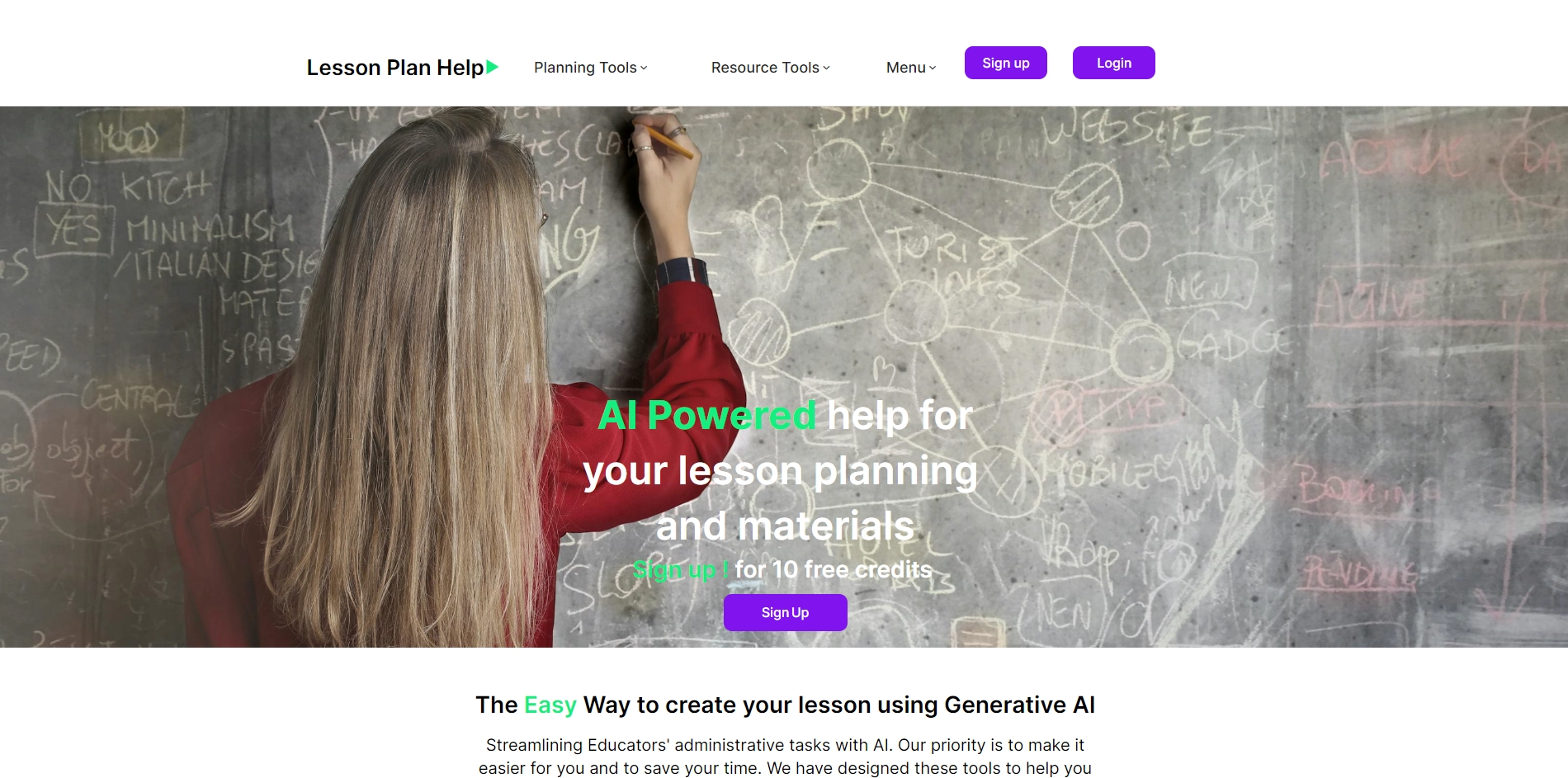
Here are some of the features and benefits of using Lesson Plan Help:
- You can create your lesson using generative AI, which means the website will generate content for you based on your input and preferences. You can choose from different curriculums, such as US, UK, or IB, and customize your lesson according to your subject, grade level, learning objectives, and more.
- You can find resources and materials for your lesson, such as videos, images, quizzes, worksheets, and more. The website will suggest relevant and engaging resources based on your lesson topic and keywords. You can also upload your own resources or use the ones from other educators who have shared their lessons on the website.
- You can review and edit your lesson before publishing it. You can preview how your lesson will look like on different devices, such as laptops, tablets, or smartphones. You can also make changes to your content, layout, design, and settings as you wish. You can save your lesson as a draft or publish it for limited or public sharing.
- You can access your lesson anytime and anywhere. You can sign up for a free account and get 10 free credits to use the pro tools on the website. You can also upgrade to a premium account for more features and benefits. You can log in to your account from any device and access your lessons online or offline.
Lesson Plan Help is a great way to create your lesson using AI and save your time and effort. It is designed by educators for educators, using the best international standards and curriculums. It is also easy to use and flexible to suit your needs and preferences. If you want to learn more about Lesson Plan Help, you can visit their website at https://lessonplan.help/ or watch this video that explains how it works.
Key Platforms
Core Service Areas:

AI-Powered Planning
Resource Repository
Customizable Templates
Collaboration Tools
Progress Tracking
User-Friendly Interface
Pros
- It is a user-friendly tool that uses AI to help educators with lesson planning and materials.
- It offers 10 free credits for signing up and using the pro tools, no credit card required.
- It supports different curriculums, such as US, UK and IB, and follows the best international standards.
- It saves time and effort for teachers by streamlining their administrative tasks with AI.
- It is created by educators for educators, who understand the challenges and needs of the profession.
Cons
- It may not cover all the topics or subjects that teachers need to teach.
- It may not be compatible with some devices or browsers that teachers use.
- It may not be able to generate high-quality or original content for every lesson or material request.
Frequently Asked Questions About Lesson Plan help
01
What is Lesson Plan Help?
Lesson Plan Help is an AI-powered tool designed to assist educators in creating lesson plans and materials efficiently, streamlining administrative tasks to save time.
02
How does Lesson Plan Help work?
The tool utilizes artificial intelligence algorithms to analyze educational content and generate customized lesson plans based on the input provided by educators.
03
Is Lesson Plan Help suitable for all grade levels?
Yes, Lesson Plan Help caters to a wide range of grade levels and subjects, making it a versatile tool for educators across different educational settings.
04
Can I collaborate with other teachers using Lesson Plan Help?
Yes, Lesson Plan Help allows for collaboration, enabling teachers to share and adapt lesson plans, fostering teamwork and resource sharing.
05
Is there a cost associated with using Lesson Plan Help?
Lesson Plan Help offers different pricing plans, including a free version with basic features and premium versions with advanced functionalities. Check the website for specific pricing details.
Promote Lesson Plan help
Get Lesson Plan help in front of thousands of buyers actively searching for AI tools. Feature your listing on the homepage and category pages, or add the verified badge to your site.
Copy Embed Code

Share on

Related AI Tools
Explore related AI tools for diverse applications and enhanced productivity
Unlock the best AI Tools for you!
Login or Approve this tool to continue exploring features and analytics.

