

If you are looking for a way to collaborate with your team around email, you might want to check out Missive. Missive is a team inbox and chat app that lets you manage shared email accounts, SMS, web chats and more from a single interface. In this blog post, I will give you an overview of what Missive can do for you and your team.
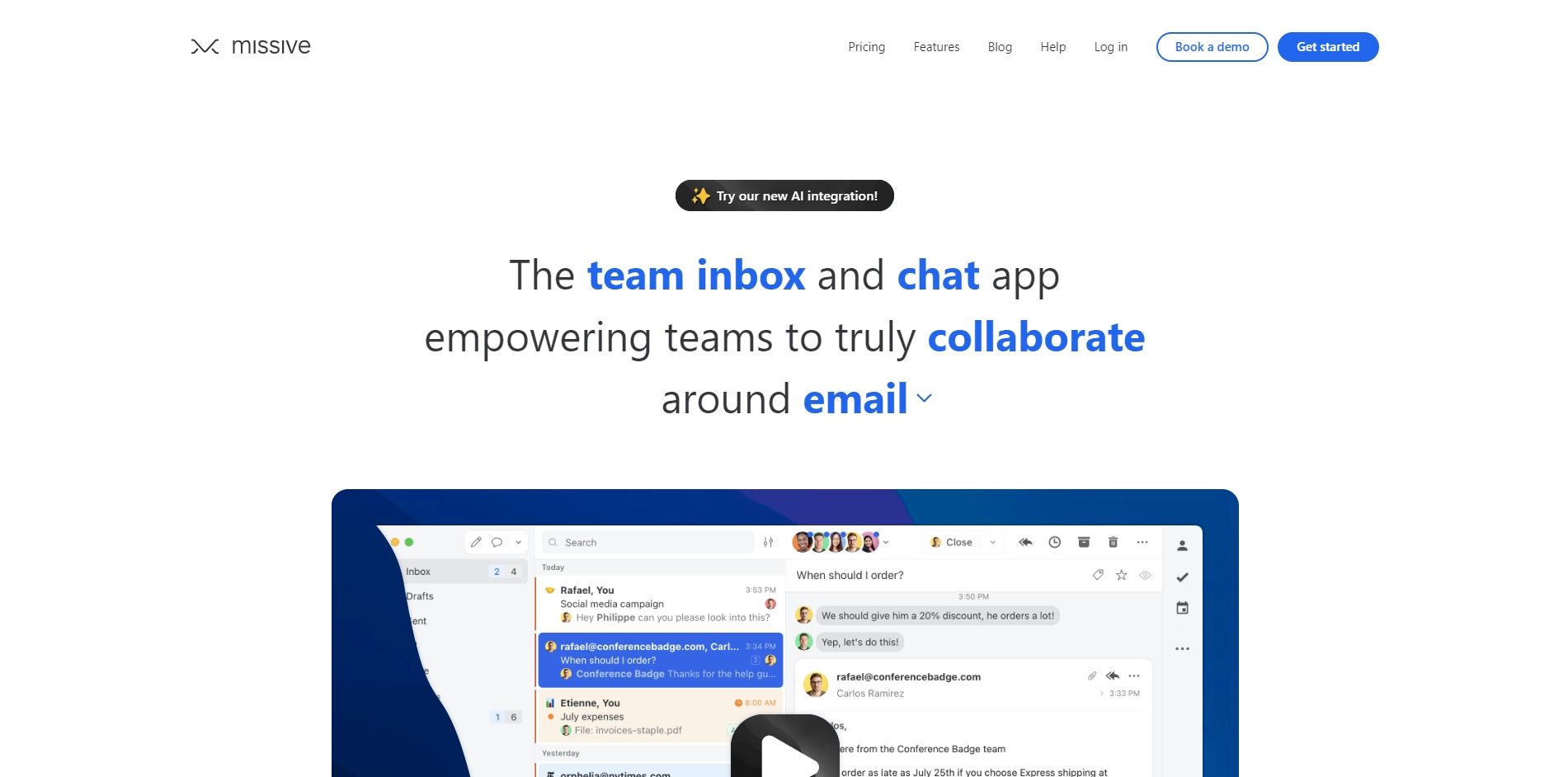
Missive is designed to help teams work together more efficiently and effectively. With Missive, you can:
- Assign conversations to team members or groups, so everyone knows who is responsible for what.
- Chat with your teammates inside email threads, without cluttering the inbox or confusing recipients.
- Share attachments, notes, tasks and emoji reactions with your team, without leaving the app.
- Use shared labels to organize conversations by project, department or priority.
- Integrate Missive with other tools you use, such as Asana, Zoom, Slack and more.
- Access Missive from any device, whether it's a desktop app, a web app or a mobile app.
Missive is trusted by over 2500 teams across 80 countries, who use it to handle their customer support, sales, marketing and internal communication needs. Some of the features that make Missive stand out are:
- Scoped conversations: You can choose who can see and reply to each conversation, so you can have private chats with your team or external parties.
- Rules: You can automate workflows and actions based on triggers and conditions, such as auto-assigning conversations, sending canned responses or snoozing emails.
- Unified inbox: You can view and manage all your communication channels in one place, whether it's email, SMS, Facebook Messenger or Twitter.
- Customization: You can customize Missive to suit your preferences and needs, such as changing the theme, layout, keyboard shortcuts and notifications.
Missive is not just another email client. It's a powerful collaboration platform that can transform the way you work with your team. If you want to try it for yourself, you can sign up for a free trial or book a demo on their website: https://missiveapp.com/
Key Platforms
Core Service Areas:

Shared Inbox
Real-time Chat
Task Management
Multi-channel Support
Email Templates
Automation Features
Pros
- It integrates email, chat, and team collaboration in one platform .
- It allows real-time collaboration on drafts with multiple team members.
- It has a powerful search functionality to find any email, conversation, or attachment quickly.
- It provides exceptional customer support and listens to user feedback.
- It prioritizes privacy and security with end-to-end encryption.
Cons
- It can be overwhelming to learn all the features and settings at first.
- It can be expensive for some users who need more than three shared inboxes.
- It does not have a LinkedIn integration yet.
Frequently Asked Questions About Missive
01
What features does Missive offer for team collaboration?
Missive provides a team inbox, shared email accounts, SMS management, web chat integration, and collaboration tools like chat and task assignments, all within a single interface.
02
Can Missive integrate with other applications?
Yes, Missive integrates with various applications such as CRM systems, project management tools, and other productivity apps to streamline your workflow.
03
Is there a mobile version of Missive available?
Yes, Missive offers mobile applications for both iOS and Android, allowing you to manage your team communications on the go.
04
How does Missive handle email security and privacy?
Missive prioritizes security by using encryption for data transmission and offers features like user permissions to ensure that sensitive information is protected.
05
What pricing plans does Missive offer?
Missive offers several pricing plans based on team size and feature requirements, including a free trial to help you evaluate the tool before committing.
Promote Missive
Get Missive in front of thousands of buyers actively searching for AI tools. Feature your listing on the homepage and category pages, or add the verified badge to your site.
Copy Embed Code

Share on

Related AI Tools
Explore related AI tools for diverse applications and enhanced productivity
Unlock the best AI Tools for you!
Login or Approve this tool to continue exploring features and analytics.

