

Pixelicious is a website that allows you to convert your images into pixel art. Pixel art is a style of digital art that uses pixels, or small squares of color, to create graphics. Pixel art is often used for video games, especially retro-style games.
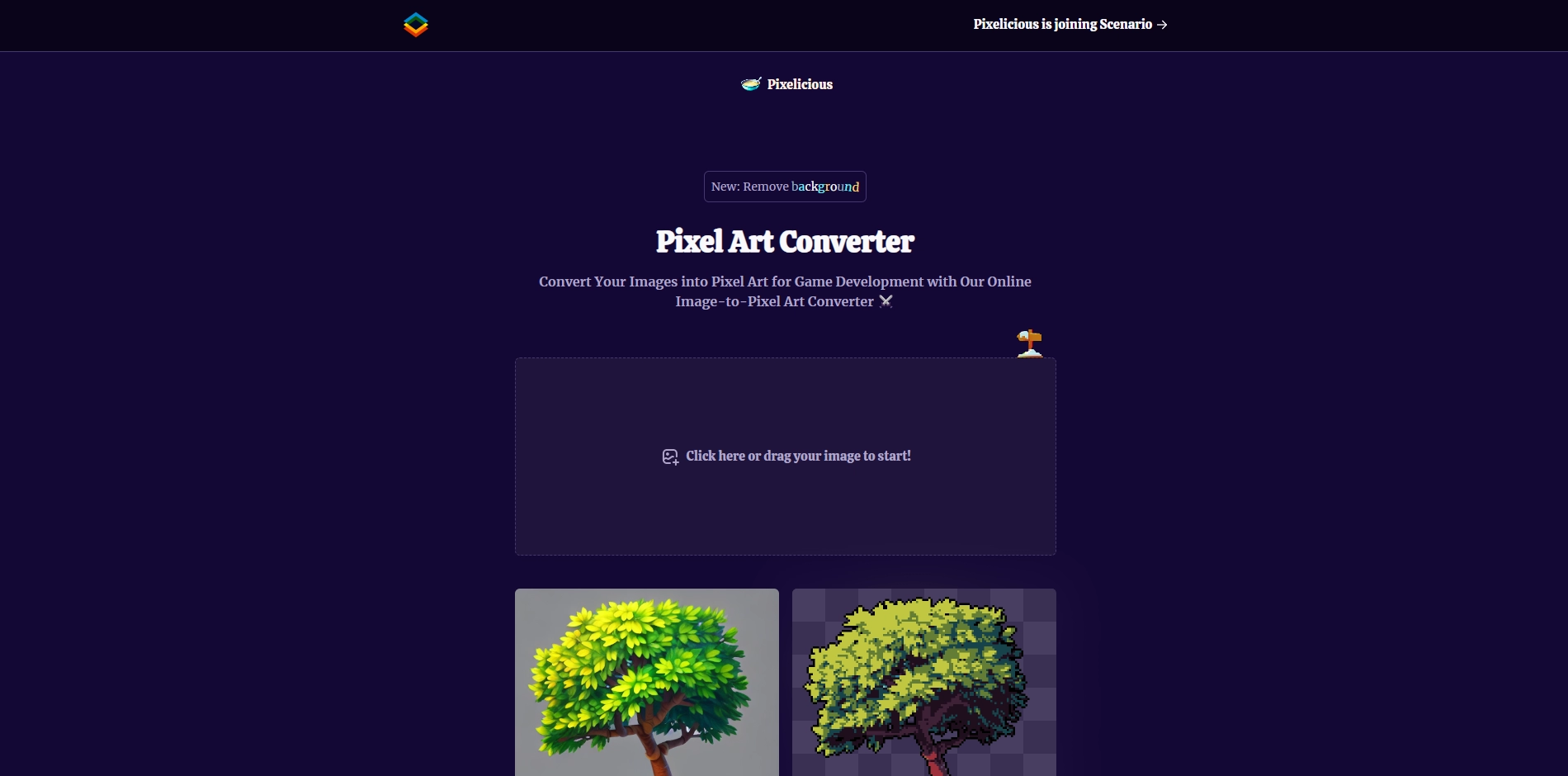
To use Pixelicious, you just need to upload your image and choose how much you want to pixelate it. You can also remove the background of your image if you want. Then, you can download your pixel art image and use it for your own projects.
Pixelicious is made by Hugo Duprez, a web developer who loves pixel art. He built the website with SvelteKit, Tailwind, MongoDB and Express JS. He also provides a privacy policy and terms of service for the users.
Pixelicious is a fun and easy way to create pixel art from any image. You can use it for game development, art projects, or just for fun. Try it out and see what you can create!
Key Platforms
Core Service Areas:

Image Upload
Custom Pixel Size
Color Palette Selection
Preview Functionality
Download Options
User-Friendly Interface
Pros
- It is easy to use and fast. You just need to upload your image and choose your pixelation level.
- It is free and does not require registration or login.
- It can create retro-style pixel art for game development or personal use.
- It has a feature to remove the background of your image automatically.
Cons
- It does not have many options to customize your pixel art, such as color palette, dithering, or scaling.
- It does not support animated GIFs or videos.
- It may not work well with complex or detailed images that need more resolution or contrast.
Frequently Asked Questions About Pixelicious
01
What types of images can I upload to Pixelicious?
You can upload a variety of image formats, including JPEG, PNG, and GIF. Ensure your images are clear and suitable for conversion into pixel art.
02
Is there a limit to the size of images I can convert?
Yes, Pixelicious has a maximum file size limit for uploads. Please check the website for the specific size restrictions.
03
Can I customize the pixel art after conversion?
Currently, Pixelicious provides basic conversion options. For more advanced editing features, you may need to use additional graphic design tools.
04
Is Pixelicious free to use?
Pixelicious offers free basic conversions, but there may be premium features or higher resolution options available for a fee.
05
How do I download the pixel art after conversion?
Once your image is converted, there will be a download button available. Click it to save your pixel art to your device.
Promote Pixelicious
Get Pixelicious in front of thousands of buyers actively searching for AI tools. Feature your listing on the homepage and category pages, or add the verified badge to your site.
Copy Embed Code

Share on

Related AI Tools
Explore related AI tools for diverse applications and enhanced productivity

Unlock the best AI Tools for you!
Login or Approve this tool to continue exploring features and analytics.

