

Prezo is a web-based tool that helps you create stunning presentations with the help of artificial intelligence (AI). Whether you need to pitch an idea, share a report, or teach a lesson, Prezo can help you turn your story into a beautiful and engaging presentation
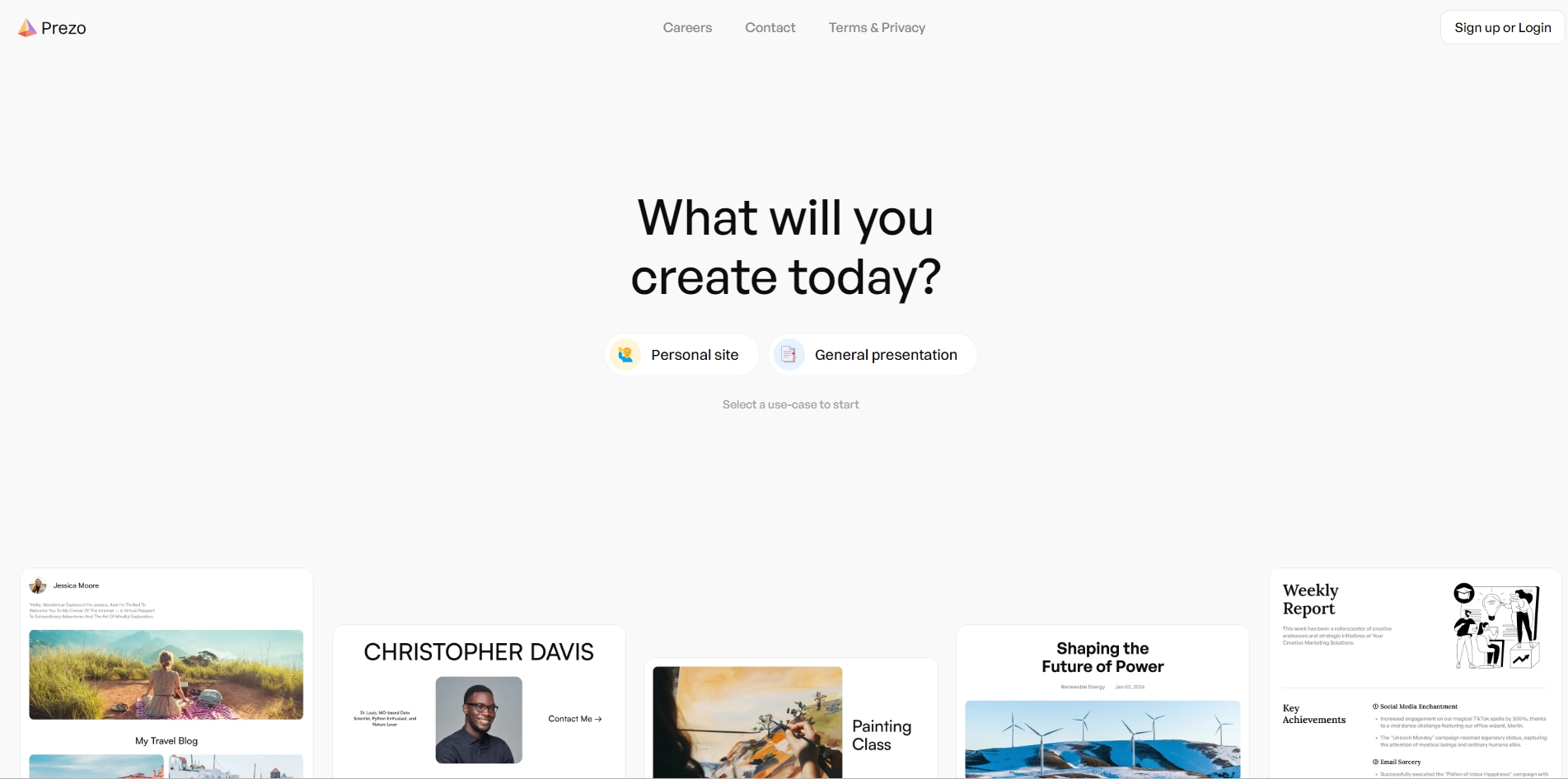
With Prezo, you don't have to worry about design, layout, or formatting. You can simply type or paste your content and let AI generate slides for you. You can also ask AI to suggest different layouts and designs for each slide, or to regenerate the whole presentation with a new theme.
Prezo is easy to use and flexible. You can edit your slides online, add images, videos, charts, and icons, and customize the fonts and colors. You can also export your presentation as a PDF or PowerPoint file, or share it online with a link.
Prezo is more than just a presentation maker. It is your AI copilot that helps you make stunning presentations, wow your audience, and nail your next pitch.
Key Platforms
Core Service Areas:

AI-Powered Design
Content Suggestions
Customizable Templates
Collaborative Editing
Interactive Elements
Export Options
Pros
- Prezo uses AI to generate layouts and design for your presentations.
- Prezo helps you create slides using AI with your own content or from web sources.
- Prezo lets you try it for free before you buy it.
- Prezo can make your presentations look stunning and professional.
- Prezo can save you time and effort in making presentations.
Cons
- Prezo may not always match your style or preferences for your presentations.
- Prezo may not work well with complex or technical topics that require more customization or explanation.
- Prezo may have some bugs or errors in its AI features that could affect your presentations.
Frequently Asked Questions About Prezo
01
What types of presentations can I create with Prezo?
With Prezo, you can create a variety of presentations including business pitches, educational lessons, reports, and more, all tailored to effectively communicate your story.
02
How does Prezo use AI to enhance my presentations?
Prezo utilizes artificial intelligence to analyze your content and suggest design layouts, visual elements, and relevant themes, making it easier to create stunning presentations.
03
Is Prezo easy to use for someone with no design experience?
Yes, Prezo is designed to be user-friendly and intuitive, allowing anyone, regardless of design experience, to create professional-looking presentations quickly and easily.
04
Can I collaborate with others on my presentations using Prezo?
Absolutely! Prezo offers collaboration features that allow multiple users to work on the same presentation, making it easy to gather feedback and make edits in real-time.
05
What devices can I use to access Prezo?
Prezo is a web-based tool, which means you can access it from any device with an internet connection, including desktops, laptops, tablets, and smartphones.
Promote Prezo
Get Prezo in front of thousands of buyers actively searching for AI tools. Feature your listing on the homepage and category pages, or add the verified badge to your site.
Copy Embed Code

Share on

Related AI Tools
Explore related AI tools for diverse applications and enhanced productivity

Unlock the best AI Tools for you!
Login or Approve this tool to continue exploring features and analytics.

