

Tweeter is a Chrome extension that allows you to tweet from any website without opening Twitter. It is a simple and convenient way to share your thoughts, opinions, or links with your followers. Here are some features and benefits of using Tweeter:
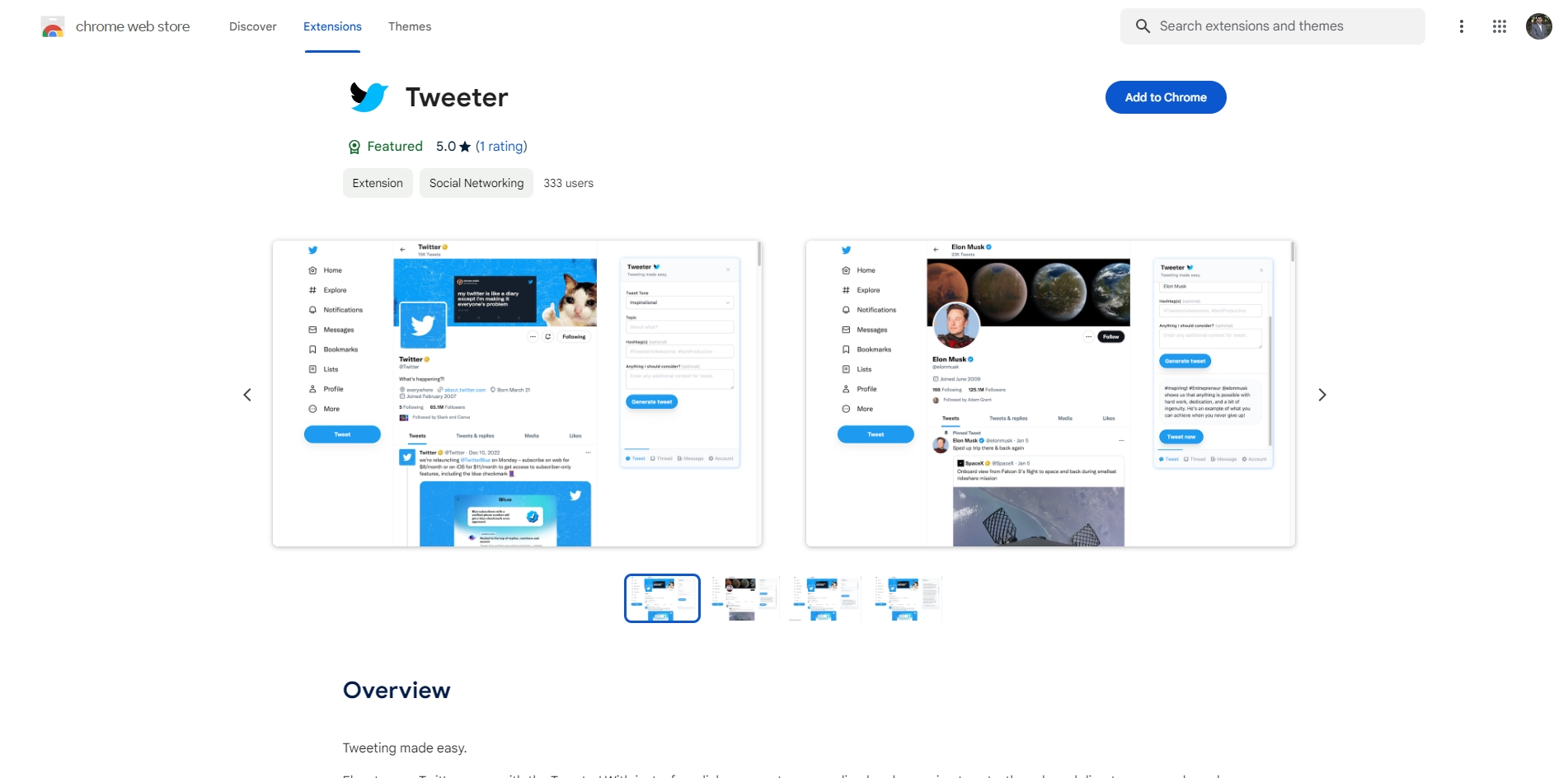
- You can tweet from any tab by clicking on the Tweeter icon in the toolbar. A pop-up window will appear where you can type your message, add hashtags, emojis, or images, and see how many characters you have left.
- You can also tweet by selecting some text on a webpage and right-clicking on it. A context menu option will let you tweet the selected text with a link to the webpage. This is useful for quoting or commenting on something you read online.
- You can customize Tweeter to suit your preferences. You can change the theme color, font size, or keyboard shortcut for opening the pop-up window. You can also enable or disable notifications for new tweets, mentions, or messages.
- You can access your Twitter profile, timeline, mentions, messages, and settings from the Tweeter pop-up window. You can also switch between multiple Twitter accounts if you have more than one.
- You can use Tweeter offline as well. Your tweets will be saved in a queue and sent when you are online again.
Tweeter is a free and easy-to-use Chrome extension that enhances your Twitter experience. It saves you time and hassle by letting you tweet from any website without leaving it. If you are a Twitter user who likes to share your web browsing with your followers, you should give Tweeter a try.
Key Platforms
Core Service Areas:

Seamless Tweeting
Quick Link Sharing
Thoughts on the Go
User-Friendly Interface
Customize Tweets
Real-Time Updates
Pros
- It is fast, secure and cheap to use zkSync Era for payments on Twitter.
- It is easy to install and use Tweeter with a few clicks.
- It is compatible with Chrome and other browsers that support Chrome Web Store extensions.
Cons
- It requires a zkSync wallet and some ETH or ERC20 tokens to use Tweeter.
- It may not work with some Twitter features or third-party apps that modify Twitter's interface.
- It may have some bugs or errors as it is still in beta version.
Frequently Asked Questions About Tweeter
01
What is Tweeter?
Tweeter is a Chrome extension that allows you to tweet from any website without needing to open Twitter, making it easier to share your thoughts and links with your followers.
02
How do I install Tweeter?
You can install Tweeter by visiting the Chrome Web Store and searching for 'Tweeter', then clicking the 'Add to Chrome' button to add the extension to your browser.
03
Can I customize my tweets with Tweeter?
Yes, with Tweeter, you can easily customize your tweets by adding text, links, and hashtags before sharing them directly from any website.
04
Is Tweeter free to use?
Yes, Tweeter is a free Chrome extension, allowing users to tweet conveniently without any cost.
05
What permissions does Tweeter require?
Tweeter requires access to your browser to interact with web pages and to post tweets on your behalf, ensuring a seamless tweeting experience.
Promote Tweeter
Get Tweeter in front of thousands of buyers actively searching for AI tools. Feature your listing on the homepage and category pages, or add the verified badge to your site.
Copy Embed Code

Share on

Related AI Tools
Explore related AI tools for diverse applications and enhanced productivity
Unlock the best AI Tools for you!
Login or Approve this tool to continue exploring features and analytics.

