

Flowrite is a web-based tool that helps you write emails and messages faster and better. It uses artificial intelligence to turn your instructions into ready-to-send texts that suit your style and purpose. You can use Flowrite to communicate with your customers, colleagues, investors, and anyone else you need to reach out to.
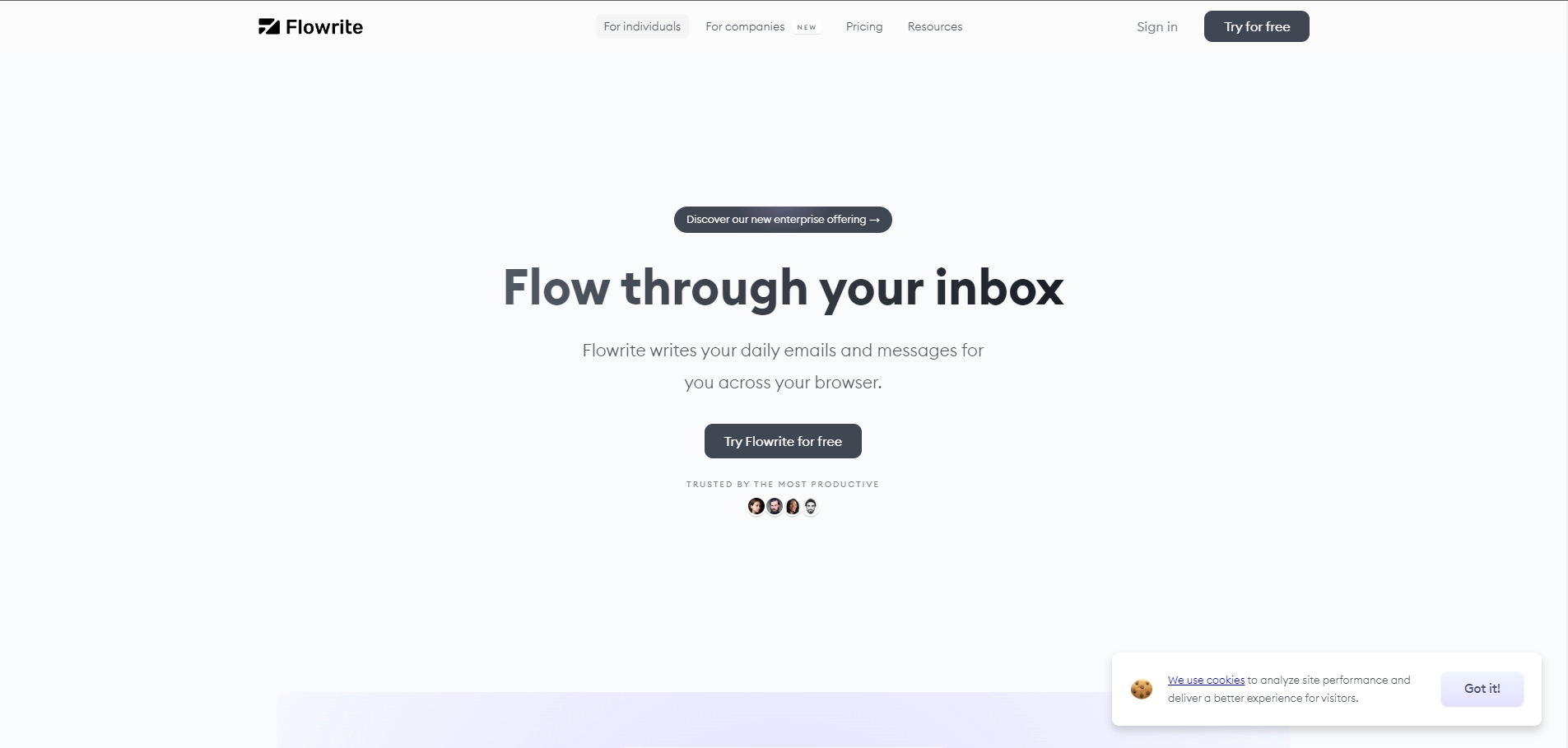
Flowrite works across your browser, so you can use it with any email or messaging app you prefer. It also integrates seamlessly with your inbox, so you can get instant reply suggestions without leaving your email. Flowrite has a gallery of AI templates that cover the most common scenarios for different roles and teams. You can also customize your own templates and personalize your preferences.
Flowrite is more than just an AI email generator. It is a smart assistant that helps you save time, improve your productivity, and express yourself better in English. Whether you need to schedule a meeting, ask for feedback, follow up with a prospect, or announce a promotion, Flowrite can help you write it in seconds.
Key Platforms
Core Service Areas:

AI-Powered Text Generation
Personalized Writing Style
Multi-Platform Compatibility
Template Library
Contextual Suggestions
Collaboration Tools
Pros
- It can save time and increase productivity by generating high-quality emails and messages from short instructions or templates .
- It can integrate seamlessly with various email and messaging tools and provide personalized reply suggestions based on the context.
- It can help users to sound fluent in English and hit the right tone for different situations and audiences .
Cons
- It may not be able to handle complex or creative writing tasks that require human judgment or expertise.
- It may not be able to capture the user's personal style or voice if they have specific preferences or habits.
- It may not be able to guarantee the accuracy or reliability of the generated content, especially if the instructions are vague or ambiguous.
Frequently Asked Questions About Flowrite
01
What is Flowrite?
Flowrite is a web-based AI tool designed to help you write emails and messages quickly and effectively by converting your instructions into ready-to-send texts that match your style and purpose.
02
How does Flowrite work?
Flowrite uses advanced artificial intelligence to interpret your input and generate high-quality email and message drafts, allowing you to communicate more efficiently with customers, colleagues, and other contacts.
03
Can I customize the tone and style of the messages generated by Flowrite?
Yes, Flowrite allows you to customize the tone and style of the messages to ensure they align with your personal or brand voice, making your communications more authentic.
04
Is Flowrite suitable for all types of communication?
Absolutely! Flowrite is designed for various forms of communication, including emails to customers, colleagues, and investors, making it versatile for any professional setting.
05
Do I need any technical skills to use Flowrite?
No technical skills are required to use Flowrite. The interface is user-friendly and intuitive, making it accessible for anyone looking to enhance their writing efficiency.
Promote Flowrite
Get Flowrite in front of thousands of buyers actively searching for AI tools. Feature your listing on the homepage and category pages, or add the verified badge to your site.
Copy Embed Code

Share on

Related AI Tools
Explore related AI tools for diverse applications and enhanced productivity
Unlock the best AI Tools for you!
Login or Approve this tool to continue exploring features and analytics.

