

ChatGPT Writer is a free Chrome extension that uses artificial intelligence to help you write emails, messages, and more. It works on all sites, but it has special features for Gmail. You can use ChatGPT Writer to:
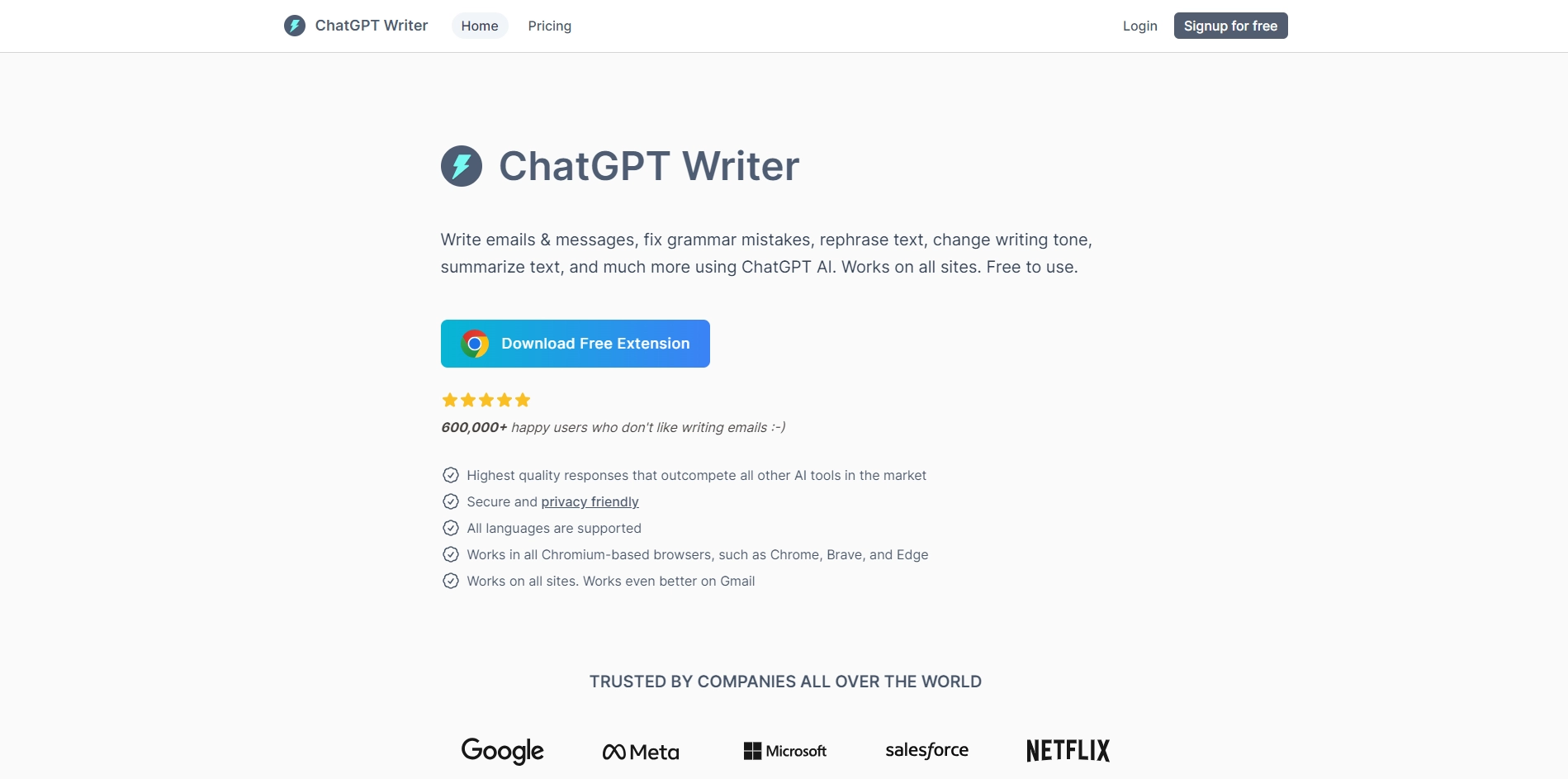
- Generate entire emails and messages based on your brief instructions
- Fix grammar and spelling mistakes in your text
- Rephrase your text to change the tone or make it longer or shorter
- Summarize long text into a few sentences
- Translate your text into different languages
ChatGPT Writer is powered by ChatGPT, a state-of-the-art natural language processing model that can generate high-quality and natural-sounding text. ChatGPT Writer is also privacy-friendly, as it does not save your emails or messages on its servers.
To use ChatGPT Writer, you need to install the extension from the Chrome Web Store or from its website. Then, you can launch it by clicking on the extension icon, selecting some text on any website, using a keyboard shortcut, or clicking on the ChatGPT Writer logo in the Gmail reply toolbar. You can then enter your command in the input field and click on the "Generate Response" button. A command can be any instruction like:
- Write an email about any open position in marketing team
- Write a reply to this email about salary negotiation
- Rephrase it in professional tone
- Summarize this article in 3 sentences
- Generate reply in French language
ChatGPT Writer will then generate a response based on your command and the context of the text you selected. You can edit the response as you wish and copy it to your clipboard or send it directly.
ChatGPT Writer is a useful tool for anyone who wants to save time and effort in writing emails and messages. It can also help you improve your writing skills and communicate better with others. ChatGPT Writer is available for all popular languages and works on all Chromium-based browsers. You can learn more about ChatGPT Writer and see some product demonstrations on its website.
Key Platforms
Core Service Areas:

Email Drafting
Message Suggestions
Gmail Integration
Tone Adjustment
Multi-Platform Support
Real-time Assistance
Pros
- It can generate high-quality responses for emails, messages, summaries and more using ChatGPT AI .
- It works on all sites and has enhanced support for Gmail .
- It supports all languages and can translate text as well .
- It is free to use and privacy-friendly .
Cons
- It may not always generate accurate or appropriate responses for some commands or contexts.
- It may not work well on some browsers or devices.
- It may have some bugs or errors that need to be fixed .
Frequently Asked Questions About ChatGPT Writer
01
What is ChatGPT Writer?
ChatGPT Writer is a free Chrome extension that utilizes artificial intelligence to assist users in writing emails, messages, and other text-based content across various websites, with enhanced features specifically for Gmail.
02
How does ChatGPT Writer work?
The tool leverages advanced AI algorithms to generate contextually relevant text based on your input, helping you compose messages quickly and efficiently.
03
Is ChatGPT Writer free to use?
Yes, ChatGPT Writer is completely free to use as a Chrome extension.
04
Can I use ChatGPT Writer on any website?
Yes, ChatGPT Writer works on all websites, but it has special features that optimize its performance for Gmail.
05
Do I need any special skills to use ChatGPT Writer?
No special skills are required. The extension is designed to be user-friendly, allowing anyone to enhance their writing with ease.
Promote ChatGPT Writer
Get ChatGPT Writer in front of thousands of buyers actively searching for AI tools. Feature your listing on the homepage and category pages, or add the verified badge to your site.
Copy Embed Code

Share on

Related AI Tools
Explore related AI tools for diverse applications and enhanced productivity
Unlock the best AI Tools for you!
Login or Approve this tool to continue exploring features and analytics.

