

Flexi.cx is a versatile platform designed to enhance software development processes within the information technology and services sector. It offers tools for project management, collaboration, and code integration, streamlining workflows and improving team efficiency. With its user-friendly interface, Flexi.cx supports developers in managing tasks and resources effectively, ensuring timely project delivery.
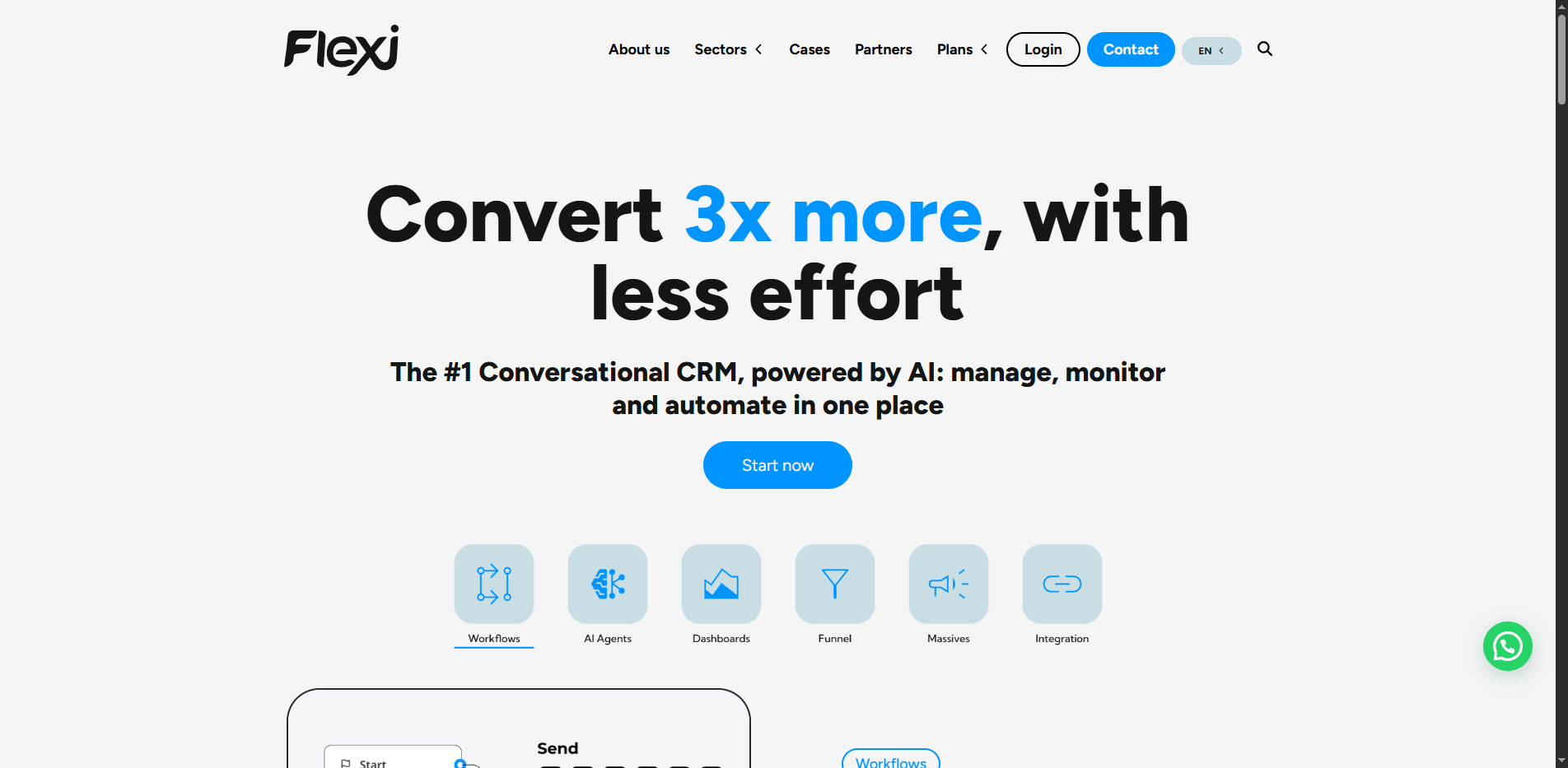
Flexi.cx is a versatile platform designed to enhance software development processes within the information technology and services sector. It offers tools for project management, collaboration, and code integration, streamlining workflows and improving team efficiency. With its user-friendly interface, Flexi.cx supports developers in managing tasks and resources effectively, ensuring timely project delivery.
Why use Flexi.cx?
- Enhanced Collaboration: Facilitates teamwork and communication among developers.
- Streamlined Project Management: Tools to manage projects efficiently from start to finish.
- Code Integration: Simplifies the integration of code, reducing errors and improving deployment speed.
- User-Friendly Interface: Intuitive design that makes it easy for teams to adopt and use.
Pricing
Flexi.cx offers a subscription-based pricing model with different tiers based on team size and feature access.
Is Flexi.cx Free?
No, Flexi.cx does not offer a free tier, but it may provide a trial period for new users.
Key Platforms
Core Service Areas:

Project Management
Team Collaboration
Code Integration
Resource Management
User-Friendly Interface
Timely Project Delivery
Pros
- Streamlines software development processes
- Enhances collaboration among IT teams
- Supports a wide range of programming languages
- Facilitates integration with existing tools
- Improves project management efficiency
- Offers customizable solutions for various needs
- Reduces time-to-market for software products
- Provides robust support and documentation
Cons
- May require a steep learning curve for new users
- Potentially high initial setup costs
- Dependence on internet connectivity for cloud features
- Limited offline functionality
Frequently Asked Questions About Flexi.cx
01
What features does Flexi.cx offer for project management?
Flexi.cx provides a range of project management tools including task tracking, resource allocation, timeline management, and progress reporting to help teams stay organized and on schedule.
02
Is Flexi.cx suitable for remote teams?
Yes, Flexi.cx is designed to facilitate collaboration among remote teams, offering real-time communication tools, file sharing, and integration with popular collaboration platforms.
03
Can Flexi.cx integrate with existing coding tools?
Absolutely! Flexi.cx supports integration with various coding tools and platforms, allowing developers to seamlessly incorporate their existing workflows and tools into the Flexi.cx environment.
04
How user-friendly is the Flexi.cx interface?
Flexi.cx features a user-friendly interface that is intuitive and easy to navigate, making it accessible for users of all skill levels, from beginners to experienced developers.
05
What support options are available for Flexi.cx users?
Flexi.cx offers various support options including documentation, FAQs, and customer support channels to assist users in resolving any issues and optimizing their experience with the platform.
Promote Flexi.cx
Get Flexi.cx in front of thousands of buyers actively searching for AI tools. Feature your listing on the homepage and category pages, or add the verified badge to your site.
Copy Embed Code

Share on

Related AI Tools
Explore related AI tools for diverse applications and enhanced productivity
Unlock the best AI Tools for you!
Login or Approve this tool to continue exploring features and analytics.

